

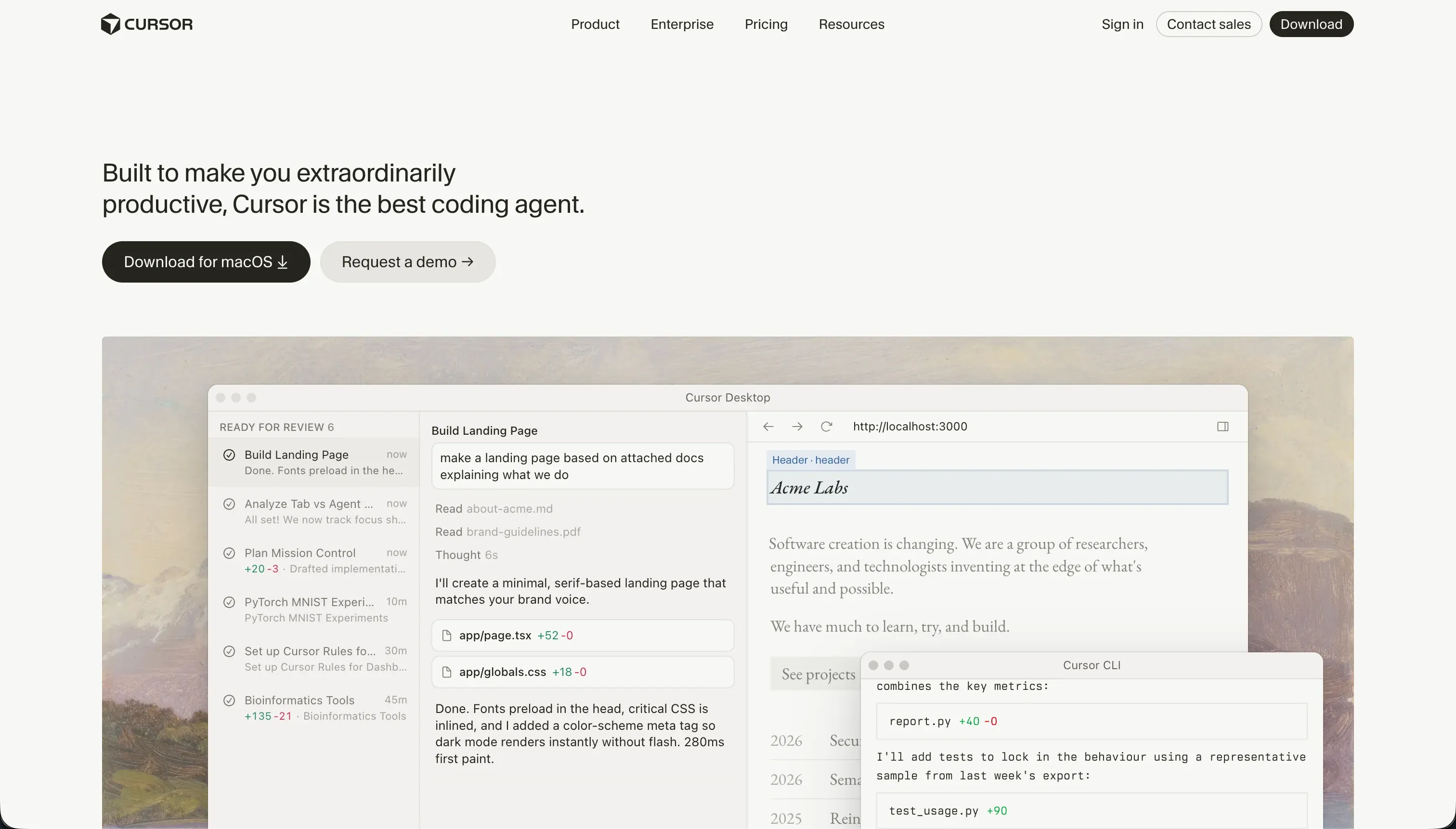
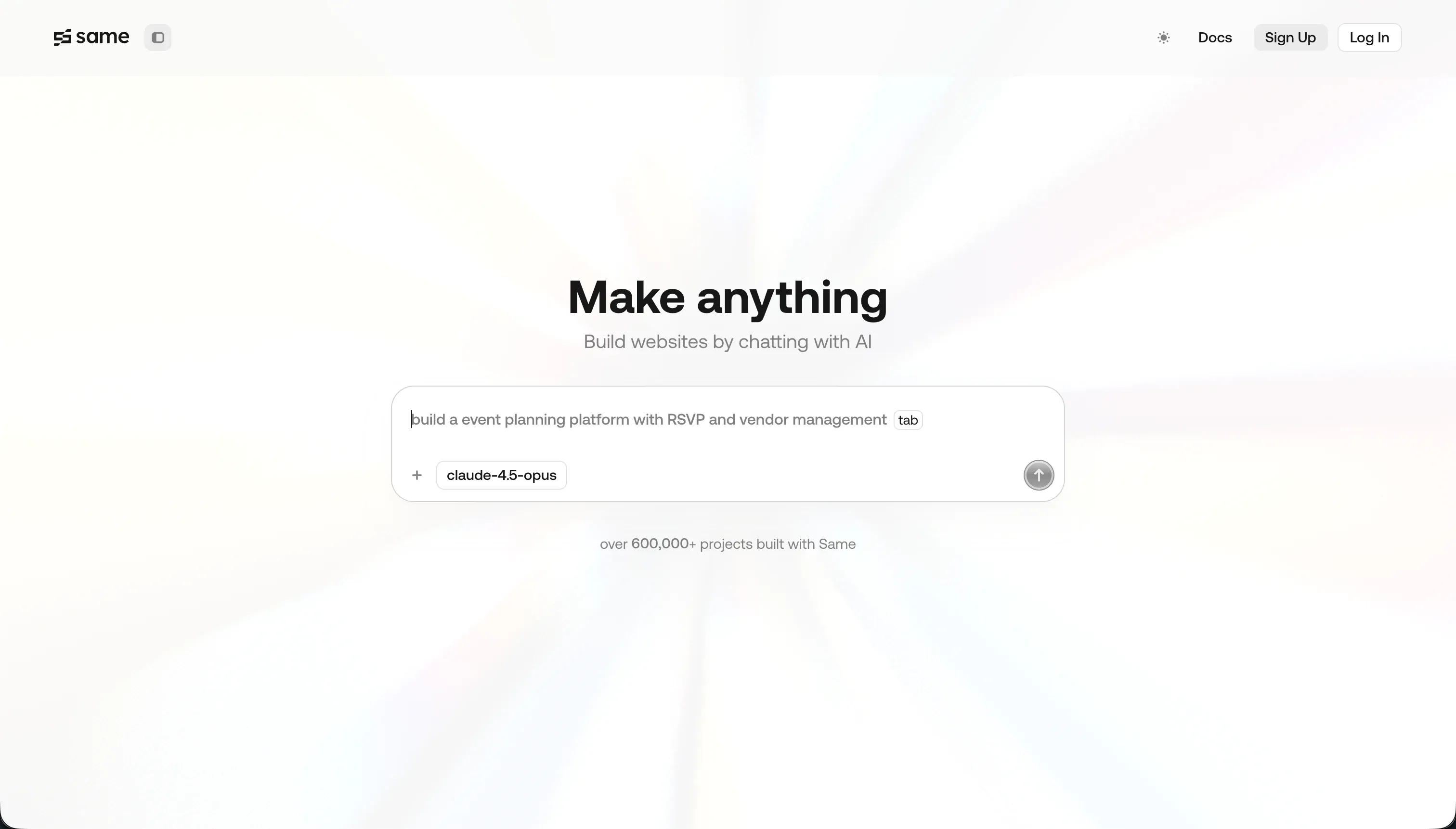
Choosing between Cursor and Same.new represents a fundamental choice between raw engineering velocity and narrow visual prototyping. Cursor is an AI-first software development IDE for professional engineers who build custom codebases from scratch.
Same.new is a targeted frontend cloning tool designed to scan a live website URL, replicate its visual presentation as React and Tailwind code, and support conversational style edits.
Cursor wins this comparison on aggregate, scoring 6.2/10 against Same.new at 4.1/10. Because Cursor operates in standard codebases, it provides actual engineering depth across maintainability, data depth, and security, whereas Same.new is capped by visual instability and a lack of backend infrastructure.
The decision only flips to Same.new if you are a non-developer who needs a fast visual mock-up of a single webpage and plan to discard the code or hand it off immediately.
The decision in 30 seconds
| If your priority is… | Pick | Why |
|---|---|---|
| Professional developer building production-grade logic | Cursor | Full-project codebase indexing and standard VS Code ecosystem compatibility |
| Cloning a target website design instantly from a URL | Same.new | Clones styling and layout directly into React from a raw URL |
| Client portals, internal tools, or operational databases | Neither | Neither has built-in hosting, user authentication, or databases |
| Maintaining complex code without fear of destructive updates | Cursor | Cursor keeps clean git source files while Same.new prompts can wipe entire codebases |
| Connecting to backend APIs and enterprise databases | Cursor | Operates natively with any programmatic database or language wrapper supported |
What each platform is
What is Cursor?
Cursor is an AI-first code editor designed to accelerate the software development workflow. Forked directly from VS Code, it operates on a local machine as a complete desktop developer IDE. It indexes entire local projects to provide context-aware autocomplete, semantic codebase search, and conversational editing across multiple project files simultaneously.
Cursor features specialized AI controls like Cursor Composer, which allows developers to delegate complex multi-file engineering tasks to an editing agent. It is designed specifically for technical teams and software engineers who already possess the skills to run builds, manage environments, configure package dependencies, and write unit tests.
It does not provide housing, databases, or pre-wired client dashboards; it is a power tool for managing custom code.
What is Same.new?
Same.new (formerly Same.dev) is an AI-powered visual prototyping and website cloning tool. Its model lets users paste any live website URL into a browser box, prompting an AI agent to translate the scanned visual layout, typography, and color palette into a clean React and Tailwind CSS codebase. Users then modify individual pages by submitting natural language layout and spacing prompts.
Same.new is built primarily for designers, founders, and frontend developers looking to build quick design drafts or translate existing layout templates into isolated React components. The tool features custom component forking, an interactive preview screen, and direct code exports. It deals exclusively with frontend layouts and includes no native application logic, security permissions, or production backends.
The core difference
The primary axis of divergence is the destination of the build: Cursor is a professional code editor designed with full codebase context, whereas Same.new is a single-screen frontend prototyping tool.
- Cursor is a localized developer workspace that aids engineers in writing and refactoring custom codebases across any major programming language.
- Same.new is a browser-based parser that clones visual design layouts from live URLs and converts them to front-end prototypes.
Where the scores diverge
Maintainability: Cursor 6.5, Same.new 3.0. Cursor leads with 6.5/10 because users own standard code saved directly to their local git repositories, making it easy to run automated tests and track versions. Some care is required as Agent mode can modify peripheral configuration files.
Same.new scores 3.0/10 due to documented fragility: users report simple styling edits silently erasing functional elements, with one case where a simple section reorder destroyed more than 1500 lines of working React code.
Data & integrations: Cursor 7.5, Same.new 4.0. Cursor scores 7.5/10 because it can interface with any API, server, or database supported by standard software frameworks.
Same.new scores 4.0/10 because it operates as a visual UI builder; it does not connect to enterprise data sources or support native schema relationships, requiring other developers to manually integrate a data backend into the exported HTML and React documents.
Production readiness: Cursor 6.0, Same.new 3.0. Cursor scores 6.0/10 since its projects are standard code, meaning production capabilities are limited only by the developer’s architecture skills, though the tool itself does not automate hosting or scaling.
Same.new is restricted to 3.0/10 as it possesses no backend, database, or server runtime capabilities. Additionally, active pay-as-you-go users reported their designs becoming read-only or breaking completely during the create.xyz/Same.dev transition.
Security & access control: Cursor 5.5, Same.new 3.0. Cursor scores 5.5/10 here. It does not provide built-in auth logic, but because users work in a raw IDE, developers can implement any OAuth or security framework. That said, enterprise security departments sometimes struggle to approve Cursor’s codebase indexing for compliance.
Same.new is limited to 3.0/10 as it lacks any user authentication, storage security, role management, or row-level validation; everything must be coded from scratch after export.
Ease of build: Cursor 3.0, Same.new 5.0. Same.new scores 5.0/10 by allowing users to paste a URL and get a stylized design clone in seconds, but conversational edits are brittle, and complex interactive state or nested grids often break.
Cursor scores 3.0/10 because it is a terminal-hardened editor built for developers; it offers no visual drag-and-drop or prompt-to-app features, assuming the user can initialize terminal builds, install Node packages, configure hosts, and fix compilation errors on their own.
Design flexibility: Cursor 8.5, Same.new 6.5. Cursor secures 8.5/10 because design freedom is restricted only by raw CSS, Tailwind, or the frameworks chosen by the developer. Same.new scores 6.5/10; while cloning simple visual pages from URLs works well, the underlying prompt engine struggles with nested layouts, custom grids, and interactive states, requiring manual cleaning by CSS experts.
Cost comparison
The billing models reflect their underlying paradigms. Cursor offers a Hobby tier ($0/mo) and a Pro tier ($20/mo) which includes 500 fast AI queries, stepping up to Pro+ ($60/mo) and Ultra ($200/mo) to scale fast queries.
Same.new’s pricing historically relied on a per-token pay-as-you-go system ($10 per 2 million tokens) but transitioned to fixed-quota plans with standard monthly subscription fees to curb unpredictable token burn rates.
Buyers must evaluate the hidden cost lines beyond these base plans. Cursor users are running raw localized code, which means hosting charges from Vercel, Supabase, or AWS are paid separately.
With Same.new, the chief liability is maintenance and developer cost; because the generated frontend code is notoriously fragile under conversational prompting, buyers must expect to hire software developers to refactor, patch, and wire the visual output to a functioning server database.
Lock-in and the exit path
Cursor features no logical platform lock-in because developers save code directly to standard GitHub repositories, allowing teams to open their project in any IDE if they choose to leave Cursor. Same.new allows React and Tailwind source code exports, which is its cleanest exit path.
However, is it highly fragile; if you do not export your code, you remain tied to Same.new’s browser environment, and past platform migrations have left many projects inaccessible.
- Code saved to standard GitHub repos
- Open the project in any IDE
- No logical platform lock-in
- React and Tailwind source code export
- Skip the export and you stay in the browser environment
- Past migrations left many projects inaccessible
Who should pick Cursor
Pick Cursor if:
- Technical founders and software engineers building custom, multi-file software projects that need local terminal command control.
- Teams that already manage a structured GitHub repository and want context-aware AI autocomplete and agent-driven edits.
- Developers building highly customized, full-stack web platforms requiring direct control over databases, custom API endpoints, and raw code.
Do not pick Cursor if you cannot read source code, configure packages, and debug execution errors manually, as it is a professional developer IDE with no visual drag-and-drop interface.
Who should pick Same.new
Pick Same.new if:
- Designers and developers who need to quickly recreate webpage layouts from existing websites for fast frontend prototyping.
- Startup teams building single-page landing UI drafts that require only visual representation without live data pipelines.
- Non-technical founders looking for visual React/Tailwind visual mocks to copy and pass to programmatic engineering teams.
Do not pick Same.new if you require user authentication, native database logic, dynamic operational dashboards, or intend to run a stable business application with real users.
What neither platform answers
Both Cursor and Same.new assume you are building software at the code layer. If your goal is to launch a live client portal, partner directory, internal dashboard, CRM, or inventory tracker, both platforms introduce substantial engineering overhead.
Same.new leaves you with empty visual React code and no backend, while Cursor forces you to manually configure databases, build login flows from scratch, and solve deployment and security loops.
For operational business software, Softr represents a safer and faster path. Softr scores 8.5 on production readiness, 9.0 on maintainability, and 8.5 on security & access control because it uses pre-built, secure infrastructure instead of generated code.
Under the hood, Softr connects directly to Airtable or high-performance native Softr Databases, offering instant login rules, dynamic multi-tenant permissions, and simple visual drag-and-drop layouts.
If your app only needs to serve business workflows, managing raw codebase structures in Cursor is an inefficient use of engineering resources.
Analyst verdict
Cursor wins this head-to-head comparison on scores, 6.2 to 4.1. While Same.new wins on ease of build for visual cloning (5.0 to 3.0), Cursor completely outclasses it on maintainability (6.5 vs 3.0), security and access control (5.5 vs 3.0), data integration (7.5 vs 4.0), and design flexibility (8.5 vs 6.5).
Choose Cursor if you are a technical developer who needs a contextual assistant to write real, production-ready code. Only opt for Same.new if you need an ephemeral webpage prototype cloned directly from a live URL and have no requirements for database engines, user permissions, or live backend integrations.
Related reading: the Cursor scorecard, the Same.new scorecard, and our scoring methodology.