
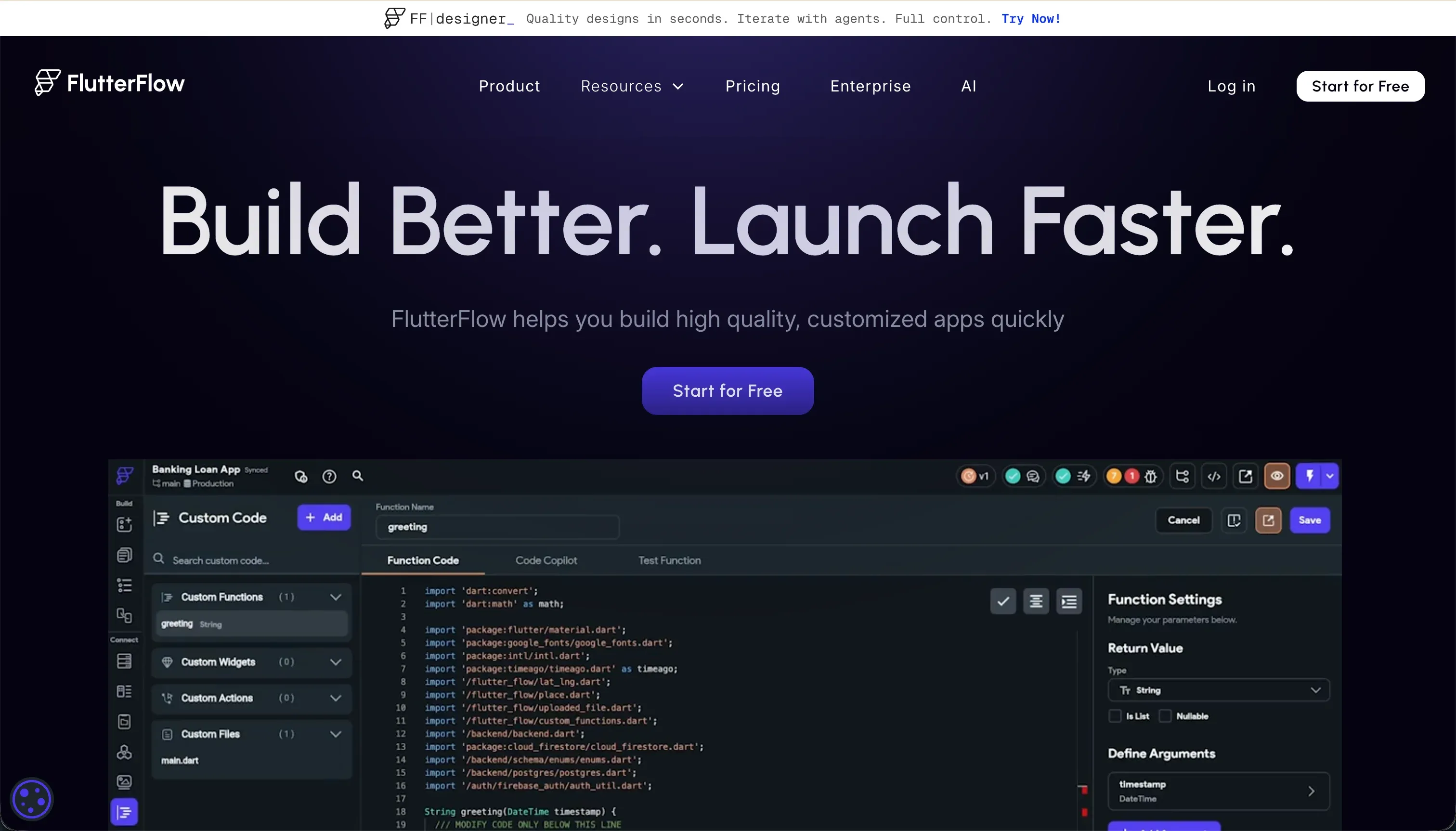
What FlutterFlow is
FlutterFlow is a visual development IDE built to create native mobile and web apps on top of Google’s Flutter framework. It is aimed at designers, freelancers, and cross-platform developers who want to ship polished apps to iOS and Android. Its pricing runs from a free tier up to Standard at $22/month and Pro at $50/month billed annually, with Pro unlocking source code downloads and direct app store build pipelines.
The build model centers on a visual representation of Flutter widget trees. You assemble screens with drag-and-drop elements such as Containers, Rows, Columns, and Stacks, then wire behavior through visual actions, custom Dart functions, and native backend connections such as Firebase or Supabase.
The important distinction is that these are real Flutter components compiling to Dart, not simplified web blocks abstracted away from production code.
The core tradeoff is clear: FlutterFlow gives you far more mobile UI control, but at the cost of simplicity. Unlike database-first web builders such as Softr, it does not include a zero-setup internal database or globally managed security model.
You are responsible for backend structure, permissions, and data relationships, which is useful for advanced mobile products but excessive overhead for simpler internal tools.
Where the scores come from
FlutterFlow’s score pattern is sharply uneven: it performs very well on design flexibility and reasonably on shipping real apps, but falls behind on ease of build, maintainability, and security ownership. Taken together, the scores reveal a platform with a specialist mobile profile rather than an all-purpose no-code business app builder.
Ease of build: 4.5/10
FlutterFlow scores 4.5/10 for ease of build because it assumes familiarity with mobile development concepts from the start. Building functional apps requires understanding responsive constraints, state variables, and relational data structure, and reviews on G2 and Product Hunt repeatedly mention a steep developer learning curve and settings that are hard to surface quickly.
The deduction also reflects debugging friction. Users often report that logical failures and compile issues inside the browser simulator are hard to diagnose, with limited clarity from error messages, which turns troubleshooting into trial and error rather than a fast visual workflow.
Production readiness: 7.0/10
FlutterFlow scores 7.0/10 for production readiness because it does help teams compile and distribute real native apps. On Pro, users get access to codeless store deployment pipelines for Apple App Store, TestFlight, and Google Play, which removes a large amount of manual build tooling from the release process.
The score stops at 7.0 because FlutterFlow does not provide a managed backend foundation of its own. Teams still have to configure Firestore or Supabase manually, handle indexing, and coordinate production backend setup themselves, leaving meaningful room for operational mistakes.
Maintainability: 5.5/10
FlutterFlow scores 5.5/10 for maintainability. A major credit is that projects map to real Flutter structures and paid plans allow clean Dart code export, so teams are not trapped inside the visual builder and can move work into traditional coding environments later if needed.
The deduction comes from scaling the visual editor itself. Reviewers frequently report lag once projects grow past roughly a dozen screens, and as state logic and conditional actions expand, navigating the app visually becomes harder and less maintainable than working directly in code files.
Security & access control: 5.0/10
FlutterFlow scores 5.0/10 for security and access control because the platform does not manage core application security for you. It gives builders UI hooks and frontend structure, but no server-side security logic is enforced by default at the platform level.
That means real protection must be built in external systems such as Firebase Rules or Supabase Row-Level Security. If a team misconfigures those rules, the app can still compile and run while exposing underlying data, so security responsibility sits squarely with the builder.
Data & integrations: 6.5/10
FlutterFlow scores 6.5/10 for data and integrations. It has strong native support for Firebase and Supabase, including collection mapping, live queries, and real-time behavior, and it also includes a customizable REST API integration manager for external endpoints.
The deduction is that connecting and maintaining those systems is still technical. Users must manually define schemas, map JSON responses, configure query parameters, and manage API-key handling in their own backend setup, which is much more involved than the one-click data connections found in business-first tools.
Design flexibility: 9.0/10
FlutterFlow scores 9.0/10 for design flexibility, making it the strongest area in its profile. Because the builder maps closely to Flutter widgets, teams get deep control over responsive layout behavior, animations, custom paint paths, and state-driven styling, giving it the strongest mobile layout ceiling in this set of criteria.
The only meaningful deduction is on the web side. Flutter Web outputs through CanvasKit, which creates heavier initial payloads and slower first paint behavior, so while FlutterFlow is excellent for native mobile UX, it is much less compelling for public-facing web experiences.
What types of apps you can build with FlutterFlow
FlutterFlow is strongest when the goal is a high-fidelity native mobile app that will be installed and used on iOS or Android rather than primarily accessed in a browser.
It fits especially well for consumer mobile products such as storefront apps, community feeds, booking services, membership experiences, and profile-heavy apps where polished interactions matter. It is also a good match for design-led MVPs that need to impress investors or early users with custom motion, branded screens, and app-store-ready packaging.
Another solid use case is mobile field tooling, especially where teams may need offline-capable workflows, device access like camera or geolocation, or external database sync through Firebase or Supabase. In these scenarios, FlutterFlow’s native app distribution path is more relevant than a simpler internal-tool builder.
It is much weaker for standard dashboards, admin panels, partner portals, or internal business systems. If the job is mainly a browser-based business app, Softr is usually a more natural fit because it provides pre-secured tables, permissioned user flows, and modular blocks without the same backend engineering burden.
- High-fidelity native iOS and Android apps
- Consumer apps such as storefronts, feeds, and booking
- Design-led MVPs with custom motion
- Field tooling with offline access, camera, and geolocation
- Firebase or Supabase sync
- Standard dashboards
- Admin panels and partner portals
- Internal business systems in the browser
- Pre-secured tables with permissions
- Modular blocks for business apps
Who should not use FlutterFlow?
Do not use FlutterFlow if you are building an admin panel, internal operations tool, or client portal that does not need app store distribution. In those cases, the platform adds manual backend database setup that web-first tools avoid.
Do not use FlutterFlow if your project depends on public web discoverability, strong SEO, or very fast initial page load for browser visitors. Flutter Web’s CanvasKit rendering introduces heavy web load times that make it a poor fit for search-focused web experiences.
Do not use FlutterFlow if your team lacks technical capability around data modeling, security rules, and debugging application logic. Without people comfortable with compiler errors and database relations, the platform’s visual workflow can still become difficult and frustrating.
Analyst verdict
FlutterFlow earns an average score of 6.3 and is best suited to teams that care most about polished native mobile UX and are willing to manage technical backend work to get it. For that buyer, its biggest advantage is unrestricted Dart source exports combined with strong visual control over Flutter-based app design.
It is a poor fit for buyers who mainly need quick internal tools, lightweight portals, or SEO-sensitive web apps, since those use cases do not justify the extra backend and security burden. For broader scoring context, see our methodology, and for business-app alternatives review related internal platform coverage such as Softr.