


A client portal is a narrow class of software: clients log in, see only their own data, take a few actions, and leave. That narrowness is why this ranking diverges from generic app-builder lists. The winner is not the platform with the highest design ceiling. It is the one whose authentication, permissions, maintenance model, and pricing behave predictably for years.
What a client portal actually needs
Four requirements decide this list, mapped to our six criteria:
- Authentication that works without custom engineering. Login, invitations, password recovery, magic links, and optional SSO are basic portal infrastructure.
- Per-client data isolation. Client A must never see client B’s records. The rule should be centralized, easy to audit, and difficult to bypass accidentally.
- A usable data layer. The portal should connect to the CRM, spreadsheet, SQL database, or operational system where client records already live.
- Low maintenance after launch. A permission change, new field, or workflow update should not become a debugging project.
For this use case, production readiness, security & access control, and maintainability carry the decision. Design flexibility matters, particularly for agencies delivering branded experiences, but it is secondary to reliable access and predictable ownership.
The portal-specific comparison
| Platform | Overall | Portal advantage | Main reason to exclude it |
|---|---|---|---|
| Softr | 8.1 | Pre-built auth, visual user groups, row-level restrictions | No code export and a lower custom-design ceiling |
| Replit | 7.4 | Real code, flexible UI, strong exit path | Requires a technical owner and variable agent spend |
| Bubble | 6.8 | Deep custom workflows and visual logic | Workload-unit billing, steep learning curve, hard lock-in |
| Glide | 6.3 | Fast spreadsheet-to-portal path | External-user economics and thinner permissions |
| FlutterFlow | 6.3 | Native app-store delivery | Too technical for a standard web portal |
| Lovable | 5.5 | Very fast first prototype | Security and maintenance require technical oversight |
Overall scores are the unweighted average of the six platform criteria. The rank changes for this use case because a portal buyer should care more about the middle of the scorecard than the headline average.
1. Softr - best overall for business client portals
 Softr homepage snapshot
Softr ranks first because the portal checklist is essentially a description of the platform. Authentication, static and dynamic user groups, row-level data restrictions, and per-group homepages are pre-built infrastructure, configured visually rather than coded or prompted.
Its security & access control score of 8.5 and maintainability score of 9.0 are the highest marks on this page. The second number is what a portal owner feels in year two: adding a client group or changing a permission is a visual edit, not a re-prompt or code change. Preview impersonation lets the builder inspect the app as a specific user before publishing.
Softr is strongest for:
- Professional services portals with documents, project updates, approvals, and requests.
- Customer onboarding hubs with checklists, forms, status tracking, and assigned resources.
- Partner or member portals where different groups need distinct navigation and records.
- Operational portals connected to Airtable, Google Sheets, Softr Databases, SQL, or a REST API.
The cost model is unusually legible for external access. Pro is $99/mo billed annually for 10 Team app users expandable to 50 plus 50 Client app users expandable to 250, and custom user groups. Business is $329/mo billed annually for 30 Team app users expandable to 100 plus 100 Client app users expandable to 500, 1 million records, and data connections such as SQL and REST APIs. AI credits exist, but running out of credits does not stop manual editing.
The limits matter. Design flexibility scores 5.5, so teams seeking a fully bespoke consumer interface will reach the block-based ceiling. There is also no code export. The data can remain portable through Softr Databases or external sources, but the interface must be rebuilt if you leave.
Buy Softr when the portal is business software, not the product itself. If a unique interface or deeply custom application behavior is the competitive advantage, Bubble or a code-first route deserves a place on the shortlist.
2. Replit - best code-first route
 Replit homepage snapshot
Replit is the strongest option for teams that want to own the portal as code. The agent scaffolds the application, the infrastructure handles autoscaling and managed PostgreSQL, and the result syncs to GitHub as real, exportable code. Design flexibility scores 8.5.
Replit’s portal case is strongest when you need:
- A custom frontend that should not look like a platform template.
- An unusual integration or workflow that is easier to express in code.
- GitHub ownership and the option to move hosting later.
- Engineers who can review database access, authentication, and generated changes.
Two caveats keep it second. Security & access control scores 6.0 because auth and per-client permissions are implemented in code. Correctness depends on your team reading and testing what the agent writes. Maintainability scores 7.5: the code is version-controlled and ages well, but every change remains development work.
The bill also needs active management. Core starts at $20/mo billed annually with $25 of monthly credits, while Pro starts at $95/mo with $100 of credits. Agent usage is effort-priced, and the public record includes reports of $350 spent in a single day during debugging loops.
Replit is a good portal platform for a technical agency or product team, but a poor handoff to a non-technical operations owner. The portal may be exportable; the responsibility is exportable too.
3. Bubble - best for custom portal logic
 Bubble homepage snapshot
Bubble earns third for portals with genuinely custom workflow requirements: multi-step approval chains, complex client-specific logic, or behavior no block-based platform expresses. Its server-side privacy rules provide real per-client security, and its logic ceiling is the deepest here.
Design flexibility scores 8.5 and data & integrations scores 8.0. You get a pixel-level editor, managed relational database, API Connector, backend scheduling, and more than 8,000 plugins.
The deductions are equally structural:
- Ease of build scores 5.0. Secure database design, workflows, privacy rules, and APIs require developer-like thinking.
- Security & access control scores 6.5. Privacy rules are capable, but every rule must be configured correctly and a missed rule can fail silently.
- Maintainability scores 6.0. Large applications accumulate workflow sprawl, and builders report editor memory problems.
- There is no code export. Data rows can leave, but the interface, workflows, and database architecture must be rebuilt.
Pricing starts at $69/mo for Starter, rises to $249/mo for Growth, and reaches $649/mo for Team. Each plan includes workload units. The bill depends partly on implementation efficiency, so an unoptimized search or workflow can cost more without delivering more client value.
Buy Bubble for portal logic that is genuinely custom. For a standard documents, requests, statuses, and dashboards portal, its complexity is overhead.
4. Glide - best for small spreadsheet-backed portals
 Glide homepage snapshot
Glide is the right call for a small portal built on data the team already keeps in spreadsheets or Airtable. Ease of build scores 8.5, the components are polished and mobile-friendly, and a 25-client portal on the Maker plan at $49/mo billed annually is hard to beat.
The attraction is speed. Connect Google Sheets, Airtable, Excel, or Glide Tables and Glide can scaffold a clean interface around the existing structure.
The ceiling is structural. Shared users cap at 100 on the $249/mo Business plan before an Enterprise contract. Security & access control scores 5.5 because the permission model becomes thinner when several external groups need different visibility rules. Design flexibility scores 4.0 because the app conforms to Glide’s templates.
Glide is attractive while the client count is known and small. It becomes harder to defend when the portal succeeds and external access grows.
5. FlutterFlow - best only when the portal must be native mobile
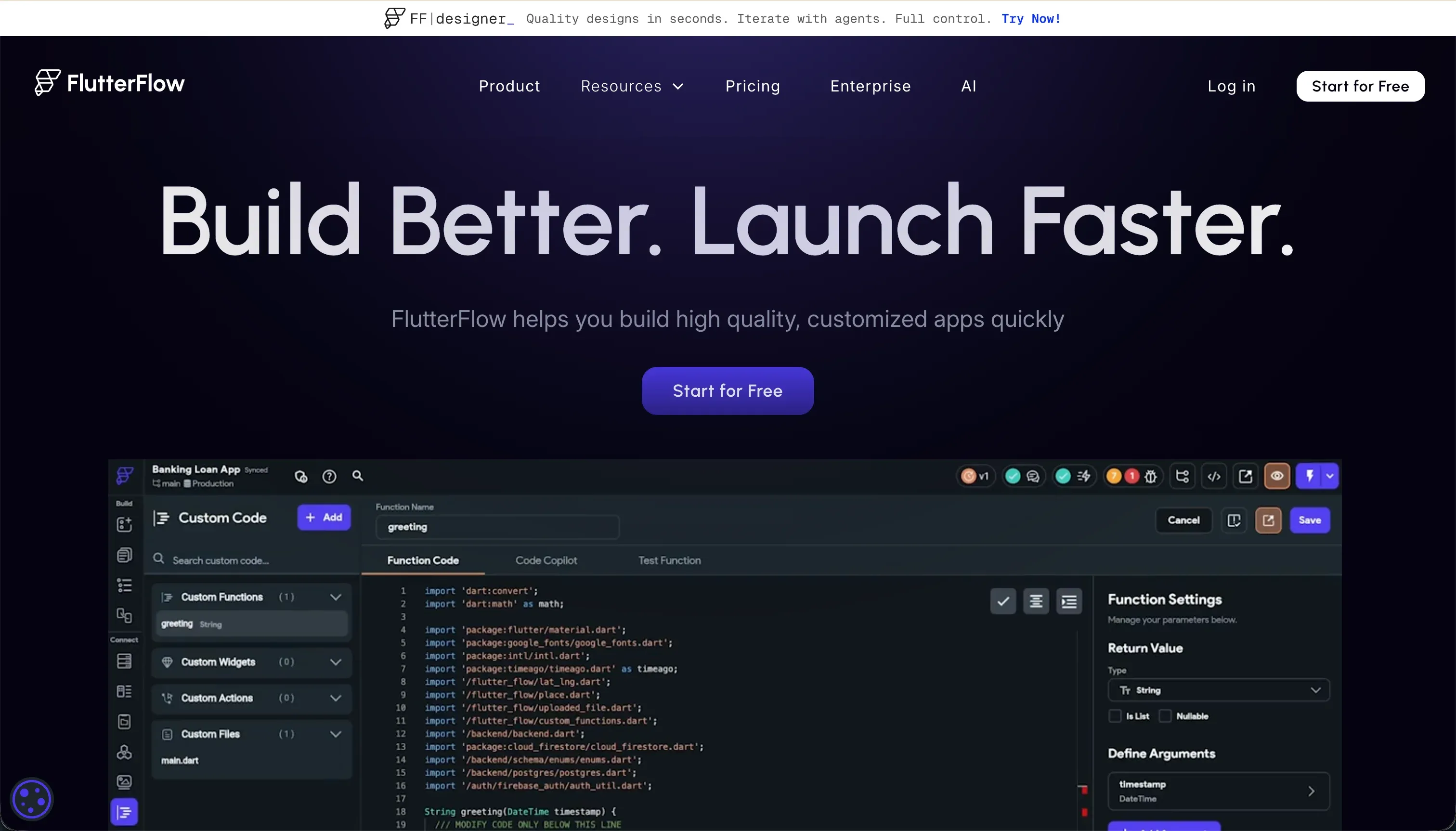 FlutterFlow homepage snapshot
FlutterFlow appears here for one scenario: clients genuinely need a native mobile app from the App Store or Google Play. It compiles to native packages, deploys through codeless pipelines, exports Dart source code, and has the strongest design flexibility score in this roster at 9.0.
That scenario is narrower than many buyers assume. A responsive web portal or progressive web app is usually enough for checking documents, approving work, submitting requests, and reading updates from a phone.
For the standard web portal case, FlutterFlow’s costs buy little. Ease of build scores 4.5 because builders need to understand widget trees, state management, and relational data. Security & access control scores 5.0 because authentication and database rules live in Firebase or Supabase and must be configured manually.
Its exit path is better than most visual builders: paid plans allow Dart code export, and Pro at $50/mo billed annually includes Git integration and app-store deployment. It leads our mobile apps ranking; here it remains a specialist.
6. Lovable - best for a prototype, not long-term ownership
 Lovable homepage snapshot
Lovable generates a portal-shaped demo faster than anything else on this list. For a sales mockup or short-lived pilot, that is a legitimate use. Ease of build scores 7.5, design flexibility scores 8.0, and GitHub sync creates a path to a developer-owned React and TypeScript codebase.
It ranks last for the actual job because the job is long-lived and client-facing. Per-client data security depends on Supabase row-level security rules that the builder must configure and audit. Security & access control scores 3.5, and maintainability also scores 3.5 on documented regression loops and schema debt.
Community reports describe AI-designed schema debt by month six to nine and platform updates breaking existing client apps. Pro starts at 25 euros per month for 100 credits, but repeated debugging prompts can consume several credits each.
Use Lovable to validate the interface or workflow, with a handoff plan from day one. Do not mistake a convincing prototype for a low-maintenance portal platform.
- Ease of build scores 7.5
- Design flexibility scores 8.0
- GitHub sync exits to React and TypeScript
- Fine for sales mockups and short pilots
- Security and access control scores 3.5
- Maintainability scores 3.5
- RLS rules you must configure and audit
- Schema debt reported by month six to nine
- Debugging prompts burn credits, Pro from 25 euros
Cost and ownership at 100 client users
Published plans do not map perfectly across platforms, but the comparison exposes the buying model.
| Platform | Relevant published plan | What the buyer should model |
|---|---|---|
| Softr | Pro, $99/mo billed annually | Flat tier for 10 Team + 50 Client app users, with custom user groups |
| Glide | Business, $249/mo billed annually | 100 shared-user cap, then Enterprise discussion |
| Bubble | Growth, $249/mo | Workload-unit allowance plus implementation-dependent usage |
| Replit | Core from $20/mo or Pro from $95/mo billed annually | Subscription, agent credits, deployment usage, technical labor |
| FlutterFlow | Pro, $50/mo billed annually | Builder subscription plus Firebase or Supabase ownership |
| Lovable | Pro from 25 euros/mo | Credit tier, cloud usage, developer review or handoff |
The cheapest starting price rarely produces the lowest portal cost. The correct unit is total cost of ownership, including the person who configures permissions, reviews changes, handles incidents, and eventually migrates the application.
How to shortlist and run the pilot
Pick two platforms, not six.
- For a standard portal with documents, statuses, requests, and dashboards, shortlist Softr and Replit if you have engineering capacity, or Softr and Glide if the client list is small and spreadsheet-backed.
- For genuinely custom workflow logic, shortlist Softr and Bubble, then use the Bubble vs Softr comparison to decide whether the behavior justifies the ownership burden.
- For mandatory app-store delivery, shortlist FlutterFlow and one web-first option so the team has to prove that native distribution is worth the setup.
Run the pilot with one real client’s data and one deliberately awkward permission case:
- Create an administrator, an account manager, and two clients who must see different records.
- Connect or import a realistic slice of production data.
- Build one read flow, one form submission, and one approval or status-change workflow.
- Change a permission after the portal is working and record how long verification takes.
- Ask someone who did not build the portal to make a small content or workflow change.
- Forecast the 12-month bill at 25, 100, and 500 external users.
The decisive test is not the first build. It is whether a normal owner can change the portal safely in month six. Our build vs buy guide provides the broader process.
Analyst verdict
Softr ranks first because client portals reward the criteria it scores highest on: maintainability at 9.0, security & access control at 8.5, and production readiness at 8.5. Replit is the best second choice for technical teams that want real code. Bubble is the right exception when custom logic outweighs predictable cost and ease of ownership.
Glide is credible for a small, stable client population. FlutterFlow belongs only when native distribution is mandatory. Lovable is the fastest prototype route, but its security and maintenance profile makes it the weakest long-term home for client-facing operational software.
For most business portals, start with Softr and force the alternatives to prove why you need their additional complexity.