

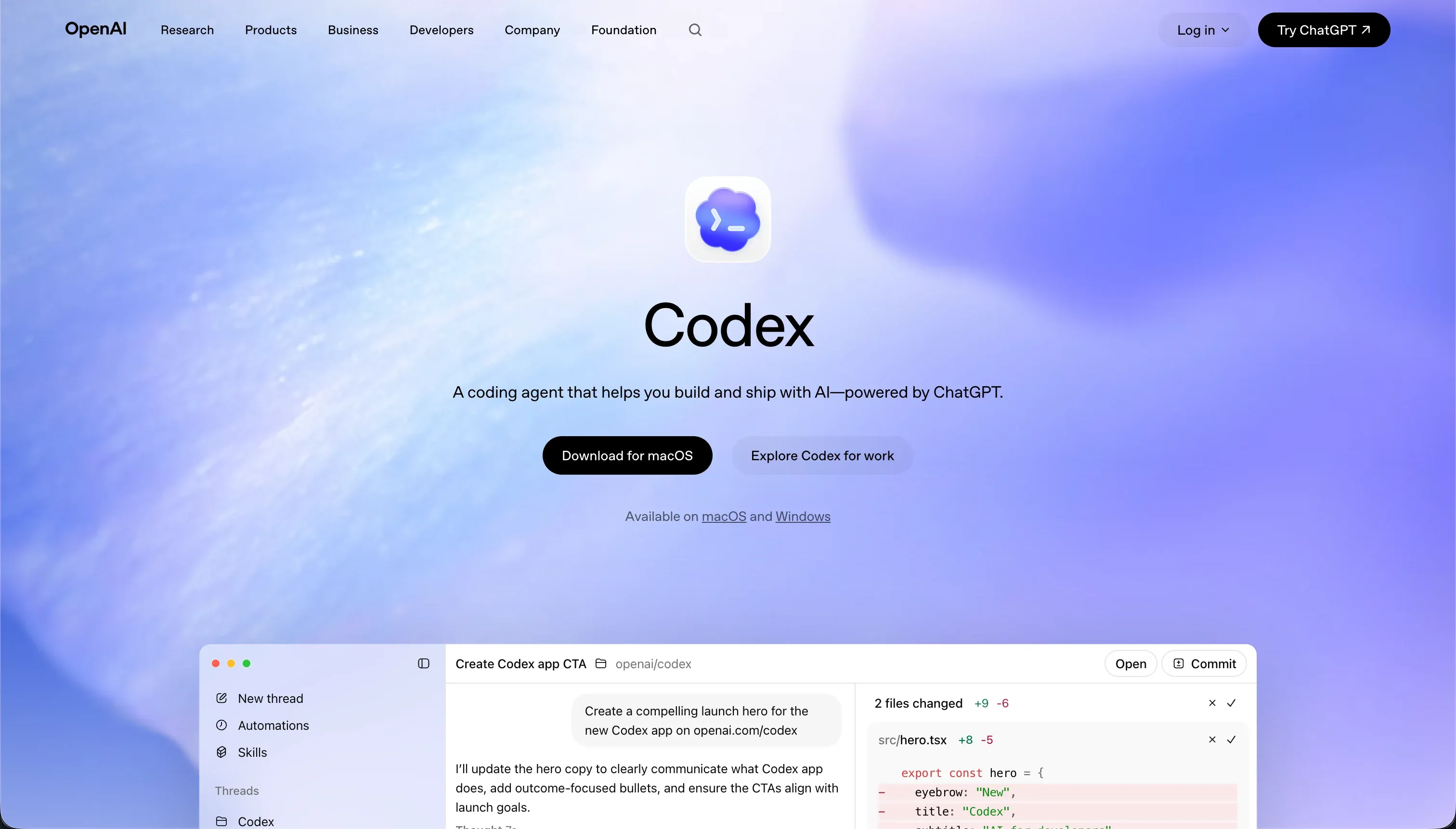
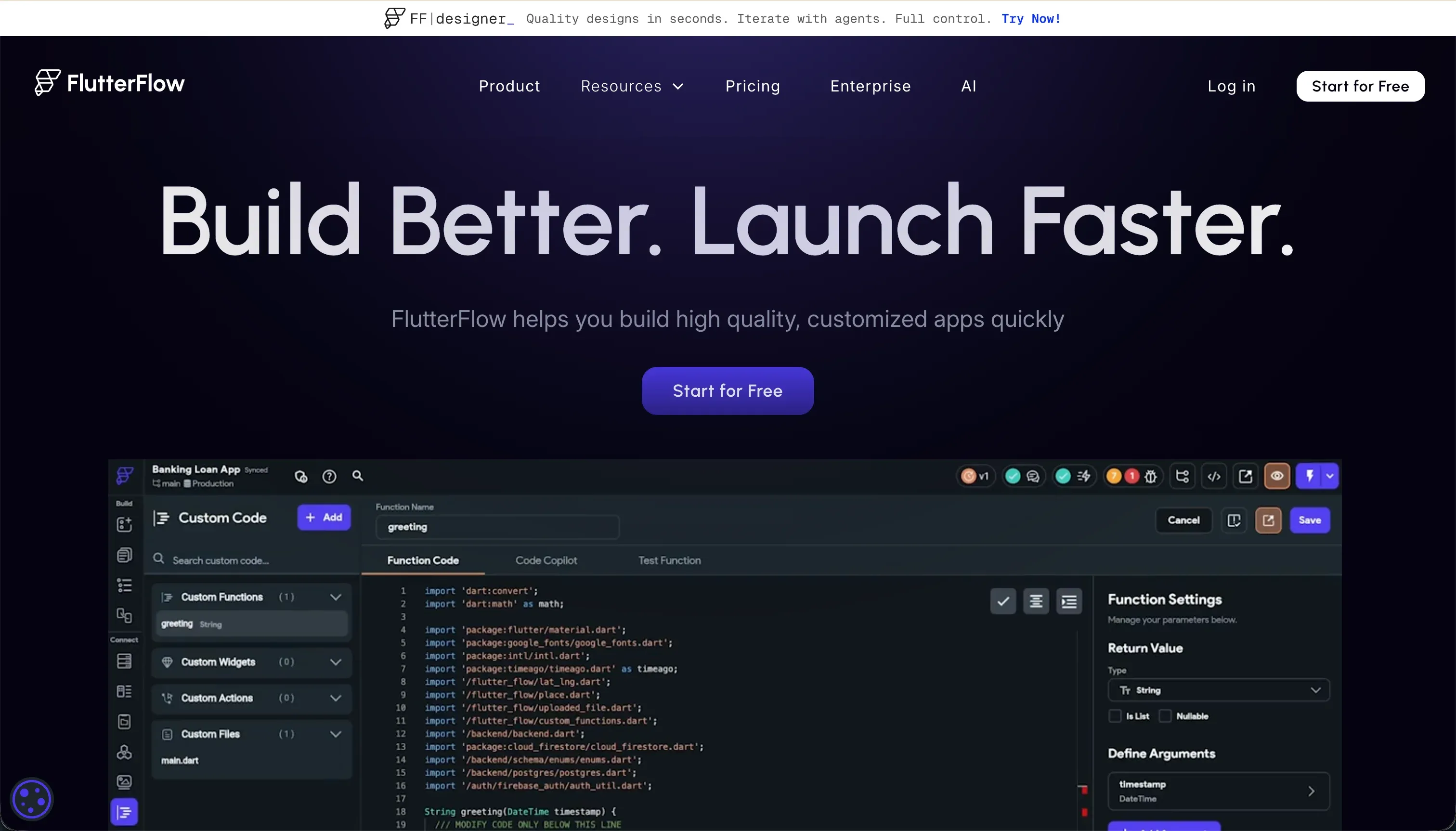
Evaluating Codex against FlutterFlow is a classic comparison of two distinct paradigm choices in the modern software procurement landscape. Codex represents the terminal-based AI coding agent class, operating directly within a local Git repository to write raw files and automate basic pipeline chores.
FlutterFlow represents the visual IDE class, specifically optimized to compile native mobile interfaces on top of Google Firebase or Supabase.
The final comparison scorecard places Codex ahead with an aggregate score of 7.1/10, while FlutterFlow finishes at 6.3/10.
Codex wins because raw code architecture delivers superior maintainability and zero platform locking, although this decision flips immediately if the builder cannot read the code the agent produces. In that narrow operational scenario, a visual design-centric tool is the only viable starting point.
The decision in 30 seconds
| If your priority is… | Pick | Why |
|---|---|---|
| Engineers offloading repo tasks | Codex | Parallel branch execution and pull-request automation score 8.0 on maintainability |
| Native iOS or Android packages | FlutterFlow | Direct testflight deployment and 9.0 design flexibility on mobile screens |
| No-code business apps or portals | Neither | Both systems require massive developer mechanics compared to pre-built tools |
| Avoid platform and vendor lock-in | Codex | Produces normal code repositories with zero platform web runtime dependencies |
| Zero-configuration database portals | Neither | Requires manual database setups and manual security rules on both platforms |
What each platform is
What is Codex?
What is Codex and how does it actually alter the build? It is a terminal-based AI coding agent and desktop application that is bundled directly with ChatGPT Plus, Pro, and Enterprise subscription tiers.
Rather than acting as a simple code completion window, Codex works autonomously inside an isolated Git repository thread using local command scripts, parallel worktrees, and targeted container runs.
Two concrete capabilities define its operational loop: automated branch creation and Git worktree management to avoid folder conflicts during parallel executions. This makes it an automated code assistant built strictly for senior developer environments, handling structural refactoring runs and generating pull requests that are sent directly to GitHub.
What is FlutterFlow?
What is FlutterFlow and how does its visual assembly work? It is a visual builder powered by Flutter that allows developers and designers to assemble cross-platform screens using drag-and-drop widget trees like Containers, Rows, and Columns.
Behind the visual page logic, FlutterFlow generates production-ready Dart code that can be synchronized to GitHub or compiled directly to native Android and iOS libraries.
Key features include codeless deployment pipelines straight to Google Play and Apple TestFlight, alongside native UI design setups that are optimized for Firebase or Supabase backends. It is built primarily for visual designers, solo founders, and front-end developers who want to speed up native mobile layouts without manually writing layout constraints.
The core difference
The core difference lies in their execution models and target environments, dividing code repository automation from visual interface compilation.
- Codex acts as a headless terminal agent that works inside an existing codebase to automate pull requests and scripting pipelines.
- FlutterFlow functions as a visual web browser editor that translates drag-and-drop widget trees into compile-ready mobile codebases.
Where the scores diverge
Maintainability: Codex 8.0, FlutterFlow 5.5. Codex scores a strong 8.0/10 on maintainability, whereas FlutterFlow scores 5.5/10. Codex uses native branch logic, clean descriptive commits, and parallel containerized testing to handle code refactoring beautifully. It keeps token costs low to make long-term code maintenance highly viable.
Conversely, FlutterFlow’s browser editor experiences latency when projects grow past a dozen screens, and complex visual state logic quickly turns a clean build into a complicated visual mess.
Data & integrations: Codex 8.5, FlutterFlow 6.5. Codex secures an 8.5/10 database rating, while FlutterFlow scores 6.5/10. Siting natively inside a code repository, Codex can reach any database or integration supported by the programming language. Downside: you must write the connection code yourself.
FlutterFlow offers native Firebase and Supabase visual bindings, but connecting anything else requires configuring manual REST structures and handling complex API data formats inside the builder.
Security & access control: Codex 6.0, FlutterFlow 5.0. Codex leads with a 6.0/10 score compared to FlutterFlow’s 5.0/10. Codex keeps parallel work isolated in safe containers, but running terminal scripts locally exposes developers to sandboxing loop risks, and all access-control roles must be manually written by an engineer.
FlutterFlow provides access hooks, but does not actually provide native platform protection; authentication settings and row-level database rules must be set up manually in the external database backend.
Ease of build: Codex 4.0, FlutterFlow 4.5. FlutterFlow scores a low 4.5/10, but still edges out Codex at 4.0/10. FlutterFlow has a steep learning curve because builders must master Flutter layout constraints, state variables, and relational schemas. However, it still offers a visual drag-and-drop screen canvas.
Codex has no visual interface at all; it is a CLI tool requiring command line knowledge and local environment management, meaning non-engineers cannot use it to build anything.
Production readiness: Codex 7.0, FlutterFlow 7.0. Both tools tie at a respectable 7.0/10, but for separate reasons. FlutterFlow compiles to native binary packages and packages deployment pipelines to App Stores, but auth and relational database policies must still be manually configured inside Firebase or Supabase.
Codex produces raw code on professional stacks, but every pull request demands manual developer review to catch scopes where the agent overcomplicated simple requirements or introduced bugs.
Design flexibility: Codex 9.0, FlutterFlow 9.0. Both platforms score an excellent 9.0/10. Codex outputs raw code, meaning design limits correspond directly to what the rendering engine supports, though changes represent code typing rather than visual editing.
FlutterFlow offers pixel-level visual layout tools for mobile interfaces, though web compilation is its weakest design surface, resulting in heavy initial page load speeds for public web apps.
Cost comparison
The financial cost of ownership separates these platforms into distinct billing structures. Codex is tied directly to OpenAI subscriptions, starting at $20/month for ChatGPT Plus or $200/month for ChatGPT Pro.
Under this token-based model, users report that credit usage rises quickly during repetitive refactoring runs, with developers easily burning through several hundred dollars per month if parallel agents are running complex multi-branch runs.
FlutterFlow offers a standard software subscription model, ranging from a Free tier to Standard ($30/month) and Pro ($70/month), which supports full code export and app store deployment workflows. Buyers must also forecast external backend database costs, as Firebase or Supabase database consumption must be budgeted separately.
Overages on both systems can surprise teams, either through rapid token credit consumption on Codex iteration loops or visual developer seat licensing on FlutterFlow Teams plans.
Lock-in and the exit path
The exit path differs completely between these two tools, highlighting the difference between code agents and visual builders. Codex has absolutely zero vendor lock-in because it operates inside standard Git folders; the raw codebase is entirely yours to run, hosting wherever you choose.
FlutterFlow supports clean Dart code exports on standard and pro plans, allowing you to walk away with a functional mobile application directory. While both tools allow users to leave, Codex offers the cleanest exit route because it never wraps your application in proprietary platform runtimes or visual builder configuration setups.
- Works in standard Git folders
- Raw codebase is entirely yours
- Host anywhere you choose
- No proprietary runtimes
- Dart code export on standard and pro plans
- Walk away with a functional mobile app directory
- Wrapped in proprietary platform runtimes
- Visual builder configuration stays behind
Who should pick Codex
Pick Codex if:
- Senior developers who need to offload basic commit, branching, and refactoring scripts inside their existing repo environments.
- Engineering leads looking to automate pull request branches with native Git worktree controls and isolated container testing pipelines.
- Technical projects demanding highly custom server architectures where visual web runtime wrappers are prohibited.
Do not pick Codex non-technical business operators, as the command-line interface and Git requirements are entirely unusable without programming knowledge.
Who should pick FlutterFlow
Pick FlutterFlow if:
- Mobile developers and designers prioritizing native iOS or Android apps with continuous integration pipelines into the Google Play Store.
- Front-end contractors comfortable setting up Firebase schemas and managing visual layout widget trees.
- Product managers building initial mobile app prototypes where visual pixel-level screen refinement is key.
Do not pick FlutterFlow SEO-indexed public websites, as the Compiled Flutter Web output loads heavily and suffers from poor visual search crawl performance.
What neither platform answers
Both systems are engineered for custom development environments where code maintenance or visual widget alignment represents the main build activity. However, many business operators evaluating this matchup are looking for operational software like client portals, internal task flows, or CRM directory apps.
For this specific class of software, both tools introduce severe, unnecessary overhead: Codex drops you into raw command line code, while FlutterFlow requires manual setup of mobile state variables and external database schemas.
If you need custom logins, per-user database access, rapid data collection, and low maintenance overhead, Softr represents a far more practical choice.
Softr scores 7.0 or higher across production readiness, maintainability, and security precisely because authentication, user groups, and layout routing are standard pre-built configurations, not things you manually paint or prompt from scratch.
For administrative operational workflows, starting with pre-built blocks on top of a visual database like Airtable avoids the development and deployment bottlenecks of both tools.
Analyst verdict
Codex wins our scorecard on raw aggregate stats, finishing with a 7.1/10 compared to FlutterFlow’s 6.3/10. Codex wins because raw code repositories are inherently more maintainable (8.0) and integrate directly with any server-side database (8.5), delivering a stable long-term foundation for development teams.
FlutterFlow keeps a high 9.0 on mobile design flexibility and holds an ease of build score of 4.5, representing a viable option for designers who must publish mobile packages.
The purchasing choice is highly conditional. If you are an experienced software engineer looking to automate pull requests and branch chores inside a repo, Codex is a valuable addition to your dev pipeline. If you are building a consumer native mobile app for app stores and need visual screen layouts, purchase FlutterFlow instead.
For general business software that does not require app store approval, both paths carry unnecessary development debt, and a pre-built no-code environment remains the safest allocation.
Related reading: the Codex scorecard, the FlutterFlow scorecard, and our scoring methodology.