
What Codex is
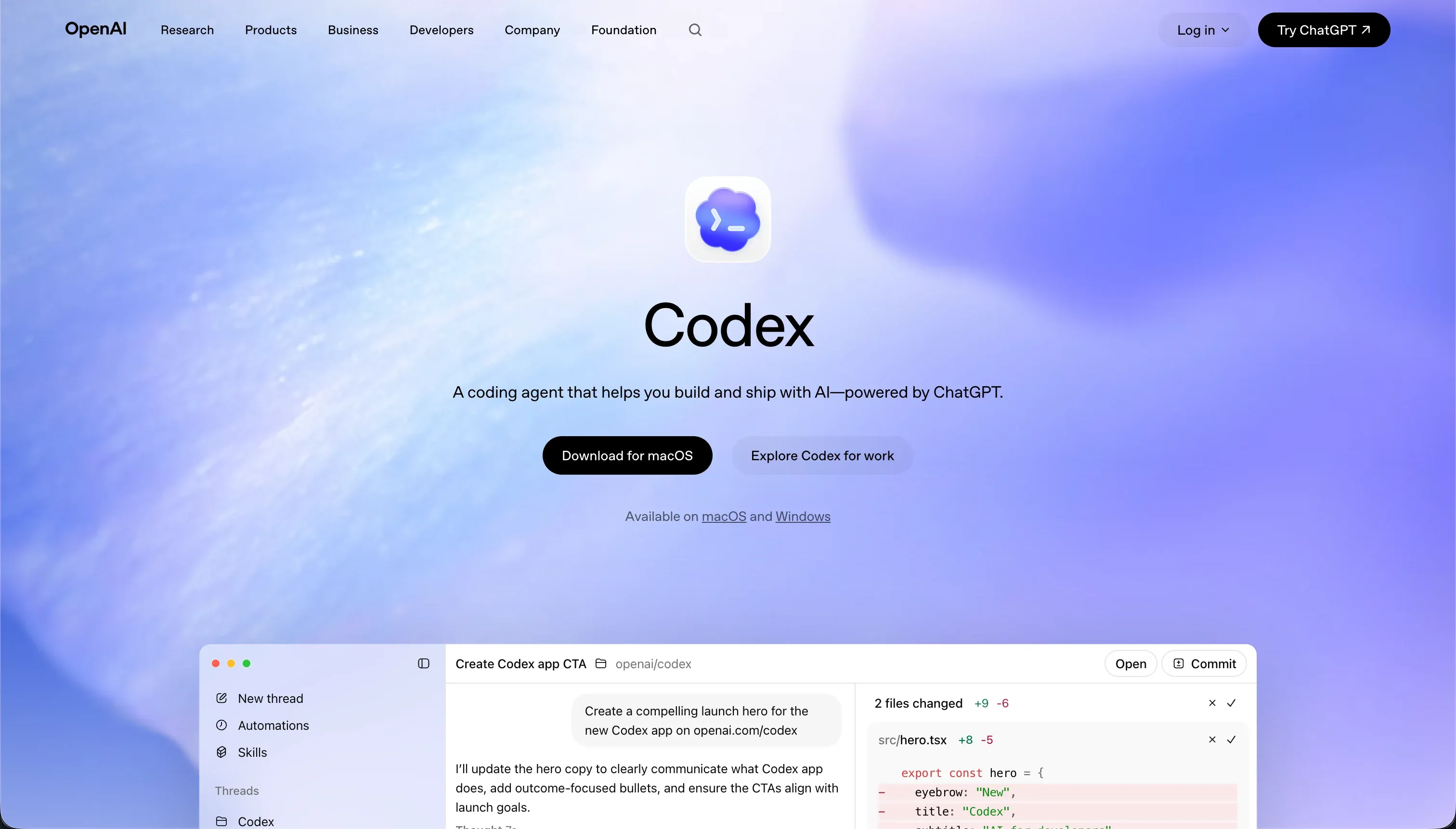
Codex is OpenAI’s terminal-based coding agent and desktop application, bundled with ChatGPT subscriptions rather than sold as a standalone product. It operates directly within a developer’s local environment, where it reads local repositories, creates branches, writes raw code, executes command-line scripts, and runs unit tests.
A companion desktop command application monitors parallel development threads, manages local git worktrees, and inspects agent logs to streamline complex workspace code modifications.
The build model is code-first and heavily optimized for parallel task execution in isolated containerized branches. Instead of relying on a visual canvas or a single-file chat window, Codex accesses the entire codebase to run multi-file refactoring passes, execute local test suites, and write descriptive commits before opening pull requests.
This workflow integrates directly into existing developer setups, serving as an autonomous terminal developer that interacts naturally with git-based pipelines.
The trade is explicit and structural. Codex provides absolute flexibility and raw code outputs without lock-in, but it completely abandons the guardrails of visual platform hosting. It lacks an interface builder, pre-configured database hosting, or native authentication modules.
For non-technical teams or businesses wanting to deploy production apps without a dedicated engineering team, this is an immediate blocker; for software teams who want an agent to operate inside their own stack, the trade-off is highly beneficial.
Where the scores come from
The overall score shape reflects a tool designed purely for professional Git-based engineering pipelines, excelling at code-generation flexibility but scoring poorly where non-technical build paths are required.
It reveals that while Codex is useful inside a version-controlled repository, it relies entirely on the developer to manage the surrounding hosting, security, and verification infrastructure to prevent logic regressions.
Ease of build: 4.0/10
Ease of build scores a low 4.0/10 because Codex requires deep technical familiarity with terminal environments, CLI commands, and Git branch workflows to be usable. OpenAI’s own documentation is clear that the platform is practically unusable for non-technical builders. Because there is no visual drag-and-drop editor or block-based design page, a non-engineer cannot construct an application interface.
The score is lifted slightly above a baseline command line because the agent is highly autonomous. Once configured via the terminal, it reads full repositories, spins up parallel branches, and writes initial templates automatically, saving developers from manually running setup boilerplate.
Production readiness: 7.0/10
Production readiness scores 7.0/10 because the raw code Codex outputs runs on standard, native server stacks without proprietary hosting limits. This code can be run, tested, and deployed to production using standard professional CI/CD engines.
However, the tool is strictly an code-generation agent; it does not compile, run, or host apps inside its own sandbox, leaving hosting and environment management entirely in the developer’s hands.
The primary deduction comes from verification latency. Because Codex can occasionally overcomplicate code proposals, expand past the requested feature scope, or forget project nuances, every single diff must undergo manual engineering code review and strict unit testing before deployment to prevent live bugs.
Maintainability: 8.0/10
Maintainability scores a strong 8.0/10. Rather than locking code into proprietary cloud databases or generating unstructured scripts, changes land as standard git branches with descriptive commit messages and structured pull requests. This ensures that every file modification remains fully version-controlled and reviewable through professional team pipelines.
Furthermore, the helper desktop app directly organizes local branches and work directories to prevent folder conflicts during parallel executions. Low token overhead keeps massive, multi-file code refactors mathematically and financially tractable over long-term project lifecycles.
Security & access control: 6.0/10
Security & access control scores 6.0/10. Because the agent executes files in parallel using isolated containerized branches, developers get a layer of safety that protects their main code tree during automated testing runs.
However, granting a terminal assistant permission to execute command line scripts in a local terminal introduces a direct risk if the model attempts to run destructive operations or references unsafe packages.
On the application layer, Codex offers no native role-based access visual settings or pre-built authentication toggles. Every database permission level, API access key, and user login flow must be manually coded, configured, and audited by a human engineer.
Data & integrations: 8.5/10
Data & integrations scores 8.5/10. Codex can write code to access any database engine, cloud API, or third-party web service that the underlying coding language supports. Integrating a new system simply requires the agent to write standard integration scripts. The connection potential is bounded only by standard software protocols, with native GitHub API integration powering the core workflow.
It sits just below the top-tier score because it lacks pre-wired connectors. While a visual business builder can link a spreadsheet or a SQL database with a single click, Codex requires developers to programmatically write database driver code, manage environment variables, and establish the connection pools manually.
Design flexibility: 9.0/10
Design flexibility scores a near-perfect 9.0/10. Codex produces raw code across any modern framework, meaning there is zero platform styling lock-in, no limited visual canvas, and no rigid block system. The interface can be styled to any design language, customized using any UI library, and optimized for any display target.
The minor restriction is that the final design is the developer’s to realize rather than the tool’s to automatically spin up. The agent writes layout markup and styles code, but there is no WYSIWYG editor to preview changes live without spinning up a local rendering server.
What types of apps you can build with Codex
Codex is engineered for building raw software systems where code ownership, custom tech stacks, and Git-based version control are mandatory requirements. For developers, it is strongly strong for creating custom API services, headless microservices, internal scripts, and multi-file software applications where engineers command the structural logic.
Good-fit app types include:
- Custom backend APIs: building structured express endpoints, database schema migrations, and custom middleware routing stacks.
- Full-stack web applications: constructing React, Vue, or Next.js codebodies that integrate with bespoke server architectures and complex custom styling.
- Data processing pipelines: writing ingestion scripts, automating local file transformations, and setting up native developer integrations.
If you are building standard business interfaces like corporate client portals, internal team dashboards, or customer databases, there is a natural contrast to a visual-first builder like Softr.
While Codex produces raw, unhosted codebases that require engineering maintenance, Softr enables non-technical operators to visually build secure portals with native user authentication and row-level permissions in hours, entirely skipping Git, hosting setup, and CLI terminal configuration.
Who should not use Codex?
Do not use Codex if you are a non-technical builder or business team. The platform has zero visual workspace canvases, no drag-and-drop elements, and strictly operates as a command-line terminal tool that expects you to seamlessly write, read, and understand complex lines of programming code.
Do not use Codex if you require ready-made backend infrastructure like turnkey application hosting, built-in server databases, or visual user login toggles. If your project demands an instant out-of-the-box infrastructure deployment platform, a visual alternative is required to manage the live database layers.
Do not use Codex if you are building on a strict credit budget and cannot absorb variable token-based billing. The costs of parallel context parsing can quickly spike from $100 to over $200 per developer per month during heavy refactoring loops, making subscription costs less predictable.
Analyst verdict
The average score of 7.1 underscores Codex as a useful tool in the developer’s arsenal rather than a visual application builder. In the hands of a professional software engineer, it serves as an excellent agentic tool for automating repetitive git workflows and running parallel refactors on real, standard code repositories like Cursor or Claude Code.
However, it represents the exact opposite path of no-code platforms. If you do not have an internal engineering team to perform strict manual code reviews, Codex is unsuitable. For business teams building authenticated portals, directories, or secure dashboards, a visual-first platform like Softr remains the optimal choice.
To understand how we balance developer-centric software against visual tools, see our rating methodology.
- Automates repetitive git workflows
- Runs parallel refactors on real code repos
- Comparable to Cursor or Claude Code
- Needs strict manual code reviews
- Visual-first, no engineering team required
- Authenticated portals
- Directories and secure dashboards
- Optimal pick when no code reviews exist