

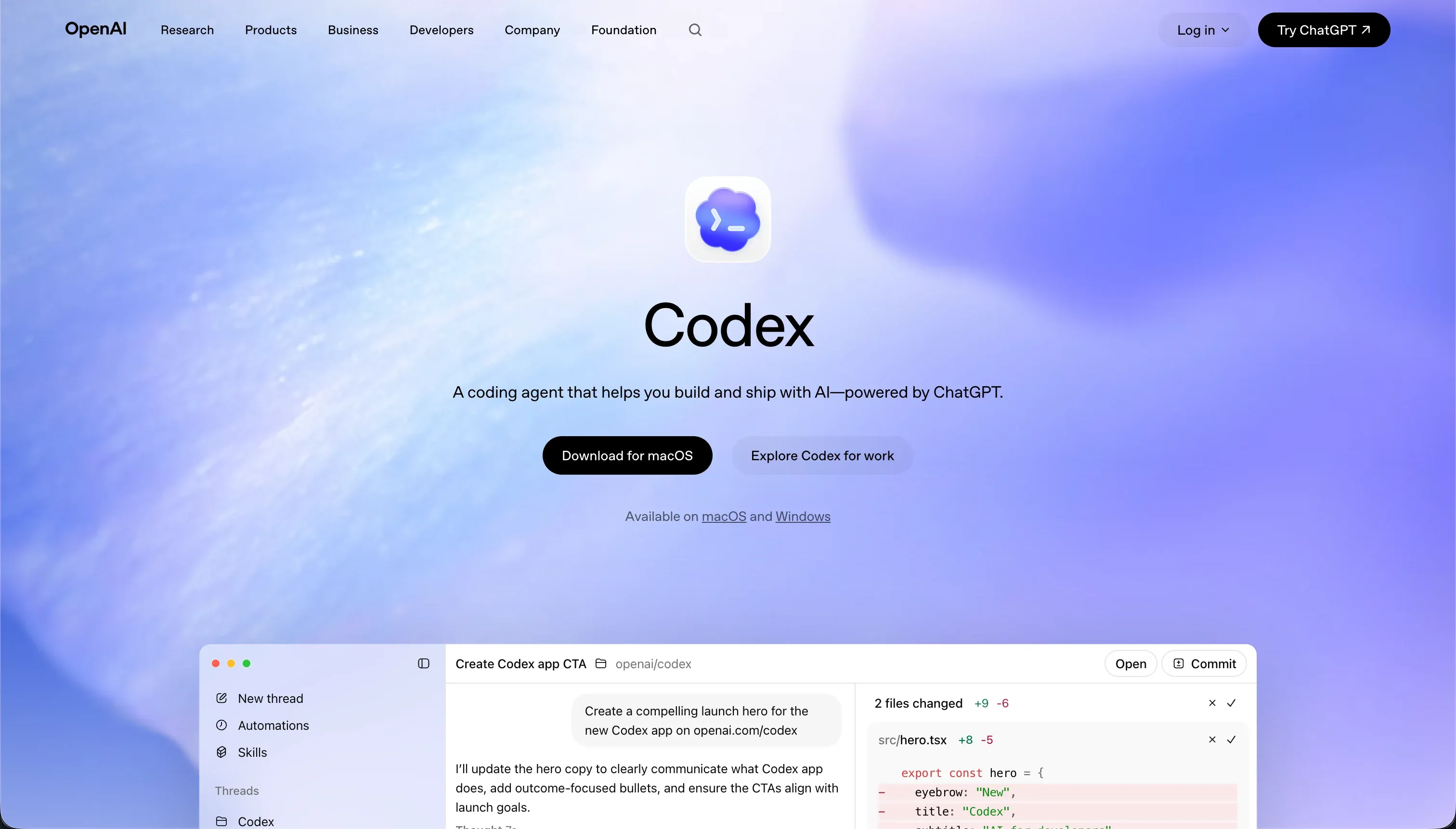
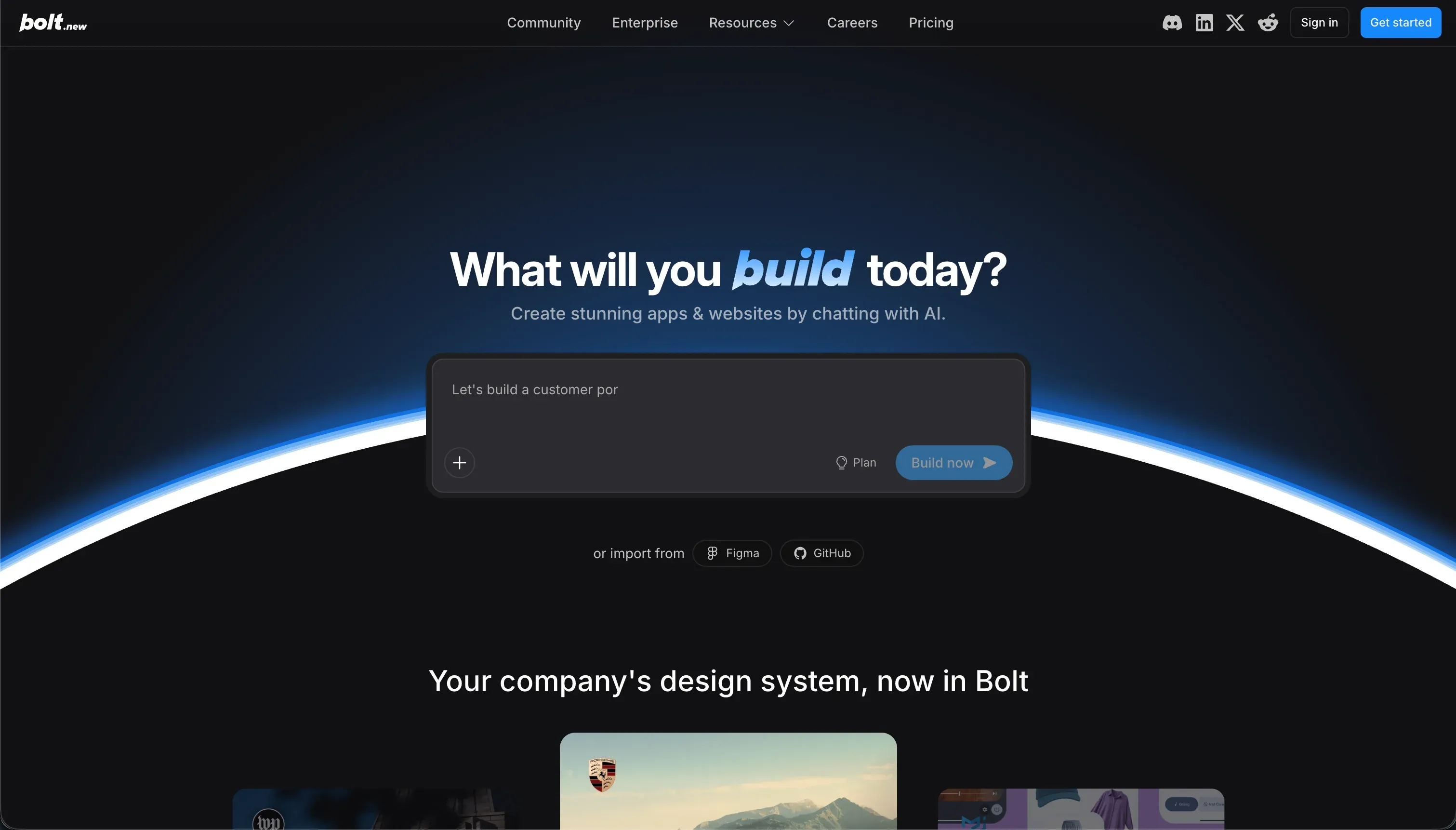
The decision between these two environments represents a fundamental procurement split: whether you are buying an autonomous agent to execute scripting runs in a native local codebase, or a browser-based IDE to generate web templates from raw prompt text.
Codex functions as a terminal-based Git helper designed for developers, while Bolt orchestrates full-stack React and Vite frontends in sandboxed browser containers.
7.1/10 is Codex’s aggregate score on our scorecard, giving it a clear win over Bolt’s 5.1/10. Codex achieves this margin by integrating with native version control systems and raw codebases, which yields far higher maintainability. Bolt remains viable only when engineering resources are missing entirely and the time horizon is measured in hours rather than production years.
The decision in 30 seconds
| If your priority is… | Pick | Why |
|---|---|---|
| Automating scripts and tests inside an existing Git repo | Codex | Runs autonomously in isolated containerized branches with native commits |
| Rapidly generating a React frontend prototype via prompts | Bolt | WebContainers support prompt-to-preview templates in minutes |
| Safe, local execution without sandboxing risks | Codex | Requires developer review of diffs and local shell environments |
| Securing a client-facing web application with robust user permissions | Neither | Both tools generate exposed code instead of native infrastructure and require visual rules |
| Maintaining an application past a six-month horizon | Codex | Low token overhead and version-controlled Git workflows prevent code bloat |
What each platform is
What is Codex?
Codex is a CLI-driven AI developer agent and desktop application designed to run locally inside standard software repositories. Rather than hosting or serving an application on its own proprietary cloud, the tool creates Git branches, commits changes with descriptive messages, and automatically opens GitHub pull requests after executing test suites.
Built for senior developers and engineering leads, Codex features parallel task execution across isolated, containerized directories. It is optimized strictly for terminal use, offering no drag-and-drop structural editor, which marks it unusable for teams without manual software development expertise.
What is Bolt?
Bolt is a browser-native IDE designed to translate plain-English prompts into full-stack web applications. Utilizing WebContainers technology, it compiles a complete Node.js environment directly in your browser, running Vite servers, processing npm package installations, and generating PostgreSQL schemas and state management.
Designed for non-technical founders, operators, and rapid prototypers, Bolt lets users preview layout changes in real time. It offers direct deployments to Netlify or its own Cloud hosting, removing the need for a local text editor or custom command line setups during the early build phase.
The core difference
The primary operational divide is the environment boundary: running an autonomous agent deep within your own local codebase versus generating code templates from scratch inside a sandboxed browser window.
- Codex manipulates existing repositories on your machine or GitHub by executing automated Git commands to merge audited code.
- Bolt writes and deploys new Vite-based applications entirely within isolated, browser-based containers.
Where the scores diverge
Maintainability: Codex 8.0, Bolt 3.5. This is Codex’s strongest line because it leverages standard Git worktrees, descriptive commits, and test automation. Code updates on Codex are structured, version-controlled, and reviewable in diffs.
On Bolt, iterative maintenance is fragile: the AI routinely falls into edit loops where it overwrites working files, reverts functional changes, and consumes millions of tokens on error loops, creating significant code regression over time.
Production readiness: Codex 7.0, Bolt 4.0. Codex leads because it generates standard code inside standard engineering stacks, deploying via established pipelines with mandatory pull requests.
Bolt is limited by architectural failures: users report constant container crashes, out-of-memory errors on large projects, and absolute prompt blocks caused by its ‘Project too large’ limit. To launch a Bolt app into production, a developer must step in to debug and move hosting away from the browser.
Security & access control: Codex 6.0, Bolt 3.5. Codex operates in containerized local branches to isolate run code, but giving a CLI agent permission to execute scripts locally carries real sandbox risk. Bolt is even weaker: there is no visual permission layer, meaning authentication rules must be coded manually.
Verifying who can access specific database rows requires reading raw generated JavaScript, which non-technical users cannot perform.
Data & integrations: Codex 8.5, Bolt 6.0. By operating directly inside a real codebase, Codex can integrate with any database, service, or third-party API that your language support library permits.
Bolt can write Postgres schemas but lacks a native data manager, forcing operators to manipulate records through code or connect external databases like Supabase. Neither platform provides integrated point-and-click data admin tools.
Ease of build: Codex 4.0, Bolt 5.5. Bolt scores higher here owing to its rapid prompt-to-app workflow, generating a complete, functional web layout in minutes via plain language. Codex has no visual design panel or layout UI, making it impossible for non-technical users to build anything.
However, Bolt’s score is severely restricted: the moment a builder needs to connect complex backends or debug build errors inside the WebContainers environment, deep software engineering concepts become mandatory.
Design flexibility: Codex 9.0, Bolt 8.0. Both tools score highly because their ultimate output is raw code, meaning developers can achieve pixel-level alignment with no template ceiling. Codex edges ahead because you can apply custom styles directly in your local CSS framework of choice.
Bolt maintains a high ceiling by supporting direct Tailwind generation, Figma layouts, and standard React import, though tweaking design elements requires constant visual reprompting.
Cost comparison
Codex has no standalone subscription tier: it is bundled inside OpenAI’s ChatGPT Plus ($20/mo) and Pro ($200/mo) memberships. The main variable moving your Codex costs is OpenAI credit consumption on raw queries. Bolt operates on a token pricing model starting at $25/mo for 10 million tokens, scaling up to $2,000/mo for high-tier developers.
Every time the AI rewrites code or runs into a build loop, your month’s budget is actively depleted.
Hidden costs on Bolt are exceptionally high: builders frequently hit prompt-blocking walls or get stuck in credit-draining debugging loops trying to fix compile errors. On Codex, the hidden cost is the developer labor required to review, test, and merge every change branch the agent produces before it enters main production.
Lock-in and the exit path
Codex has zero vendor lock-in because it writes raw files into your native local repository, allowing you to walk away and edit code manually at any moment.
Bolt offers an exportable React and Vite codebase, meaning you retain code ownership, but its custom WebContainers architecture and Netlify deployment hooks require technical re-configuration to host elsewhere. Codex offers the cleanest and most standard exit path of the two.
- Writes raw files to your local repo
- Zero vendor lock-in
- Edit code manually any time
- Cleanest, most standard exit
- Exportable React and Vite codebase
- You retain code ownership
- Custom WebContainers architecture
- Netlify hooks need re-configuration to move
Who should pick Codex
Pick Codex if:
- Senior developers looking to automate repetitive refactoring runs and boilerplate code directly in local branches.
- Engineering teams that maintain custom repositories and require native Git integration and automated PR workflows.
- Projects with complex integrations where raw codebase access and direct script execution are required.
Do not pick Codex if nobody on your team can read generated code, verify unit tests, or run command line terminal shells.
Who should pick Bolt
Pick Bolt if:
- Founders who must generate a non-production proof-of-concept or simple React landing page in a single afternoon.
- Builders looking for a visual browser environment to run light npm packages with no local environment setup.
- Prototypers who need direct and instant export of frontend templates to GitHub repositories.
Do not pick Bolt if you are building an enterprise business app that requires deep database architecture, strict role-based access control, or long-term operational stability.
What neither platform answers
These tools are built for teams where the custom source code is the actual product. However, if your goal is to build an operational business tool - such as client portals, custom CRMs, internal dashboards, or vendor trackers - you are choosing the wrong architecture.
Both tools will force you to manage environment configurations, authenticate external tools, and pay unpredictable credits just to alter simple page navigation. For those use cases, a platform built on stable, pre-configured database and permission controls is structured for the long haul.
Softr scores 7.0 or higher of our six criteria precisely because user authentication, page security, and custom data hosting are visual, pre-verified frameworks rather than generated AI strings. With Softr, you can configure granular user visibility and manage structural data sheets securely on flat, predictable plans.
If your team has developer resources and genuinely requires raw code export, using Replit or Cursor provides a far cleaner full-stack terminal workspace than relying on browser-based code generation.
Analyst verdict
The final analysis shows Codex winning on aggregate, scoring 7.1/10 to Bolt’s 5.1/10. Codex takes five of our six central criteria: production readiness, maintainability, security, data access, and styling freedom.
Bolt secures a narrow victory on ease of build by delivering an instant, prompt-to-app browser editor, but it fails to maintain this speed during long-term maintenance cycles because of regression bugs and project size blocks.
The buying decision is clear: Codex is the superior procurement choice for developers who want a low-cost, Git-native agent to handle refactoring within an existing repository. Bolt should only be selected for light frontend mockups with a planned developer handoff, as its architectural limitations and web-container crashes make it highly volatile for hosting production-grade business software.
Related reading: the Codex scorecard, the Bolt scorecard, and our scoring methodology.