
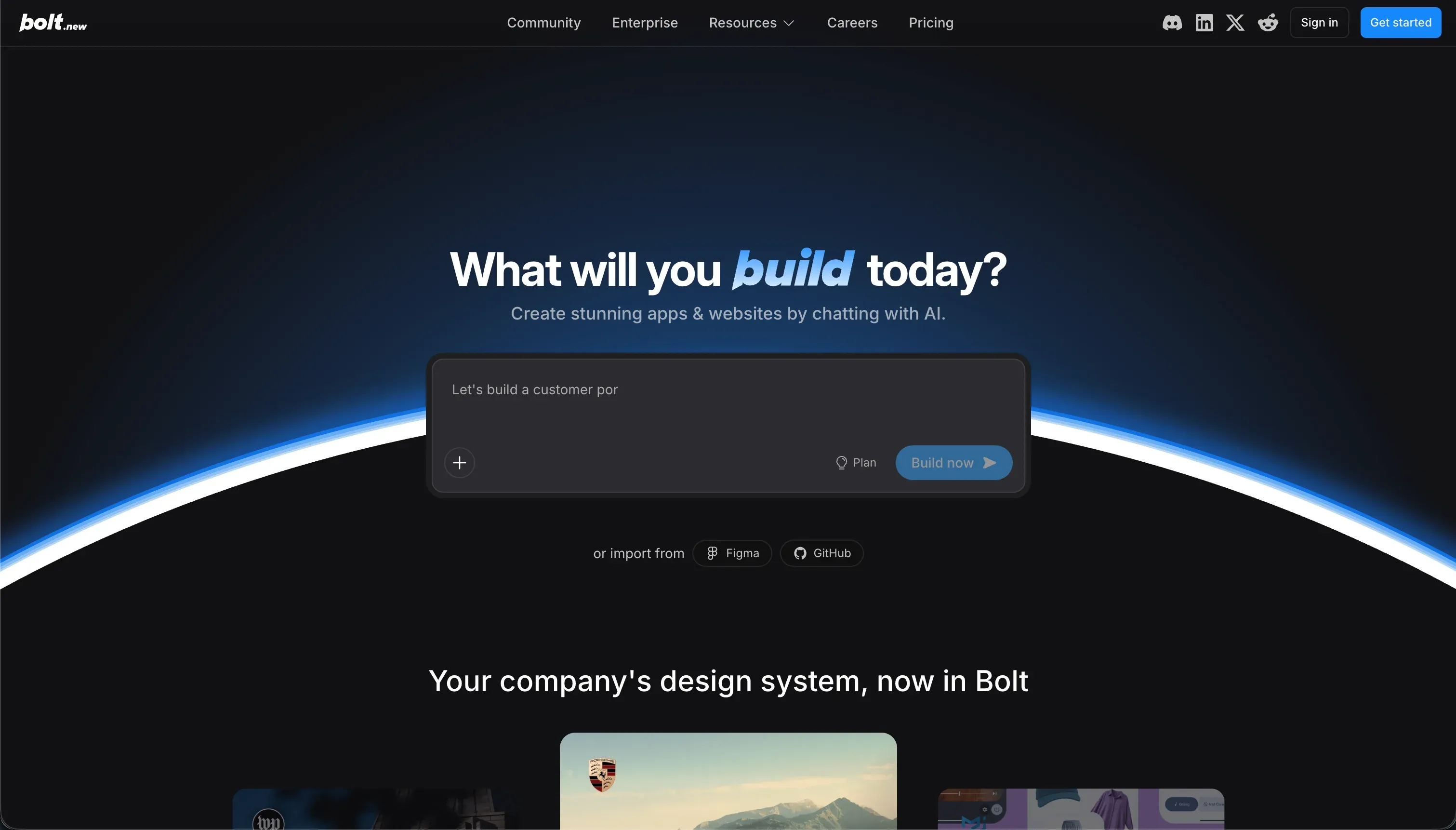
What Bolt is
Bolt.new is StackBlitz’s prompt-to-app development platform that generates full-stack React and Node.js codebases entirely in the browser. Using StackBlitz WebContainers, it runs a full Node.js environment client-side, so users can install npm packages, run dev servers, and see live previews without local setup.
The platform turns natural-language prompts into standard web app code, making it a fast way to move from idea to working interface.
Its build model is code-first and AI-native. Users describe what they want, and Bolt writes components, styles, routes, and state logic directly into a real React app structure, with an edit-and-preview workspace for iteration.
Because it produces standard framework code rather than a proprietary runtime, teams keep full code export through downloads or GitHub sync and can continue development outside the platform.
The core tradeoff is design freedom versus operational overhead. Bolt gives developers wide latitude over layout, packages, and front-end architecture, but it does not provide built-in database administration, visual permissions, or a native managed backend.
That means security rules, schemas, and APIs must be handled manually or through prompts, while teams also absorb token-based usage costs and browser-memory limits.
Where the scores come from
Bolt’s scores form a top-heavy pattern: it is strongest where visual output and front-end flexibility matter, and much weaker where reliability, governance, and long-term operation matter. In other words, the scoring shows a tool that accelerates prototypes but shifts backend responsibility to the team shipping the app.
Ease of build: 5.5/10
Ease of build scores 5.5/10 because Bolt is unusually fast at creating an initial application shell. A user can describe an app in plain English and get a stylized React page with live preview, mock data, and responsive UI in minutes. That makes it effective for quick prototypes and early UX exploration, especially when the goal is rapid front-end setup rather than full product completion.
The deduction comes once the app moves beyond a simple interface. Because Bolt runs a full development stack in browser-based WebContainers, larger or more functional projects can hit memory bottlenecks and container crashes. Connecting real APIs or databases also means working through generated code, which creates a technical barrier for non-developers.
Production readiness: 4.0/10
Production readiness scores 4.0/10 because Bolt can deploy quickly but struggles with the stability expectations of larger production systems. It supports deployment to .bolt.host subdomains and Netlify, which helps for demos and lightweight releases, and its standard code output means teams are not locked into a closed runtime. That gives it some value for prototype deployment paths.
The deduction is substantial. Users report out-of-memory errors and container crashes on larger projects, and Bolt enforces a ‘Project too large’ limit that can pause prompting entirely. There is also no built-in database panel or official managed server-side runtime, so teams must assemble their own backend stack to make an app secure and production-grade.
Maintainability: 3.5/10
Maintainability scores 3.5/10 because Bolt operates directly on code, which makes iterative changes fragile. Prompting the AI to update one feature can lead it to rewrite working sections of the application, and users report regressions where styling, logic, or data mappings disappear after later edits.
That makes the platform weaker for stable iteration cycles than tools built around structured visual configuration.
The deduction grows with usage. Bolt’s token-based billing means repeated fix attempts can become expensive, and developers can get trapped in loops where the AI tries to repair its own generated errors while introducing new ones. As the codebase grows, that behavior increases both cost and maintenance burden.
Security & access control: 3.5/10
Security & access control scores 3.5/10 because Bolt does not include native visual permission tooling. To protect pages, secure API keys, or define row-level access, developers must prompt the AI to write authentication checks, encryption logic, or RLS policies directly in code. That gives advanced teams flexibility, but it also means security is hand-built rather than enforced by platform defaults.
The deduction is that verification becomes manual. Teams must inspect raw code to confirm router guards, API handling, and access logic are actually safe, and AI mistakes can expose data to the client. Compared with visual builders that enforce permissions server-side, Bolt leaves security quality dependent on the code the user or model produces.
Data & integrations: 6.0/10
Data & integrations scores 6.0/10 because Bolt benefits from generating standard Node and React code. If a service exposes an npm package or REST API, Bolt can theoretically connect to it, and developers can create PostgreSQL schemas or custom server APIs without a platform-imposed connector ceiling. Its biggest strength here is broad integration reach.
The deduction is that data management is almost entirely manual. Bolt does not offer built-in database views, visual schema design, or admin data tooling, so teams must either build those interfaces themselves or depend on third-party backends such as Supabase or Airtable to inspect and update records.
Design flexibility: 8.0/10
Design flexibility scores 8.0/10 and is Bolt’s clearest advantage. Because it outputs real React, Vite, and CSS rather than confining users to fixed blocks, developers have far more control over layout and UI behavior. Figma import, npm package access, and Storybook support further expand what teams can implement, making Bolt strong for custom interface work.
The deduction is limited but real: that flexibility comes with the responsibilities of a custom codebase. Bolt avoids the template ceiling common in visual builders, but teams must manage the complexity that comes with open-ended front-end freedom if they want to carry those designs into production.
What types of apps you can build with Bolt
Bolt is strongest for rapid front-end prototyping, SaaS MVP mockups, landing pages, and proof-of-concept web interfaces. If your main goal is to turn an idea into a working browser experience quickly, it performs well because it can generate stylized React output fast and let you preview it immediately.
That makes it especially useful for teams that want fast UI scaffolding before taking the project into a local IDE or Git workflow.
It also fits developers who want reusable starting code rather than a finished no-code system. Because the output can sync to GitHub or be downloaded, Bolt works well for creating boilerplate, experimenting with interaction patterns, and shaping a custom design system that engineers plan to extend themselves.
It is a good match for web products where the front end is the main early deliverable and exportable React code matters more than operational tooling.
It is much weaker for database-heavy business apps that need secure, role-based workflows from day one. Internal tools, partner portals, and operational dashboards are possible, but they require manual backend setup, security logic, and data administration.
In those business-app cases, Softr is a more natural fit because it includes visual administration and permission structure that Bolt does not provide out of the box.
- Fast React UI prototypes and landing pages
- Preview in browser immediately
- Code syncs to GitHub or downloads
- Good for boilerplate engineers extend
- Internal tools, partner portals, dashboards
- Built-in visual administration
- Permission structure out of the box
- No manual backend or security setup
Who should not use Bolt?
Do not use Bolt if you are a non-technical team with no one to maintain code, because working with generated React and backend logic still requires real development judgment.
Do not use Bolt if you need highly predictable costs, because token-driven iteration can become expensive when the AI gets stuck fixing regressions or recursive build errors.
Do not use Bolt if your project must ship as a native mobile app, because Bolt builds web applications and does not package mobile binaries for the Apple App Store or Google Play.
Analyst verdict
With an average score of 5.1, Bolt is best suited to web developers and technical teams that want quick React prototyping with strong design control. Its browser-native workflow, live preview, and exportable code make it compelling for mockups, MVP interfaces, and front-end experimentation that will later continue in tools like Cursor or Replit.
It is a weaker choice for non-technical operators, teams that need predictable billing, and projects that depend on built-in security, visual data administration, or native mobile packaging. For those cases, platforms like Softr or WeWeb are better aligned, and you can review the scoring approach in our full methodology at /methodology.