

Choosing between Bolt and Adalo is really choosing between 2 different kinds of platform constraint. Bolt is an AI code-generation tool for browser-native full-stack web apps, while Adalo is a visual no-code builder aimed at simple mobile and web app assembly. One gives you code and freedom; the other gives you a guided canvas and packaging convenience.
Bolt wins the general decision, 5.1/10 to Adalo’s 4.6/10. It takes the matchup on data depth, design flexibility, and a much cleaner exit path. The decision flips only if 1 requirement matters more than everything else: getting a simple mobile-first MVP into native app stores without managing code.
The decision in 30 seconds
| If your priority is… | Pick | Why |
|---|---|---|
| Pixel-level frontend control | Bolt | scored 8.0 on design flexibility with generated React and custom CSS freedom |
| Native mobile app-store delivery | Adalo | includes native mobile packaging while Bolt outputs web code |
| Client portals, internal tools, or CRMs | Neither | Softr is the better fit for this app class with stronger production, maintenance, and permissions scores |
| No-code setup with minimal debugging | Adalo | its visual builder is easier to start with than Bolt’s browser IDE workflow |
| Relational schema depth and SQL-backed apps | Bolt | can generate PostgreSQL schemas and broader integration logic through code |
What each platform is
What is Bolt?
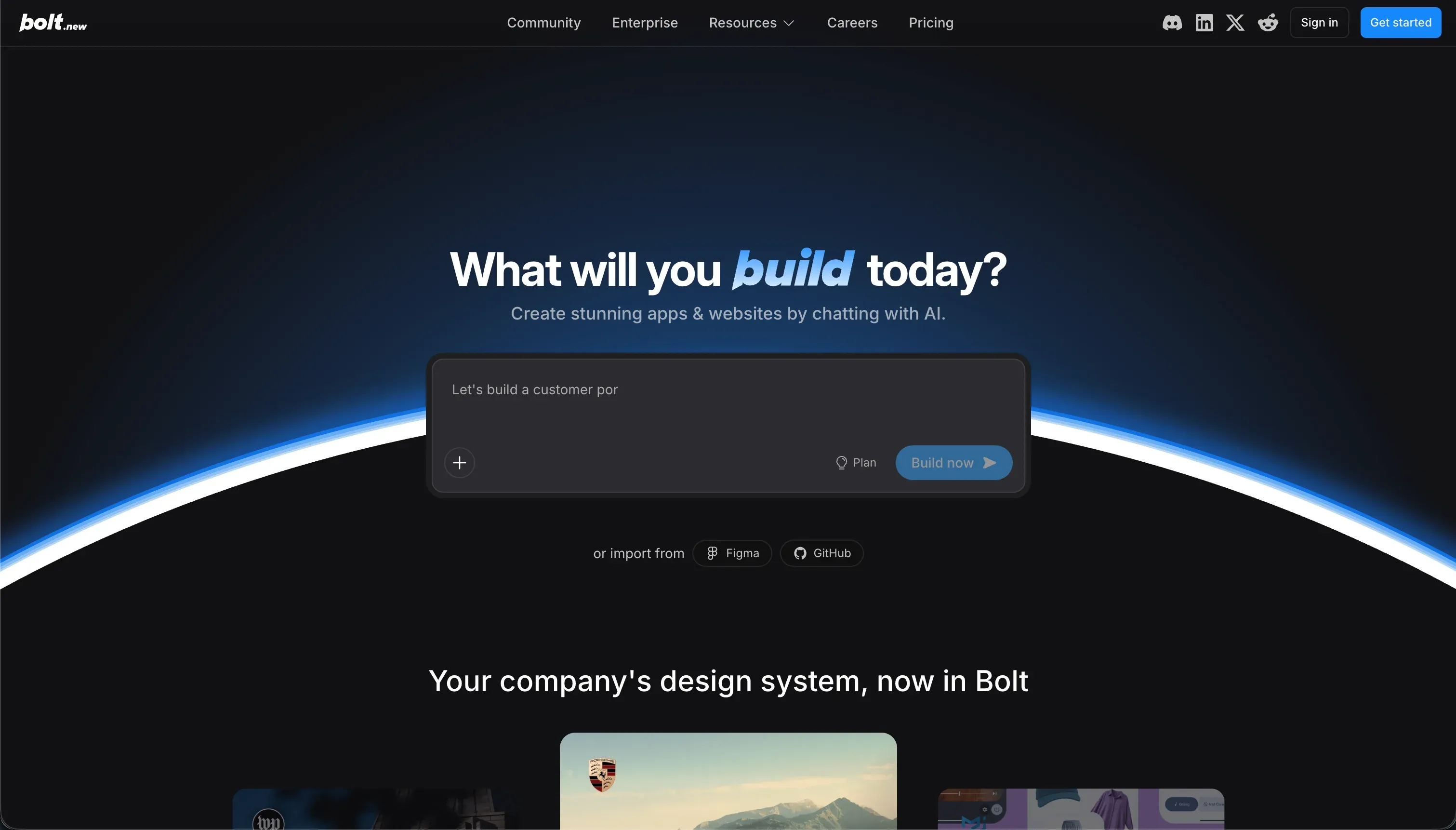
Bolt is a browser-based AI development environment that turns prompts into working full-stack web apps. Its build model is code generation rather than visual assembly: it creates and edits a real project structure in the browser, typically including React frontends, backend logic, and supporting configuration, with a live preview running beside the code.
It is built for founders, operators, and developers who want to accelerate scaffolding but still work with an actual codebase. The documented workflow includes GitHub sync, npm package use, and generated PostgreSQL schema work, which makes it more flexible than template-led builders. The tradeoff is that when prompts fail, the builder still has to inspect code, dependencies, and runtime errors.
What is Adalo?
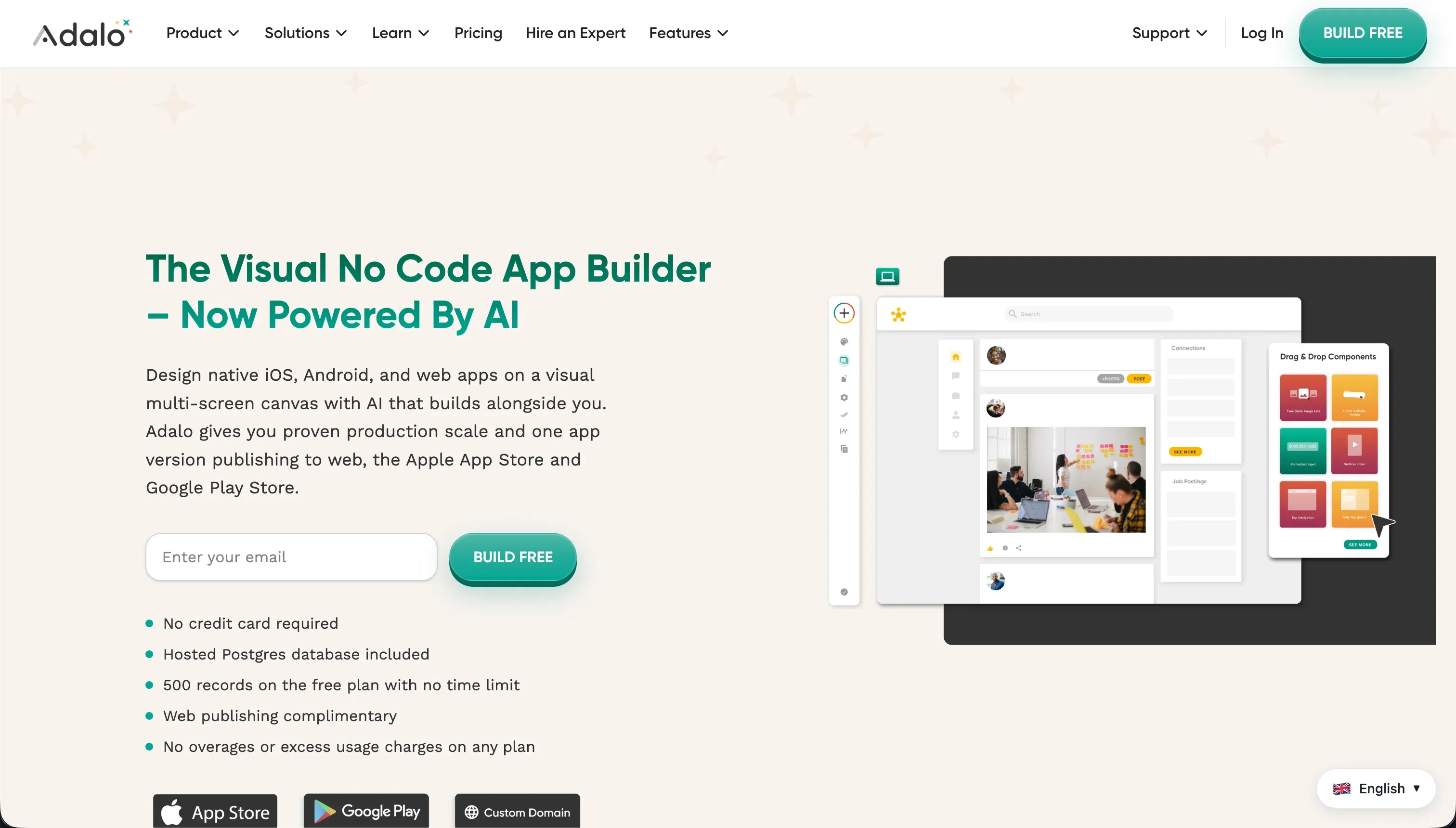
Adalo is a classic drag-and-drop no-code app builder for assembling simple mobile and web apps on a visual canvas. Its build model is configuration over coding: builders place components on screens, connect actions visually, and use Adalo’s managed app runtime instead of editing exported source code.
It includes a built-in relational database, visual action flows, and a component marketplace for extending features such as payments. It is genuinely built for non-technical founders, creators, and designers who want to launch a mobile MVP without touching a command line. The strongest documented fit is simple mobile-first apps that benefit from built-in native app packaging.
The core difference
These tools differ most on 1 axis: generating and exposing code versus configuring a managed no-code runtime. That single decision shapes everything from flexibility and maintenance to packaging and exit risk.
- Bolt generates a real codebase you can inspect, edit, sync to GitHub, and eventually run outside the platform.
- Adalo keeps you inside a visual builder and managed runtime optimized for assembling simple mobile-first apps quickly.
Where the scores diverge
Design flexibility: Bolt 8.0, Adalo 5.0. This is Bolt’s clearest win because generated React gives you far fewer layout and styling ceilings than a fixed visual app builder. Figma import, custom CSS, and standard frontend packages create room for brand-specific interfaces and more responsive web experiences.
Bolt still loses points because generated UI quality depends on prompting and refinement, not a polished design system by default. Adalo is more constrained because its canvas model is better suited to simple app screens than to fully responsive, custom web interfaces.
Data & integrations: Bolt 6.0, Adalo 5.0. Bolt pulls ahead because it is not boxed into a lightweight internal data model. It can generate PostgreSQL schemas and broader API integration logic, which gives it a better ceiling for relational complexity and external system connectivity.
The deduction is that it does not give you the same friendly native admin experience as a business-app platform, so data management often spills into prompts, code, or third-party tools. Adalo covers basic relational records and REST connections, but its database and integration model become a constraint sooner.
Ease of build: Bolt 5.5, Adalo 6.0. Adalo starts faster for non-technical users because the interface is visual, guided, and centered on placing screens, forms, and actions without reading code. That advantage is not absolute, though, because common flows can still become fiddly and repetitive once the app grows beyond simple CRUD patterns.
Bolt can create a prototype quickly from prompts, but the moment dependencies break or a generated feature behaves unexpectedly, you are in a browser IDE dealing with code-level troubleshooting. That raises the floor on who can build successfully.
Production readiness: Bolt 4.0, Adalo 3.5. This is a weak category for both tools, so it does not make the matchup attractive for serious operational workloads. Bolt is held back by reports of browser memory limits, project size ceilings, and unstable edit loops on larger apps, which makes scaling the build process itself risky.
Adalo scores lower because the documented issues are more severe at runtime, including slow performance, server errors, and reports of database instability. Bolt still loses points because code freedom does not equal operational maturity by itself.
Maintainability: Bolt 3.5, Adalo 4.0. The gap is narrow because each platform creates a different kind of maintenance pain. Adalo is easier for small visual edits, but more complex logic and API-dependent flows can become brittle, especially when upstream changes force manual rework inside the builder.
Bolt gives you a standard codebase, which is theoretically a better long-term asset, but in practice AI-generated changes can overwrite working behavior or reintroduce bugs that then need manual debugging. So Bolt’s flexibility is real, but it does not remove the need for developer discipline.
Security & access control: Bolt 3.5, Adalo 4.0. Neither product offers a strong, confidence-inspiring security model for business-critical apps.
Adalo at least provides basic user roles, but reviewers and product behavior point to a fragmented setup where visibility and access rules often have to be managed screen by screen, which is easy to misconfigure.
Bolt has no native visual permissions layer at all, so authentication and authorization depend on whatever code the model generates and whatever the builder catches in review. That makes Bolt more powerful in theory, but weaker by default for non-technical teams.
Cost comparison
Bolt uses usage-based pricing tied to token consumption, with a Pro plan at $25 per month for 10 million tokens and higher tiers scaling up to enterprise token pools. In that model, the bill moves when prompting, regenerating, and debugging consume more tokens, especially if the AI gets stuck reworking the same feature.
Adalo uses flat subscription tiers instead, from $36/month billed annually up to $250/month for Business, and its cost moves mainly when you need a higher plan for more app capacity, features, or database limits.
The hidden costs are different. With Bolt, forecast builder time for debugging generated code, token burn from repeated prompt loops, and the future cost of stabilizing or migrating the codebase outside the tool.
With Adalo, forecast upgrade pressure from database record caps, plugin spend from the component marketplace, and the eventual rebuild cost because leaving means recreating the app elsewhere rather than exporting a codebase.
- Pro at $25/month for 10M tokens
- Tiers scale up to enterprise token pools
- Bill moves with prompting and debugging
- Hidden: debugging time, token burn, codebase migration
- $36/month annual up to $250 Business
- Price moves when you need a higher plan
- Caps tied to records, features, database
- Hidden: record cap upgrades, plugin spend, rebuild on exit
Lock-in and the exit path
Bolt has the cleaner exit because it lets you keep and move a standard codebase through download or GitHub sync, so leaving mainly means taking over hosting, infrastructure, and future development yourself.
Adalo is much more locked in: there is no equivalent code export path, and leaving means rebuilding the application logic, screens, and structure on another platform. In practice, Bolt lets you exit with code, while Adalo mainly lets you exit with your lessons learned and any data you can manually move.
Who should pick Bolt
Pick Bolt if:
- Teams that want code ownership and GitHub sync from day 1 rather than a closed no-code runtime
- Builders who need stronger design flexibility, where Bolt’s 8.0 score reflects fewer frontend template limits
- Projects that need deeper relational schemas or broader integration logic than Adalo’s managed database comfortably supports
Do not pick Bolt if your team cannot debug generated code and the project depends on native app-store packaging or a fully guided no-code workflow
Who should pick Adalo
Pick Adalo if:
- Non-technical founders who need the easier starting path and prefer a visual drag-and-drop builder
- Mobile-first MVP teams that specifically need native app packaging for Apple and Google app stores
- Simple apps with lightweight data models where speed to a first version matters more than code ownership or web flexibility
Do not pick Adalo if you need responsive custom web UX, deeper SQL-style data modeling, or a platform you can cleanly leave with source code intact
What neither platform answers
Many buyers reading this matchup are not actually trying to ship a custom app runtime; they need a business app such as a client portal, internal tool, or CRM with logins, permissions, and low ongoing maintenance. In that lane, Bolt asks you to manage security and behavior in generated code, while Adalo brings weaker operational confidence and a more fragile path once workflows and data complexity increase.
For that use case, Softr is usually the better answer because its research scores are already strong in the areas that matter most here: production readiness, maintainability, and security & access control all land in the 8.5+ range.
It is the more natural fit for authenticated business apps with structured permissions and lower admin overhead. If the real need is not a portal or internal tool but a deeper developer-owned codebase, Replit is the more sensible alternative from the opposite direction.
Analyst verdict
Bolt wins 5.1/10 to Adalo’s 4.6/10. It takes the matchup on Data & integrations, Design flexibility, and the practical advantage of a cleaner exit path, while Adalo keeps Ease of build and the one capability Bolt does not match at all here: native mobile app-store packaging.
That means the default recommendation is Bolt if you can tolerate a code-adjacent workflow and care about frontend freedom, broader schema depth, or not being trapped in a closed builder later. Its 8.0 score on design flexibility is the clearest signal in the whole comparison.
The decision flips only when the job is a simple mobile-first MVP for non-technical operators and native store delivery matters more than code ownership, responsive web polish, or long-term maintainability. In that narrower case, Adalo is the right buy despite losing the aggregate.
Related reading: the Bolt scorecard, the Adalo scorecard, and our scoring methodology.