
What Adalo is
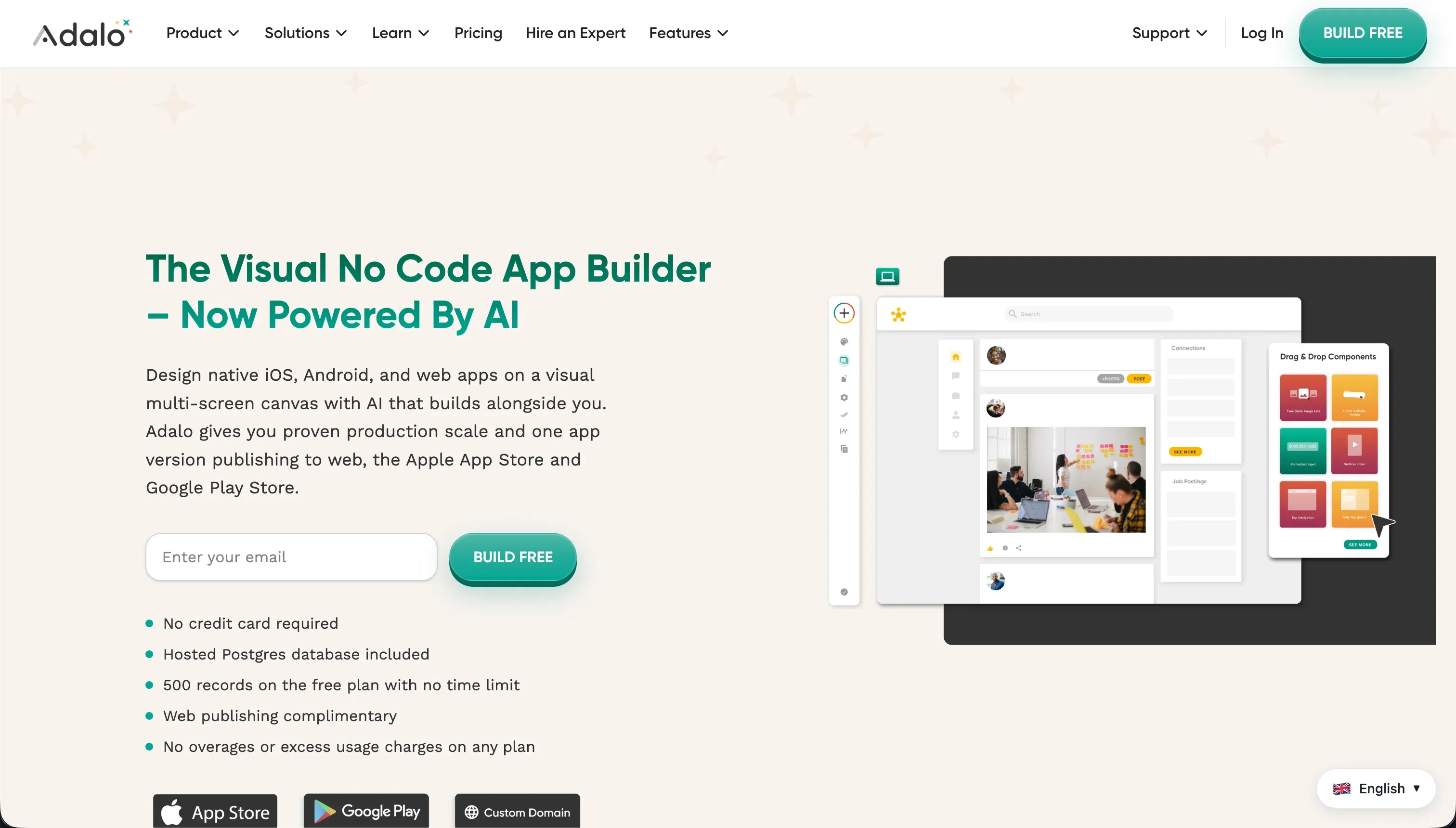
Adalo is a mobile-first no-code visual development platform designed primarily for quick product MVPs, simple consumer applications, and interactive visual catalogs. It provides a visual canvas, a built-in relational database, and straightforward action triggers to help solo creators and small teams build software without writing code.
The platform’s standout feature is its automated packaging pipeline, which compiles and submits native mobile builds directly to the Apple App Store and Google Play.
The build model is highly visual, allowing creators to drag and drop design elements like buttons, forms, and image cards directly onto fixed-width mobile screens representing the user flow. Interactions are configured using dropdown select menus rather than formulas or textual setup steps.
This approach minimizes the initial learning curve, enabling non-technical builders to visualize a clickable mobile layout in a fraction of the time required by professional development suites.
However, this simplicity requires a severe structural trade-off. To achieve a fast, simplified setup, the platform relies on a closed infrastructure that struggles under live user loads.
Adalo’s environment is highly prone to performance latency, lacks centralized enterprise-grade security, restricts database capacities by billing tier, and becomes difficult to organize when workflow logic grows beyond basic screen transition steps.
- Drag-and-drop canvas
- Built-in relational database
- Dropdown-configured interactions
- Auto-submits builds to Apple and Google
- Clickable layout in a fraction of pro-suite time
- Performance latency under live user loads
- Closed infrastructure without enterprise-grade security
- Database capacity restricted by billing tier
- Workflow logic becomes difficult past basic transitions
Where the scores come from
Adalo’s scorecard profile reveals a platform optimized for fast visual validation but hampered by significant structural bottlenecks that prevent it from supporting production-ready operations over the long term.
Ease of build: 6.0/10
Ease of build scores 6.0 because its drag-and-drop canvas layout and built-in database provide a remarkably gentle learning curve for non-developers. Creators can rapidly position visual components on mobile screens, link them to internal tables, and use built-in app-store submission workflows that bypass the normal complex code setups required in FlutterFlow.
The deduction is due to the frustrations builders encounter when moving past basic layouts. Reviewers document that establishing standard features - such as reliable forgot-password sequences or multi-image file uploads - can be tediously complex to configure, frequently requiring expensive marketplace add-ons or fragile visual workarounds just to achieve basic mobile layout functionality.
Production readiness: 3.5/10
Production readiness scores a low 3.5 due to verified performance bottlenecks and severe infrastructure instability. Actual paying customers report experiencing daily internal server errors that break the user experience, coupled with highly sluggish native Android execution and screen latency under standard real-world usage.
Furthermore, users have documented catastrophic data events, including one instance where roughly 70 percent of an application’s database vanished without warning. Consequently, professional engineers and product managers strongly recommend using Adalo exclusively for clickable mockups and validation tests rather than running live, core business logic.
Maintainability: 4.0/10
Maintainability scores 4.0 because the platform is not designed to support growing systems as their logic and page structures expand. While simple link-and-nav actions are easy to trace visually, complex multi-step automations, state parameters, and conditional approvals quickly transform the visual editor into a maze that is difficult to debug.
External data maintenance forms another weak point. Developers note that API integrations are highly brittle, meaning that a minor modification to an external data pattern frequently forces the builder to completely delete and reconstruct the REST call from scratch rather than editing the existing parameters.
Security & access control: 4.0/10
Security & access control scores 4.0 because Adalo features only a basic, flat user model with no native implementation of role-based access control (RBAC). Security policies cannot be established globally across data collections or specific user groups on the server side.
Because of this deficit, securing data screens requires manually placing custom visibility conditions on every individual screen element on every page. This visual-only approach is highly prone to human error, which leaves application data exposed and makes the platform unsuitable for sensitive external customer workspaces.
Data & integrations: 5.0/10
Data & integrations scores 5.0. On the positive side, its internal relational structure handles small datasets natively, and builders can connect external systems via basic REST API calls or direct Airtable endpoints.
However, the platform enforces strict data caps on its subscription tiers, forcing builders to upgrade merely to host additional records. Without relational optimization features at scale, the internal database becomes a severe speed bottleneck, and external data syncs lack a reliable, two-way automated architecture, leading to clunky workarounds.
Design flexibility: 5.0/10
Design flexibility scores 5.0 because the absolute drag-and-drop canvas lets designers position buttons, boxes, and textual overlays wherever they want without being forced into a rigid structural layout.
The layout trade-off is the underlying screen scaling model. Because Adalo builds on fixed-width screens, desktop web applications do not scale responsively to large monitors, leaving web apps looking like stretched mobile phone mockups rather than modern, fluid web portals.
What types of apps you can build with Adalo
Adalo is strongest when used as a tool for short-term verification, rapid mobile cataloging, or early-stage target audience discovery. In these fields, the speed of publishing a functional interface outweighs underlying scaling constraints.
Typical app types that fit this model include:
- Simple mobile app MVPs: Rapidly getting a visual prototype into the hands of test users to prove a core value proposition.
- Visual directories and catalogs: Simple local guides, membership lists, or resource indices with low transactional requirements.
- Idea validation mockups: Creating clickable software versions to present to investors or early testers without writing code.
If you want to build durable business software - such as customer communication hubs, operational trackers, or multi-user ERP modules - Adalo is not built to scale. For software with logged-in users, role-bound permissions, and rigorous data models, a dedicated business app builder like Softr offers a safer development path.
Who should not use Adalo?
Do not use Adalo if you are building production business apps such as CRMs, client portals, or inventory systems that require consistent infrastructure uptime, reliable data storage, and smooth desktop rendering.
Do not use Adalo if your application requires a user permission structure with record-level data protection, as the editor lacks global role-based access control and relies on error-prone visual-only visibility filters.
Do not use Adalo if your project relies on large datasets at scale or requires real-time, bi-directional sync with transactional external databases, because both the internal database structure and the API connectors degrade in performance under heavy data volume.
Analyst verdict
Adalo finishes with a 4.6 average score, proving useful primarily as a fast prototyping sandbox for solo creators who need to package simple native mobile views and submit them to mobile app stores without managing an engineering stack. It succeeds at the initial visual build but struggles heavily under the pressure of real production operations.
If your business requirements involve secure data storage, stable desktop layouts, or complex workflow logic, you should avoid Adalo’s limitations and select a platform like Softr, Retool, or Glide instead. Review our methodology to see how our criteria prioritize long-term operation, maintainability, and security for business applications.