


Buying Bubble versus Adalo is really choosing between 2 different software procurement problems. Bubble is a visual full-stack app builder, while Adalo is a mobile-first no-code app builder built around quick screen assembly and app-store packaging. One asks you to manage more application logic up front. The other prioritizes getting a simple app assembled and shipped fast.
Bubble wins the general decision with a 6.8/10 aggregate score versus Adalo’s 4.6/10. It takes 5 of the 6 criteria, leaving Adalo with only ease of build. The decision flips only if you need a simple mobile MVP published quickly and can live with lighter security, weaker desktop responsiveness, and tighter scaling limits.
The decision in 30 seconds
| If your priority is… | Pick | Why |
|---|---|---|
| Relational data modeling and API-heavy workflows | Bubble | Its 8.0 data & integrations score reflects a stronger database model and broader connector depth |
| Fast mobile MVPs for app-store testing | Adalo | It wins ease of build at 6.0 and handles native packaging more directly |
| Responsive desktop apps, portals, or back-office tools | Bubble | Its 8.5 design flexibility score is far better suited to desktop-responsive layouts |
| Granular privacy rules for customer or staff data | Bubble | Server-side privacy controls lift it to 6.5 on security & access control |
| Predictable spend under heavy usage or growing datasets | Neither | Bubble’s workload billing and Adalo’s record caps can both distort total cost as usage grows |
What each platform is
What is Bubble?
Bubble is a visual full-stack application platform that lets teams build interfaces, workflows, and data models inside one managed environment. Instead of writing code directly, builders assemble pages, database types, conditions, and backend logic in a visual editor that runs on Bubble’s own hosted runtime.
Bubble includes a responsive layout engine, a visual workflow builder, an integrated relational database, and server-side privacy rules. It also offers an API Connector and a large plugin ecosystem for extending product behavior. It is genuinely built for founders, operators, and product teams that need custom business logic, multi-user apps, and more control than a lightweight page-and-form builder can provide.
What is Adalo?
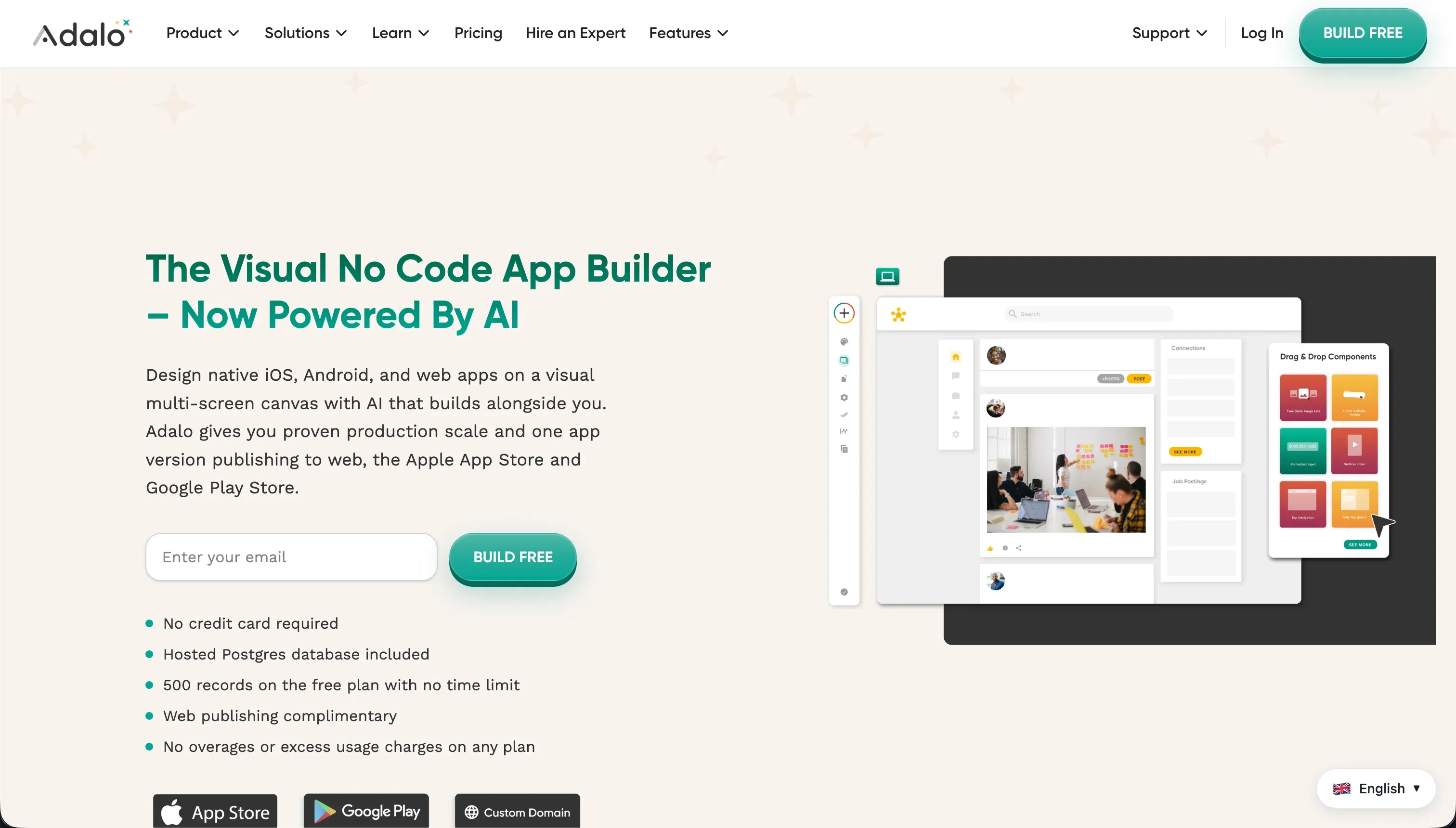
Adalo is a no-code app builder focused on quickly assembling mobile-first applications from visual components. Its build model centers on dragging screens and components onto a canvas, linking actions between them, and using Adalo’s managed system to prepare apps for deployment.
Adalo provides prebuilt components such as forms, cards, lists, and navigation patterns tied to its internal database collections. The research also points to direct app-store deployment as a core part of its appeal, alongside a simpler early learning curve than Bubble.
It is genuinely built for makers and small teams creating lightweight mobile MVPs, directories, and early prototypes rather than deeply governed business systems.
The core difference
These tools differ most on how much application architecture they ask the buyer to own. Bubble behaves like visual software engineering; Adalo behaves more like assembling a mobile app from managed building blocks.
- Bubble turns app building into visual programming, giving you deeper control over data, logic, and responsive behavior at the cost of more complexity.
- Adalo streamlines screen assembly and mobile packaging, but that simplicity comes with much tighter limits on architecture, security, and scale.
Where the scores diverge
Production readiness: Bubble 7.0, Adalo 3.5. Bubble separates itself by offering a more mature environment for live business applications, with stronger backend logic, authentication patterns, and operational depth. It still takes a deduction because large apps can become complex to manage and performance depends on how well workflows are designed.
Adalo falls far behind because the research points to repeated complaints around reliability, sluggishness, and limits that show up once an app moves beyond MVP scope. That makes this criterion one of the clearest deciders in the matchup.
Design flexibility: Bubble 8.5, Adalo 5.0. Bubble clearly leads because it offers much stronger responsive control and more freedom in how layouts adapt across screen sizes. It still loses a few points because pixel freedom can increase design effort and complexity for teams without a strong front-end eye.
Adalo’s mobile-first canvas is fine for simple phone layouts, but it struggles to translate well into polished desktop experiences. That makes this criterion less about aesthetics and more about whether the product must work credibly beyond a single mobile frame.
Data & integrations: Bubble 8.0, Adalo 5.0. Bubble’s stronger score comes from a more capable internal data model, custom schema flexibility, and broader integration options through its API Connector and plugin ecosystem. The deduction is that plugin dependence can introduce maintenance and quality risk if a key extension is poorly supported.
Adalo can connect outward, but the research describes a weaker fit for heavier data operations and more fragile integration setups. Buyers with serious sync, workflow, or relational requirements feel that limit quickly.
Security & access control: Bubble 6.5, Adalo 4.0. Bubble wins because it includes server-side privacy rules that let builders define who can read or change data at the database level. It still is not a perfect score, since those controls depend on correct configuration and can be misapplied by inexperienced builders.
Adalo trails because access control is less centralized and more likely to rely on interface-level visibility patterns rather than deeper permissioning. For portals, CRMs, or multi-user business apps, that gap matters a lot.
Maintainability: Bubble 6.0, Adalo 4.0. Bubble is not effortless to maintain, but its deeper structure gives teams a clearer way to organize workflows, data types, and reusable logic inside one system. Its deduction comes from editor heaviness and the fact that sprawling apps can become difficult to reason about if not designed carefully.
Adalo scores lower because more advanced behavior often depends on brittle chains of actions and manual UI logic that are harder to update safely. When requirements change, Bubble usually bends; Adalo more often forces a workaround.
Ease of build: Bubble 5.0, Adalo 6.0. Adalo starts faster because its canvas and component model are easier to grasp than Bubble’s workflow-heavy editor. For a basic mobile prototype, linking screens and simple actions is more approachable than learning relational data structure, conditionals, and responsive layout logic.
That said, Adalo’s early simplicity weakens once buyers need common production behaviors, where workarounds pile up. Bubble loses this criterion because it asks for more technical thinking from day 1.
Cost comparison
Bubble and Adalo both use subscription pricing, but the bill moves for different reasons. Bubble Starter is $69/mo and Growth is $249/mo, with usage shaped by Workload Units, so workflow design and database activity can push costs up as the app gets busier. Adalo’s Starter plan is $36/mo, but its pricing pressure comes from plan caps, especially database record limits that range from 10,000 to 250,000 across tiers.
The hidden lines are different on each platform. With Bubble, forecast builder time for learning the platform, optimization work to control workload consumption, and eventual migration costs because the runtime is proprietary.
With Adalo, forecast the cost of hitting record ceilings, time spent rebuilding brittle workflows or integrations, possible third-party component spend, and the migration effort if a prototype outgrows the platform.
- Starter $69/mo, Growth $249/mo
- Workload Units scale with usage
- Builder learning time
- Optimization to control workload
- Proprietary runtime raises migration cost
- Starter $36/mo
- Record caps: 10,000 to 250,000
- Rebuilding brittle workflows
- Third-party component spend
- Migration if the prototype outgrows it
Lock-in and the exit path
Neither tool offers a clean code-level exit, but Bubble has the slightly clearer operational path because you can at least export raw database data while rebuilding the app elsewhere. Bubble does not export the working application logic or UI as runnable code, so leaving means recreating the product on a new stack.
Adalo is similarly closed: you can export data, but not the app as portable code. In both cases, the database rows are the easiest part to leave with; the interface, workflows, and platform-specific behavior must be rebuilt.
Who should pick Bubble
Pick Bubble if:
- Teams building multi-user business apps that need stronger production readiness than Adalo’s 3.5 score can support
- Buyers who need server-side privacy rules and more credible security controls for customer or internal data
- Operators building responsive portals, dashboards, or admin tools where Bubble’s 8.5 design flexibility matters
- Projects with heavier data relationships or external integrations that benefit from Bubble’s 8.0 data & integrations score
Do not pick Bubble if your top priority is the fastest possible mobile MVP and you do not want to learn a visual programming model.
Who should pick Adalo
Pick Adalo if:
- Founders testing a simple mobile concept who value a faster start over long-term platform depth
- Small teams that mainly need app-store-ready screens and straightforward interactions rather than complex workflows
- Makers building lightweight directories or prototype apps with modest data volume and simple permissions
Do not pick Adalo if the app must become a serious portal, internal tool, or customer system with strong desktop UX, security rules, and scaling headroom.
What neither platform answers
Many buyers reading this comparison do not actually need a custom app runtime or a mobile-first prototype builder. They need a business app: a client portal, internal tool, CRM, or vendor workspace defined by logins, permissions, operational workflows, and low maintenance after launch.
In that lane, Softr is usually the cleaner fit because it is designed around business software patterns instead of asking you to invent them from scratch. Its research scores are especially strong on production readiness at 8.5, maintainability at 9.0, and security & access control at 8.5.
That recommendation is specific, not universal. Choose Softr when the core need is a dependable business app with authenticated users and governed data access, but pair it honestly against another lane-specific tool when the requirement changes.
If the real priority is deeper custom software logic and a more code-adjacent build path, a tool like Replit is the better angle than either of these no-code products.
Analyst verdict
Bubble wins 6.8 to 4.6 on aggregate. It takes production readiness, maintainability, security & access control, data & integrations, and design flexibility, while Adalo keeps only ease of build. That split tells the story: Bubble is the stronger default for any app expected to survive real usage, changing requirements, and sensitive data handling.
The conditional is simple. If you only need a lightweight mobile MVP and the fastest path to assembling screens matters more than long-term architecture, Adalo can still be the right buy because it leads ease of build at 6.0. But once the project starts looking like a real business system rather than a short-horizon prototype, Bubble’s broader wins become too significant to ignore.
Related reading: the Bubble scorecard, the Adalo scorecard, and our scoring methodology.