

The choice between Codex and Adalo represents two completely different procurement strategies. Codex is an autonomous terminal agent and Git command tool built for engineers, while Adalo is a visual drag-and-drop builder designed for non-technical creators aiming to package mobile applications.
7.1 to 4.6 is the aggregate verdict in favor of Codex, which dominates on every technical and enterprise-ready metric. However, this is a conditional matchup. If your team cannot read code or navigate a Git repository, Codex will be unusable, and Adalo remains the only accessible starting point of the two.
The decision in 30 seconds
| If your priority is… | Pick | Why |
|---|---|---|
| Autonomous coding directly inside a local repository | Codex | Built as a CLI agent that executes terminal commands and modifies branches directly |
| Visual layout and immediate mobile app-store packaging | Adalo | Provides a drag-and-drop canvas with built-in Google Play and Apple App Store options |
| High-performing production software with zero maintenance bugs | Neither | Codex requires manual PR code reviews, while Adalo has critical server and database reliability issues |
| Granular roles, secure database API layers, and SOC 2 trust | Neither | Adalo lacks structural role security, and Codex leaves all application-level security up to the developer |
| Limitless database depth and native framework flexibility | Codex | Outputs raw code and can integrate with any database or schema the development stack supports |
What each platform is
What is Codex?
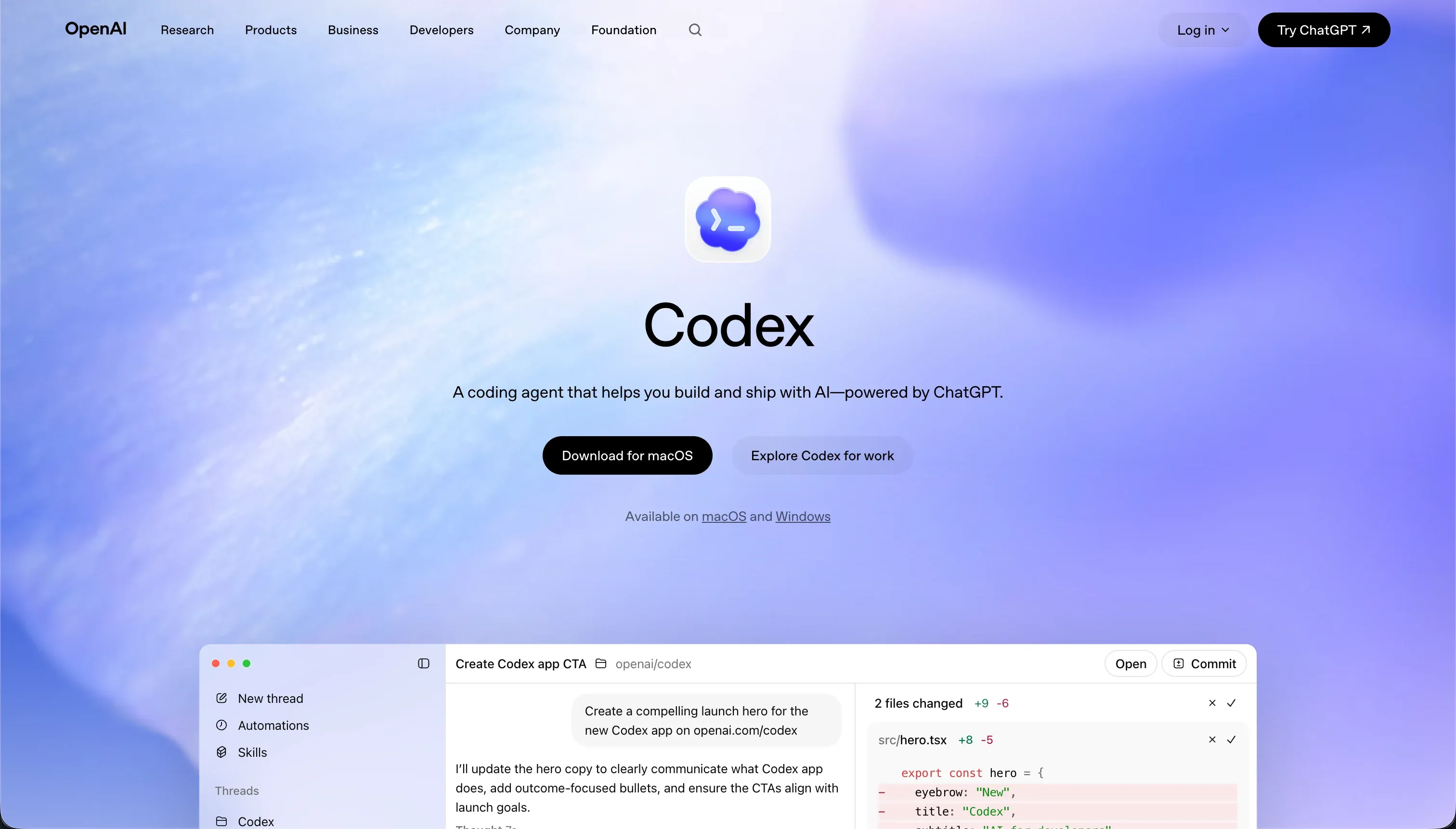
Codex is an AI-powered terminal development agent and Git worktree coordinator. It operates directly inside a developer’s local environment through a command-line interface, running autonomous code modification loops, creating Git branches, and running terminal scripts to execute unit tests.
Because Codex functions at the code and file-system level, it is designed strictly for technical teams, engineering leads, and developers. Built-in parallel execution allows it to spawn multiple agent threads to work on separate containerized features simultaneously before opening structured GitHub pull requests with descriptive change summaries.
What is Adalo?
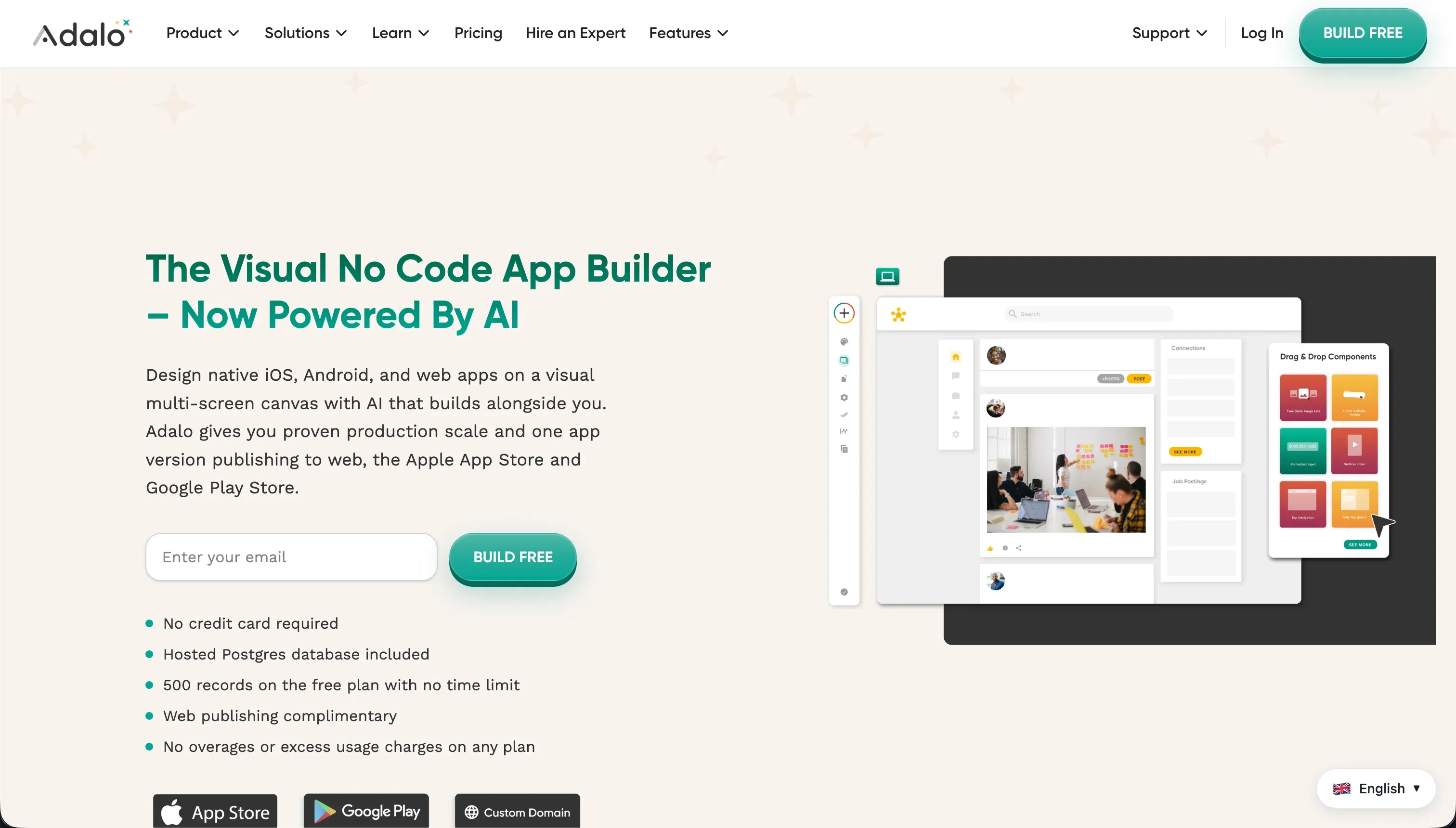
Adalo is a no-code mobile and web application builder utilizing a free-form visual layout canvas. It integrates an internal database system, custom navigation triggers, and basic action workflows to help non-technical founders and product managers build and deploy functional application layouts.
The tool is designed strictly for speed and simplicity during the early layout process, housing pre-built plugins in a component marketplace to handle Stripe checkouts or media players. It manages the compilation and packaging pipeline required to submit packaged binaries directly to mobile app stores.
The core difference
The defining divide between these platforms is how you interact with the software’s structural shell.
- Codex acts as an invisible developer in your terminal, writing real code directly inside your Git repository and requiring you to verify raw file diffs.
- Adalo bypasses code files entirely, locking you into a visual drag-and-drop canvas that runs on Adalo’s own proprietary cloud infrastructure.
Where the scores diverge
Maintainability: Codex 8.0, Adalo 4.0. Codex scores an 8.0, its strongest metric, because code modification is managed via native Git branches, pull requests, and standard code reviews. Parallel containerized tasks and optimized, low-token refactors make evolving a mature codebase a controlled, reviewable engineering task.
Adalo scores 4.0 because its automation workflows are highly fragile. Building multi-step approvals or complex conditional logic is incredibly difficult inside the visual interface, and changed external APIs frequently break the app entirely, forcing builders to rebuild integrations from scratch.
Design flexibility: Codex 9.0, Adalo 5.0. Codex scores 9.0 since there are no visual constraints on raw code; any layout a browser can render, Codex can code. Adalo scores a mediocre 5.0 because it structures applications around a fixed-width mobile screen size.
Desktop layouts compiled in Adalo feel like stretched phone interfaces because you are forced to build for a single static size and scale it, rather than building truly responsive, viewport-aware fluid layouts.
Production readiness: Codex 7.0, Adalo 3.5. Codex scores a strong 7.0 because the output is real, standard framework code that runs on real production stacks, backed by automated unit tests. The main deduction is that users must manually verify every single code diff, and the agent frequently overcomplicates basic scopes.
Adalo struggles significantly on this line with a 3.5 score. Reviewers write of paying customers hitting daily internal server errors, unacceptably slow Android performance, and database failures resulting in 70 percent of records disappearing. Multiple customer reviews state it is suited for temporary mockups rather than live production software.
Data & integrations: Codex 8.5, Adalo 5.0. Codex has a massive ceiling because it runs inside a code repository; it can connect to any database, microservice, or API supported by the program’s language. It is notched down only because every connection must be written and authenticated manually.
Adalo scores 5.0, relying on an internal relational builder that becomes a major bottleneck under load. Its external database connections (like Airtable or REST APIs) require custom workarounds, lack clean native two-way sync, and are reported as unstable by long-term developers.
Ease of build: Codex 4.0, Adalo 6.0. Adalo wins this single criterion because its drag-and-drop editor allows non-technical users to place visual elements, map navigation triggers, and build a database without touching a command line.
However, the gentle onboarding does not hold up: Capterra reviewers report that building common utility features like password resets or multi-image uplands is surprisingly tedious. Codex, scoring a low 4.0, is unusable if you are not a developer.
While it runs autonomously inside repositories to write pull requests - which lifts it above basic autocomplete IDEs - it has no visual editor, meaning non-engineers get nowhere.
Security & access control: Codex 6.0, Adalo 4.0. Codex scores mid-tier because running local terminal agents creates sandboxing risks on the developer machine, and any application-level security rules are code you must write yourself. Adalo scores a low 4.0, lacking any centralized role-based access control.
Building a portal with basic user groups requires placing manual visibility filters on every single element of every screen, and the API calls run client-side, making the platform structurally unfit for secure, record-level document portals.
Cost comparison
The billing models of these two platforms are fundamentally distinct. Codex has no standalone price; it is included in standard ChatGPT tier pricing, from ChatGPT Plus at $20/mo to ChatGPT Pro at $200/mo. However, the true pricing driver is OpenAI’s token usage.
Under token-based pricing, average consumption runs $100 to $200 per active developer per month, with users reporting extremely rapid credit drain during recursive code-creation runs.
Adalo uses a structure based on subscription tiers, ranging from a custom-domain Starter plan at $36/mo to a Business plan capped at 250,000 records for $200/mo. While this seems predictable, Adalo caps monthly application actions and charges premiums for essential plugins.
Buyers must also factor in the massive hidden overhead of developer maintenance in Codex, or the cost of alternative platform migrations when Adalo’s database limitations are reached.
- Bundled in ChatGPT Plus $20/mo to Pro $200/mo
- Token usage drives the real cost
- $100 to $200 per active developer per month
- Rapid credit drain on recursive runs
- Hidden developer maintenance overhead
- Starter at $36/mo with custom domain
- Business tier at $200/mo, 250,000 records
- Monthly application action caps
- Premiums on essential plugins
- Migration costs hit at database limits
Lock-in and the exit path
The lock-in scenario represents a complete split between paradigms. Codex produces standards-compliant, open-source code stored in your own GitHub repositories, giving you zero vendor lock-in; you can pull your code and host it anywhere from Vercel to AWS instantly.
Adalo enforces extreme lock-in, as it does not allow you to export application code or its relational database structure. Leaving Adalo means rebuilding the entire portal and interface from scratch on another platform, making the data migration path highly painful.
Who should pick Codex
Pick Codex if:
- Software engineering departments that already maintain standard Git codebases and want to automate repetitive feature branch tasks.
- Technical founders who prioritize code ownership, Git-based versioning, and zero vendor hosting lock-in.
- Projects using highly specialized, non-standard APIs and custom database microservices that visual no-code tools cannot integrate.
Do not pick Codex if your team does not include a senior developer who can read, test, and vet raw code branches before merging them to production.
Who should pick Adalo
Pick Adalo if:
- Figma designers or non-technical creators wanting to quickly launch a basic mobile prototype for market validation.
- Makers who must compile and submit early-stage mobile layouts directly to the Apple and Google Play stores without knowing standard packaging tools.
- Temporary visual mockups where live scaling, database performance, and multi-user security are not immediate requirements.
Do not pick Adalo if you are building an operational business application, a multi-tenant client portal, or a scalable database that is critical to your daily revenue.
What neither platform answers
Both of these tools assume a heavy, specialized investment from the buyer. Codex hands you raw repositories that a senior programmer must thoroughly review, and Adalo limits you to a mobile format that struggles to scale on speed, security, and desktop layouts.
If you are aiming to deliver a client portal, internal tool, CRM, or document system, you should look at Softr.
Softr scores 8.5 on production readiness, 9.0 on maintainability, and 8.5 on security and access control over our evaluation card because features like login authentication, dynamic roles, and hosting are pre-built, secure primitives rather than things you have to program yourself or construct using buggy visual filters.
For teams that want code-level ownership with visual building blocks, a tool like FlutterFlow serves those production-grade mobile needs much better.
Analyst verdict
Codex wins our scorecard comparison, with an aggregate score of 7.1 to Adalo’s 4.6. Codex takes five of our six evaluation criteria: production readiness, maintainability, security, data integration, and design flexibility. Adalo claims ease of build because of its visual drag-and-drop editor, but the advantage is temporary and breaks down during complex multi-step workflows.
For any long-term project where your business relies on uptime, standard code architectures, and data safety, Codex is the objectively superior technical outcome. If you do not have on-staff engineers to run a CLI tool, do not default to Adalo without first evaluating a dedicated business application builder.
Related reading: the Codex scorecard, the Adalo scorecard, and our scoring methodology.