


The procurement choice between Claude Code and FlutterFlow represents a fundamental fork in modern development philosophy: agentic local code generation versus structured visual programming.
Claude Code operates entirely as a terminal agent that writes software directly into a local repository on any stack you configure manually. FlutterFlow is a tailored visual integrated development environment (IDE) built specifically to compose Flutter widgets and export native mobile applications.
Claude Code wins this comparison with an aggregate score of 6.6/10, outperforming FlutterFlow’s 6.3/10. The decision flips to FlutterFlow, however, for projects whose major deliverables are native iOS and Android mobile packages compiled for the app stores. For terminal-fluent engineers needing maximum stack flexibility, Claude Code is the stronger choice.
The decision in 30 seconds
| If your priority is… | Pick | Why |
|---|---|---|
| Command-line fluent software development on local stacks | Claude Code | operates as a native terminal agent editing files and running shell commands directly |
| Native iOS and Android app compiling and store deployment | FlutterFlow | compiles to native Dart packages with codeless App Store pipeline presets |
| A non-technical operator building functional business apps | Neither | both lookups require either terminal environment mastery or complex layout logic knowledge |
| Granular action permissions and schema-defined data security | Neither | both leave database backend rules and app-level auth setup entirely to the user’s manual code or config |
| Absolute interface layout freedom bounded only by the framework | Claude Code | raw code output has a 9.0 design flexibility score unmatched by browser visual constraints |
| Direct Firebase or Supabase relational links in a visual builder | FlutterFlow | provides native visual integrations for these two hosting backends |
What each platform is
What is Claude Code?
Claude Code is an agentic command-line interface tool developed by Anthropic. Unlike traditional code assistants that sit passively inside an editor pane, Claude Code acts as an active agent inside your local terminal, where it can autonomously execute bash commands, run test scripts, investigate file structures, and commit changes straight to git.
This workflow is designed exclusively for terminal-fluent software engineers. It reads local codebase repositories, edits individual files, stages configurations, and automatically generates pull request summaries to accelerate developer loops without the overhead of cloud sandboxes.
What is FlutterFlow?
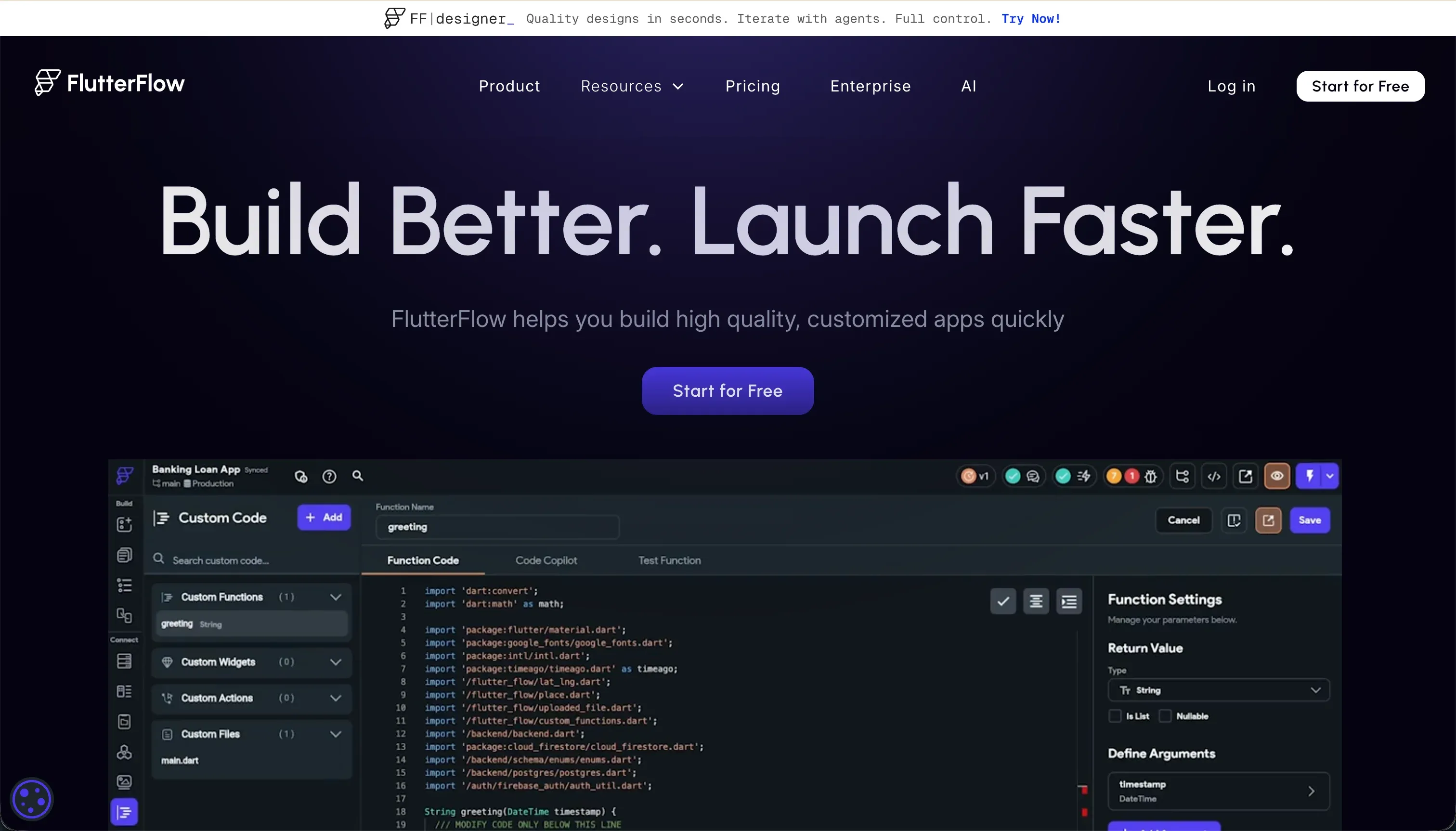
FlutterFlow is a visual, browser-based app builder designed to construct cross-platform applications powered by the Flutter framework. It provides a visual drag-and-drop builder representing clean Flutter widget trees such as Containers, Rows, Columns, and visual action workflows.
This visual IDE compiles directly to clean, production-ready Dart code. Built primarily for designer-developer hybrids and agency creators, FlutterFlow features direct deployment engines to the Google Play Store and Apple App Store alongside complete raw repository export capabilities to remove platform hosting dependencies.
The core difference
The primary axis of divergence rests on how developers interact with the underlying codebase.
- Claude Code is a keyboard-only agent executing deep file edits and system diagnostics from a local terminal session.
- FlutterFlow is a browser-based, visual widget environment that translates layout trees into exportable mobile-ready Dart code.
Where the scores diverge
Data & integrations: Claude Code 8.0, FlutterFlow 6.5. Claude Code scores 8.0 on integration capability. Operating within native code files means it can reach any database, API endpoint, or package the host language supports, with direct access to any system integration. FlutterFlow scores 6.5.
It features pre-wired Firebase and Supabase visual setups, but custom REST integrations require builders to manually write and construct JSON mapping schemas and authentication protocols.
Production readiness: Claude Code 6.0, FlutterFlow 7.0. FlutterFlow takes the lead here with a 7.0 score because it outputs native mobile binaries and houses built-in deployment pipelines to Google Play and TestFlight. Claude Code scores 6.0 representing a heavier production penalty.
Although it can test local execution, its background context compaction algorithm occasionally discards project instructions on larger repos, outputting logically flawed code that requires manual debugging in a slow loop.
Maintainability: Claude Code 6.5, FlutterFlow 5.5. Claude Code scores a 6.5, leveraging standard local version control: its autonomous file changes and git commits live transparently inside your private repository. FlutterFlow scores lower at 5.5.
Its visual layout editor begins lagging past roughly a dozen app screens, its state management grows increasingly complex inside visual panels, and its browser-based workspace is visually exhausting for developers managing large multi-screen systems.
Security & access control: Claude Code 6.0, FlutterFlow 5.0. Claude Code scores a 6.0 because its explicit per-action permission confirmation keeps terminal execution secure. However, a terminal agent with system-level read/write permissions carries inherent risks if destructive scripts pass through. FlutterFlow scores a 5.0 in this arena.
The visual environment only provides front-end hooks; actual database access policies and authentication settings must be configured manually inside independent platforms like Firebase or Supabase.
Ease of build: Claude Code 4.0, FlutterFlow 4.5. Neither tool is designed for non-technical individuals, and both score below 5.0. FlutterFlow scores a 4.5 due to a steep learning curve that requires builders to master Flutter constraints, database relationships, and visual UI layouts.
Claude Code scores 4.0 because a non-engineer is stopped at the starting gate. There is no graphical user interface; setting up local environments, directory mappings, and build tools is required before writing your first text-prompt instruction.
Design flexibility: Claude Code 9.0, FlutterFlow 9.0. Both options represent the ceiling of design agency, scoring 9.0. Claude Code generates raw React, Flutter, or HTML/CSS files directly, leaving layout designs bounded only by technical competence. FlutterFlow achieves pixel-level visual representation over native mobile frameworks.
The tiny deduction on FlutterFlow’s side stems from its Flutter Web compiling performance, which produces heavy web pages that can load sluggishly on public-facing internet browsers.
Cost comparison
The financial cost profiles represent two different pricing architectures. Claude Code runs on a pure pay-as-you-go usage model where you pay only for the input and output API tokens consumed during directory queries, refactoring steps, and prompt executions.
FlutterFlow presents structured subscription tiers ranging from a visual-only free plan up to standard visual levels ($30/mo) and full Pro tiers ($70/mo) featuring push notification presets and direct app store build pipelines.
Buyers should watch their developer hours and token balances closely. Claude Code projects can burn hundreds of thousands of input tokens quickly on larger codebases because the CLI regularly scans the entire index to build context.
FlutterFlow costs can climb when builders must pay for manual Firebase or Supabase hosting overages, third-party state plugins, and hours of developer time spent troubleshooting obscure compiler errors that the visual browser-logger fails to translate cleanly.
Lock-in and the exit path
FlutterFlow offers a clean exit path: the browser builder natively exports the entire production-ready Dart project files to your desktop or synced GitHub repositories, ensuring you can leave the visual platform permanently if needed. Claude Code has no lock-in.
Since it modifies local files natively, you simply cease terminal operations and resume standard manual edits in any IDE. Both platforms safeguard your code ownership, with FlutterFlow providing a visual asset transition and Claude Code maintaining clean, vendor-free local control.
Who should pick Claude Code
Pick Claude Code if:
- Engineers who prefer working headlessly inside local bash or zsh terminal environments
- Software projects involving complex, custom backends where pre-wired visual connectors cannot scale
- Teams demanding absolute git-level control over atomic code edits and automated commits
Do not pick Claude Code if you lack the software environment skills to manually clone repositories, compile codebases, and write your own application logic.
Who should pick FlutterFlow
Pick FlutterFlow if:
- Mobile developers and product designers shipping native iOS and Android packages to public marketplaces
- Small teams building visual prototypes connected straight to managed cloud backends such as Firebase
- Builders looking to generate visual widgets and export clean Flutter Dart files to local setups
Do not pick FlutterFlow if you are building public-facing web platforms that require fast initial search indexing and highly optimized page load speeds.
What neither platform answers
Both Claude Code and FlutterFlow operate under the assumption that you are building custom technical structures from scratch. They require a developer’s mindset to manage state, architect relational models, and debug code errors. For businesses trying to deploy a customer onboarding portal, a sales pipeline tracker, or a team intranet, these environments introduce massive, unnecessary developer overhead.
If your priority is spinning up a secure, functional business application, Softr solves this problem far more efficiently. Softr scores 6.0 on design flexibility because it relies on structured blocks, but it scores 8.5 on production readiness, 9.0 on maintainability, and 8.5 on security & access control.
This is because user login, granular row-level data permissions, and hosting are pre-built, secure infrastructure rather than elements you generate or configure from scratch. If you still need a code-first, developer-centric terminal tool, Cursor provides a similar code workspace to standard IDE setups.
Analyst verdict
Claude Code takes the aggregate lead, scoring 6.6 to FlutterFlow’s 6.3. Claude Code wins on maintainability, security control steps, and total database integration authority, as it acts directly within your raw files without platform runtime wrappers. FlutterFlow claims the easy victory for production-ready mobile shipping, offering the strongest visual mobile layout performance in our comparison suite.
Choose Claude Code if you are an engineer seeking a fast local assistant to speed up directory edits and automated testing directly in the terminal workspace. Choose FlutterFlow if your roadmap relies on shipping a native mobile app directly to the iOS and Android marketplaces.
Related reading: the Claude Code scorecard, the FlutterFlow scorecard, and our scoring methodology.