

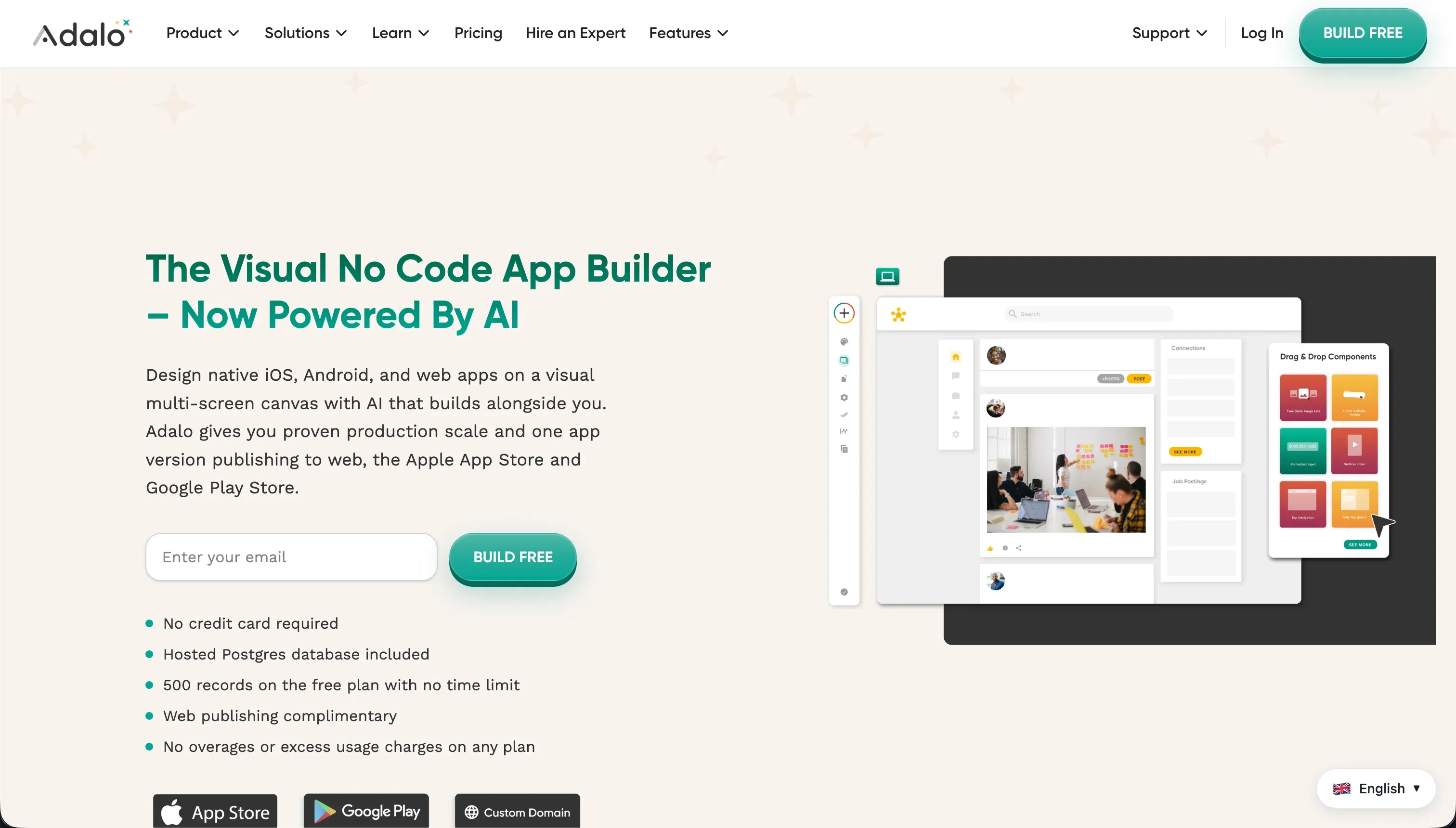
Procurement teams evaluating this head-to-head face two entirely different software development models. Claude Code is an agentic, command-line interface tool built for terminal-based engineering collaboration, representing the pro-code developer assistant category.
By contrast, Adalo is a visual, drag-and-drop no-code app builder designed for creating and publishing mobile and web applications to consumer marketplaces.
Claude Code wins this comparison with an aggregate score of 6.6/10 compared to Adalo’s 4.6/10. Because Claude Code operates on raw code within your own environment, it defeats Adalo’s database limitations and fragile web-scaling, winning five of the six criteria.
The decision flips to Adalo only when a non-technical builder has no engineering resource to manage local environments and needs to package a basic native mobile app.
The decision in 30 seconds
| If your priority is… | Pick | Why |
|---|---|---|
| Engineers writing to raw, custom codebases | Claude Code | It runs tests, edits files, and manages git with system-level terminal access |
| Non-technical builders wanting a visual canvas | Adalo | The visual drag-and-drop builder requires zero terminal or programming setup |
| Secure client portals and internal tools | Neither | Adalo has weak access control and Claude Code requires writing auth from scratch; Softr is the higher-scoring business choice |
| Native Apple and Google app store packaging | Adalo | It handles the end-to-end compilation and packaging of native mobile applications |
| Database scale and integration depth | Claude Code | It handles any relational database or API supported by your programming language |
What each platform is
What is Claude Code?
Claude Code is an agentic command-line interface tool created by Anthropic that acts as an autonomous developer inside your local terminal.
Unlike passive chat assistants or in-editor autocomplete tools, it executes bash commands, runs tests, reads directories, and performs file edits directly on your local system under continuous permission checks. It works with real languages and web frameworks rather than proprietary runtimes.
The tool is designed for terminal-savvy engineers, department heads, and builders with established development environments. Key features include direct local file modifications, git version control staging and commits, pull request generation, and deep shell integration that lets it run your existing build and test scripts automatically.
What is Adalo?
Adalo is an all-in-one visual no-code builder designed for creating web and mobile applications from a unified canvas. Builders position elements like forms, lists, buttons, and text blocks on fixed-width screens to assemble interfaces. It runs on a proprietary visual engine and hosts your data in a built-in relational database, removing the need for local hosting or database configuration.
Genuinely built for creators, early-stage founders, and designers, Adalo packages applications for direct native submission to the Apple and Google Play App Stores. The platform features an internal relational catalog, basic transaction actions, and a component marketplace designed to speed up early-stage MVP launch timelines.
The core difference
The primary axis of divergence here is the separation between code-generation environments and visual visual-canvas environments.
- Claude Code operates on raw codebase files using the local terminal, meaning you own and run a real program but must manage the development architecture yourself.
- Adalo runs on a highly constrained visual builder that acts as a closed runtime, abstracting away the code but forcing you into its hosting and performance limits.
Where the scores diverge
Design flexibility: Claude Code 9.0, Adalo 5.0. Claude Code scores 9.0 while Adalo scores 5.0. Claude Code produces files in whatever framework you are running, leaving your frontend restrictions bounded only by your engineering skills.
Adalo uses a free-form layout tool, but forces you onto a fixed-width screen canvas, which results in desktop web layouts that look like stretched phone applications rather than modern responsive interfaces.
Data & integrations: Claude Code 8.0, Adalo 5.0. Claude Code scores 8.0 against Adalo’s 5.0. Claude Code works with native databases, languages, and raw HTTP calls, giving you access to any service your stack supports.
Adalo depends on a proprietary built-in database that becomes a performance bottleneck under regular volumes, lacks native real-time two-way sync for external databases, and has been flagged by users for fragile REST API setups.
Production readiness: Claude Code 6.0, Adalo 3.5. Claude Code scores 6.0 while Adalo scores a critical 3.5. Claude Code produces standard enterprise code and runs concrete tests to prove it runs, though it loses points for long-session latency and early context compaction that can drop project safety rules on heavy repos.
Adalo is heavily penalized by users reporting daily internal server errors on production projects, severe Native Android lag, and catastrophic incidents where up to 70 percent of custom databases disappeared, making it suitable and documented only for prototypes.
Maintainability: Claude Code 6.5, Adalo 4.0. Claude Code scores 6.5 against Adalo’s 4.0. Claude Code syncs edits straight to git and logs automated commits in your repo, making the exit and version-control path secure, though its early context compaction requires human supervision so it does not overlook core project constraints in long sessions.
Adalo makes updates difficult; complex workflows, multi-step actions, and approval trees are hard to maintain, and reviewers report that changes to external APIs often force builders to rebuild visual definitions from scratch.
Ease of build: Claude Code 4.0, Adalo 6.0. Adalo scores 6.0 while Claude Code scores 4.0, representing Adalo’s only criteria win. Adalo’s visual editor has a low learning curve, letting a non-programmer drag components together and connect them to a basic internal database instantly.
Claude Code offers no visual interface and lives entirely in the command line, meaning you must configure directories, read code, and handle local runtimes to achieve anything.
Note that Adalo is penalized because reviewers find foundational workflow configurations like forgot-password features or multi-image forms tediously manual to set up despite the easy layout start.
Security & access control: Claude Code 6.0, Adalo 4.0. Claude Code scores 6.0 while Adalo drops to 4.0. Claude Code requires a builder to write app-level auth from scratch, and leaving terminal write access to an agent is a systemic security risk if not monitored via its per-action permission prompts.
However, Adalo represents a broader security weakness because it lacks centralized role-based access control, forcing you to configure custom visibility filters on every single element on the screen to secure your data, which increases the likelihood of silent data leaks.
Cost comparison
The billing models reflect the deep division in these tools’ architectures. Claude Code is billed on a usage-based pay-as-you-go API model, where you pay per million input and output tokens consumed during terminal interactions.
Adalo uses standard SaaS subscription tiers starting with a Free plan (limited to 200 records), scaling through Starter ($36/mobilled annually), Professional ($52/mo), Team ($160/mo), and Business ($200/mo), with pricing moving based on native app slots and database records.
Hidden costs on both are significant. Claude Code’s token model can burn credits rapidly during recursive debugging loops, and Windows WSL latency overhead can generate ghost token usage during indexing. On Adalo, builders frequently hit strict database record caps, necessitating plan upgrades, and must purchase expensive third-party marketplace plugins to cover core mobile utilities not supported natively.
Lock-in and the exit path
Claude Code has near-zero vendor lock-in because it edits local files inside your own git repository; if you stop using Claude Code, you keep every line of your React, Node, or Python codebase.
Adalo represents maximum platform lock-in, as it does not allow you to export application code or transfer database architecture, meaning that if you decide to leave the service, you must rebuild your logical flows, layouts, and connections from scratch.
- Edits local files in your git repo
- React, Node, or Python code stays yours
- Near-zero vendor lock-in
- No code export
- No database architecture transfer
- Rebuild flows, layouts, connections
Who should pick Claude Code
Pick Claude Code if:
- Engineering teams who want an agentic terminal tool to edit local files, run test scripts, and automate git actions
- Builders working on pro-code architectures who need direct schema control and zero lock-in codebase ownership
- Developers looking to quickly integrate deep relational databases or custom APIs directly using raw programming languages
Do not pick Claude Code if you are a non-technical creator who cannot set up a local terminal environment, read code, or manage git directories.
Who should pick Adalo
Pick Adalo if:
- Designers and founders who need to quickly mock up and validate a mobile visual prototype to pitch to seed investors
- Creators who need straight-to-App-Store packaging and submission pipelines without engaging with mobile developers
- Makers building very basic visual directories that do not exceed Adalo’s strict internal database record limits
Do not pick Adalo if you are building a production-grade business tool, an internal system, or a secure application with complex multi-role user groups.
What neither platform answers
Both Claude Code and Adalo require severe trade-offs. Claude Code expects you to write and maintain complex application security, routing, and databases from scratch through a terminal text editor. Adalo makes visual layouts simple but fails on the production readiness and data reliability required for operational team software.
If you are building a secure business application, such as a client portal, partner directory, or internal back-office system, you are managing logins and permissions rather than novel mobile features.
For this class of operational software, Softr represents a significantly stronger fit.
Softr scores 8.5 on production readiness and 9.0 on maintainability on our card precisely because it combines a secure, native relational database with verified user logins, granular user group visibility, and pre-built blocks that are mobile-responsive by default. It allows you to build with AI without generating messy, unmaintained code.
If you require deep native iOS features instead of business portals, a specialized builder like FlutterFlow is the correct alternative on your shortlist.
Analyst verdict
Claude Code wins on aggregate, scoring 6.6/10 to Adalo’s 4.6/10. It easily takes five of our six evaluation criteria because it generates and maintains real code on real stacks, giving you total system-level data integration and complete design freedom. Adalo’s only victory is in ease of build (6.0 to 4.0), making it the only choice if your team has zero engineering capabilities.
However, a business operator should view this outcome as conditional. If your project is an internal tool or secure client portal, neither tool provides a reliable solution: Claude Code demands deep technical maintenance overhead while Adalo’s documented server errors and poor access security render it too fragile for business operations.
Allocate database-heavy portals to Softr, permission-gated systems to Softr, and restrict Adalo to visual, short-lived mobile prototypes.
Related reading: the Claude Code scorecard, the Adalo scorecard, and our scoring methodology.