

Choosing between FlutterFlow and Adalo is an evaluation of two distinct mobile app development approaches. FlutterFlow is a high-ceiling visual IDE compiling to native Dart code, while Adalo operates as an entry-level visual canvas utilizing a fixed-width screen model and a built-in database.
This choice separates teams with developer-level layouts from non-technical founders looking to validate digital concepts.
FlutterFlow wins this comparison with an aggregate score of 6.3/10 against Adalo’s 4.6/10. The margin is driven by a massive gap in production stability, where Adalo’s performance limitations on native Android and fragile database infrastructure penalize its score. The decision only flips to Adalo if your goal is an early-stage mockup with a low learning curve.
The decision in 30 seconds
| If your priority is… | Pick | Why |
|---|---|---|
| Pixel-level UI control and high mobile performance | FlutterFlow | Its 9.0 design flexibility compiles to native packages without performance bottlenecks |
| Fast application setup with a shallow learning curve | Adalo | Its drag-and-drop visual canvas scores 6.0 on ease of build |
| An exportable codebase the team can self-host | FlutterFlow | Its clean Dart and Flutter code path stays open for local development and store deployment |
| A reliable, production-ready operational business app | Neither | Neither mobile tool handles secure, role-based business interfaces natively; use Softr instead |
| Advanced native mobile features and store deployment | FlutterFlow | Its codeless publishing pipeline pushes directly to Google Play and Apple TestFlight |
What each platform is
What is FlutterFlow?
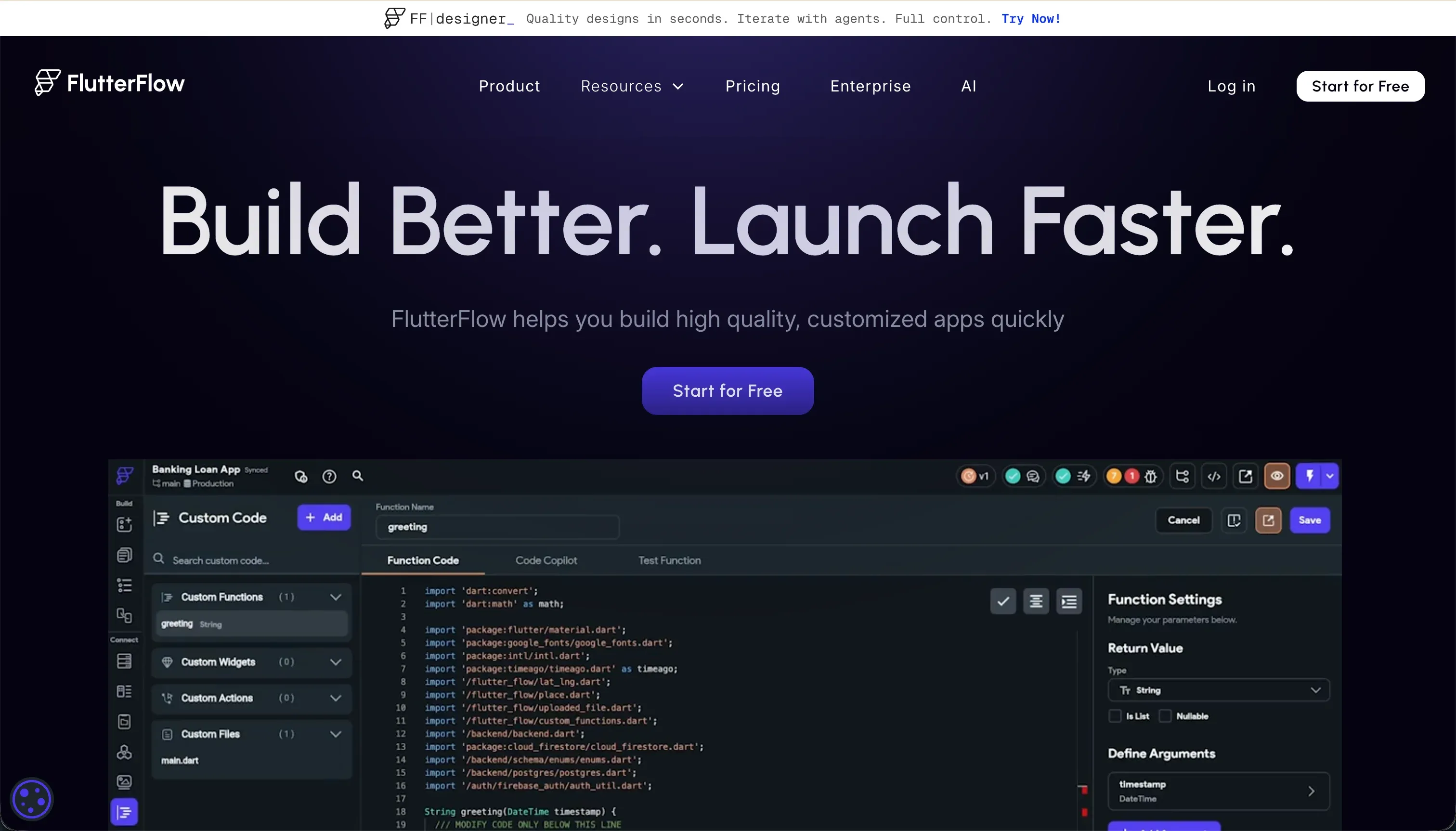
FlutterFlow is a visual compiler built on Google’s Flutter framework. It enables teams to build application screens visually by structuring widget trees composed of standard components like Containers, Rows, Columns, and visually configuring data bindings and client state.
The platform bridges the gap between visual design and traditional IDEs by outputting completely separate, readable Dart source code.
The visual editor features an integrated AI generator to build screens, database schemas, and custom code blocks on top of native Firebase or Supabase setups. It is specifically built for designers, freelancers, and cross-platform mobile developers who need native performance on iOS and Android and require an open code-export path to completely avoid platform lock-in.
What is Adalo?
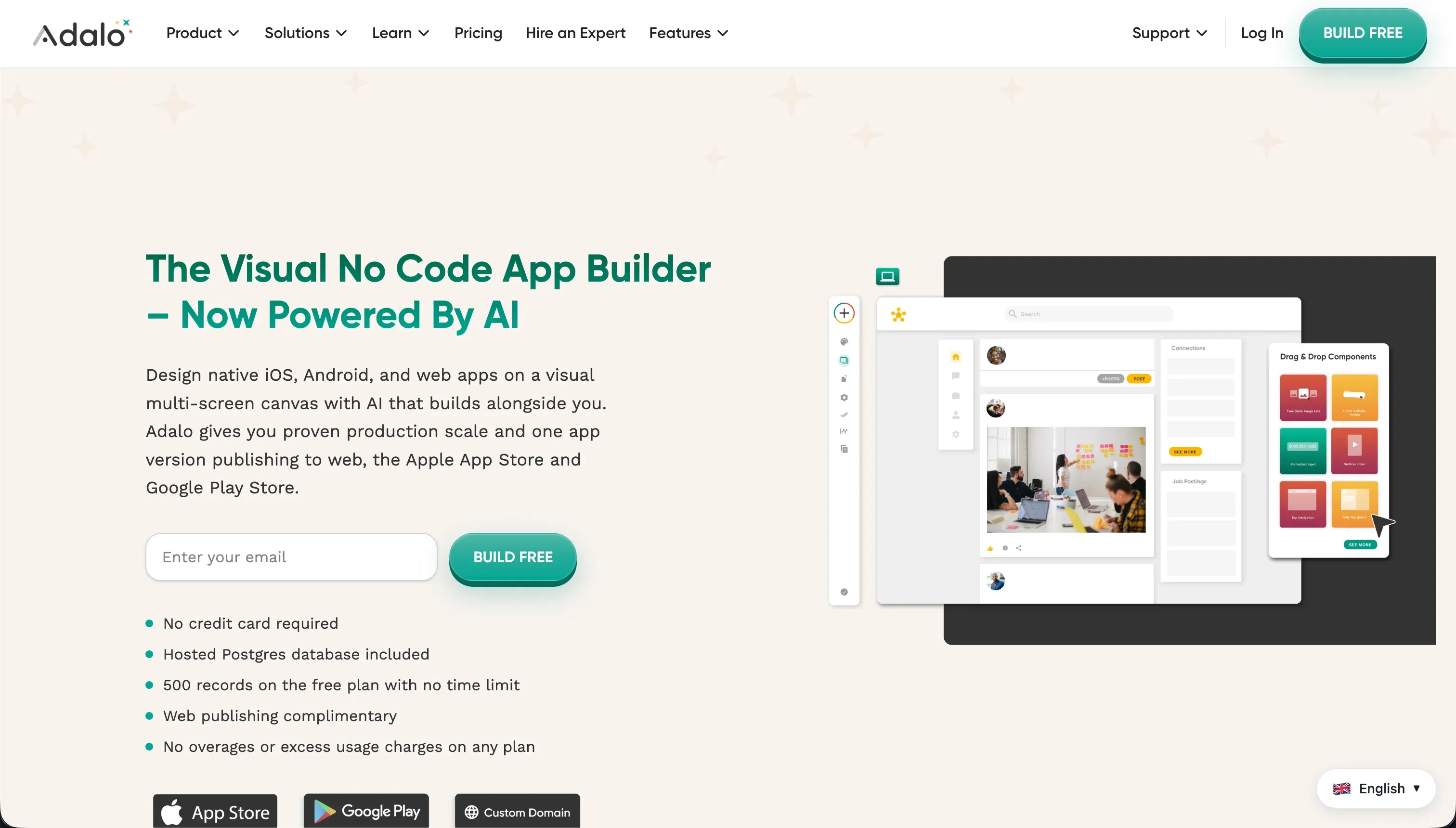
Adalo is an entry-level, no-code visual app builder designed to construct simple mobile and web applications. It uses a free-form visual canvas where elements like text boxes, images, buttons, and forms can be loosely positioned on pre-defined screens. It packages these visual elements and links them to an internally managed database designed with simple relational fields.
The builder includes a visual workflow editor to handle basic page navigation, database updates, and simple push notification triggers, alongside a marketplace of third-party plugins for Stripe payments and media players.
It is designed for startup founders, non-technical creators, and design agencies looking to ship quick validation prototypes and directories without navigating the visual complexity of professional software development IDEs.
The core difference
The division between these two visual mobile builders comes down to the underlying code paradigm and how visual changes map to the final runtime interface.
- FlutterFlow acts as a visual IDE compiling into native Dart code with a strict visual widget tree that respects the underlying constraints of native mobile environments.
- Adalo runs on a web-wrapped runtime designed on a fixed-width screen model, mapping elements to a proprietary visual presentation layer.
Where the scores diverge
Design flexibility: FlutterFlow 9.0, Adalo 5.0. FlutterFlow scores a near-perfect 9.0 because it provides complete, widget-level visual styling over genuinely native interfaces, offering the highest visual control for native mobile layout systems. Its only weakness is heavy loading times on public web platforms.
Adalo scores 5.0 because it is built entirely on a fixed-width screen model. Adalo apps do not scale dynamically; instead, web layouts often look like stretched mobile interfaces, forcing builders to design for a single screen size and down-scale from there.
Production readiness: FlutterFlow 7.0, Adalo 3.5. FlutterFlow leads with a 7.0 score because it compiles directly to native iOS and Android packages, utilizing codeless deployment pipelines straight to Google Play and TestFlight. Adalo scores heavily down at 3.5, driven by frequent customer complaints.
Reviewers note daily internal server errors hit their end-users, alongside sluggish web-wrapper performance on native Android devices. There are also documented cases of data loss where significant fractions of databases disappeared, prompting customers to recommend Adalo strictly for mockups rather than production use.
Ease of build: FlutterFlow 4.5, Adalo 6.0. Adalo takes its only win here with a 6.0 score driven by its simple drag-and-drop canvas and zero-setup database. This gentle onboarding does not hold up completely under complex builds, as Capterra reviewers note basic utility flows like password recovery are tediously hard to construct.
FlutterFlow scores lower at 4.5 due to a steep learning curve that forces non-technical users to master widget constraints, state variables, and relational schemas. Debugging in FlutterFlow is further complicated by visual errors that offer little contextual help inside the editor.
Maintainability: FlutterFlow 5.5, Adalo 4.0. FlutterFlow scores 5.5 because visual widget trees are edited directly, and the code export path prevents overall architectural lock-in, though heavy client-side state and browser editor lag beyond roughly twelve screens limit overall developer agility.
Adalo scores 4.0 because its automation workflows become fragile at scale. Reviewers state that complex multi-step automations and conditional approvals are hard to manage, and changes to external API configurations require the user to build the integrations from scratch rather than updating existing endpoints.
Data & integrations: FlutterFlow 6.5, Adalo 5.0. FlutterFlow scores 6.5, leveraging pre-configured API connectors to Firebase and Supabase with custom REST API setups, though configuring these databases still requires manual technical wiring. Adalo scores 5.0, offering a built-in relational database along with Airtable connections.
However, Adalo’s internal database suffers from performance bottlenecks as data scales, and external connections lack real-time two-way synchronization, requiring manual workarounds for complex data objects.
Security & access control: FlutterFlow 5.0, Adalo 4.0. FlutterFlow scores a moderate 5.0 as the backend security and row-level rules must be configured manually inside either Firebase or Supabase; the visual platform only offers the hooks to connect them. Adalo scores 4.0 because it offers basic user roles without centralized, role-based access control.
Securing elements on Adalo requires builders to configure custom conditional visibility rules manually on every page block and button, a highly fragile process that is unsuitable for external portals containing sensitive transactional records.
Cost comparison
The billing structures of these two platforms are tied to different operational variables. FlutterFlow is developer-priced, starting with a Free plan and scaling to Pro at $50/mo billed annually.
Its key pricing metric is team seat allocation and advanced features like full code export and TestFlight deployment, meaning your monthly bill remains predictable regardless of how many users download your mobile application.
Adalo bills on database limit metrics, starting at $36/mo billed annually for 10,000 records, and scaling to $200/mo for 250,000 records. Buyers must budget carefully because database limits quickly become a bottleneck, and exceeding them forces automatic upgrades to higher tiers.
Operational teams should also calculate the hidden cost of developer hours to debug FlutterFlow layouts vs the maintenance and server overhead required to troubleshoot Adalo performance lag.
Lock-in and the exit path
FlutterFlow offers a highly favorable exit path for software investments because it supports direct code export. Users on the Pro plan can export clean, production-ready Dart and Flutter code at any time, allowing them to host on local servers or deploy manually. Adalo provides no code export.
Transitioning away from Adalo requires a complete rebuild from scratch, as both the design styling and DB structure are locked inside their visual runtime, though database rows can be exported via CSV.
- Design styling: locked in, rebuild
- Design styling: exported as Dart
- DB structure: locked in, rebuild
- DB structure: exported as Dart
- Data: CSV row export only
- Code: clean Flutter export, any time
- Hosting: not transferable
- Hosting: local server or manual deploy
Who should pick FlutterFlow
Pick FlutterFlow if:
- App founders who need custom, native iOS and Android performance with complex pixel-level designs.
- Teams demanding a clean code-export path to run Dart files on their own infrastructure or continue custom coding.
- Builders looking for native app-store deployment pipelines with Supabase or Firebase backends.
Do not pick FlutterFlow if your team has zero web layout comprehension and cannot allocate the weeks needed to master Flutter widget constraints and state management paradigms.
Who should pick Adalo
Pick Adalo if:
- No-code beginners looking to build a basic mobile prototype for market validation.
- Makers with simple data requirements who can leverage Adalo’s built-in database without complex automation.
- Designers building flat directories or basic mobile mockups with simple navigation flows.
Do not pick Adalo if you are deploying complex, multi-role native Android applications that require granular data security rules and stable database performance at scale.
What neither platform answers
Both FlutterFlow and Adalo approach application building through a mobile-first, canvas-oriented lens. However, if your team’s objective is to build safe, business-grade software - such as client portals, vendor dashboards, internal tools, or transactional CRMs - these frameworks introduce unnecessary layout complexity and app-store overhead.
For operational software defined by user groups and secure record-level access, Softr scores significantly higher on our card. Softr is built specifically for business systems, offering high scores on production readiness, maintainability, and security & access control.
This is because standard infrastructure like authentication, global theme systems, and user group directory routing are provided natively out-of-the-box rather than requiring complex widget configurations.
If your team requires highly customized internal tools on a relational database, Retool is the other sensible option to shortlist for developer-first operational setups.
Analyst verdict
The final ranking favors FlutterFlow 6.3 to 4.6 against Adalo. FlutterFlow wins five out of the six criteria, particularly outperforming Adalo in design flexibility and production readiness. It compiles to stable, native mobile code, making it the superior long-term foundation for applications intended to scale.
Adalo only takes the lead on ease of build under a conditional scenario: if your target is a simple mobile mockup containing basic directories and you have a short-horizon launch window to prove a concept. For any mobile build that must survive beyond the prototype stage with stable databases and native performance, FlutterFlow is the higher-scoring purchase.
Related reading: the FlutterFlow scorecard, the Adalo scorecard, and our scoring methodology.