


Evaluating Bubble against Cursor is not a standard software comparison. It represents a fundamental procurement choice between two distinct build models: a visual, proprietary no-code platform and an AI-first code editor designed for engineers.
A non-technical buyer attempting to write raw code with an AI editor faces completely different risks and maintenance realities than one who elects to master a visual design and runtime suite.
Bubble wins the scored comparison with an aggregate score of 6.8/10 compared to Cursor’s 6.2/10. Cursor is effectively a fast-forward tool for programmers; its scores reflect its friction for non-technical makers comparing it to dedicated visual tools. The choice flips in favor of Cursor only when your team has dedicated software engineers who require standard source code ownership.
The decision in 30 seconds
| If your priority is… | Pick | Why |
|---|---|---|
| Client portals, internal tools, or CRMs | Neither | These business-centric tools require pre-built auth and visual permissions where Softr is the safer choice |
| No-code speed to custom logic | Bubble | A managed relational database and visual workflows avoid the need for an engineering background |
| Full source code ownership | Cursor | You own standard code in a standard Git repository with a clear 6.5/10 maintainability exit path |
| Professional developer velocity | Cursor | It indexes your entire codebase for context-aware refactoring and test-generation |
| Turnkey user authentication & hosting | Bubble | Auth and server-side privacy rules are built straight into the visual runtime |
What each platform is
What is Bubble?
Bubble is a visual programming platform that allows users to construct, connect, and host full-stack applications without writing text-based code. It operates as a unified walled garden, executing all frontend UI rules, server-side data workflows, and conditional branches inside its proprietary relational runtime.
Logic is built via visual sequential triggers, enabling complex actions such as database editing, automated notifications, and payment processing.
Bubble features a pixel-level drag-and-drop builder with a responsive design system, a built-in relational database manager, and an API Connector to link REST services. It is designed for non-technical startup founders, operations specialists, and professional agency builders who require custom application architecture but do not want to manage a manual coding stack.
What is Cursor?
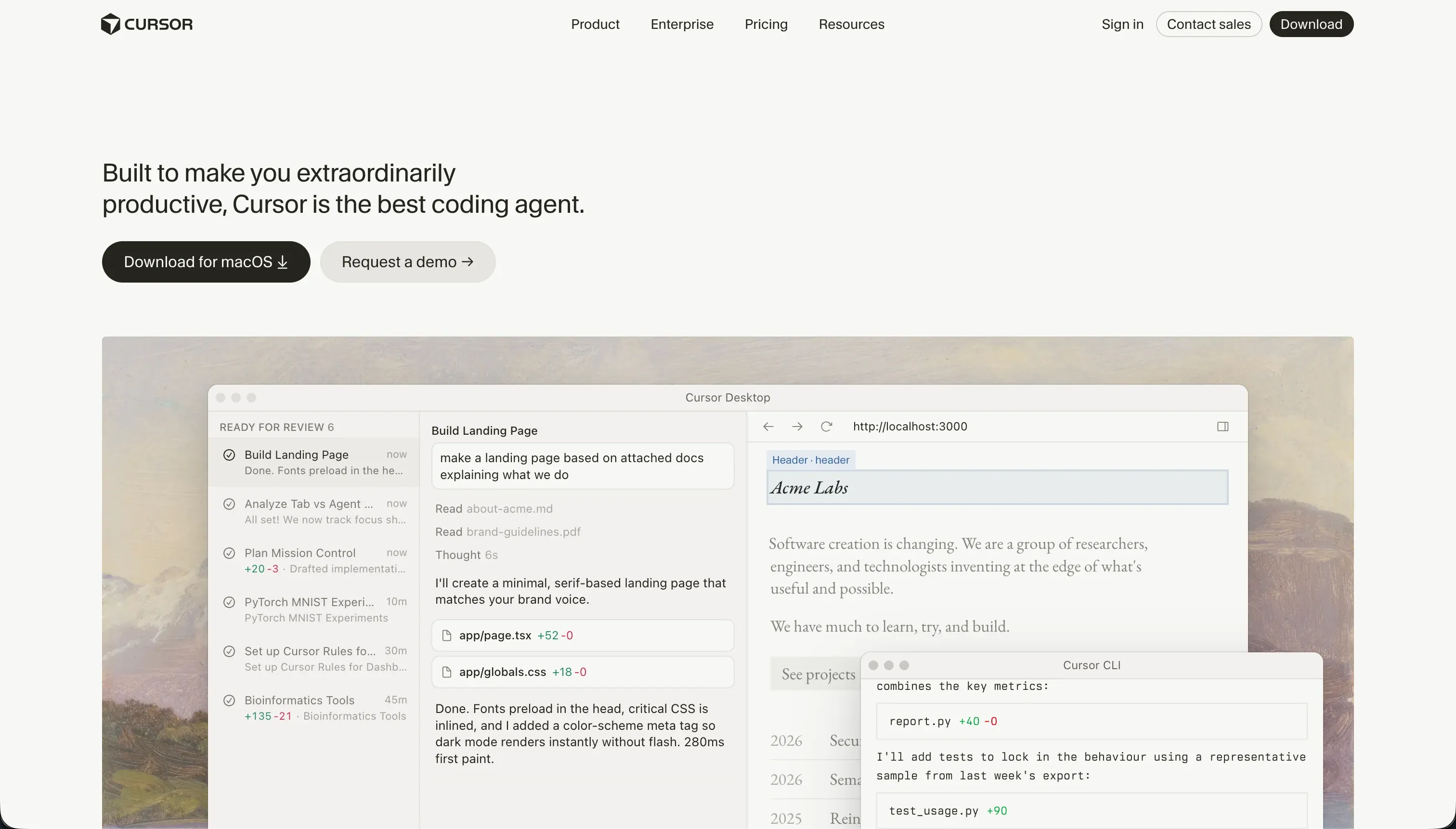
Cursor is an AI-first software development editor built on a fork of VS Code. Unlike no-code tools, it is a professional integrated development environment (IDE) that integrates large language models directly into raw coding files. It reads and writes standard syntax such as React, Python, or TypeScript, automating developer workflows through natural language context querying.
Cursor features codebase-wide indexing for context-aware code generation, smart autocomplete, and a multi-file editing agent called Composer. It is built explicitly for software engineers, assumes you possess deep debugging knowledge, and requires you to manually configure package installations, local testing runtimes, and individual database integrations.
The core difference
The primary axis of divergence in this matchup is the platform’s execution model.
- Bubble is a proprietary visual runtime where your logic lives securely on managed visual servers.
- Cursor is a professional terminal and local file editor that accelerates manual code writing.
Where the scores diverge
Ease of build: Bubble 5.0, Cursor 3.0. The ease scores diverge significantly because of their target audiences. Bubble is a deep and dense editor that requires weeks to master, but its interface remains entirely visual.
Cursor is not designed for non-technical users; it assumes the creator can read code, run builds, configure packages, and debug system errors. For an engineer it speeds up work, but for a buyer comparing it to visual drag-and-drop tools, it represents a steep entry friction.
Production readiness: Bubble 7.0, Cursor 6.0. Bubble includes built-in authentication, server-side privacy rules, and a backend scheduler that are proven to scale. Cursor provides absolutely nothing turnkey; hosting, databases, authentication, and scaling are manual developer chores.
Furthermore, Cursor’s Agent mode has reported inconsistencies where Composer makes unintended multi-file changes that require careful developer rollbacks before shipping to production.
Security & access control: Bubble 6.5, Cursor 5.5. Bubble provides native on-server privacy rules and role-based permissions, though the user must configure them correctly. Cursor forces the engineer to architect your security system from scratch; nothing is provided.
Cursor also introduces enterprise corporate compliance challenges, with reviewers citing difficulties in securing codebase scanning approval from internal security teams even with privacy mode enabled.
Maintainability: Bubble 6.0, Cursor 6.5. Cursor takes a narrow lead here because you own standard source code in your own repository, meaning you never face technical lock-in. It excels at refactoring and adding unit tests, though Composer can occasionally modify peripheral configuration files and get trapped in dependency loops.
Bubble keeps database and UI execution unified, but complex visual apps accumulate workflow sprawl that is difficult to audit, and the editor can suffer from RAM and lag issues on large-scale projects.
Data & integrations: Bubble 8.0, Cursor 7.5. Bubble features a managed relational database with an API Connector and a marketplace of over 8,000 plugins, which are highly accessible but carry third-party breaking risks. Cursor operates directly in standard code, meaning it can connect to any database or API in the global software ecosystem.
It stands below a perfect score simply because every data pipeline is code you must write manually from scratch; no pre-wired connectors exist.
Design flexibility: Bubble 8.5, Cursor 8.5. Both systems score highly here. Cursor outputs raw code, meaning visual control is bounded only by the developer’s skill and the css framework. Bubble offers a pixel-level drag-and-drop editor with absolute or responsive positioning that matches code-gen tools for visual freedom.
It sits below a higher mark because realizing that layout freedom is still quite technical to configure within the responsive layout engine.
Cost comparison
Bubble and Cursor utilize completely different pricing paradigms. Bubble utilizes a subscription system with built-in compute pricing, charging $69/mo for its Starter plan and scaling to $649/mo for Team tiers.
Its bill moves based on Workload Units (WU), meaning inefficient background queries or unoptimized loops can trigger sudden and unexpected billing spikes. This can make your monthly pricing difficult to forecast as user traffic grows.
Cursor is an AI-editor utility that starts on a Pro plan for $20/mo, scaling to Pro+ ($60/mo) and Ultra ($200/mo) for fast inference queries. However, a buyer’s true total cost of ownership with Cursor is developer headcount.
Since Cursor builds nothing out of the box, you must budget for external hosting costs (such as Vercel or AWS), database subscriptions (such as Supabase), and professional developer time to maintain, deploy, and monitor the code infrastructure.
Lock-in and the exit path
Bubble represents total vendor lock-in; you cannot export your backend logic or frontend code, and leaving the platform means rebuilding your entire app from scratch. Cursor represents absolute zero platform lock-in; your app is composed of raw, standard code in your Git repository.
If you choose to stop paying for Cursor, your codebase remains completely functional and you can edit it in any standard editor, giving you the cleanest exit path available.
- Backend logic: not exportable
- Standard code in your Git repo
- Frontend code: not exportable
- Editable in any standard editor
- Exit means rebuilding the app from scratch
- Codebase stays fully functional if you stop paying
Who should pick Bubble
Pick Bubble if:
- Non-technical founders who want to build a fully customized, database-driven app without paying for an engineering team.
- Operations builders who need visual backend logic, scheduled workflows, and custom relational tables without managing local developer environments.
- Creators who want visual on-server privacy rules and hosted database tables without code configurations.
Do not pick Bubble if you require full source code ownership or are unwilling to commit weeks of effort to learning complex database and visual layout rules.
Who should pick Cursor
Pick Cursor if:
- Teams with software developers who want to accelerate their coding velocity, refactoring speed, and unit testing tasks.
- Startups that want absolute control over their code, Git version history, and standard deployment pipelines.
- Engineering teams who already have pre-existing enterprise cloud databases and custom APIs they must interact with.
Do not pick Cursor if you cannot read code or do not want to manage manual authentication setups, local terminal runtimes, and server infrastructure.
What neither platform answers
Both Bubble and Cursor assume your primary goal is to build highly custom, proprietary application architecture. For operational business software like client portals, internal tools, team trackers, and department CRMs, this is usually the wrong shortcut. Bubble forces you to master deep database schemas and density rules from scratch, while Cursor hands you a standard codebase to deploy, manage, and debug manually.
For portals and operational tools, Softr is the more appropriate fit. It scores 8.5 on production readiness, 9.0 on maintainability, and 8.5 on security & access control because infrastructure elements like login flows, group visibility rules, and secure server-side CRUD actions are provided out of the box.
Instead of mastering visual logic blocks or prompt-engineering an IDE, teams can pair Softr with Airtable or its fast, native Softr Databases to ship secure apps instantly, complete with pre-approved Google login and visual user visibility.
Analyst verdict
Bubble wins on aggregate, scoring 6.8/10 against Cursor’s 6.2/10. It wins on ease of build, production readiness, and security because it provides a visual runtime environment with hosted databases, server-side permissions, and responsive layout drag-and-drop systems. Within the confines of no-code, it remains the most robust route to custom app logic without developer dependencies.
Cursor represents a different strategy. If your team includes engineers who insist on codebase ownership and standard code repos, Cursor’s 6.5/10 maintainability and open layout control is the correct tool. For non-technical buyers, however, Bubble is the more survivable choice of the two, while business applications are best routed to Softr’s pre-built portal infrastructure.
Related reading: the Bubble scorecard, the Cursor scorecard, and our scoring methodology.