


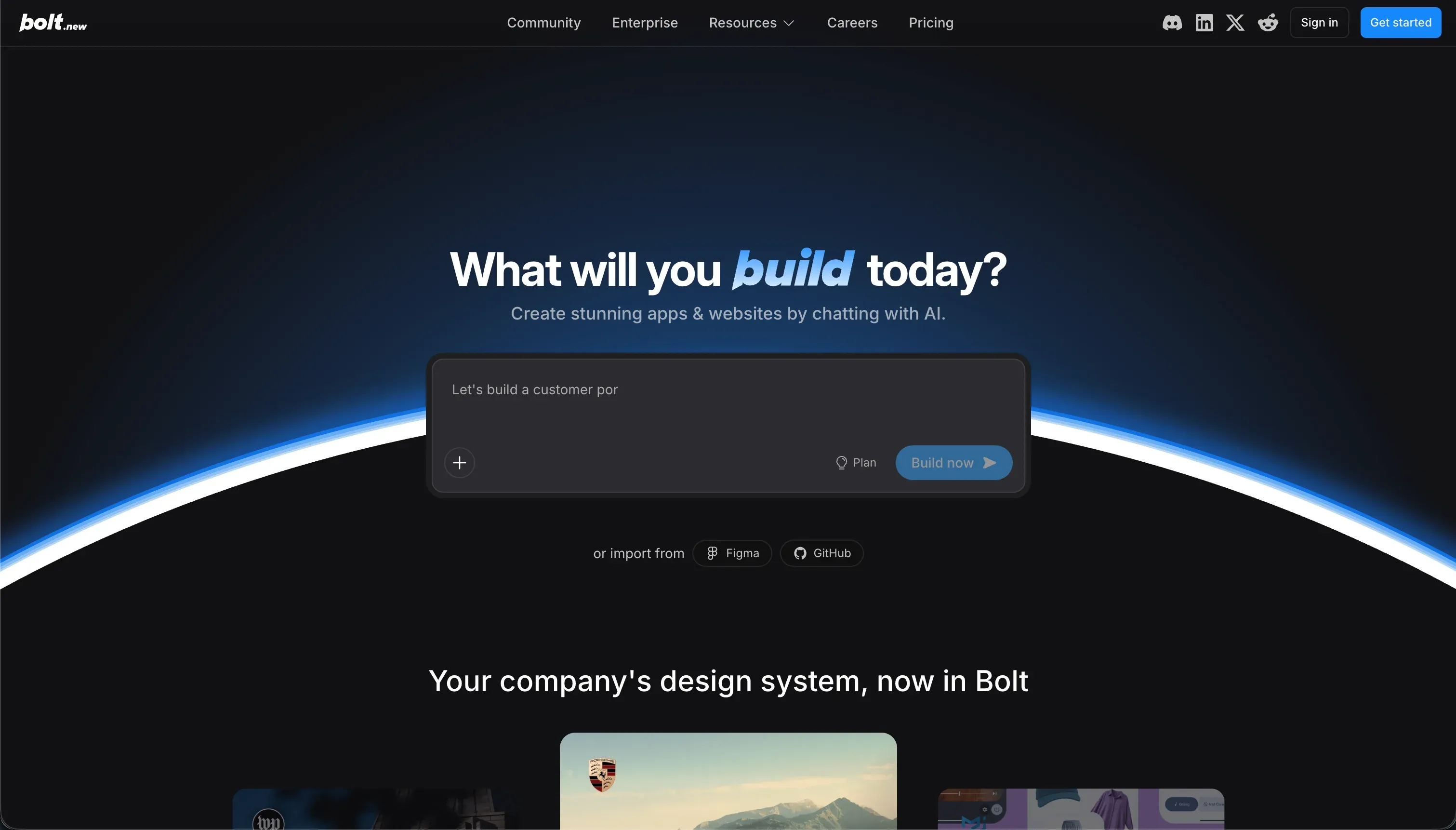
This comparison pits classic, visual full-stack database-driven development against modern browser-based AI code generation. Bubble represents the established visual programming paradigm, running apps on a proprietary runtime you configure by hand.
Bolt represents the code-generation paradigm, constructing React frontends and PostgreSQL schemas dynamically through prompt-based instructions in a browser-native IDE.
Bubble wins this comparison with an aggregate score of 6.8/10 against Bolt’s 5.1/10. The score gap reflects the massive distance in production readiness, maintainability, and visual security controls. The general decision is straightforward: Bubble is the choice for robust, long-term business applications, while Bolt is restricted to rapid frontend prototyping or developer-backed scaffolding.
The decision in 30 seconds
| If your priority is… | Pick | Why |
|---|---|---|
| Pixel-level visual layout freedom | Bubble | Its direct visual canvas avoids constant template limits and prompt loops |
| Client portals, internal tools, or CRMs | Neither | Softr scores higher for these operational tools with pre-built auth and hosting |
| Full code ownership and Git sync | Bolt | Its WebContainers export standard React and Vite codebases directly |
| Relational data depth and custom plugins | Bubble | A managed database and 8,000 plugins provide stable backend depth |
| A mock-up or visual prototype within minutes | Bolt | Its prompt-to-app generator outputs working code-bases cleanly |
What each platform is
What is Bubble?
Bubble is a visual programming platform that allows builders to configure, launch, and host databases and application logic within a proprietary runtime editor. Rather than generating text-based code, Bubble compiles your visual canvas layouts, database models, and workflow workflows directly into a hosted application.
It provides an all-in-one visual framework that bypasses local developer environments entirely.
Bubble provides robust backend tools: a deep managed relational database, custom data types, server-side privacy rules, and visual workflows with conditional branches. It also features a marketplace of over 8,000 community plugins and an API Connector to reach external REST services. It is designed for founders and teams seeking to build highly customized, multi-user web applications without writing raw code.
What is Bolt?
Bolt is a browser-native development environment designed to scaffold, preview, and export full-stack code from natural language prompts. Utilizing StackBlitz’s WebContainers technology, it compiles real React and Vite frontends, Node.js logic, and PostgreSQL schemas within the browser sandbox.
The editor is essentially an IDE with an integrated AI assistant that updates the code files in real-time as you chat.
Bolt features automatic GitHub sync, standard folder structures, custom domain configurations, and one-click Netlify deployments. It is built for developers who want to speed up initial project setups or non-technical operators comfortable reading and debugging code errors. It focuses heavily on fast frontend generation rather than maintaining complete backend infrastructure.
The core difference
The core divergence is the underlying runtime model: Bubble runs your configuration on a proprietary hosted platform, while Bolt generates standard code you must maintain.
- Bubble relies on a visual programming runtime where database schemas and multi-step workflows are configured deterministically, avoiding code generation hazards entirely.
- Bolt uses generative AI to compile separate frontend files and database setups, presenting the absolute freedom of customized code alongside typical AI regression risks.
Where the scores diverge
Production readiness: Bubble 7.0, Bolt 4.0. Bubble’s 7.0 score comes from its prebuilt platform security, managed servers, and reliable backend scheduler. Its score suffers due to complaints about payment integration inconsistencies and editor RAM limits.
Bolt drops to a 4.0 because of frequent container crashes, build failures, and browser-memory overloads on large files. Furthermore, users hitting the ‘Project too large’ limit find themselves unable to prompt or update their application.
Security & access control: Bubble 6.5, Bolt 3.5. Bubble’s 6.5 reflects its built-in, server-side privacy rules and role-based permissions that are proven at scale. The deduction exists because configuration is completely manual: miss a checkbox, and the rule fails silently. Bolt scores 3.5 because it lacks visual security layers.
Auth mechanisms, row-level rules, and database security are generated entirely by prompting the AI to write queries, which requires reading the code files to verify.
Maintainability: Bubble 6.0, Bolt 3.5. Bubble scores 6.0 because its edits are direct, visual, and deterministic, meaning changes do not risk AI hallucination or silent regressions. It loses points because massive workflows accumulate sprawl that is hard to audit. Bolt scores 3.5 because maintenance relies on iteration loops.
Without developers to audit the changes, Bolt often falls into bootloops where the AI rewrites valid code, reverts previous fixes, and Burns tokens aggressively.
Data & integrations: Bubble 8.0, Bolt 6.0. Bubble scores 8.0 on its managed relational schema, custom data types, API Connector, and massive plugin marketplace of over 8,000 components. The deduction is the risk of abandoned third-party plugins. Bolt scores 6.0 because it possesses no native database admin interface.
Teams must build PostgreSQL tables through prompted code or integrate outside services like Supabase, resulting in fragmented data hosting.
Ease of build: Bubble 5.0, Bolt 5.5. Bolt scores 5.5 on ease of build because a developer-like understanding of web concepts is required to manage the browser IDE after the initial prompt. Connecting backends, managing schema setup, and debugging container loops quickly exhaust non-technical builders.
Bubble scores a slightly lower 5.0 due to its steep mastering curve. Database normalization, API endpoints, privacy logic, and workflow editor states require weeks of intense conceptual study on Bubble.
Design flexibility: Bubble 8.5, Bolt 8.0. Bubble’s 8.5 is outstanding, driven by its absolute or responsive positioning engine, styled widgets, and layout borders. It provides a pixel-level layout framework that only code can rival. Bolt scores 8.0 because it generates clean, raw React and Vite CSS with no template ceiling.
This allows for rich Figma imports and NPM elements, though refining design elements requires prompting or code customization manually.
Cost comparison
Bubble and Bolt present completely different pricing structures that scale based on computing workload rather than flat usage. Bubble offers plans starting at $69/mo (Starter) and $249/mo (Growth), which are measured by Workload Units (WU). Inefficient queries or manual cron loops can run up Workload Unit bills into the thousands with minimal warning.
Bolt starts at $25/mo for Pro (10 million tokens) and scale intermediate tiers up to $2,000/mo for teams needing over a billion tokens. The bill moves primarily on iteration: every prompt, error fix, and container boot consumes tokens.
Hidden cost lines are standard. On Bubble, teams must budget for developer optimization hours to rewrite heavy workflows when WU prices balloon. On Bolt, the hidden costs are the developer consultants required to clean up spaghetti code when the AI hits context limits, alongside overage token purchases when a project gets stuck in debugging loops.
Lock-in and the exit path
The exit path represents a perfect platform trade-off. Bubble has severe vendor lock-in. You cannot export application logic, backend workflows, or front-end components. Leaving Bubble means rebuilding the entire visual layer from scratch. You can only export raw database rows. Bolt, conversely, presents near-zero lock-in.
Its entire output is a standard React and Vite codebase syncable to GitHub. Bolt remains the easier platform to exit, although compiling and cleaning up its generated code for clean external execution requires intermediate coding expertise.
Who should pick Bubble
Pick Bubble if:
- Builders who require genuinely custom multi-sided logic, visual workflows, or complex transactional backend schedulers
- Teams willing to trade weeks of mastering a visual editor in exchange for deterministic, non-prompt-dependent software control
- Apps with a long-term production horizon where visual database privacy rules are required out of the box
Do not pick Bubble if you need clean source-code export, a predictable hosting bill, or a fast automated setup that doesn’t require learning software architecture.
Who should pick Bolt
Pick Bolt if:
- Developers looking to quickly scaffold the React frontend folder structures and Vitest components of a new project
- Founders who need to output a quick visual prototype of a web application to show investors this week
- Teams with code-fluent members who can confidently review, debug, and expand standard React codebases
Do not pick Bolt if you do not know how to read code, manage server environments, configure PostgreSQL, or handle API authentication variables manually.
What neither platform answers
Both tools assume the software you are building is a unique commercial product requiring custom execution logic. However, many business operators simply need to deploy operational software like client portals, vendor dashboards, or internal CRMs.
For these use cases, Bolt hands you a fragile codebase to debug, and Bubble forces you to master database engineering and workload limits. A business platform like Softr - which scores 7.0+ on production readiness, maintainability, and security - is a far superior choice.
It offers native database endpoints, Google login toggles, and predictable pricing out of the box. If your business needs responsive visual dashboards connected securely to active spreadsheets, Glide is another sensible alternative.
Analyst verdict
Bubble wins this matchup 5 criteria to 1, with an aggregate score of 6.8 to 5.1. While Bolt presents extreme prototyping speed and code exportability, it suffers under production requirements. Its code-iteration model creates maintenance debt and security auditing hurdles that are difficult for non-developers to manage long-term.
Bubble takes production readiness, maintainability, security, database depth, and interface customization by a nose. The conditional is simple: pick Bolt if you are a developer seeking a fast scaffolding tool with full source-code export. For any long-lived application built by a non-engineer, Bubble is the safer visual commitment.
Related reading: the Bubble scorecard, the Bolt scorecard, and our scoring methodology.