

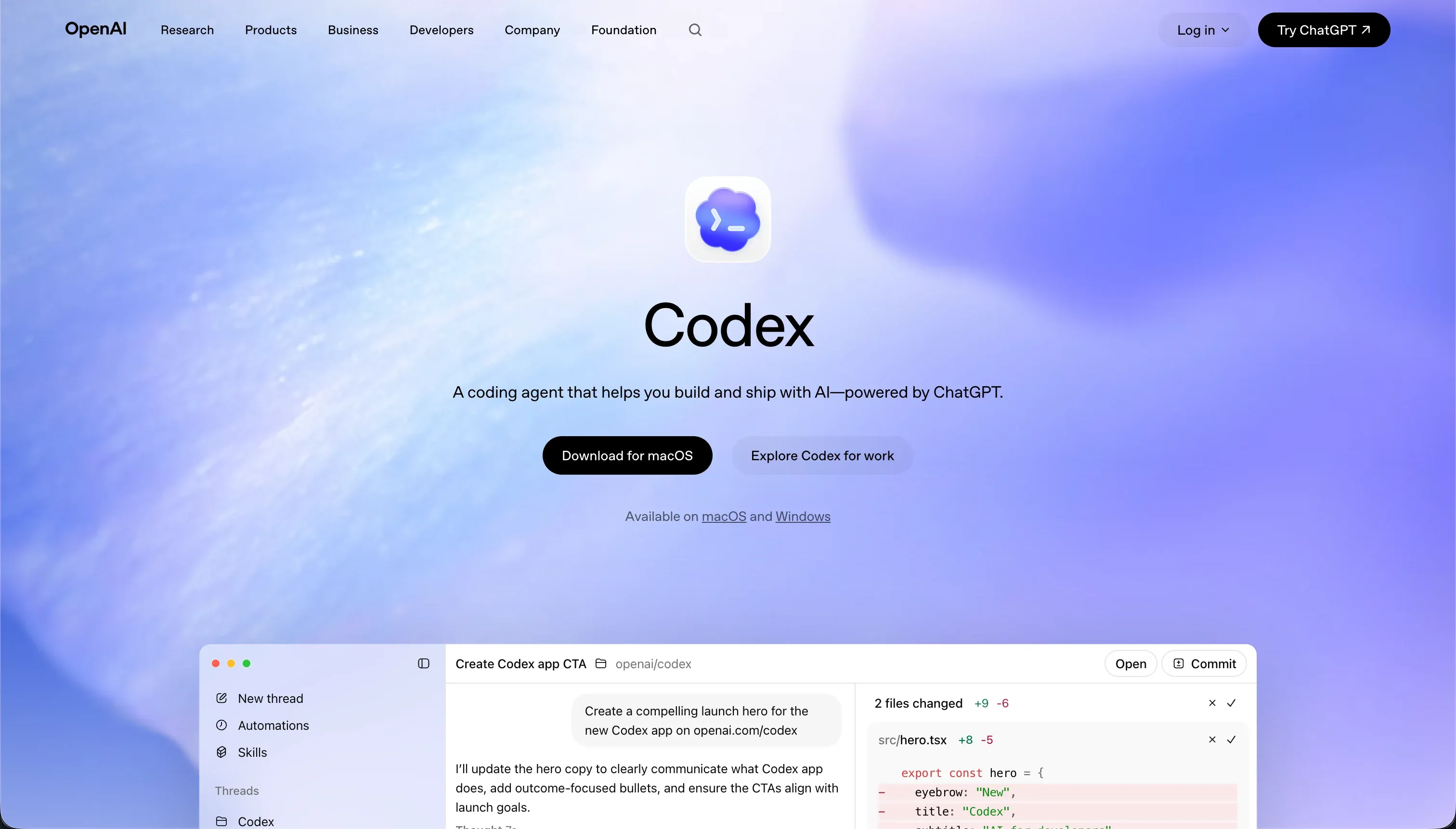

Developing business tools often forces a choice between automated development assistance and visual orchestration. Codex represents the developer-centric terminal approach, functioning as an autonomous terminal agent that runs tests, creates branches, and writes raw code directly inside a local repository.
Retool represents the classic visual internal tool builder, blending drag-and-drop components with custom SQL queries and JavaScript handlers to form dashboards and consoles inside a browser environment.
Codex wins this head-to-head with an aggregate score of 7.1/10 against Retool’s 6.8/10, though the narrow aggregate gap hides a fundamental shift in user profile. 4.0/10 scores on ease of build for both tools mean neither offers an easy shortcut for non-engineers; instead, the selection hinges on where you want your technical logic to live.
Choose Codex if your team wants to retain complete ownership of a raw codebase and git branches; choose Retool if you want standard visual frames to contain your database queries.
The decision in 30 seconds
| If your priority is… | Pick | Why |
|---|---|---|
| Complete code ownership and codebase freedom | Codex | Outputs raw code in any folder structure or framework you write |
| Rapid UI construction over SQL database schemas | Retool | Includes over 100 pre-built data density widgets |
| Clean Git version control and reviewable branches | Codex | Scores 8.0 on maintainability due to native branch-and-merge workflows |
| No-code business apps built by non-engineers | Neither | Both tools carry a high technical barrier and score poor 4.0 ease ratings |
| Granular SAML/SSO access control for internal users | Retool | Scores 7.5 on security with native business and enterprise user directory features |
What each platform is
What is Codex?
Codex is a terminal-based AI coding agent and desktop application included with premium OpenAI subscriptions.
Rather than generating detached code blocks, Codex operates directly inside your local development environment via a CLI, autonomously creating Git branches, executing terminal commands, and running diagnostic test suites to verify its own work.
It is designed to run parallel development threads across isolated containerized workspaces, bringing actual developer protocols to the generative workflow.
Behind its terminal setup, the platform includes a desktop command app to monitor parallel tasks and manage Git worktrees safely. It is built strictly for developers and engineering leaders who want to automate repetitive software refactors, script generation, and basic pull request generation directly within their existing codebases.
What is Retool?
Retool is a visual platform engineered specifically for developers and technical leaders to build administrative consoles, dashboards, and internal databases.
The platform pairs a low-code design interface with raw database and API connectors, prompting builders to write custom SQL queries and bind data payloads to components via inline JavaScript scripts. It functions as a managed middle layer that simplifies the front-end scaffolding of database utilities.
Key capabilities include a broad library of over 100 pre-mutilated widgets, a managed Postgres database, and Retool Workflows to execute scheduled server-side cron jobs. Retool is primarily marketed as an internal tool framework where complex authentication and UI scaling can be engineered over private corporate databases.
The core difference
The core divergence between these platforms is where your application’s architecture actually lives.
- Codex compiles clean local directories using native files, which you review, commit, and deploy through your standard terminal and Git pipelines.
- Retool hosts your interface configurations on its proprietary platform, executing query variables and layout styles live within its browser editor.
Where the scores diverge
Maintainability: Codex 8.0, Retool 6.0. Codex secures an 8.0/10 on maintainability, its strongest score, because it runs on standard Git workflows. Your application changes are reviewable as actual diffs, committed to branch streams, and managed through native pull requests. Parallel containerized work avoids local conflicts.
Retool scores a 6.0/10; although it supports release histories, reviewers frequently note that apps get increasingly difficult to keep organized as they grow in size, with some builders keeping external copies of all query code due to historical saving bugs.
Design flexibility: Codex 9.0, Retool 7.0. Codex secures a 9.0/10 against Retool’s 7.0/10. Because Codex’s target output is raw code files, layout limits are bound only by the framework you select and your team’s engineering capacity. Retool relies on over 100 unified widgets designed for high data density.
While these are excellent for technical dashboards, reviewers note that apps look like generic internal consoles unless customized heavily with JavaScript, so launching consumer-facing portals requires significant design overrides.
Security & access control: Codex 6.0, Retool 7.5. Retool wins this criterion at 7.5/10 by offering native SSO via SAML, audit logging, and granular user controls on Business and Enterprise tiers.
Codex scores a 6.0/10 because it operates at the codebase level; granting an autonomous agent terminal permissions to run local execution scripts exposes severe sandboxing risks. Additionally, Codex doesn’t render any security infrastructure itself; all login permissions and security parameters are features you must write and verify by hand.
Production readiness: Codex 7.0, Retool 7.5. Retool leads with a 7.5/10 against Codex’s 7.0/10 because it is an orchestrated visual platform where environment branches, visual release management, and self-hosted Enterprise containers are native.
The deductions for Retool involve bugs reporting vanished SQL content during saves and the manual coding required to configure external client-facing authentication.
Codex scores highly because it produces real production-grade code on your stack and runs test suites, but it drops points because every single output requires manual code reviews, and users complain the agent overcomplicates requirements.
Ease of build: Codex 4.0, Retool 4.0. Both tools score a low 4.0/10, representing structural barriers for non-technical users, but they fail for different reasons. Codex is a pure Git and terminal agent with no visual builder, meaning a user without software engineering competence cannot even boot the environment.
Retool, while offering a drag-and-drop panel, expects the user to write manual SQL queries and structure data payloads using JavaScript to build anything deeper than empty layouts. Reviewers on G2 and Capterra consistently categorize Retool as primarily for software developers and engineering teams.
Data & integrations: Codex 8.5, Retool 8.5. This criterion is a 8.5/10 tie because both support massive ecosystems from opposite directions. Retool reads and writes SQL databases and REST/GraphQL APIs natively, leveraging a broad library of pre-wired integrations alongside an internal managed database.
Codex operates directly in your local code repository; therefore, it can connect your application to any database, webhook, or external service your programming language supports. Codex requires you to write the integration code yourself, whereas Retool provides pre-connected API adapters.
Cost comparison
Codex does not have a standalone price plan, instead bundling access directly inside OpenAI’s ChatGPT Plus ($20/month) and Pro ($200/month) tiers. The primary variable in Codex’s pricing model is token burn; developers run parallel agents and write extensive test scripts that consume monthly credits quickly during complex cycles, meaning costs scale based on development frequency inside your repository.
Retool follows a user-seat-based billing schedule, moving from a free tier for up to 5 users to the Team plan ($10/user/month) and the Business plan ($50/user/month). Because Retool scales per user, builders must forecast seat parameters carefully.
Deploying a portal to hundreds of external stakeholders, clients, or partners can become prohibitively expensive, switching the cost from developer iteration to seat consumption.
Lock-in and the exit path
Retool has a highly restrictive lock-in path; your layouts, actions, and javascript binds are tied tightly to Retool’s platform, and leaving requires rewriting your frontend from scratch. Codex has a clean exit path; the files are standard React, Node, or python libraries sitting inside your local Git repository. Safe, platform-agnostic code ownership is Codex’s primary defense against lock-in.
Who should pick Codex
Pick Codex if:
- Software engineering teams seeking to automate repetitive repository refactoring and pull-request verification cycles.
- Projects requiring custom frameworks, complex animation structures, and layouts that exceed typical dashboard grid limitations.
- Organizations that require complete platform-agnostic codebases with native Git version control.
Do not pick Codex if you have no developers on the team to read, verify, and run the code the agent writes.
Who should pick Retool
Pick Retool if:
- IT departments and engineering teams building administrative consoles to read and write database structures via SQL query blocks.
- Teams that need native SAML/SSO integration to coordinate access privileges across different departments.
- Internal tools where UI consistency and data loading tables are more prioritized than visual branding.
Do not pick Retool if you are trying to publish an external portal or client-facing dashboard on a scale-based budget.
What neither platform answers
Both tools are built primarily to solve developer problems. Codex automates the compilation of raw files, while Retool speeds up data-dense admin interfaces, but both expect builders to manage the cognitive load of a programmer - managing state variables, parsing JSON arrays, and structuring database tables.
When your team needs to launch a secure, operational portal, client space, CRM, or team intranet, these platforms force you to choose between managing a complex codebase or managing costly per-seat licenses.
A business software platform like Softr solves this lane by replacing development tasks with visual building blocks. Softr scores 8.5 on production readiness, 9.0 on maintainability, and 8.5 on security & access control on our evaluation.
This is because standard features like user directories, granular visibility groups, password recovery, and role-based permissions are built-in native settings rather than elements your team must engineer or prompts your agent has to solve.
For teams seeking non-technical speed, pairing a visual builder with native databases provides a faster, zero-maintenance production line. You can also evaluate these parameters in our full Retool vs Softr breakdown.
Analyst verdict
Codex wins the head-to-head on aggregate, scoring 7.1/10 to Retool’s 6.8/10. Codex’s wins on maintainability (8.0) and design flexibility (9.0) reflect the freedom of standard codebase file management and standard Git merge streams, allowing development teams to safely execute complex updates.
Retool remains the narrow winner if your primary target is building internal data tables over database schemas. Retool’s native SQL adapters and enterprise-tier security are engineered for teams with custom queries. If your team cannot read code or requires predictable external-user scaling, both tools are the wrong choice, and a platform like Softr is the correct allocation.
Related reading: the Codex scorecard, the Retool scorecard, and our scoring methodology.