


The selection between Claude Code and Bolt represents a clear procurement fork for engineering leadership.
Claude Code is an agentic terminal tool designed to collaborate directly in your local codebase, whereas Bolt is a browser-based development environment that generates React applications from natural language prompts. Both address generative software construction but serve entirely different operational environments and workflow expectations.
Claude Code wins this comparison, securing a 6.6/10 aggregate score against Bolt’s 5.1/10. Because Claude Code edits local directories directly and integrates with standard Git version control, it escapes the platform stability and maintenance walls that block Bolt’s browser-only environment.
The decision only flips to Bolt if you lack local development resources and require immediate visual prototypes in a zero-setup browser window.
The decision in 30 seconds
| If your priority is… | Pick | Why |
|---|---|---|
| No local setup and instant UI previews | Bolt | runs entirely in browser WebContainers with prompt-to-preview generation |
| Stable long-term maintenance and version control | Claude Code | edits native files directly and manages standard Git histories autonomously |
| Production readiness on large-scale codebases | Claude Code | avoids browser-memory crashes and ‘project too large’ account locks |
| Zero-code operations software or internal portal | Neither | both tools require web development and software architecture knowledge to debug |
| Granular action control and permissions | Claude Code | uses interactive per-action permission prompts for system safety |
What each platform is
What is Claude Code?
Claude Code is an agentic, command-line interface tool developed by Anthropic. Rather than operating as an assistive window inside an existing editor, it functions directly within the local developer terminal to analyze codebases, execute shell commands, run testing suites, and perform Git database updates.
Built specifically for developers and technical operations teams, the agent specializes in editing local directories rather than generating detached cloud files. In practice, Claude Code relies on a usage-based, token-billed model to query the file tree, edit functions, stage modified assets, and write pull request descriptions directly from natural language prompts.
What is Bolt?
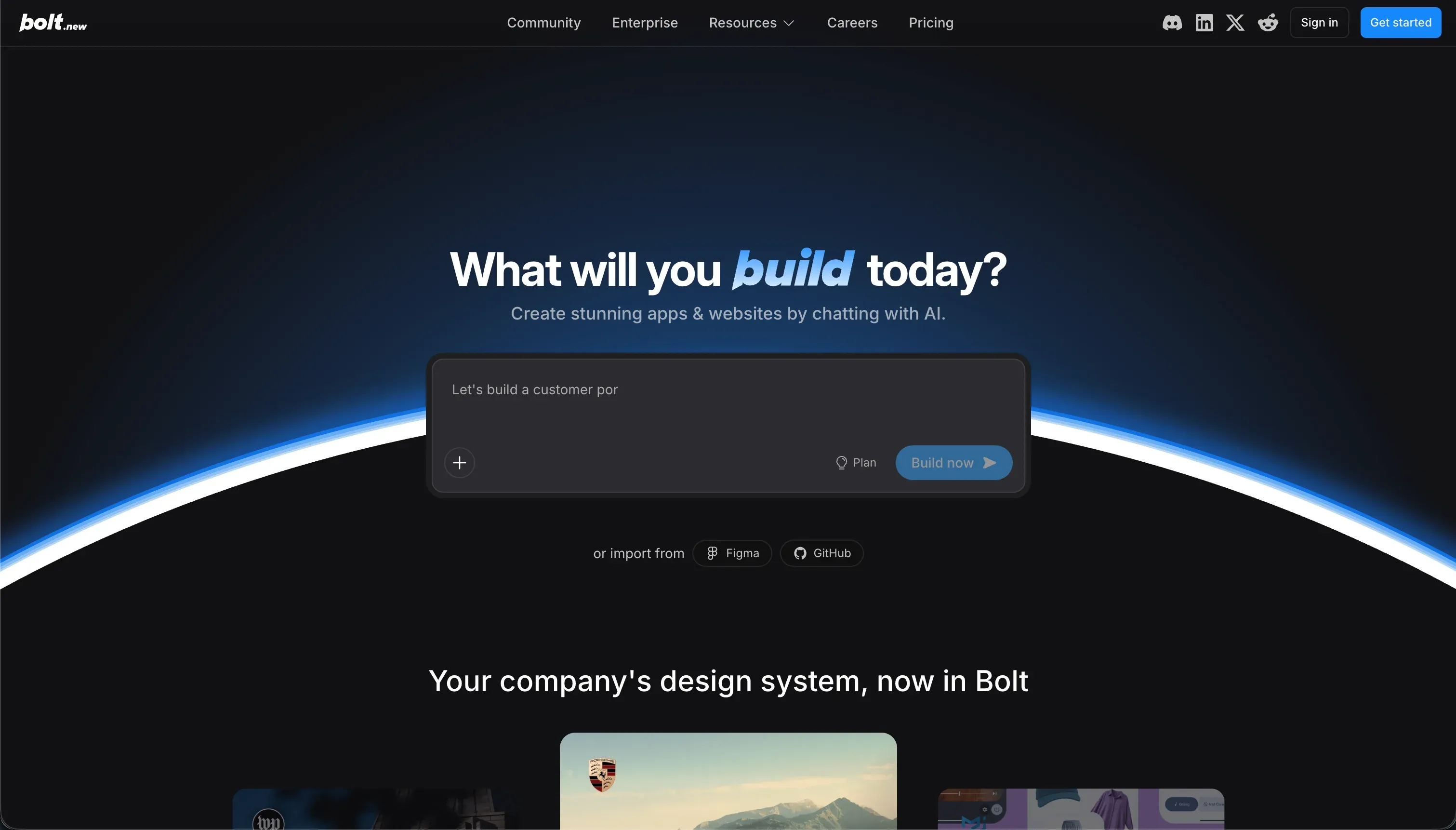
Bolt is a browser-native development environment designed to scaffold and compile React applications directly from text prompts. Utilizing WebContainers technology, it establishes a virtualized Node.js runtime inside the browser, allowing you to install npm packages, spin up development servers, and view real-time frontend previews.
Bolt is built to accelerate frontend generation and provide working visual prototypes rapidly. It packages its code generation with optional hosting on Bolt Cloud and deployment paths to Netlify, letting builders spin up quick SaaS mockups or dashboard interfaces without local command line configurations.
The core difference
The primary operational trade-off between these two tools is the execution environment and how they treat the generation loop.
- Claude Code operates entirely inside your local terminal, modifying existing codebases and executing commands under strict system permissions.
- Bolt runs a sandbox Node.js container inside the browser, generating new self-contained web applications cleanly but with a ceiling on codebase size.
Where the scores diverge
Maintainability: Claude Code 6.5, Bolt 3.5. This is a fundamental failure mode for browser-native prompt-only tools. Bolt applications suffer from costly and repetitive edit loops where the AI rewrites working functions, leading to logic regressions and rapid token consumption.
Claude Code offers stronger long-term maintainability by working with standard Git histories and making incremental, targeted edits directly onto your local files, although long developer sessions still require manual oversight to prevent logic drift.
Security & access control: Claude Code 6.0, Bolt 3.5. Claude Code provides interactive per-action confirmation prompts, ensuring no script execution or file write occurs without explicit user verification. However, granting system-level terminal access to any agent carries risk if a malicious script slips past manual review.
Bolt scores lower because it lacks a visual permission layer; checking application authentications or row-level access rules means manually inspecting the code the AI generates, raising the barrier to secure audits.
Production readiness: Claude Code 6.0, Bolt 4.0. The score gap reflects Bolt’s vulnerability to browser-native constraints on production workloads. Users frequently encounter browser memory crashes, build execution failures, and ‘Project too large’ prompt walls when scaling Bolt applications.
Claude Code produces real, localized code and runs native tests to verify logic, though its score is clipped by latency delays on complex tasks and a background context compaction mechanism that can drop project memory constraints.
Data & integrations: Claude Code 8.0, Bolt 6.0. Claude Code’s access to the shell environment allows it to connect to any native database, API client, or microservice supported by the codebase’s underlying language. The deduction is that every connection must be written and maintained as custom code rather than selected as a visual integration.
Bolt generates simple PostgreSQL schemas but lacks a native administrative database portal, forcing developers to configure external data platforms like Supabase to handle production storage.
Ease of build: Claude Code 4.0, Bolt 5.5. Bolt secures the higher score due to its prompt-to-app generator that compiles a visual preview in minutes, bypassing initial build environmental blocks. Claude Code scores lower because it provides no graphical layout; it resides entirely in the developer terminal.
For a non-engineer who cannot set up local node directories, download dependencies, and read syntax, Claude Code is functionally unusable, while Bolt provides a comfortable, low-threat browser IDE.
Design flexibility: Claude Code 9.0, Bolt 8.0. Both systems produce raw React and JavaScript, leaving design boundaries limited only by language capability rather than strict template models. Claude Code hits a 9.0 by giving you absolute control over CSS and styling files on local disk.
Bolt scores a competitive 8.0 because of its support for Figma imports, NPM packages, and Storybook components, though minor UI edits must often be handled via prompting loops that can easily break layout styles.
Cost comparison
The billing structures for these tools reflect different financial risks. Claude Code uses a pay-as-you-go API invoicing model directly tied to your Anthropic token usage. When working in larger codebases, input and output tokens scale in price based on the size of the repository being indexed, which can lead to rapid price escalations during long debugging sessions.
Bolt uses a hybrid subscription model, scaling from a $25 base Pro plan to high-tier packages that cost $2,000 per month for 1.2 billion tokens.
Because Bolt forces builders to use natural language prompts to fix minor layout bugs or code regressions, users can quickly burn through their monthly token allowances trying to resolve local container crashes, turning small development updates into an expensive operational variable.
Lock-in and the exit path
Claude Code has zero platform lock-in; since all changes are saved directly as local files within your project repository, you can disconnect the CLI tool at any point and continue editing standard code. Bolt allows codebase exports and direct synchronization to GitHub, but moving off its cloud infrastructure requires you to manually host the database layers, configure web servers, and manage build environments.
- Zero platform lock-in
- Changes saved as local files
- Disconnect any time, keep editing standard code
- Codebase export and GitHub sync
- Host database layers manually
- Configure web servers yourself
- Manage build environments
Who should pick Claude Code
Pick Claude Code if:
- Technical operations teams and developers who already maintain local code environments and standard Git flows.
- Projects requiring direct command terminal executions, shell commands, and automated test integrations.
- Organizations building large software projects that cannot afford browser-runtime memory limits or scale limitations.
Do not pick Claude Code if nobody on your squad can set up local programming tools or handle shell errors manually in the terminal.
Who should pick Bolt
Pick Bolt if:
- Product managers and founders wanting to draft quick, interactive frontend mockups directly from plain-text prompts.
- Teams that do not want to configure local development packages, Node environments, or environment variables to view a preview.
- Early-stage builders targeting simple web apps where rapid visual creation outweighs long-term maintenance cycles.
Do not pick Bolt if your app needs to scale past 10,000 lines of code without triggering account limits, compiler container crashes, or iterative prompt-loop expenditures.
What neither platform answers
Both Claude Code and Bolt are engineered under the assumption that the main objective is to produce code. For many business buyers, however, the real target is simply a functioning client portal, an internal tracker, or an operational CRM. For these workflows, generating custom codebases creates unnecessary tech debt and requires continuous developer support to fix layout issues or maintain backend servers.
If you need a secure, operational interface paired with an immediately functional database, a dedicated business software builder like Softr solves this problem without technical overhead.
Softr bypasses code-based bugs entirely by composing proven, responsive blocks that natively support secure user authentication and granular, visual role access.
If your project demands high-end custom web design on an established no-code architecture instead of operational tools, Weweb represents a much more reliable visual choice than relying on fragile code generation.
Analyst verdict
Claude Code wins this head-to-head comparison on scored criteria, finishing with an aggregate 6.6/10 against Bolt’s 5.1/10 limit. It secures its victory by winning on production readiness (6.0 vs 4.0), maintainability (6.5 vs 3.5), and security (6.0 vs 3.5).
While Bolt offers higher initial speed and ease of build for building fast prototypes without setting up an IDE, its fragility in year-two maintenance and lack of native data management controls drag down its final rating.
The procurement guidance is conditional: buy Claude Code if you have software developers on staff who can utilize its command-line capabilities to edit local repositories. Pick Bolt only if you require rapid visual mockups and are comfortable managing subsequent framework regressions and hosting handoffs down the road.
Related reading: the Claude Code scorecard, the Bolt scorecard, and our scoring methodology.