


The procurement challenge of modern application building is deciding between the absolute design control of a visual editor and the lightning creation speed of conversational artificial intelligence. WeWeb belongs to the decoupled visual frontend builder category, designed to construct layouts independently of storage layers.
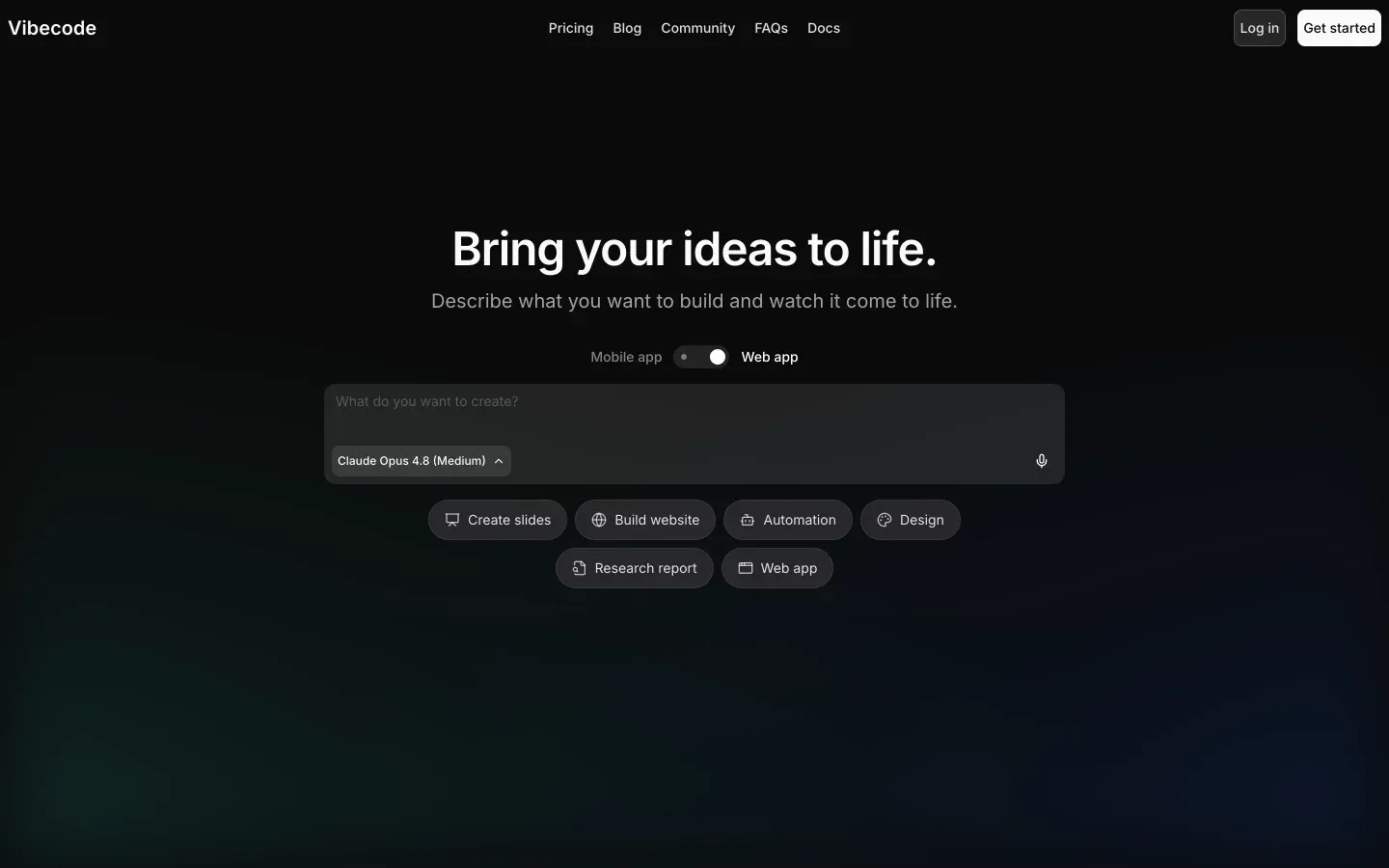
VibeCode represents the mobile-first prompt-to-app category, designed to deploy native applications directly from plain-English descriptions.
WeWeb wins on aggregate with a score of 6.2/10, while VibeCode follows closely with a 6.1/10. The selection flips on screen targets and team profiles. Teams seeking custom web applications with complex responsive design will find WeWeb more viable, whereas individual makers seeking rapid, native mobile app deployments to public stores will prioritize VibeCode.
The decision in 30 seconds
| If your priority is… | Pick | Why |
|---|---|---|
| Pixel-level canvas control and CSS layouts | WeWeb | Its visual layout engine scores 8.5 on design flexibility, using grid, flexbox, and absolute positioning |
| Native iOS and Android store distribution | VibeCode | It is built for designing and testing native mobile apps with direct packaging to App Store and Google Play |
| Instant prompt-based mobile MVP generation | VibeCode | It scores 7.0 on ease of build by compiling layouts and built-in databases from plain-English inputs |
| External headless databases or legacy REST APIs | WeWeb | It scores 7.0 on data and integrations, working on a decoupled frontend-only interface architecture |
| Client portals, internal tools, or operational CRMs | Neither | Operational software defined by permissions, flat pricing, and zero API plumbing is built faster in Softr |
What each platform is
What is WeWeb?
WeWeb is a visual frontend engineering platform built on a decoupled architecture. Instead of managing your data locally, it abstracts layout development by connecting dynamically to any external backend via APIs, allowing visual creators to build highly optimized single-page applications.
The designer acts as an engineer who lays out elements visually while managing visual state variables, conditional logic paths, and front-to-back binding.
Concrete frontend features include custom CSS control with flexbox, visual grids, and absolute positioning, alongside visual state management and an integrated AI assistant that generates raw JavaScript or CSS classes. It is built explicitly for visual developers, designers, and agencies who require near-limitless layout flexibility without the pain of writing a standard Vue or React app from absolute scratch.
What is VibeCode?
VibeCode is an AI-powered conversational platform built specifically for native smartphone application development. Instead of dragging and drop-editing on a manual canvas, users act as product directors, prompting the machine in plain English to generate mobile software with native mobile styling, databases, and page-routing automatically compiled beneath the hood.
The system includes native on-device previewing, built-in user authentication, automatic cloud storage via VibeCode Cloud, and direct packaging support for the iOS App Store and Google Play. It is built for non-technical creators aiming to launch consumer utilities or early-stage software companies, as well as developers who need a frictionless route to publish functional, native mobile prototypes.
The core difference
The primary operational difference between the two platforms lies in the role of the creator and the targeted screen structure during development. One is a visual web frontend builder, while the other is a prompt-driven native mobile generator.
- WeWeb functions as a highly precise visual IDE, requiring the builder to manually configure layouts, bind API endpoints, and establish state routers globally.
- VibeCode functions as a conversational agent, requiring the builder to describe their final product in plain language while the AI architects the underlying codebase.
Where the scores diverge
Ease of build: WeWeb 4.0, VibeCode 7.0. VibeCode pulls ahead because its prompt-to-app workflow can generate a working mobile product with storage and login flows from plain-English inputs. WeWeb asks the builder to choose, configure, and connect an external backend before the app is truly functional, which adds real setup friction.
That advantage for VibeCode is not absolute, though, because prompt-generated output still needs checking once flows become more specific. WeWeb is penalized most by the amount of API, state, and authentication knowledge the builder has to bring in from day one.
Design flexibility: WeWeb 8.5, VibeCode 7.0. WeWeb creates the clearest gap in the matchup because it gives builders direct control over layout systems such as flexbox, grids, positioning, and custom code injection.
It still is not perfect, since greater freedom also means more manual work and more room for inconsistency if the team lacks frontend discipline. VibeCode can produce polished native screens quickly, but prompt output is inherently less exact than editing a visual canvas with explicit styling controls.
That makes VibeCode fast for standard mobile patterns, while WeWeb stays stronger when the design system itself is a competitive requirement.
Production readiness: WeWeb 6.0, VibeCode 5.5. WeWeb benefits from a more structured build model for web apps, with a hybrid rendering approach and a clearer path to optimized single-page experiences. It still loses points because production quality depends partly on the external backend you pair with it, and users report mobile performance concerns.
VibeCode starts from a faster generation model, but that same speed introduces risk once the app must survive store review, edge cases, and runtime failures. Prompted native apps can work, yet they still demand manual inspection before buyers should trust them as durable production software.
Maintainability: WeWeb 6.0, VibeCode 5.5. WeWeb is easier to maintain over time because the app structure lives in a visible editor with explicit routing, state, and UI relationships rather than hidden model guesses. The deduction is that you still maintain 2 systems at once: the WeWeb frontend and the external backend powering it.
VibeCode loses ground as scope expands, since AI-generated projects can become harder to reason about when the model starts rewriting or bloating earlier logic. That makes small launches attractive, but long-lived apps risk coherence problems that are expensive to debug.
Security & access control: WeWeb 5.5, VibeCode 5.0. Neither tool makes security a decisive advantage, because both leave meaningful responsibility with the builder.
WeWeb scores slightly better because its access model can be made strong when paired with a capable backend, even though authentication and token handling are not native and must be wired manually. VibeCode includes built-in authentication, but generated application logic still has to be reviewed carefully to verify permissions are enforced correctly.
The near-tie matters because both can ship, yet neither gives the opinionated business-app guardrails that remove security design work altogether.
Data & integrations: WeWeb 7.0, VibeCode 6.5. WeWeb wins here because it is designed as a decoupled frontend that can sit on top of external databases and REST APIs without forcing buyers into a single storage model. That flexibility is not free, since the builder must do the integration work and some connections can feel more involved than they should.
VibeCode is more convenient at the start thanks to built-in tables, cloud storage, and packaged AI-oriented integrations. It gives up points because those conveniences are tied closely to its own platform and usage-based credit model.
Cost comparison
The financial cost of these two platforms runs on entirely different economic axes. WeWeb uses a per-app subscription structure, offering Free, Starter at $39/month billed annually, and Scale at $199/month billed annually with a fixed monthly page-view ceiling.
This makes WeWeb spend more predictable because the bill is tied to plan tier and traffic limits rather than how many times you ask the platform to generate or revise work. VibeCode is billed on usage-based credits, with Free, Plus at $20/month, Pro at $50/month, and Max at $200/month, so the bill moves with AI model consumption.
The hidden cost lines are different too. With WeWeb, buyers should forecast builder time for backend setup, API binding, authentication wiring, and the maintenance overhead of a decoupled stack, plus eventual migration effort if the frontend or backend changes.
With VibeCode, the main risk is iterative prompt spend, debugging loops that consume credits, and the time required to review generated logic before shipping, especially when repeated fixes or store-release iterations keep drawing down the plan allocation.
Lock-in and the exit path
WeWeb and VibeCode both offer more exit flexibility than many no-code tools, but the path out is different. WeWeb lets users on Scale and Enterprise export compiled Vue.js or Nuxt.js frontend code, while VibeCode offers source access, code export, and SSH connections on Pro and Max plans.
In both cases, the application can leave the platform in some form, but anything tied to platform-specific workflows, generated conventions, or managed services will still need cleanup or replacement.
WeWeb has the cleaner exit because its exported frontend aligns more directly with standard web development patterns, while VibeCode’s generated mobile project can require more interpretation and rebuild work as complexity rises.
- Export on Scale and Enterprise
- Compiled Vue.js or Nuxt.js frontend
- Aligns with standard web patterns
- Workflow ties still need cleanup
- Export on Pro and Max
- Source access plus SSH
- Generated mobile project needs interpretation
- Rebuild work grows with complexity
Who should pick WeWeb
Pick WeWeb if:
- Agencies and frontend-heavy teams building custom web applications on top of an existing backend, especially where its 7.0 data and integrations score matters
- Buyers who need precise visual control over responsive layouts, where WeWeb’s 8.5 design flexibility score is the clearest advantage in the matchup
- Projects that can tolerate a decoupled stack in exchange for a more maintainable web UI than prompt-generated output
Do not pick WeWeb if you need a same-day launch without configuring an external backend, APIs, and authentication flows first
Who should pick VibeCode
Pick VibeCode if:
- Non-technical makers who want to generate a native mobile app from plain-English prompts and benefit directly from its 7.0 ease of build score
- Teams prioritizing iOS and Android store distribution over custom web frontend control
- Early-stage mobile concepts that need built-in storage, authentication, and fast on-device previews before investing in a larger engineering stack
Do not pick VibeCode if your project is a complex long-lived web product where generated logic, credit-based iteration, and weaker maintainability become operational liabilities
What neither platform answers
Many buyers reading this matchup do not actually need a custom web frontend or a prompt-generated native mobile app. They need a business application defined by logins, permissions, record views, approvals, and low ongoing maintenance: the classic client portal, internal tool, or lightweight CRM.
For that lane, Softr is usually the better answer because it is built around operational software rather than open-ended app assembly.
Softr scores 8.5 on production readiness, 9.0 on maintainability, and 8.5 on security & access control, which is why it fits teams that care more about safe workflows than custom UI architecture. It gives buyers native user groups, row-level permissions, and lower day-2 maintenance without forcing API plumbing or generated-code review.
If your requirement instead is a native mobile consumer app, VibeCode remains the more sensible angle from this pair. But if the job is secure business software with predictable administration, Softr is the honest recommendation.
Analyst verdict
WeWeb wins 6.2 to 6.1 on aggregate. It takes Maintainability, Security & access control, Data & integrations, and Design flexibility, while VibeCode keeps Ease of build; Production readiness is not a large enough separation to overturn the result. That makes WeWeb the stronger general recommendation for teams building custom web applications that must stay understandable and adaptable over time.
The decision flips when the real requirement is not flexible web UI control but fast native mobile shipping. If you want a prompt-driven path to an iOS or Android app and can accept the extra review burden that comes with generated logic, VibeCode is the better buy. If you expect a multi-year web product with external systems, design precision, and lower maintenance risk, WeWeb is the safer choice.
Related reading: the WeWeb scorecard, the VibeCode scorecard, and our scoring methodology.