


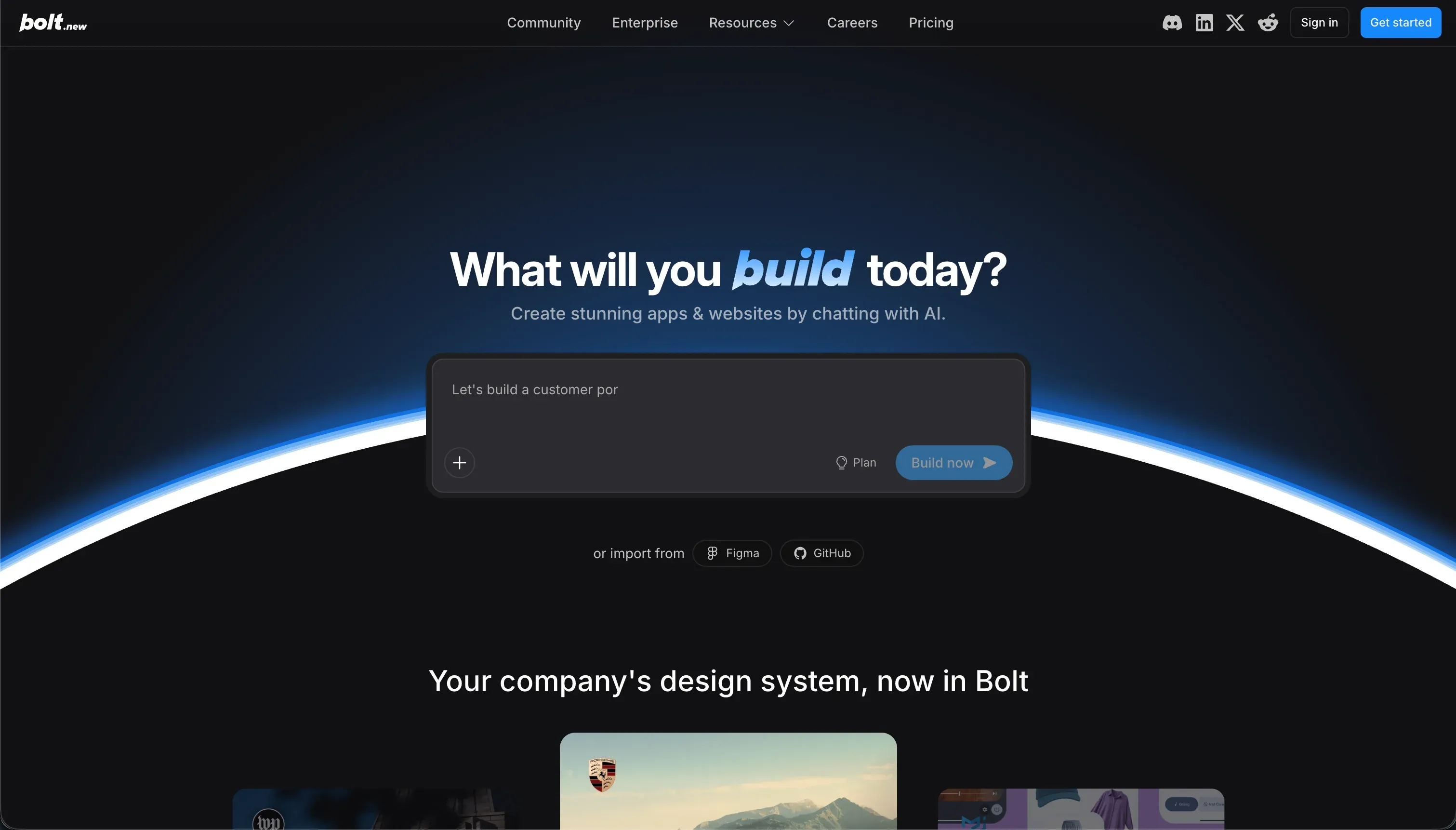
Choosing between WeWeb and Bolt is really choosing between 2 procurement models. WeWeb is a visual frontend builder in the decoupled app-builder category, designed to sit on top of an external backend. Bolt is a browser-based generative IDE in the AI coding category, designed to create and edit full-stack code from prompts.
WeWeb wins the general decision with a 6.2/10 aggregate versus Bolt’s 5.1/10. It is the safer choice for teams that need a more stable path to production, clearer maintenance, and stronger control over security and integrations.
Bolt only becomes the better buy when 1 priority outranks everything else: getting a working prototype on screen as fast as possible through prompting. That speed advantage is real, but it comes with more debugging risk and more dependence on technical judgment.
The decision in 30 seconds
| If your priority is… | Pick | Why |
|---|---|---|
| Fastest prompt-to-prototype workflow | Bolt | It wins ease of build by generating React and backend scaffolding from a single prompt |
| Visual frontend control on top of an existing backend | WeWeb | Its strongest score is design flexibility, with a persistent visual editor for layout and state |
| Secure client portals or internal apps with low operational fragility | WeWeb | It outscored Bolt on production readiness and security & access control |
| Predictable platform spend | WeWeb | Its flat subscription tiers are easier to forecast than Bolt’s token-based usage model |
| Day-one code ownership in a standard codebase | Bolt | It produces standard React and Vite files with GitHub sync rather than a proprietary visual artifact |
| Zero-setup business apps for non-technical operators | Neither | Both demand more backend setup or code debugging than a true business-app platform |
What each platform is
What is WeWeb?
WeWeb is a visual frontend development platform for building web applications on top of external data sources. Its model is decoupled: you design the interface, logic, variables, and API bindings in a visual builder, while the database and authentication usually live in a separate backend such as Supabase or Xano.
It includes a visual layout editor, routing, state management, and API connections, and it can export standard Vue or Nuxt code on higher plans. That makes it genuinely suited to visual developers, agencies, and product teams that want frontend precision without writing every screen by hand, but are comfortable owning the backend architecture elsewhere.
What is Bolt?
Bolt is a browser-native AI development environment built on StackBlitz WebContainers. Its build model is conversational code generation: you describe what you want, and Bolt creates and edits a full-stack app directly as text-based code in the browser, including frontend files, backend logic, and package installs.
It can generate React and Vite projects, scaffold Node backends and PostgreSQL schemas, sync to GitHub, and deploy through common web workflows. It is genuinely built for developers, technical founders, and fast-moving prototype teams that want standard code ownership immediately and are willing to debug the generated output when the AI or browser container misfires.
The core difference
These tools diverge most on the build artifact itself: WeWeb preserves an editable visual app model, while Bolt continuously rewrites a standard codebase. That difference drives almost every gap in maintenance, reliability, and who can safely operate the tool after launch.
- WeWeb keeps the app in a persistent visual representation, so layout, logic, and bindings are edited through a structured builder rather than regenerated from prompts.
- Bolt turns prompts into raw application code, giving you immediate source ownership but also making iteration dependent on AI output quality and code-level debugging.
Where the scores diverge
Maintainability: WeWeb 6.0, Bolt 3.5. WeWeb scores better because changes happen inside a structured visual system where state, workflows, and UI elements remain inspectable between edits. Its deduction comes from the split architecture: some changes still require coordinated work in the external backend, so maintenance is not fully centralized.
Bolt falls further because prompt-based iteration can introduce regressions, overwrite earlier working code, or force the team into repeated fix cycles. Once that happens, maintainability depends less on the tool and more on whether someone can read and repair the generated code quickly.
Production readiness: WeWeb 6.0, Bolt 4.0. WeWeb is the steadier path because its visual builder and compiled frontend are meant for shipping web apps, even if the final reliability still depends on how well you configure the backend it sits on.
Buyers still need to test performance, auth flows, and external services, so it is not frictionless production infrastructure. Bolt loses ground because larger projects can run into container instability, memory issues, and project-size limits that interrupt development altogether.
That makes the jump from impressive prototype to dependable production app much riskier.
Security & access control: WeWeb 5.5, Bolt 3.5. WeWeb comes out ahead because it can plug into mature external auth and database systems, which gives teams a clearer route to serious security patterns than pure prompt-generated access rules.
The catch is that WeWeb does not provide a native security layer of its own, so the buyer still has to configure tokens, roles, and backend permissions correctly. Bolt is weaker here because authentication, authorization, and row-level rules are largely created through AI-generated code rather than a dedicated access-control interface.
That means security quality is harder to verify and easier to misconfigure unless a developer audits the output directly.
Ease of build: WeWeb 4.0, Bolt 5.5. Bolt pulls ahead because it can produce a working preview from a single plain-English prompt, which is a faster starting experience than wiring a visual frontend to an external backend. WeWeb asks the builder to make more architecture choices up front, especially around data, auth, and API structure.
That slows the first build even though the editor itself is visual. Bolt still does not score higher because once generation fails, the user is suddenly inside a browser IDE troubleshooting code, dependencies, and container behavior.
Data & integrations: WeWeb 7.0, Bolt 6.0. WeWeb is naturally strong on integrations because its whole product assumes the frontend will connect to external APIs and databases. That gives it a more established model for binding UI to services like Supabase, Xano, Airtable, and other REST sources.
It still loses a point because there is no native database inside the product, so every serious app depends on third-party data infrastructure. Bolt can generate schemas and connect libraries, but it lacks the same visual data-management workflow and pushes more integration work into code and prompts.
Design flexibility: WeWeb 8.5, Bolt 8.0. This is a close category and not the main decision driver because both tools can produce highly custom web interfaces. WeWeb gets the edge since its visual editor supports precise layout control with flexbox, grids, and direct styling adjustments without re-prompting an AI.
Bolt is also very flexible because it generates standard frontend code and can use broader package ecosystems, imports, and custom components. The small gap comes from iteration speed: visual tweaking is usually more dependable than asking a model to repeatedly nudge spacing and structure.
Cost comparison
The pricing models are very different. WeWeb uses flat subscription tiers, with paid plans starting at $59/month or $39/month billed annually, and a Scale plan at $249/month; your bill moves mainly when you need more environments or platform capacity.
Bolt uses token-based pricing, starting at $25/month for 10 million tokens and scaling up to enterprise levels, so the bill moves with prompt volume, retries, and iterative debugging.
The hidden costs differ too. With WeWeb, forecast builder time plus the separate cost of the backend you still need, along with maintenance work across both the frontend and the external data stack.
With Bolt, forecast developer oversight for generated code, time lost to regressions or container failures, possible extra token spend during fix loops, and the eventual migration cost of taking full manual ownership of the codebase.
Lock-in and the exit path
Both tools offer a real exit path, but Bolt has the cleaner one because it produces a standard codebase with GitHub sync from the start.
WeWeb can export standard Vue or Nuxt code on Scale and Enterprise plans, which is better than classic no-code lock-in, but that exit is gated by plan level and still leaves you responsible for recreating or preserving the external backend setup.
Bolt lets you leave with the code itself, though you lose the convenience of AI-driven iteration inside the product. In both cases, the rebuild risk is mostly in workflows, deployment habits, and any surrounding services rather than raw data rows alone.
- Standard Vue or Nuxt export
- Gated behind Scale and Enterprise plans
- You rebuild external backend setup yourself
- Standard codebase with GitHub sync from the start
- No plan gate on leaving
- Loses AI-driven iteration inside the product
Who should pick WeWeb
Pick WeWeb if:
- Teams that already have Supabase, Xano, or another backend and need a frontend layer that scored higher on data & integrations
- Visual developers who want strong layout control and a higher design flexibility score without hand-coding every screen
- Buyers prioritizing production readiness and maintainability over first-day build speed
- Organizations that may want a Vue or Nuxt export path on higher plans
Do not pick WeWeb if you want an all-in-one platform with native database and auth, or if your team will struggle to manage an external backend architecture.
Who should pick Bolt
Pick Bolt if:
- Technical founders who need the fastest route from idea to prototype and value Bolt’s ease-of-build advantage
- Developers who want standard React and Vite files with immediate code ownership and GitHub sync
- Prototype teams comfortable treating the AI as a scaffolding assistant rather than a stable long-term app runtime
- Buyers who expect to hand the project to engineers for manual ownership after the initial build
Do not pick Bolt if the app must stay stable through many iterations without a developer routinely auditing generated code and fixing regressions.
What neither platform answers
Many buyers reading this comparison do not actually need a custom frontend builder or an AI coding IDE. They need a business app defined by logins, permissions, records, and low maintenance: client portals, internal tools, CRMs, or partner workflows where reliability matters more than frontend novelty.
In that lane, both WeWeb and Bolt add extra technical overhead, either through external backend assembly or ongoing code debugging.
If that sounds like your use case, Softr is the better fit because it is purpose-built for business apps and scores 8.5 for production readiness, 9.0 for maintainability, and 8.5 for security & access control. It is the cleaner recommendation when secure user groups, CRUD workflows, and low operational burden matter most.
For a different angle, Retool is the more sensible option when the job is internal tooling tied to existing databases and operational workflows rather than customer-facing frontend polish.
Analyst verdict
WeWeb wins 6.2 to 5.1 on aggregate. It takes production readiness, maintainability, security & access control, data & integrations, and design flexibility, while Bolt keeps ease of build. That makes WeWeb the stronger general recommendation for buyers who need a more dependable path from build to live operation.
The decision flips only in 1 situation: you are explicitly buying for speed of prototyping, not long-run stability, and you have technical talent ready to own the generated code. In that case Bolt’s faster first build can outweigh its weaker 4.0 production readiness and 3.5 maintainability.
For most teams evaluating an actual production app purchase, though, WeWeb is the safer buy because its strengths line up with the work that starts after launch, not just the demo on day one.
Related reading: the WeWeb scorecard, the Bolt scorecard, and our scoring methodology.