

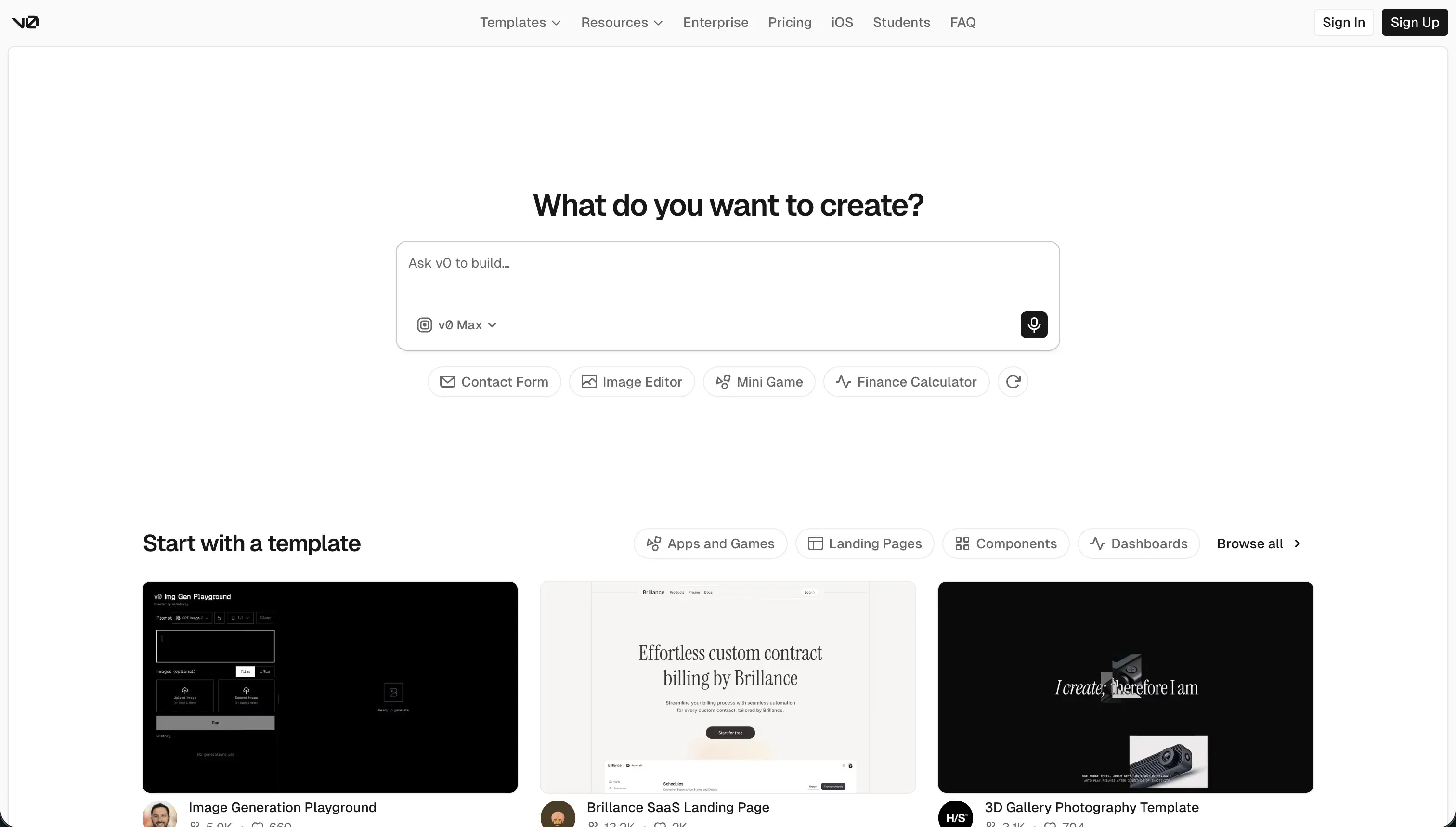
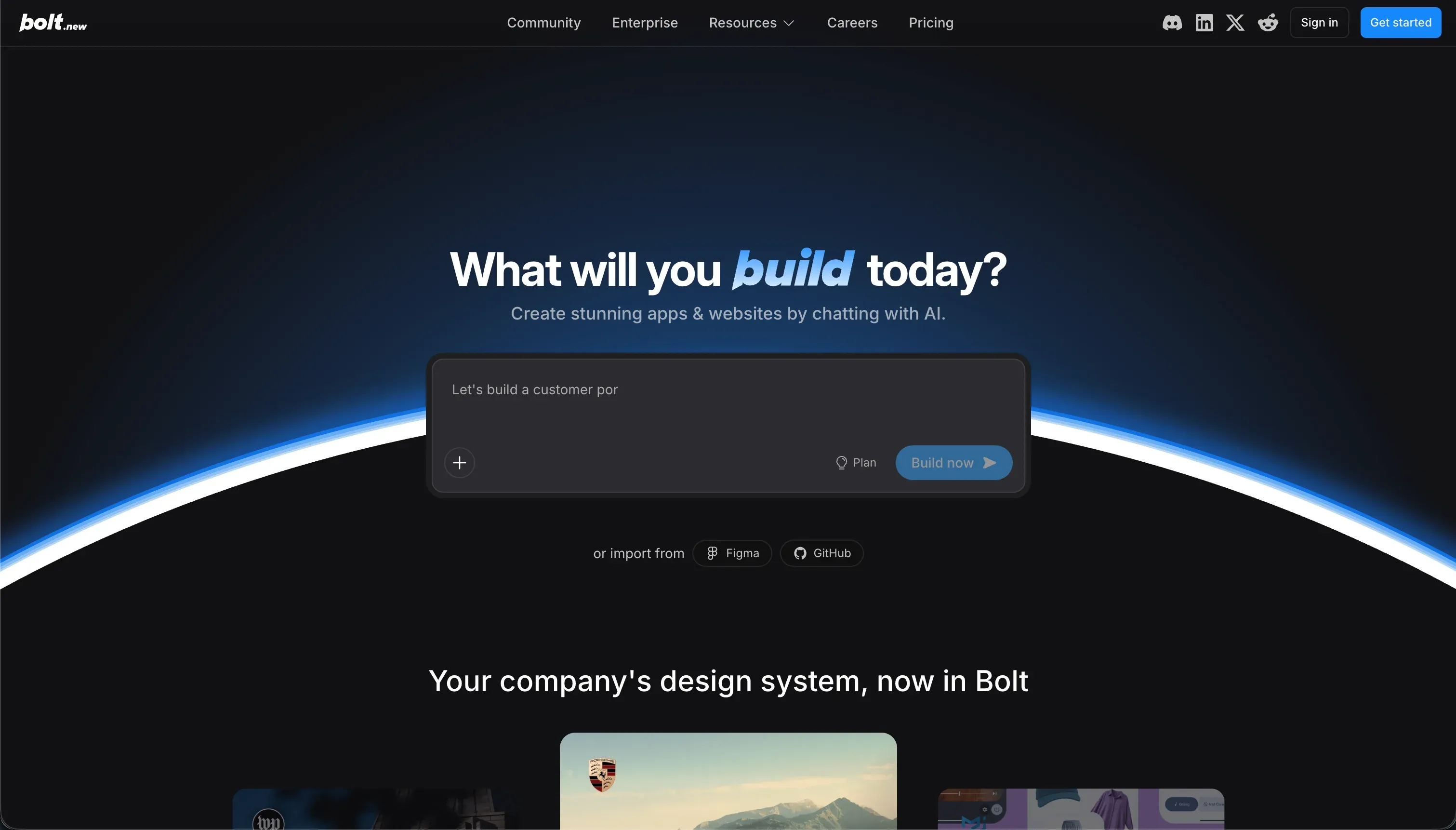
Choosing between v0 and Bolt is really choosing between 2 different procurement problems. v0 is a frontend generation tool for producing polished React interfaces, while Bolt is a browser-native IDE for scaffolding fuller web applications.
Buyers are deciding whether they want AI to stop at the UI layer or push into backend code, packages, and runtime setup.
v0 wins the general decision on aggregate score, 5.8/10 versus Bolt’s 5.1/10. It is the better default if your priority is faster interface creation, cleaner exported React, and less day-2 debugging. The decision flips only when you specifically need in-browser full-stack scaffolding with terminal access and generated database code.
The decision in 30 seconds
| If your priority is… | Pick | Why |
|---|---|---|
| Polished frontend design and layouts | v0 | scores 8.5 on design flexibility with cleaner shadcn/ui-style React output |
| Scaffolding backend tables and schemas | Bolt | wins data & integrations at 6.0 because it can generate PostgreSQL and Node code |
| A production-ready business application | Neither | both score weakly on production readiness and require substantial manual hardening |
| Clean, modular React component code | v0 | maintainability is higher at 5.5 thanks to more inspectable frontend exports |
| Browser-based terminal and package control | Bolt | its WebContainers let developers run npm commands and preview code in-browser |
What each platform is
What is v0?
v0 is Vercel’s AI interface generator for turning prompts, mockups, and screenshots into working React UI code. Its build model is frontend-first: you describe the screen you want, iterate in chat, preview the result in the browser, and then export the generated components into your own codebase.
The product is built around modern React patterns such as Tailwind CSS and shadcn/ui, which is why its outputs tend to look polished quickly.
Research notes also point to image-to-component workflows and easy handoff into Next.js projects. v0 is genuinely for designers, frontend developers, and founders who need presentable UI fast, not for teams expecting native databases, auth, or hosted app operations inside the tool.
What is Bolt?
Bolt is an AI app builder that works more like a browser-based development environment than a pure UI generator. Its build model is full-stack scaffolding inside WebContainers: the AI writes frontend and backend files, you run commands in-browser, inspect folders, install packages, and keep iterating on a live code project.
Research notes show Bolt can generate React apps, Node logic, and PostgreSQL-oriented code while exposing a live terminal and GitHub-friendly project structure. It also supports package installs and deployment-oriented workflows, but that power comes with more debugging and code regression risk.
Bolt is genuinely built for technical founders and developers who want more control than a managed no-code product gives them.
The core difference
These tools differ most on scope: v0 generates the interface layer, while Bolt tries to generate and run a broader application stack. That makes this matchup less about features than about where you want AI assistance to end and engineering responsibility to begin.
- v0 is a frontend specialist that turns prompts into polished React UI code without trying to own your backend runtime.
- Bolt is a browser-native coding workspace that tries to assemble and run a fuller codebase, including app logic and data-layer scaffolding.
Where the scores diverge
Ease of build: v0 7.5, Bolt 5.5. v0 is easier because it narrows the problem to UI generation, where prompts are more predictable and the feedback loop is visual. Buyers can upload a mockup or describe a screen and get usable React quickly without touching packages or server setup.
Bolt asks the user to manage a much messier workflow inside a browser IDE, including command-line steps, dependency issues, and broken generations. Even its upside comes with friction, because broader scope means more ways for the build to go wrong.
Maintainability: v0 5.5, Bolt 3.5. v0 scores better because its output is usually standard-looking React that developers can read, refactor, and move into normal project structure. It still gets marked down because long prompt chains can cause drift and increasingly messy code.
Bolt falls further because iterative changes can overwrite working files, introduce regressions, or trap the user in loops of AI-generated fixes. In practice, the maintenance burden shifts from editing product logic to supervising the generator itself.
Data & integrations: v0 5.0, Bolt 6.0. Bolt takes this category because it can generate database-oriented code and connect application logic to a real data layer. That makes it materially more useful for teams trying to scaffold CRUD flows or backend-backed prototypes in one workspace.
The deduction is that this power is still code-centric, with no strong visual schema management and no guarantee the generated integration logic will be stable. v0 trails because it does not try to solve data at all; it hands you interface files and leaves integration for later.
Production readiness: v0 4.5, Bolt 4.0. Neither tool is a strong production platform, so this category stays close and does not decide the matchup. v0 loses points because it stops at the frontend and leaves auth, data models, and app operations to the buyer’s stack.
Bolt reaches further toward a deployable app, but the research notes recurring crashes, memory limits, and brittle fixes once projects get more complex. Its ambition is useful, yet that same ambition makes reliability the deduction.
Security & access control: v0 4.0, Bolt 3.5. This is weak for both tools because neither gives buyers a robust, native security control plane. v0 is lower-friction but also offers no built-in authentication or permission model, so every real security requirement must be implemented elsewhere.
Bolt can generate auth-related code, yet that is not the same as having proven access controls, visual policy management, or dependable review safeguards. The small edge goes to v0 only because it makes fewer implied promises beyond the frontend.
Design flexibility: v0 8.5, Bolt 8.0. v0 wins because polished frontend output is exactly what it is optimized to do. The combination of React patterns, Tailwind styling, and shadcn/ui conventions helps it produce cleaner layouts and more refined component structures with less prompting.
Bolt is flexible in theory because you can keep editing anything in code, but the initial design quality is less reliable and often needs more correction. That makes Bolt broader, not better, for design-led work.
Cost comparison
The pricing models are both usage-shaped, but they meter different kinds of work. v0 offers $5 in free monthly credits and paid team access starting at $30 per user monthly, with usage tied to the model and token consumption behind each generation.
Bolt’s Pro plan is $25 monthly and includes 10 million base tokens, so its bill pressure comes from how much prompting, code generation, and retrying your team does inside the workspace.
The hidden cost lines are mostly labor and waste, not just subscription price. With v0, forecast builder time for prompt iteration, cleanup of exported components, and any later backend wiring.
With Bolt, add more room for debugging time, token burn from failed loops or dependency issues, package spend outside the tool, and the migration effort of moving a generated prototype into a sturdier stack if the project outgrows the sandbox.
- $5 free monthly credits
- Team access from $30 per user monthly
- Metered by model and token use per generation
- Labor: prompt iteration time
- Labor: cleanup of exported components, later backend wiring
- Pro plan $25 monthly
- 10 million base tokens included
- Bill pressure from prompting, generation, retries
- Labor: debugging, token burn from failed loops or dependency issues
- Labor: migration to a sturdier stack, plus package spend outside the tool
Lock-in and the exit path
Both tools have a relatively clean exit because they produce exportable code rather than locking the buyer into a proprietary visual runtime. v0 lets you take standard React component code into your own Next.js or React project, while Bolt supports GitHub sync and project export from its browser workspace.
The catch is that leaving either tool still means owning and maintaining the generated code yourself, and Bolt’s broader app scaffolding can leave more backend pieces to untangle or rebuild. On balance, v0 has the cleaner exit because it exports a narrower, more portable frontend surface.
Who should pick v0
Pick v0 if:
- Frontend teams that want polished React output fast, especially where design flexibility matters most at 8.5/10
- Founders who need landing pages, dashboards, or app screens to hand off to engineers rather than a full running product
- Design-led builders who value cleaner component exports and higher 5.5/10 maintainability than Bolt
- Teams already committed to their own backend stack and only need AI help on the interface layer
Do not pick v0 if you expect the tool itself to deliver databases, authentication, and a production-ready business app without substantial engineering work.
Who should pick Bolt
Pick Bolt if:
- Developers who want a browser-native IDE with terminal access, package installs, and direct code control
- Technical founders who need AI to scaffold both UI and backend code in one environment
- Teams prioritizing data-layer generation, where Bolt’s 6.0/10 on data & integrations is the stronger fit
- Builders comfortable debugging generated Node, React, and database code when the first pass breaks
Do not pick Bolt if your team is non-technical, design-led, or unwilling to spend time debugging regressions, dependency issues, and fragile generated app logic.
What neither platform answers
Many buyers reading this matchup do not actually need a code generator at all. They need a business app: a client portal, internal tool, or CRM defined by user logins, permissions, relational data, and low maintenance after launch.
That is the gap both v0 and Bolt leave open, because one stops at the UI and the other pushes you into managing brittle generated code.
If your real requirement is secure operations rather than flexible prototyping, Softr is the more appropriate lane, with stronger research scores on production readiness, maintainability, and security & access control.
Choose Softr when the app must be stable for employees or customers on day 2, especially where secure access and low upkeep matter more than code ownership. Its research scores on production readiness, maintainability, and security & access control are the reason it fits that business-app lane better than either tool here.
For a different need entirely, such as using spreadsheets as the source of truth for lightweight operational workflows, Airtable remains the sensible companion option rather than forcing a code-first build.
Analyst verdict
v0 wins this matchup 5.8 to 5.1 on aggregate. It takes Ease of build, Maintainability, Security & access control, and Design flexibility, while Bolt keeps Data & integrations; Production readiness stays too weak on both sides to be the deciding factor. The practical takeaway is simple: v0 is the better default because it stays focused on polished UI generation and creates less downstream chaos.
The flip condition is equally clear. If your team specifically wants a browser-native environment to scaffold frontend, backend, and PostgreSQL-oriented code together, Bolt becomes the right buy despite its weaker 3.5/10 maintainability score.
But for most buyers comparing these 2 tools, the safer purchase is v0 because cleaner frontend output is more reliable than broader full-stack generation that still needs heavy debugging.
Related reading: the v0 scorecard, the Bolt scorecard, and our scoring methodology.