

Buying v0 versus Adalo is really choosing between 2 different procurement problems.
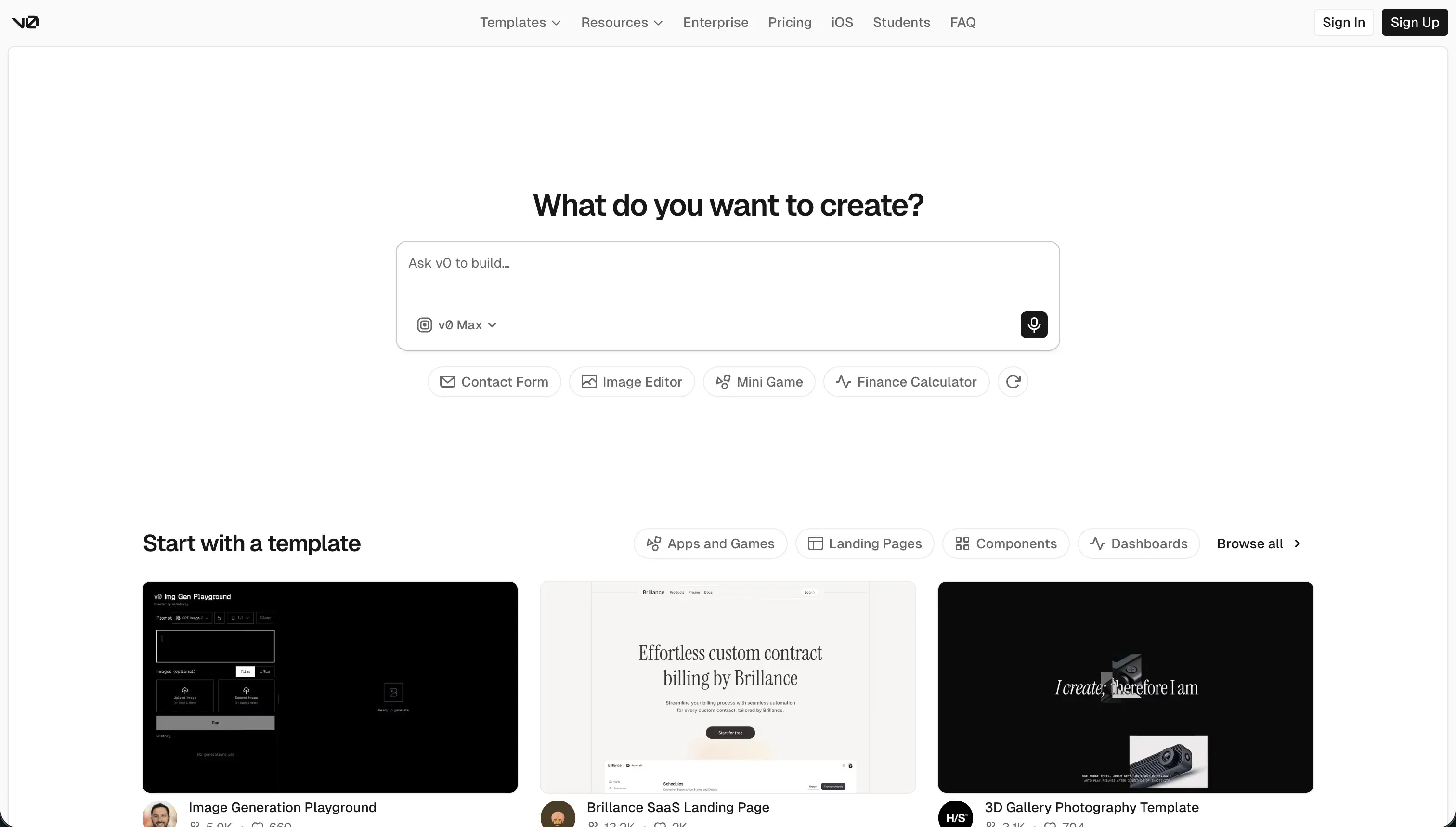
v0 is an AI frontend generation tool that turns prompts, images, and mockups into React and Tailwind code, while Adalo is a visual no-code app builder aimed at shipping simple mobile and web apps from a managed runtime.
One belongs in a developer-assisted prototyping stack; the other belongs in a non-technical mobile MVP stack.
v0 wins the general decision at 5.8/10 versus Adalo’s 4.6/10. It is the stronger choice when you want faster interface creation, cleaner handoff, and more modern web design output. Adalo only becomes the right buy when 1 requirement outweighs everything else: direct app-store-oriented mobile packaging from a visual builder. If that is not the procurement goal, v0 is the safer overall pick.
The decision in 30 seconds
| If your priority is… | Pick | Why |
|---|---|---|
| Rapid frontend layout prototyping | v0 | 8.5 for design flexibility and prompt-to-UI speed make it the faster starting point |
| Direct App Store publishing for a simple mobile MVP | Adalo | it packages runnable mobile apps, which v0 does not |
| Clean code export and developer handoff | v0 | GitHub sync plus React and Tailwind output give it the cleaner exit path |
| Client portals, internal tools, or CRMs | Neither | both score weakly on security and operational robustness for business apps |
| Desktop-responsive web UX | v0 | Adalo’s fixed-screen model lags far behind v0’s modern web layouts |
| Built-in database with no coding | Adalo | it includes a native relational data layer while v0 requires post-export setup |
What each platform is
What is v0?
v0 is an AI frontend generation tool that converts natural-language prompts, reference images, and interface ideas into working React components. The build model is code-first even when the input is conversational: it generates inspectable UI code, previews it in-browser, and lets teams continue refinement inside a developer workflow rather than inside a closed app runtime.
Research highlights include image-to-UI generation, Figma import, GitHub sync, and exportable React, TypeScript, and Tailwind output. It is genuinely built for frontend teams, product designers, and founders with developer support who want to compress UI scaffolding time, not for buyers who need a complete hosted backend, permissions system, and database out of the box.
What is Adalo?
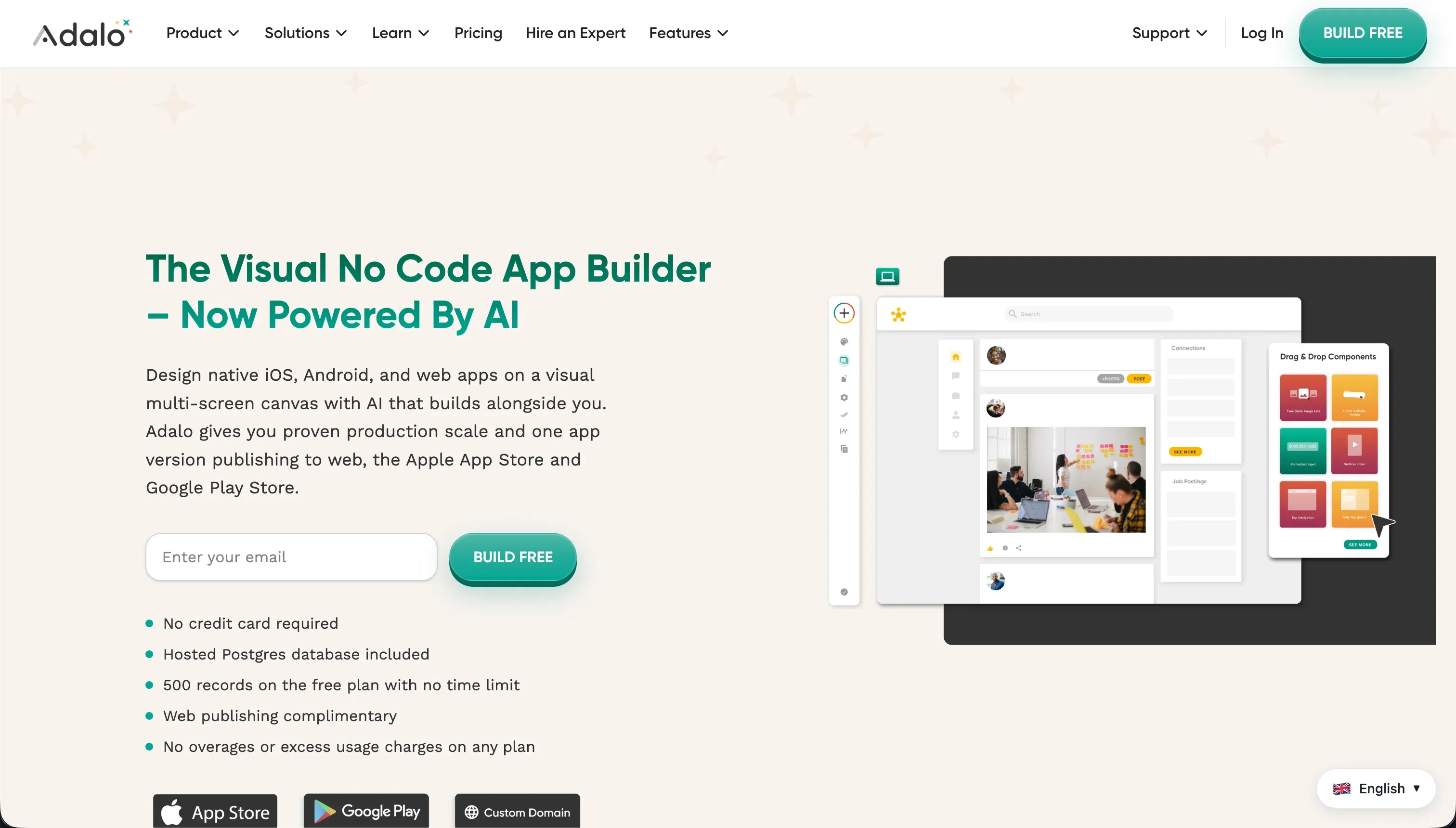
Adalo is a visual no-code app builder for assembling simple mobile and web applications on a managed platform. The build model is runtime-first: users drag components onto screens, connect them to Adalo’s database or APIs, and publish the resulting app without owning an exportable application codebase.
Research points to its built-in relational database, component marketplace, Stripe-related plugins, and direct mobile packaging flow. It is built for non-technical founders and creators who want to launch a straightforward MVP quickly, especially mobile-first concepts, but it is far less suited to complex business software or teams that need long-term engineering control.
- AI prompts to React components
- Figma import, GitHub sync
- Exportable React, TypeScript, Tailwind
- No built-in backend or database
- Refine in a developer workflow
- Drag components onto screens
- Built-in relational database
- Component marketplace, Stripe plugins
- Direct mobile packaging
- No exportable codebase
The core difference
These tools diverge most on one axis: generate code versus operate a managed app runtime. One is best as a developer handoff layer; the other is best as a visual shipping layer for simple apps.
- v0 produces exportable frontend code that accelerates design and handoff but still expects real engineering to make the product complete.
- Adalo keeps the app inside its own visual runtime so non-technical users can publish faster, but with tighter limits on control, reliability, and exit.
Where the scores diverge
Design flexibility: v0 8.5, Adalo 5.0. v0 creates the largest gap because it can generate polished modern web interfaces from prompts and reference assets using mainstream frontend patterns.
The deduction on the winning score is that refinement can still require developer cleanup, and some iterations skew toward surface-level edits rather than deeper structural control. Adalo remains more constrained by its screen-based builder and mobile-first canvas, which can make desktop web experiences feel like stretched phone layouts.
So while both are visual in different ways, only one really behaves like a modern web UI tool.
Ease of build: v0 7.5, Adalo 6.0. v0 pulls ahead because prompting a layout from text, screenshots, or rough direction is simply faster than manually arranging every screen. The catch is that this ease mostly applies to the frontend, so the score still comes down because databases, auth, and business logic sit outside the product.
Adalo is approachable at first because the builder is visual, but real projects get slower as workflows become more conditional and repetitive. That makes it easier to start than to finish.
Maintainability: v0 5.5, Adalo 4.0. v0 scores better because exported React, TypeScript, and Tailwind can be versioned, reviewed, and refactored in normal engineering workflows. It still takes a hit because repeated prompt iteration can create bloated or inconsistent output that developers must clean up.
Adalo ages worse as complexity rises, since logic, visibility rules, and external connections stay trapped in a visual environment that is harder to audit and scale. That makes changes possible, but not especially graceful over time.
Production readiness: v0 4.5, Adalo 3.5. This matchup is weak on both sides, so the category does not produce a strong winner. v0 loses points because it is not a complete production stack at all; it gives you interface code, not a running application with backend services.
Adalo at least ships a runnable app, but reported reliability problems, slow performance, and data-risk complaints drag it down even further. The higher score still carries a deduction because neither tool is a confident enterprise deployment answer by itself.
Security & access control: v0 4.0, Adalo 4.0. This is close because neither platform is strong enough to settle the buying decision on security alone. v0 has no native auth or permissions layer, so all real access control must be designed elsewhere by the team implementing the generated frontend.
Adalo includes user roles, but fine-grained privacy often depends on manual visibility rules across screens and elements, which is brittle for serious multi-tenant use. Both end up with low confidence for sensitive business data.
Data & integrations: v0 5.0, Adalo 5.0. Adalo has the more complete out-of-box story because it ships with a native relational database and can connect to APIs without requiring exported code work first.
It still gives back points because performance and integration ergonomics become a complaint as apps grow, and buyers can hit limits in how cleanly data workflows scale. v0 starts from behind here because there is no built-in data model at all; every real connection comes after export.
That makes the category less about raw possibility than about how much setup the buyer must own.
Cost comparison
v0 uses a usage-based credit model layered onto per-user plans, so the bill moves with both seat count and how heavily the team consumes model credits during generation and iteration. Adalo uses flat subscription tiers with plan names and record caps, so the bill moves when your app outgrows the included limits or needs a higher plan for operational headroom rather than because each prompt burns usage.
The hidden costs differ. With v0, forecast developer cleanup time, backend implementation, and extra credit burn during debugging loops; with Adalo, forecast plan upgrades, plugin spend, maintenance overhead from visual workarounds, and the rebuild cost if you later migrate off a non-exportable runtime. In both cases, the subscription is only part of the true ownership cost.
Lock-in and the exit path
v0 has the cleaner exit because the core asset is exportable frontend code that can live in GitHub and move into a normal engineering stack. What you keep is the React, TypeScript, and Tailwind output; what still must be built separately is the backend, auth, and production architecture around it.
Adalo is much stickier: you can build and run inside the platform, but leaving means rebuilding the app logic and experience elsewhere because the runtime and app structure do not translate into owned application code in the same way. If exit optionality matters, v0 is plainly easier to leave.
- Frontend: React, TypeScript, Tailwind kept
- Runtime and app structure do not translate
- Lives in GitHub, moves to normal stack
- No owned application code to move
- Backend must be built separately
- App logic rebuilt elsewhere
- Auth must be built separately
- Whole experience rebuilt elsewhere
- Production architecture still yours to add
- Rebuild covers everything you built inside
Who should pick v0
Pick v0 if:
- Frontend teams that want to cut UI scaffolding time and capitalize on its 8.5 design flexibility score
- Founders with developer support who need fast prototype-to-code handoff rather than a closed no-code runtime
- Product designers who want prompt-driven exploration, image-to-UI, and Figma-assisted interface generation
- Teams that care about code ownership and version control more than built-in backend convenience
Do not pick v0 if you need a complete no-code app with native database, authentication, and app-store packaging without depending on engineers.
Who should pick Adalo
Pick Adalo if:
- Non-technical founders who must publish a simple mobile MVP from a visual builder
- Teams that value a built-in relational database more than exportable code ownership
- Creators building lightweight mobile-first apps where fixed-screen design is acceptable
- Buyers who need a managed runtime now and can tolerate lower production and maintainability scores
Do not pick Adalo if the app must scale cleanly, protect sensitive client data with confidence, or hand off into a developer-owned codebase later.
What neither platform answers
Many buyers reading this comparison do not actually need a frontend generator or a mobile-first MVP builder. They need a business app: a client portal, internal tool, or CRM defined by logins, permissions, connected data, and low ongoing maintenance.
For that lane, Softr is the more relevant shortlist candidate because it is built around business-app structure and scores higher on production readiness, maintainability, and security & access control than either tool in this matchup.
That recommendation should still stay honest about use case.
Pick Softr when the app is operational software with real users, roles, and business data; pair it against Bubble instead when the requirement shifts toward deeper workflow customization and broader app logic. v0 is stronger for developer-led UI generation, and Adalo is stronger for basic app-store mobile packaging, but neither is the clean answer for mainstream business apps.
Analyst verdict
v0 wins 5.8/10 to 4.6/10. It takes ease of build, maintainability, and design flexibility, while Adalo’s only durable argument is the fact that it can package a simple mobile app from a managed no-code environment. The result is not close enough to ignore the category difference: v0 is better for teams buying interface acceleration, not just a visual builder.
The decision flips only when direct mobile app publishing is the overriding requirement and the buyer does not want to own a codebase. In that narrow case, Adalo remains the more suitable purchase despite its weaker production and maintenance outlook. For most other buyers, especially anyone who values cleaner handoff and a less trapped future state, v0 is the stronger recommendation.
Related reading: the v0 scorecard, the Adalo scorecard, and our scoring methodology.