


Choosing between visual internal software builders and browser-based AI code generators is a fundamental procurement decision.
Many engineering teams find themselves shortlisting Retool, a classic Visual IDE built to run on structured relational databases, alongside Bolt, a browser-native WebContainer platform that compiles full-stack code from plain-text prompts.
One is a visual environment for orchestrating inputs and queries; the other is a conversational agent that writes and deploys real code.
Retool wins the visual-build head-to-head with an aggregate score of 6.8/10 against Bolt’s 5.1/10. Because Retool uses standardized components running on pre-tested architectures, it avoids the catastrophic compound errors that impact Bolt on day two.
Bolt remains the right purchase only if your target is an exportable React codebase and you have a developer prepared to manage the source code manually once the AI hits its structural limits.
The decision in 30 seconds
| If your priority is… | Pick | Why |
|---|---|---|
| Pre-built business databases and enterprise SSO | Retool | Retool scores 7.5 on security and access control with native SAML, while Bolt lacks a visual permission layer |
| Direct SQL querying and native REST connectors | Retool | Its 8.5 data score represents a massive connector library on a pre-built data schema editor |
| Pixel-perfect visual design with custom npm packages | Bolt | Bolt scores 8.0 on design flexibility by generating custom React/Vite code without visual templates |
| An app that is free to scale to hundreds of client users | Neither | Retool’s strict seat-based model is expensive, while Bolt struggles with scale; Softr offers flat portal pricing |
| A fully exportable and un-sandboxed React codebase | Bolt | Bolt natively syncs to GitHub with zero vendor lock-in or proprietary visual runtime elements |
What each platform is
What is Retool?
Retool is a visual IDE designed for technical teams to build internal business applications, admin panels, and database utilities without constructing frontend elements from scratch.
Developers use a drag-and-drop editor containing over 100 pre-built UI components and then write custom SQL and JavaScript queries to read and write to their databases. This combination of visual scaffolding and direct code execution ensures complex logic stays deterministic, assuming the builder possesses web-development foundations.
Retool ships with Retool Database, which provides a managed PostgreSQL database, along with Retool Workflows to construct scheduled API automation pipelines. To keep the workspace functional for large organizations, Retool handles version control, environment branching, and self-hosted deployments on its Enterprise tier. It is built explicitly to consolidate internal systems and administrative interfaces.
What is Bolt?
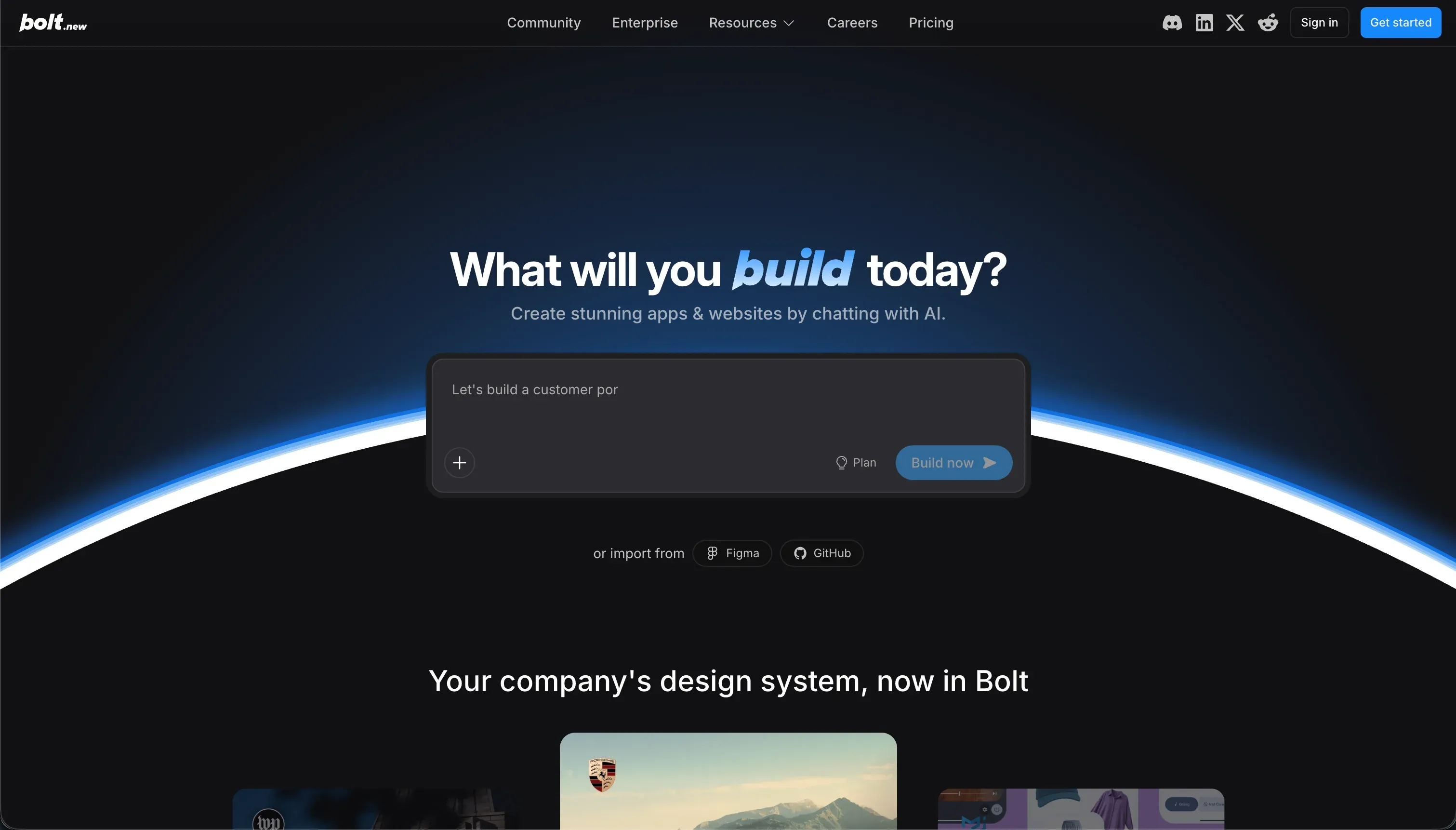
Bolt is a browser-native IDE that leverages generative AI models to construct and run full-stack web applications. When a buyer submits a plain-text prompt, Bolt’s underlying LLM generates React components, Vite configurations, and Node.js backend logic, running them instantly inside browser-based WebContainers.
This allows non-technical founders and operational teams to go from a text description to a working preview link in minutes, bypassing local IDE configuration and system dependencies.
Bolt includes direct synchronization with GitHub and one-click deployment targets like Netlify. The engine operates by compiling code files on the fly, offering direct terminal execution and npm package installations entirely in the browser. Bolt is designed to act as an autonomous software developer for rapid prototyping, early-stage SaaS MVPs, and frontend-heavy templates.
The core difference
The core divergence is the underlying construction layer: Retool runs your commands on a visual, pre-tested runtime database, whereas Bolt writes raw code from scratch.
- Retool restricts you to standardized UI components but offers highly reliable data queries, execution version history, and predictable data connections.
- Bolt offers limitbound code generation but forces the user to manually debug and maintain the resulting codebase once the AI reaches its context limitations.
- Standardized UI components
- Highly reliable data queries
- Execution version history
- Predictable data connections
- Limitbound code generation
- Raw code written from scratch
- Manual debugging once context runs out
- You maintain the codebase
Where the scores diverge
Security & access control: Retool 7.5, Bolt 3.5. Retool scores 7.5 by providing granular role permissions, native SAML SSO, and audit logs on Business and Enterprise tiers, though it lacks pre-built auth views for external clients. Bolt scores 3.5 because it has no visual permission or administrative layer.
All security parameters, login setups, and row-level constraints must be written manually by prompting the AI to write raw security code, making verification of who can access what impossible without manual audits by a developer.
Production readiness: Retool 7.5, Bolt 4.0. Retool outscores Bolt 7.5 to 4.0 on production viability because it is built for internal business tools. Retool includes native version control, sandbox environments, and self-hosting, though buyers should watch for occasional saving bugs on SQL queries.
Bolt’s production score is suppressed due to persistent WebContainer instability, out-of-memory errors on large projects, and a strict project-size limit that pauses prompts entirely. It remains a rapid prototyping environment rather than a stable runtime for critical workflows.
Maintainability: Retool 6.0, Bolt 3.5. Retool’s 6.0 score reflects stable release management and Git integration, though large projects demand code discipline to keep JavaScript variables organized. Bolt scores a low 3.5 here because iterative maintenance relies on a prompt-based loop.
Users report edit loops where the AI routinely overwrites working backend rules, reverts visual styles, or gets stuck in costly debugging loops that burn tokens without completing the updates.
Data & integrations: Retool 8.5, Bolt 6.0. Retool scores an exceptional 8.5 with its pre-built database connections, managed PostgreSQL tables, and REST/GraphQL connectors that run securely without client-side API exposure.
Bolt scores 6.0 because, while it can generate SQL schemas and integrate whatever libraries code can reach, it offers no native database admin interface, requiring teams to manually manage data tables via external services like Supabase.
Ease of build: Retool 4.0, Bolt 5.5. Bolt leads with a 5.5 because its prompt-to-app generator produces a functional UI preview in less than ten minutes. However, it requires technical conceptual knowledge because debugging build failures and WebContainer errors requires reading console outputs.
Retool is scored at a lower 4.0 because it is explicitly not a no-code tool: builders must manually configure SQL schemas, structure JSON data, and write code queries for any custom logic.
Design flexibility: Retool 7.0, Bolt 8.0. Bolt scores an 8.0 because it compiles standard React, TypeScript, and Vite code under the hood. Builders are not restricted to template blocks: anything a frontend developer can build is reachable. Retool scores a 7.0; its UI components are optimized for high data density.
Customizing Retool apps to look like external client-facing interfaces is incredibly development-heavy and requires significant CSS and custom library overrides.
Cost comparison
Retool’s pricing is strictly user-based, running on paid tiers of $10 per user/month (Team) and $50 per user/month (Business). While this makes it affordable to deploy for a ten-person operations division, it becomes cost-prohibitive for large-scale external applications or client portals.
Bolt is priced using flat token consumption models starting on the Pro plan at $25/month for 10 million tokens, scaling up to $2,000/month for 1.2 billion tokens.
Buyers comparing these platforms must look beyond the base subscription to estimate secondary operational expenses. Retool’s cost driver is seat count, meaning you must audit active users closely.
Bolt’s primary cost driver is prompt iteration: complex debug loops and code overhaul requests aggressively deplete token allowances, frequently locking users out of further app changes for the month unless they purchase premium overages.
Lock-in and the exit path
The lock-in profile is the biggest argument for Bolt. Because Bolt outputs a clean React project, builders can export the entire Vite and Node repository to standard hosting solutions with zero lock-in. Retool has a severe lock-in profile: apps are saved as proprietary configurations that cannot run outside of Retool’s workspace or visual runtime, meaning leaving the platform requires rebuilds from scratch.
Who should pick Retool
Pick Retool if:
- Technical operational leaders building admin tools, database management tables, or customer service screens that connect directly to local SQL databases.
- Enterprises that require self-hosting behind their own firewall, strict SAML SSO compliance, and automated user auditing.
- Teams built on developers who can comfortably manage data pipelines using manual JavaScript and SQL variables.
Do not pick Retool if you are putting an app in front of external clients or customers, as the seat-based pricing model and lack of native consumer onboarding paths will make deployment expensive and complex.
Who should pick Bolt
Pick Bolt if:
- Technical founders who need to quickly mock up a frontend proof-of-concept or SaaS MVP to demonstrate to potential investors.
- Developers looking for a conversational AI engine to handle visual React scaffolding before importing the clean codebase to GitHub.
- Builders creating single-page marketing resources or static directories that can run reliably on static client-side setups.
Do not pick Bolt if you do not have a web developer on call, as you will face prompt edit traps and container crash errors that are impossible to resolve without reading code.
What neither platform answers
Both Retool and Bolt are engineered with the assumption that the builder wants to manage code, whether visually or through an AI editor. If your objective is simply to ship a secure client portal, internal CRM, or partner dashboard, choosing either of these tools will force you into major compromises on budget or maintenance.
For standard operational soft-solutions, Softr scores 7.5 on ease of build and 7.5 on production readiness precisely because authentication, role-based visibility, and multi-tenant portal permissions are native infrastructure.
With Softr, you inherit secure logins and user filters without running into Retool’s prohibitive seat billing or Bolt’s fragile WebContainer crashes. To build a highly interactive business application, you can pair Softr with external resources like Supabase or deploy the native database backends visually.
Analyst verdict
Retool wins on aggregate, scoring 6.8/10 against Bolt’s 5.1/10. It takes five of our six evaluation criteria, winning on production readiness, maintainability, and security by major margins. Retool’s standardized components and visual IDE are proven tools for internal infrastructure, and its aggregate 6.8 is the safer choice for team tools.
Bolt’s 5.1 scorecard reflects its early-stage status: it is an exceptional prototyping engine, but the actual cost of daily maintenance under conversational prompt loops makes it unstable for enterprise applications. Only buy Bolt if you are a developer seeking to speed up the scaffolding process for an exportable code project and intend to clean up the code yourself.
Related reading: the Retool scorecard, the Bolt scorecard, and our scoring methodology.