


This comparison pits two visual builders with opposing design directions against each other. Retool targets the developer-led internal operations class of software, combining pre-built UI components with direct SQL and JavaScript execution.
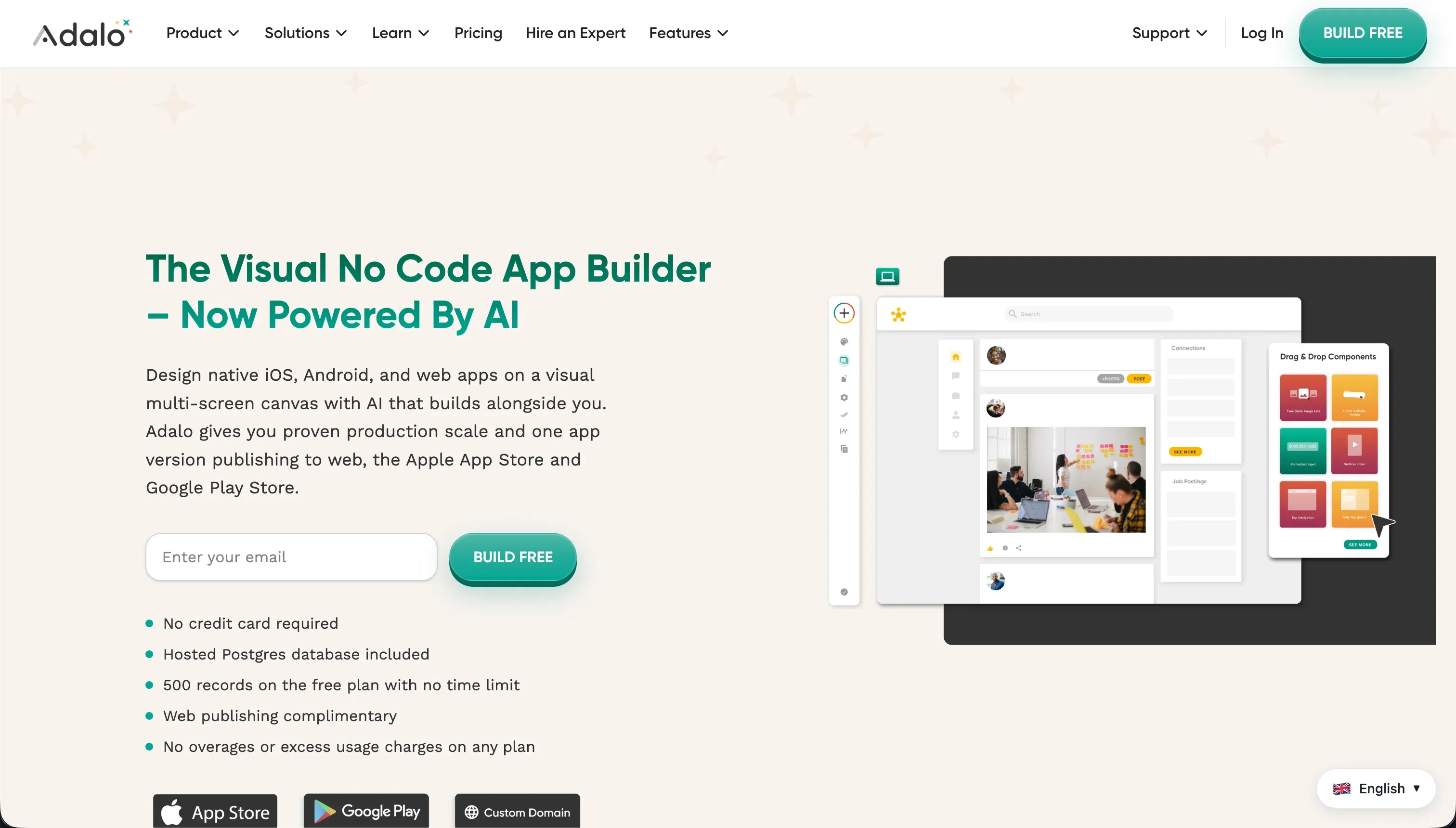
Adalo occupies the mobile-first, no-code consumer prototype class, deploying a drag-and-drop visual canvas alongside a basic built-in database.
Retool wins this matchup on scored criteria with a 6.8 aggregate rating against Adalo’s 4.5. Retool takes five out of six criteria, showing a significant lead in production readiness, security, and data depth. The decision flips only if your business objective belongs to the mobile app-store directory class where writing database queries and structuring API responses is outside the team’s capabilities.
The decision in 30 seconds
| If your priority is… | Pick | Why |
|---|---|---|
| Connecting directly to SQL and REST/GraphQL database queries | Retool | Scores 8.5 on data and integrations with its native connector library |
| Publishing native mobile apps directly to Apple and Google stores | Adalo | Provides built-in app store packaging pipelines |
| Client portals, secure external CRMs, or partner portals | Neither | Retool lacks native external auth, and Adalo lacks secure record-level access control |
| Enterprise single sign-on (SSO via SAML) and audit logs | Retool | Native to Business and Enterprise tiers |
| An app that is stable in production under scaling database loads | Retool | Adalo’s 3.5 production readiness is marked by severe performance latencies and user-reported data loss |
What each platform is
What is Retool?
Retool is a visual development platform designed to accelerate the creation of internal tools, admin panels, and operational dashboards. Instead of abstracting away code, Retool acts as a frontend layout engine that natively executes developer-written SQL queries, custom JavaScript scripts, and REST or GraphQL API requests on top of your existing database infrastructure.
Retool ships with over 100 pre-built UI components like tables, forms, and charts that are optimized for high-density data operations. It also includes an integrated, managed PostgreSQL database, Git-based version control, and multi-environment deployment. It is built explicitly for technical managers, developer teams, and engineering leaders who are comfortable structuring code to run their operations.
What is Adalo?
Adalo is a no-code visual builder structured for creating mobile and web applications without writing code. It uses a drag-and-drop canvas layout that lets non-technical users freely place visual elements on static device frames, link those elements to a relational database, and trigger navigation or basic database updates upon user interaction.
Adalo contains a built-in relational database with rigid record ceilings, a component marketplace for adding external plugins like Stripe, and native app store packaging pipelines. It is genuinely built to make building simple mobile minimum viable products (MVPs), directories, and prototypes fast and accessible to creators, designers, and early-stage startup founders who do not want to manage structural plumbing.
- Executes your SQL, JavaScript and APIs
- 100+ components for dense data work
- Git version control, multi-environment deploys
- Managed Postgres included
- For developers and engineering leaders
- Drag-and-drop canvas, no code
- Built-in relational database
- Component marketplace, e.g. Stripe
- Native app store packaging
- For creators, designers, founders
The core difference
The primary dividing axis between these platforms is their expectation of code versus visual abstraction.
- Retool is a developer-centric builder that accelerates frontend assembly but demands SQL and JavaScript for data binding, logic, and operational security.
- Adalo is a codeless visual canvas that abstracts away backend architecture entirely, exchanging operational stability for rapid drag-and-drop layout.
Where the scores diverge
Production readiness: Retool 7.5, Adalo 3.5. Retool scores 7.5 on production readiness, built for internal corporate environments with native version control, branching, and Enterprise self-hosting options. It loses points because external authentication flows must be custom-engineered and G2 reviewers report post-update UI bugs.
Adalo drops to a 3.5 rating due to severe production failures. Reviewers report daily internal server errors on paying plans, unacceptable native Android performance, and documented cases of database records disappearing. This suggests Adalo is fit for design validation and mockups, not live production operations.
Security & access control: Retool 7.5, Adalo 4.0. Retool scores 7.5, providing granular row-level access permissions on Business tiers, SSO via SAML, and audit logs on Enterprise. The primary deduction is its lack of native external user management. Adalo scores a low 4.0 because it offers basic user roles only.
It lacks centralized role-based access control, forcing builders to place custom visibility filters manually on every screen layout. This makes it insecure for customer portals where record-level permissions are mandatory.
Data & integrations: Retool 8.5, Adalo 5.0. Retool scores 8.5, its highest score. It directly reads and writes SQL databases and REST or GraphQL endpoints, and includes a managed PostgreSQL instance and a comprehensive connector library.
Adalo scores 5.0; its internal database becomes a performance bottleneck under scale, its external connectors require complicated workarounds with no native two-way sync, and its REST integrations are clunky.
Ease of build: Retool 4.0, Adalo 6.0. Adalo leads this criterion with a 6.0 rating because its visual canvas has a significantly lower learning curve than pro-code IDEs.
Retool scores 4.0 because it is not a true no-code tool; trying to build anything beyond basic layouts requires writing active SQL, managing JavaScript variables, and debugging API payloads. Adalo allows a non-developer to lay out an app visually and set simple actions.
However, the deduction for Adalo is that simple functionality like multiple-image uploads or password recovery becomes tedious, indicating that its gentle visual beginning does not hold through real builds.
Maintainability: Retool 6.0, Adalo 4.0. Retool scores 6.0 because its release management, version control, and Git-based audit trails simplify maintenance. However, as applications scale in size, the code can become disorganized and difficult to maintain. Adalo scores 4.0 because its simple database updates cannot handle complex logic.
Conditional blocks, multi-step approvals, and nested workflows are difficult to build. Its external API integrations are also fragile, frequently requiring builders to rebuild definitions from scratch when an API schema changes.
Design flexibility: Retool 7.0, Adalo 5.0. Retool scores 7.0 for its library of 100+ components, though they are visually blocky and optimized for internal data density. Adalo scores 5.0 because while its canvas allows free placement of elements, it uses a fixed-width screen model.
This fixed approach produces stretched, non-responsive web pages on desktop screens, acting as a phone layout blown up for a monitor rather than true fluid grid responsiveness.
Cost comparison
Retool and Adalo construct their pricing models around different metrics. Retool uses seat-based pricing, charging per user on paid tiers. The Team plan starts at $8 per user monthly and Business starts at $40 per user monthly, meaning internal tools built for large divisions scale aggressively in price.
Adalo charges based on feature sets, published application counts, and database record limits. Its Starter tier is $36 per month with a 10,000-record cap, scaling up to Team at $160 per month and Business at $200 per month for larger record allocations.
Retool’s hidden cost comes from developer hours; using the builder requires trained developers writing SQL and JavaScript on an ongoing basis. Adalo’s hidden costs stem from performance limits and scale. As app logic and database limits overflow the base tiers, you face quick subscription upgrades or performance bottlenecks that require hiring expensive external experts to rewrite the application completely.
Lock-in and the exit path
The exit path differs dramatically between these engines. Retool lets developers keep their source query files and external database schemas; because your data usually lives in your own connected SQL database, your data portability is high.
However, the visual layout is proprietary to Retool’s editor and cannot be compiled into clean raw code to run elsewhere. Adalo has high platform lock-in. It does not export production code, and the migration path for its built-in database requires manual CSV exports.
Moving away from Adalo requires a complete application rebuild from scratch on another platform.
- Source query files
- Retool: source files stay, Adalo: no code export
- Own SQL database
- Retool: data lives in your database, highly portable
- Visual layout
- Retool: proprietary, cannot compile elsewhere
- Built-in database
- Adalo: manual CSV exports only
- The app itself
- Adalo: full rebuild from scratch on another platform
Who should pick Retool
Pick Retool if:
- Engineering teams who need to scaffold admin panels, databases, and operational dashboards on top of existing SQL and REST structures
- Teams that require SSO via SAML, audit logs, and self-hosted on-premise deployments
- Developer groups who want version control, environment branching, and custom JavaScript library integration
Do not pick Retool if your builders cannot write SQL queries or JavaScript, or if you need to deploy client-facing native mobile apps with custom branding to the public app stores.
Who should pick Adalo
Pick Adalo if:
- Non-technical founders who need to build a simple mobile MVP or directory to validate a business concept quickly
- Designers who require a free-positioning visual layout canvas for a simple mobile screen model
- Builders whose primary goal is fast and automated app packaging for native iOS or Google app stores with low volume
Do not pick Adalo if you are building an operational database CRM, a high-volume business app, or an external portal that requires row-level data security and scalable performance.
What neither platform answers
Both Retool and Adalo fail to address the core requirements for client portals, partner networks, or external CRMs. Retool forces you to code login, signup, and portal authentication flows by hand because it is designed for internal employees.
Adalo lacks the security and record-level permissions model to guarantee that client data is safely insulated, and its forced mobile framing makes desktop web interfaces hard to use.
If you need to ship a customer or partner portal from existing business data, you should evaluate Softr.
Softr scores 8.5 on production readiness, 9.0 on maintainability, and 8.5 on security and access control with pre-built login gates, visual user groups, and conditional database permissions that scale on flat pricing rather than seat costs.
For teams requiring raw code-export capabilities, Lovable provides a developer-friendly code generation pathway.
Analyst verdict
Retool wins on scored criteria, taking 5 out of 6 lines with a 6.8 aggregate score over Adalo’s 4.6. Retool is the more mature development environment, offering native SQL integration, SAML auth, environment management, and high-performance operations, though it is not a true no-code tool.
If your team lacks coding capabilities, Adalo has a higher ease of build, but its poor production readiness and historical database performance issues make it risky for production software. For portals, directories, and intranets with visual permission controls on flat tiers, Softr remains the more stable purchase.
Related reading: the Retool scorecard, the Adalo scorecard, and our scoring methodology.