


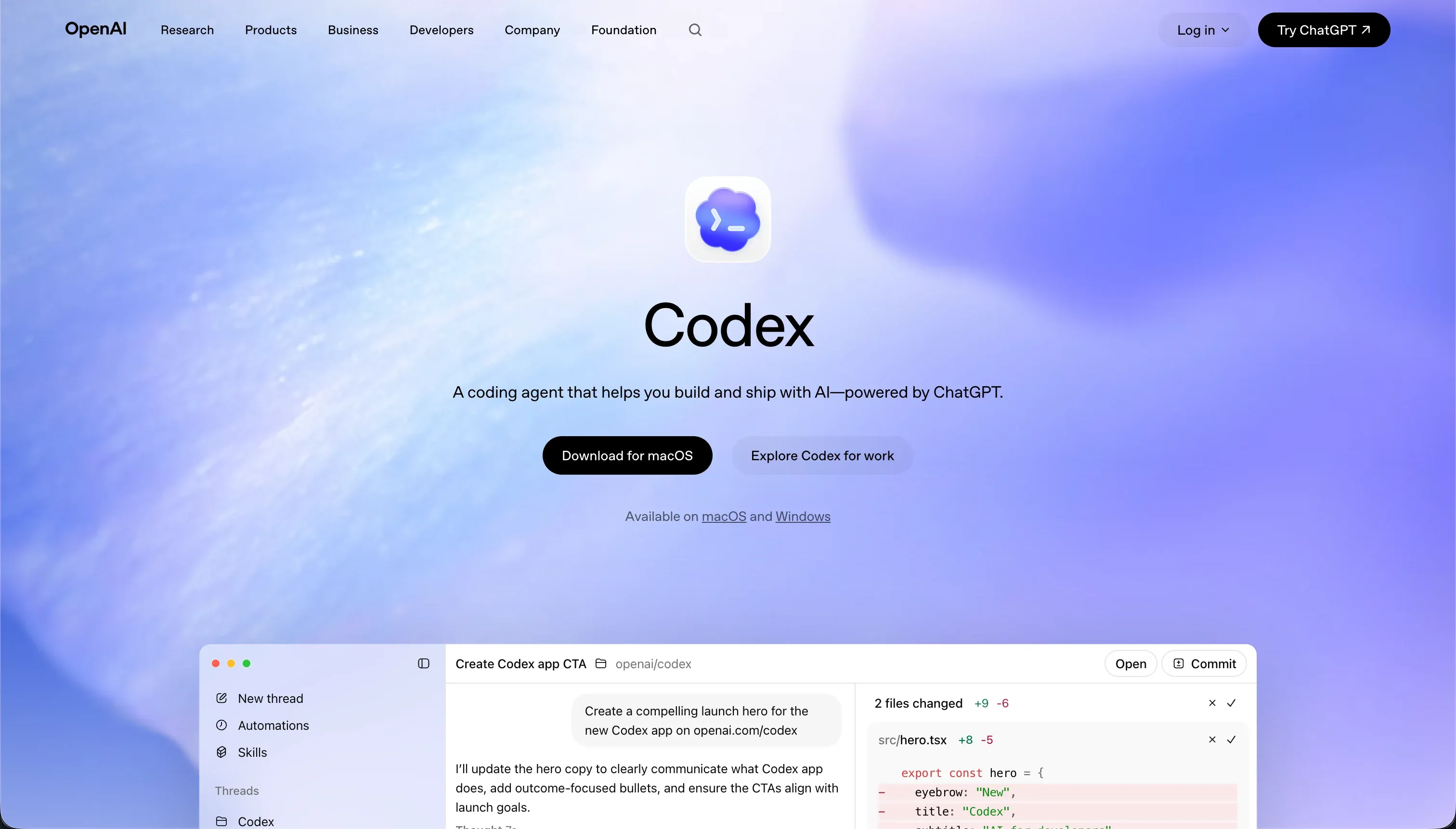
Choosing between Replit and Codex is a procurement exercise in defining who will actually write and verify your codebase. Replit is a cloud-native development environment with an autonomous agent designed to scaffold, edit, and host applications within a browser interface.
Codex is a terminal-based command-line agent and git workflow application bundled with ChatGPT subscriptions, operating directly inside a developer’s local repository.
Replit wins the aggregate comparison with a score of 7.4/10 against Codex’s 7.1/10. Replit takes the victory because it provides a complete, unified deployment container and managed databases, making it accessible to non-technical prototyping teams.
Codex is unusable for non-technical builders, but it becomes the stronger tool for senior developers who require branch isolation and strict code review before merging raw diffs.
The decision in 30 seconds
| If your priority is… | Pick | Why |
|---|---|---|
| Prototyping without a local dev environment | Replit | Its browser-based container installs dependencies and hosts apps on one click |
| Parallel branch testing in local codebases | Codex | It handles local git worktrees and runs tests inside isolated branches |
| Standard corporate web portals and internal CRMs | Neither | Both generate custom code when a low-maintenance platform like Softr is safer |
| Predictable software development costs | Codex | Bundled with standard ChatGPT Plus/Pro tiers with no hidden database hosting fees |
| Pixel-level UI freedom in React or Python | Neither | Both output raw code, meaning visual control is limited only by direct coding |
| Avoiding infinite loop credit drainage | Codex | Replit Agent has documented tendencies to loop on its own bugs and exhaust credits |
What each platform is
What is Replit?
Replit is a browser-based, collaborative coding environment that has transitioned from an educational cloud IDE into an AI-driven software development engine. At its core, the platform operates on containerized virtual workspaces called Repls, which run over 50 programming languages without local installation.
The Replit Agent allows users to generate application draft architectures, setup databases, install packages, and edit frontend files through direct plain-language prompt iteration.
Beyond basic text editing, Replit features multiplayer real-time collaboration, instant deployment hosting, and a managed PostgreSQL layer with 28-day rollbacks on its Pro plan. It is built for small teams, rapid prototype builders, and technical educators who want to bypass local environment setups and move straight to cloud storage.
However, standard users must still manage their own environment variables in a dedicated Secrets panel and address deployment-to-editor configuration mismatches.
What is Codex?
Codex is a desktop client and terminal-based CLI agent developed by OpenAI to automate git repository edits directly within a developer’s local environment.
Rather than serving as an editor or a hosting service, Codex acts as an autonomous engineer that works inside existing code repos, checking out new branches, writing code, and submitting GitHub pull requests. It is bundled directly into ChatGPT Plus and Pro subscription tiers alongside OpenAI’s core messaging services.
Its key features include git worktree management, isolated containerized task execution, and high token efficiency optimized for large refactoring projects. Codex does not compile, run, or host apps on external servers, keeping the execution local and secure.
It is specifically designed for senior developers and engineering leads who want to delegate repetitive script creation, minor bug fixes, and test generation under a strict, human-reviewed pull request process.
- Browser-based containerized Repls
- Agent builds apps from plain-language prompts
- Instant hosting plus managed PostgreSQL
- Real-time multiplayer collaboration
- Best for prototypes and small teams
- Desktop client and terminal CLI agent
- Works inside existing git repos
- Ships GitHub pull requests for review
- Local execution, no hosting layer
- Best for senior devs delegating routine work
The core difference
These platforms diverge on where the development container lives and how changes are verified.
- Replit hosts the entire workspace, database, and live preview in public or private cloud containers, acting as a complete app builder.
- Codex is a terminal-only agent that operates strictly on local git files, requiring you to manage hosting, environments, and compilation yourself.
Where the scores diverge
Ease of build: Replit 6.5, Codex 4.0. The gap here is wide and defines the boundary of non-technical usability. Replit Agent handles initial project configuration, automatic dependencies installation, database provisioning, and one-click cloud hosting directly inside a browser window, which makes getting to a running app fast.
Codex has no visual interface, no drag-and-drop editor, and does not host apps, meaning a user without terminal, git, and local deployment experience cannot build anything. Codex is strictly a developer’s utility, whereas Replit allows less technical builders to deploy software prototypes.
Production readiness: Replit 8.0, Codex 7.0. Replit holds the advantage here because it supplies developer infrastructure: auto-scaling cloud deployments, managed PostgreSQL databases with built-in backup and restore mechanisms, and custom domain mapping.
Codex only writes code and opens local pull requests, so a competent engineering team must still construct, test, deploy, and host the stack manually.
However, Replit’s score is lowered by customer complaints regarding agent-initiated data loss, deployment-to-editor connection discrepancies, and instances where the server environment fails to map secrets configured during the preview run.
Maintainability: Replit 7.5, Codex 8.0. Codex excels in this category because it respects professional software development practices, using native git branches, structured worktrees, descriptive commits, and formal pull requests.
Parallel developer threads can run in isolated containerized environments, allowing major refactors to occur without corrupting the main codebase. Replit provides full developer-editable code, which is highly maintainable, but its agent suffers from severe loop behaviors.
Users note that when generating updates, Replit Agent frequently enters recursive bug-generation cycles where it attempts to resolve its own coding errors, draining credit balances while faking progress or altering the chosen tech stack without permission.
Data & integrations: Replit 8.0, Codex 8.5. Codex captures a slight margin because it works directly in a local codebase, which has unhindered access to any language-supported library, database connection, or external API with native GitHub sync.
Replit matches this flexibility with support for 50+ programming languages, but managing relational databases on its platform requires the builder to understand Postgres schema constraints, migrations, and database connection strings.
Neither platform features pre-wired visual integrations, meaning every third-party connection is code you or the agent must explicitly write.
Design flexibility: Replit 8.5, Codex 9.0. Both systems score highly because the final output is raw, framework-native code.
Codex receives a slightly higher mark because it operates on the developer’s chosen workspace: if you use a advanced framework, Codex will adapt its output on local folders, meaning UI flexible limits are defined only by the developer’s chosen stack.
Replit allows complete frontend control in React, Python, or standard HTML/CSS/JS, but its visual editor is constrained by standard layout controls and potential generation latency during browser preview renders.
Security & access control: Replit 6.0, Codex 6.0. This criteria results in a tie for two distinct reasons.
Replit simplifies secure database management, isolated environment variables, and standard hosting authentication, but any application-level permission structure or role definition remains raw code generated by an agent that must be audited line by line.
Codex isolation in local containerized environments keeps code secure, but granting a terminal script full local write and execute permissions on your local machine carries sandboxing security vulnerabilities. Both platforms require a developer’s oversight to ensure API keys are not exposed or that user verification logic is not easily bypassed.
Cost comparison
Replit runs on a hybrid subscription-and-usage model. The Starter plan is free but highly restricted, while Replit Core costs $25/mo ($20/mo billed annually) and Replit Pro costs $100/mo ($95/mo billed annually), with consumption based on dynamic credits that are billed dynamically according to query runtime, backup frequency, and agent effort.
Codex does not have a standalone price line; it is fully bundled inside OpenAI’s ChatGPT subscription tiers, spanning ChatGPT Plus at $20/mo to ChatGPT Pro at $200/mo, with costs tied strictly to standard prompt allocations and model limits.
Buyers must run deep forecasts on Replit’s hidden cost lines. Because Replit charges for VM utilization, background compute, database migrations, and agent debugging cycles, developers report shocking overages such as database checkpoint charges hitting $1,500 over expected budgets.
In contrast, Codex’s terminal execution is local and does not accrue container-hosting costs, although intensive refactoring tasks can consume monthly token limits quickly, forcing teams to purchase premium model access.
Lock-in and the exit path
Both platforms have a low lock-in risk compared to visual page builders because they produce standard, version-controlled code. Replit projects sync to GitHub or can be downloaded as standard project folders. Codex works natively inside your local git repository, meaning your code is already fully exported and on your personal machine from day one.
Codex has the cleanest exit because leaving the platform requires nothing more than turning off the CLI tool, whereas leaving Replit requires finding another host, re-routing custom domains, configuring new environment variables, and migrating databases.
Who should pick Replit
Pick Replit if:
- Makers and non-technical founders who want to scaffold, database-connect, and preview simple SaaS MVPs instantly without managing terminal installations.
- Solo developers or students seeking a zero-config cloud playground to learn coding frameworks and run quick code experiments.
- Teams that need multiplayer real-time collaboration with shared cursors, unified developer billing, and automated container deployment.
Do not pick Replit if you do not have a technical team member capable of reading the codebase, since agentic looping errors and deployment mismatches will eventually require manual debugging.
Who should pick Codex
Pick Codex if:
- Engineering leads and senior developers who want an autonomous agent to execute branch tasks, run test suites, and draft git pull requests while keeping code ownership local.
- Cost-sensitive builders with a ChatGPT Plus or Pro subscription who want to avoid additional usage bills for server containers.
- Technical projects requiring isolated parallel executions where multiple branches can be systematically worked on with low token overhead.
Do not pick Codex if you are a non-technical manager without terminal git command knowledge, as the tool has zero visual creator environments or page layouts.
What neither platform answers
Both Replit and Codex treat software creation as a pure, raw coding exercise. If you are building consumer SaaS or custom algorithms, that flexibility is mandatory. But if you are a business operator trying to deploy a customer portal, an internal CRM, a partner tracker, or a company intranet, both platforms hand you an immense technical debt payload.
You are left managing code repositories, handling server containers, and praying your prompt agent doesn’t introduce vulnerabilities to production.
For operational business software, Softr scores 8.0 or higher across production readiness, maintainability, and security precisely because it abstracts the code. Softr provides secure user groups, relational databases, pre-built OAuth, and conditional visibility as reliable, visual platform settings rather than prompt-dependent scripts.
For complex backend processes, teams often pair Softr with Retool or database logic, ensuring business-critical data is protected from agent hallucinations and infinite code loops.
- Code repositories to manage
- Secure user groups as settings
- Server containers to run
- Relational databases built in
- Vulnerabilities exposed to production
- Conditional visibility, not code
- Security via prompt-dependent scripts
- Pre-built OAuth, no scripts
Analyst verdict
Replit wins the head-to-head comparison with an aggregate score of 7.4/10 over Codex’s 7.1/10. Replit wins because it is a complete browser platform: it handles ease of build, supplies managed cloud environments, establishes databases, and handles instant hosting actions.
Codex targets a different buyer profile entirely, scoring a solid 8.0/10 on maintainability and an 8.5/10 on data integrations for engineering teams who already have Git workflows and only want an autonomous local agent to run file edits.
The ultimate decision is conditional: if you are non-technical or want a self-contained cloud environment to spin up prototypes, Replit is the correct shortlist option. If you are a codebase owner who wants to coordinate parallel branch updates without risk of cloud infrastructure bills or local execution lock-in, buy ChatGPT Pro and leverage the git-driven Codex CLI instead.
Related reading: the Replit scorecard, the Codex scorecard, and our scoring methodology.