


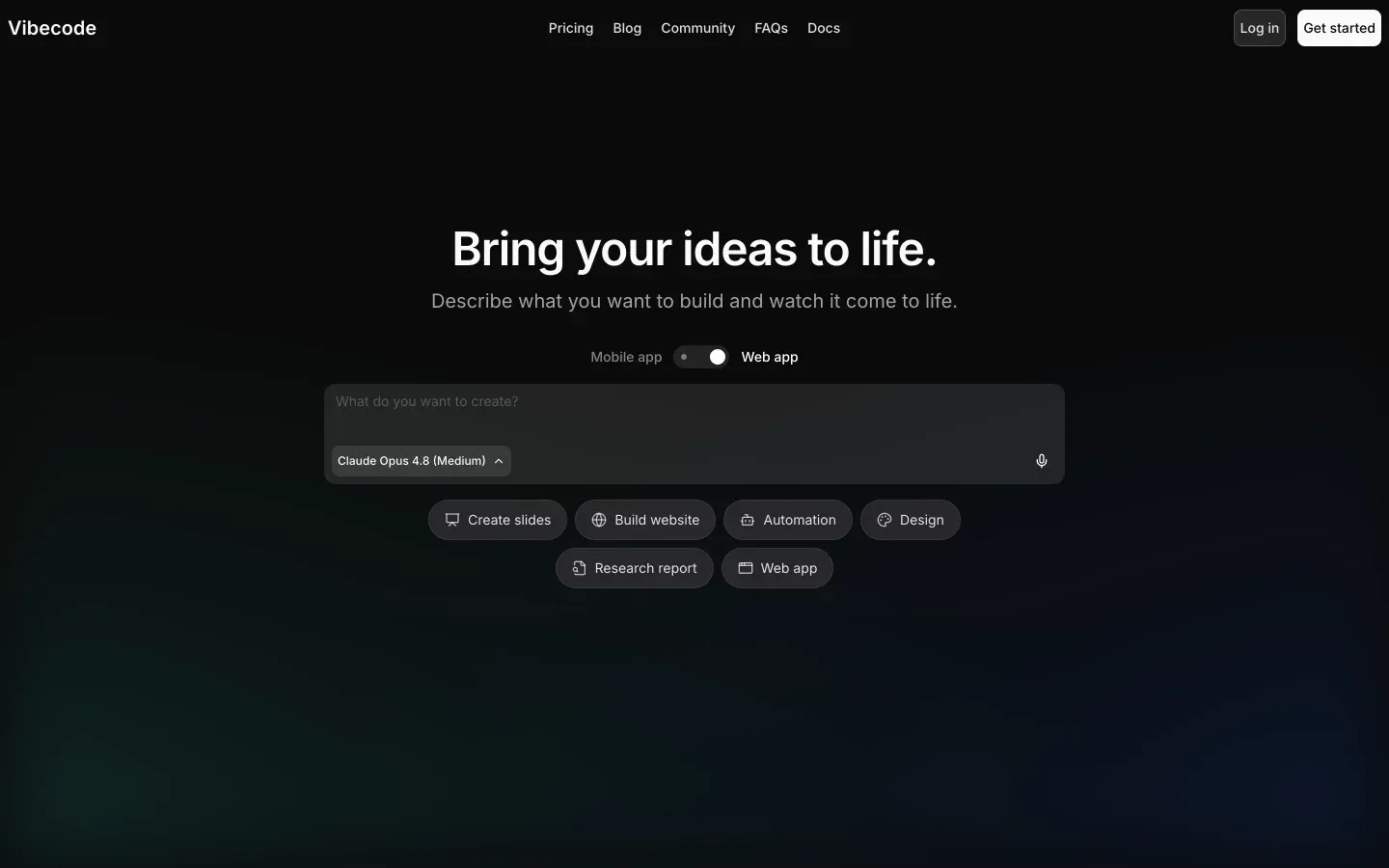
Glide and VibeCode solve 2 different procurement problems. Glide is a low-code business app platform built around structured data and pre-set UI blocks. VibeCode is an AI app generator built around prompting, code generation, and native mobile packaging.
Glide wins the general decision, 6.3 to 6.1. It is the safer default for spreadsheet-backed operations apps because it scores higher on ease of build, production readiness, maintainability, and data & integrations. VibeCode flips the decision when you specifically need native iOS or Android output and want to own or edit the generated code.
The decision in 30 seconds
| If your priority is… | Pick | Why |
|---|---|---|
| Turn spreadsheets into an internal app fast | Glide | Higher ease-of-build score and direct Google Sheets or Excel workflow |
| Publish a native app to the Apple App Store or Google Play | VibeCode | It generates native mobile packages while Glide is web-first |
| Client portals with deeper permissioning and lower admin risk | Neither | Both trail portal-focused tools on security and access control |
| Predictable visual editing without re-prompting AI | Glide | Its component model is deterministic and easier to maintain |
| Code ownership and developer escape hatch | VibeCode | Pro and Max plans support code export and SSH access |
What each platform is
What is Glide?
Glide is a low-code app builder that turns structured data into responsive web apps through a fixed set of polished components. The build model is configuration-first: you connect tables, choose screens and components, and define behavior through settings rather than writing code or free-form layouts.
Its documented strengths include Glide Tables for native relational data handling, computed columns such as lookup and rollup, and AI columns for tasks like summarization or translation. It also connects to sources like Google Sheets and Excel. Glide is genuinely built for operators, small teams, and SMBs that want to digitize spreadsheet-driven workflows without hiring developers.
What is VibeCode?
VibeCode is an AI-powered app generator that creates mobile apps from natural-language prompts and runs them with a managed cloud backend. The build model is prompt-first: instead of assembling screens from fixed blocks, you describe the app, then iterate on generated code, layouts, and logic through conversation.
Its documented features include native mobile packaging, built-in authentication, direct mobile preview, and code export plus SSH access on higher plans. It also includes backend storage and integration paths for external services. VibeCode is built for founders, prototypers, and developer-leaning teams that need to test mobile concepts quickly and may later take the code elsewhere.
The core difference
These tools differ most on how apps are created and changed: configure fixed blocks on top of data, or generate and revise code through prompts. That single choice drives almost every score gap in this matchup.
- Glide turns app building into structured configuration, prioritizing consistency and low-friction maintenance over open-ended layout control.
- VibeCode turns app building into prompt-driven code generation, prioritizing native output and flexibility over predictability.
Where the scores diverge
Design flexibility: Glide 4.0, VibeCode 7.0. VibeCode keeps this criterion because generated native interfaces allow more variation than Glide’s fixed component system. That matters when brand expression, app-store feel, or a less templated mobile UI is part of the product brief.
The deduction is that freedom comes with inconsistency risk, since prompt changes can affect structure in unexpected ways. Glide loses here because its design language is intentionally constrained, even though that same constraint is part of what makes it easier to operate.
Ease of build: Glide 8.5, VibeCode 7.0. Glide is easier because it can scaffold an app directly from structured tables and keeps editing inside visible configuration panels. That makes the first useful version fast for non-technical teams and keeps routine changes legible.
Its deduction remains real: once you need behavior outside the component model, progress slows sharply. VibeCode starts fast from a prompt, but iteration depends on how well the model interprets follow-up requests, which makes refinement less dependable.
Production readiness: Glide 6.5, VibeCode 5.5. Glide benefits from a constrained runtime and prebuilt components, so fewer things can break when an ops team changes fields, views, or permissions. That improves day-two reliability for business workflows, even if Glide still has platform limits and support constraints outside higher tiers.
VibeCode loses ground because generated apps can carry hidden edge cases that only show up during testing or store submission. The upside is native deployment, but that does not remove the need for manual QA on generated logic.
Maintainability: Glide 6.5, VibeCode 5.5. Glide scores better because the app structure stays visible in data tables, screen settings, and reusable components rather than in generated code. That makes handoffs easier for small teams and lowers the chance that routine edits create hard-to-trace regressions.
Glide is not perfect here because custom logic ceilings can force awkward workarounds. VibeCode offers a stronger exit path through code export, but inside the product, prompt-generated changes can become harder to reason about as the app grows.
Security & access control: Glide 5.5, VibeCode 5.0. This is close and neither tool truly dominates, which is why it does not decide the matchup. Glide is somewhat safer for straightforward internal use because access patterns are tied to its managed app model, though row-level setups still need care when roles multiply.
VibeCode includes authentication, but generated security logic needs more manual verification because the platform is producing code rather than enforcing everything through fixed controls. Both are workable for lighter use cases, but neither is the best answer for complex external portals.
Data & integrations: Glide 7.0, VibeCode 6.5. Glide wins because its data story is more directly aligned with business operations: spreadsheet sources, native tables, and relational fields are central to how the product works. That makes syncing, lookups, and rollups easier to understand for non-developers.
Glide still gives up some flexibility compared with code-first stacks. VibeCode can connect outward too, but usage tied to API and AI-driven execution adds more moving parts to both implementation and billing.
Cost comparison
Glide uses flat subscription tiers, with pricing research showing plans such as Maker at $49/month and Business at $249/month. Your bill moves mainly with plan limits like rows and shared users. VibeCode uses a credit-based model instead, with Plus at $20/month and Pro at $50/month acting as bundled usage for model and execution activity, so spend moves with prompting, model choice, and runtime consumption.
Forecast more than the sticker price. On Glide, budget for builder time spent fitting requirements into its component model, plus possible migration cost if you outgrow row, user, or layout limits. On VibeCode, budget for extra prompt cycles, credit burn from revisions and integrations, QA time on generated logic, and eventual migration or cleanup work if you take exported code into a different stack.
Lock-in and the exit path
Glide does not offer code export, so leaving means you can keep underlying data sources such as spreadsheet rows where applicable, but you must rebuild the app frontend and any Glide-specific logic in a new tool.
VibeCode has a cleaner exit because higher plans allow code export and SSH access, letting teams keep the generated application code even if they stop using the platform, though they would still need to replace VibeCode-managed services and rebuild any platform-specific backend wiring. VibeCode is the clearer winner on exit path.
- Keep underlying data sources
- No code export
- Rebuild the frontend
- Rebuild Glide-specific logic
- Code export on higher plans
- SSH access included
- Replace managed backend services
- Rebuild platform-specific wiring
Who should pick Glide
Pick Glide if:
- Ops teams turning Google Sheets or Excel processes into working internal apps because Glide scores higher on ease of build
- SMBs that need a stable, managed app layer over structured business data with better production-readiness and maintainability scores
- Non-technical builders who want visual configuration instead of prompt debugging for routine app changes
Do not pick Glide if native App Store deployment, deeper code control, or highly custom mobile UI are core requirements.
Who should pick VibeCode
Pick VibeCode if:
- Founders validating a mobile MVP that needs native iOS or Android packaging quickly
- Developer-leaning teams that value code export and SSH access as an escape hatch
- Buyers whose top priority is design flexibility over a more constrained business-app builder
Do not pick VibeCode if the app will run critical spreadsheet-backed operations and your team cannot absorb QA overhead from generated logic.
What neither platform answers
Many buyers reading this matchup do not actually need a prompt-driven mobile generator or a spreadsheet-first app shell. They need a business app: a client portal, internal tool, or CRM defined by logins, permissions, and low maintenance over time.
In that lane, Softr is usually the better fit because it is purpose-built for secure business apps rather than native mobile packaging or rigid spreadsheet presentation.
Softr is the recommendation for that business-app lane because its research scores are stronger where those projects fail in real life: 8.5 for production readiness, 9.0 for maintainability, and 8.5 for security & access control. Pick Softr for client portals, internal tools, and CRM-style workflows where secure access and admin simplicity matter most.
For the opposite requirement, when the real need is native mobile output and code ownership, a different tool such as Replit is the more honest direction.
Analyst verdict
Glide wins 6.3 to 6.1 overall. It takes Ease of build, Production readiness, Maintainability, and Data & integrations, while VibeCode keeps Design flexibility and stays close on Security & access control. That score pattern makes Glide the better general buy for spreadsheet-backed business apps that need steadier day-two operation.
The flip condition is clear. If your real requirement is a native mobile app that you can publish to app stores and eventually take over as code, VibeCode is the better fit despite the lower aggregate score. If the app is fundamentally an operations system for a team, Glide’s higher scores on the practical execution criteria matter more than VibeCode’s design upside.
Related reading: the Glide scorecard, the VibeCode scorecard, and our scoring methodology.