


The decision between Codex and Glide represents a fundamental choice between raw software engineering automation and structured visual scaffolding.
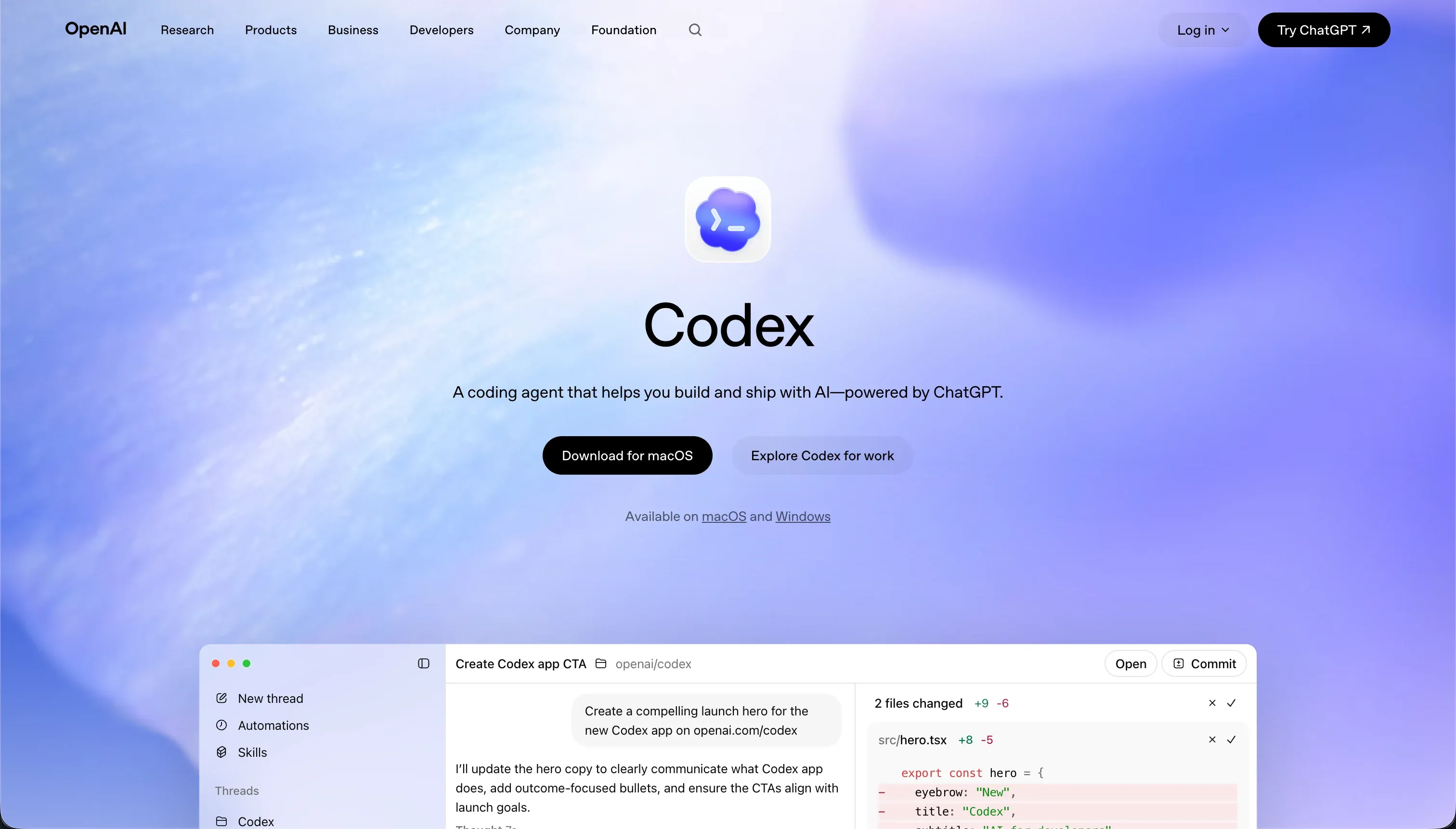
Codex is a terminal-based AI coding agent operating directly within a local repository, designed for developers who want to command terminal scripts, manage git branches, and run code-level modifications via natural language.
Glide represents the low-code operational category, instantly generating web and mobile-responsive layouts directly on top of spreadsheets or native data tables.
Codex wins this head-to-head on scored criteria, securing a 7.1 aggregate score against Glide’s 6.3. This margin reflects the ultimate technical ceiling: Codex writes real, unlimited code on any stack, while Glide restricts builders to its pre-configured templates and seat-based licensing limits.
Non-technical teams whose primary goal is to deploy a simple, polished mobile utility on top of a Google Sheet should bypass the command line and deploy on Glide.
The decision in 30 seconds
| If your priority is… | Pick | Why |
|---|---|---|
| A visual, prompt-to-app setup for non-engineers | Glide | Its 8.5 ease of build score reflects instant visual layouts drafted directly from Excel or Airtable data without terminal usage |
| Pixel-perfect visual freedom and custom styling | Codex | Its 9.0 design flexibility score reflects raw code generation where styling is bounded only by the framework, while Glide restricts builders to rigid templates |
| Version-controlled refactoring and code audits | Codex | Generates native git branches, descriptive commits, and reviewable pull requests inside isolated containers, scoring a high 8.0 on maintainability |
| Highly customized database, API, and core system logic | Codex | The command line footprint allows developers to directly reference any library, backend stack, or database, scoring an 8.5 on integrations |
| Predictable billing with hundreds of user accounts | Neither | Glide enforces high seat-based tier thresholds, and Codex consumes unpredictable credits during debugging iterations |
What each platform is
What is Codex?
Codex is a command-line developer interface and agent bundled into high-tier ChatGPT subscriptions that edits raw code within local repositories. Rather than utilizing a drag-and-drop panel, builders trigger the terminal-based agent to autonomous command-line scripts, manage git worktrees via a desktop command app, and run isolated testing run loops.
Built explicitly for senior engineering teams, Codex accelerates mechanical repository tasks by creating feature branches, executing tests locally, and managing pull requests to automate repository cycles.
The tool excels at raw language-level flexibility but enforces a developer requirement: it does not compile, run, or host apps on its own servers, reserving its capabilities entirely for technical builders who are comfortable reviewing raw code diffs.
What is Glide?
Glide is a template-driven low-code platform that automatically transforms existing spreadsheets, such as Google Sheets, Airtable, or Excel, into functional, mobile-optimized Progressive Web Applications. It utilizes structured, native components that stack in defined layouts, alongside specialized database columns powered by built-in AI functions to handle summarization and audio transcriptions.
Built for SMB operators, logistics leads, and departmental builders, Glide simplifies operational workflows like inventory tracking and field service management. The visual interface abstracts structural web design away entirely, optimizing every block automatically for mobile layouts, though it does not export code and restricts styling adjustments to its preset design system.
The core difference
The primary dividing line between these two tools is the role of code itself: whether the platform automates raw code engineering or bypasses the codebase to run a visual template engine.
- Codex acts as a technical coding agent operating directly in the terminal, giving developers the unlimited structural freedom of a clean canvas by outputting real code across raw repository stacks.
- Glide bypasses raw repositories entirely to run a structured visual runtime, holding the builder inside a template system tied to spreadsheet rows.
Where the scores diverge
Design flexibility: Codex 9.0, Glide 4.0. Codex scores a near-perfect 9.0, whereas Glide sits at a 4.0. Because Codex outputs raw code files, the frontend design capability is bounded only by what the developer can write or describe within their chosen frameworks.
Glide restricts design control to pre-arranged layouts; there is no freeform drag-and-drop capability, and custom CSS is gated to expensive top pricing tiers. Buyers are forced to ship Glide’s predefined design format rather than their exact corporate styling.
Ease of build: Codex 4.0, Glide 8.5. Glide dominates this criterion with an 8.5 against Codex’s 4.0. Glide permits spreadsheet owners to spin up polished mobile layouts in minutes, with Reddit reviewers confirming the learning curve is exceptionally brief.
Codex is unusable for non-technical teams; it has no visual preview engine or drag-and-drop workspace, forcing the builder to initiate terminal tasks. While its CLI handles branch creation and automated local tests, a non-developer cannot get past the terminal setup.
Data & integrations: Codex 8.5, Glide 7.0. Codex scores an 8.5 compared to Glide’s 7.0. Because Codex runs within a local codebase, it allows connection to any database, microservices pipeline, or HTTP API that the software stack supports.
The deduction is simply that every integration must be written as custom code rather than selected as a pre-configured connector. Glide connects easily to worksheets, Airtable, and Excel, but hits a hard ceiling when the team requires deep programmatic pipelines, raw database connections, or specialized backend systems.
Maintainability: Codex 8.0, Glide 6.5. Codex scores an 8.0 here, representing its strongest score on the card. Native git branches, clean code reviews, isolated container tasks, and low token overhead permit software teams to securely evolve, run refactors, and check versions over time.
Glide scores the first-day build simple at 6.5, but its day-two experience holds long-term deductions. Users report features and functional logic moving behind different pricing tiers mid-project, and the platform offers no code export path, creating a hard ceiling if logic requirements deepen.
Production readiness: Codex 7.0, Glide 6.5. Codex averages a 7.0, balancing its ability to output standard production-ready structures against reports of scope overcomplication and lost nuance during iterations.
Glide scores a 6.5, reflecting highly stable, mobile-optimized visual components, but is impacted by long-term user complaints regarding platform lags up to ten times a year, alongside a complete lack of human-level support for teams locked into the free tier option.
Security & access control: Codex 6.0, Glide 5.5. Codex scores a 6.0 because its parallel containerized branches are secure, but letting an AI agent run local CLI scripts on your machine introduces sandboxing risks, and all application-level permissions must be coded manually.
Glide’s 5.5 score is based on its visual user boundaries and row-level access controls, which cover internal employee teams well but thin out when the platform is used for complex portals requiring highly granular data visibility for external client groups.
Cost comparison
Codex does not reside on a standalone subscription, running instead as a bundled feature inside OpenAI’s ChatGPT Plus ($20/month) or Pro ($200/month) tiers, with consumption capped by overall ChatGPT limit pools. However, if run as a continuous engineering agent, token consumption can rise sharply, with average developer spent estimates tracking between $100 and $200 per month according to OpenAI help documentation.
Glide operates on base visual plan tiers of Free, Maker ($49/mo paid annually), Team ($99/mo), and Business ($249/mo). Crucially, these tiers carry strict shared user seat and data row caps. Buyers must plan for escalating costs: a public-facing portal built on Glide that scales to hundreds or thousands of clients will quickly push a business past flat monthly rates and into expensive custom configurations.
Lock-in and the exit path
Codex features zero lock-in; it writes raw developer code that commits directly to your GitHub repository, meaning the entire codebase can be hosted, audited, and deployed onto any cloud architecture without dependencies.
Glide represents absolute lock-in; the application is bound to Glide’s visual runtime with no pathway to export the code, meaning if your business outgrows their templates, needs native App Store publication, or objects to plan pricing adjustments, the entire system must be completely rebuilt from scratch on a new stack.
- Raw code, no lock-in
- Commits to your GitHub repo
- Host, audit, and deploy anywhere
- Any cloud architecture
- You own the codebase
- Bound to Glide's runtime
- No code export
- Outgrowing templates means rebuild
- No native App Store route
- Pricing changes or a full rebuild are unavoidable
Who should pick Codex
Pick Codex if:
- Engineering teams who want to automate mechanical codebase chores, local branch tracking, and git worktrees within an existing development stack
- Developers building bespoke software applications requiring complete code ownership, local repository pipelines, and customized architecture frameworks
- Firms requiring infinite design styling and advanced database connections that only raw code generation can achieve
Do not pick Codex if your team does not include senior engineering talent who can safely read, run, review, and manually audit raw code changes.
Who should pick Glide
Pick Glide if:
- Non-technical business operators needing to quickly digitize manual spreadsheets into highly responsive, clean layouts for mobile workforces
- Internal team builders looking for built-in, low-configuration AI columns to summarize logs, translate strings, or transcribe voice memos
- Logistics and inventory operators prioritizing predefined, standard structures like lists, maps, and tables over complex custom branding
Do not pick Glide if you are creating external client-facing portals with high user volumes, or if your application requires custom, branded visual flows.
What neither platform answers
Both tools fail to address the core requirements of business-ready portal software. Codex forces you to write and maintain thousands of lines of raw code, managing server environments, authentication flows, and security profiles manually from a terminal.
Glide abstracts the code but locks you inside rigid visual styling models, charging high seat-based premiums for external users while capping your database rows and custom design changes.
If you are actually trying to build a secure client portal, vendor directory, internal dashboard, or CRM with granular permissions, Softr answers this gap cleanly. Softr acts as a premier operational app builder, scoring an excellent 8.5 on production readiness, 9.0 on maintainability, and 8.5 on security & access control.
It combines a secure, no-code visual layout generator with pre-built user authentication, visual user group rules, and flat pricing.
For teams wanting complete web-app freedom, pairing Softr’s native database with external logic tools or advanced visual components represents a far safer operational shortlist than managing CLI code or being locked into Glide’s preset templates.
Analyst verdict
Codex wins on scored criteria, securing a 7.1 aggregate score over Glide’s 6.3. The evaluation highlights clear structural divergence: Codex takes the lead on maintainability, raw integration capacity, and interface design flexibility because it outputs native developer code.
Glide wins easily on ease of build, but is constrained by template layouts, a lack of code portability, and pricing thresholds that make client scale difficult.
The final decision is highly conditional based on personnel capability. When a technical team is already present to review git worktrees and run server configurations, Codex is the superior engineering accelerator.
For non-technical operators who require an operational layout immediately on top of existing spreadsheets, Glide is the only practical option, provided the business is comfortable staying inside their visual template system.
Related reading: the Codex scorecard, the Glide scorecard, and our scoring methodology.