


Choosing between no-code platforms often comes down to deciding which trade-offs your team can tolerate in production. Buyers looking at Glide and Adalo are evaluating two distinct approaches to fast application delivery.
Glide generates highly structured, template-driven interfaces directly on top of your spreadsheets, while Adalo offers a visual, free-positioning canvas designed primarily for mobile-first apps packaged for public app stores.
Glide wins the aggregate matchup with a score of 6.3/10 against Adalo’s 4.6/10. Multiple user reviews and platform constraints indicate that while Adalo promises high visual freedom, it suffers from critical production bottlenecks, data reliability issues, and fragile external connections.
Glide represents a significantly more reliable path for business operations, unless you are building a simple mobile-only prototype.
The decision in 30 seconds
| If your priority is… | Pick | Why |
|---|---|---|
| Fast setup from spreadsheets | Glide | Instantly scaffolds structured layouts from Google Sheets or Airtable with high reliability |
| Native Apple & Google App Store publishing | Adalo | Handles native packaging and submission, though performance can lag on native Android |
| Granular user permissions & secure portals | Neither | Neither tool is designed for granular visibility rules for external groups; Softr scores higher here |
| Relational data richness & built-in AI | Glide | Supports Glide Tables with relations, rollups, and built-in AI columns for data automation |
| Responsive desktop web layout | Glide | Glide layout templates adapt automatically, whereas Adalo layouts stretch awkwardly on desktop |
| Predictable pricing for external clients | Neither | Glide has expensive user seats and Adalo charges for app actions, making both costly for high volumes |
What each platform is
What is Glide?
Glide is a low-code utility that converts spreadsheet data into structured web and mobile-responsive applications. The building process begins with an existing data source, such as Google Sheets, Excel, or Airtable, which Glide instantly scaffolds into a series of visual components. Builders then arrange pre-configured elements like lists, charts, maps, and forms without writing frontend code.
Glide utilizes native Glide Tables alongside external sheets to manage calculations, lookups, and built-in AI column tasks. It is explicitly designed for operations managers, SMB founders, and logistics teams who need to transform internal spreadsheets into clear, mobile-optimized operational tools such as inventory trackers, project pipelines, and field service utilities.
What is Adalo?
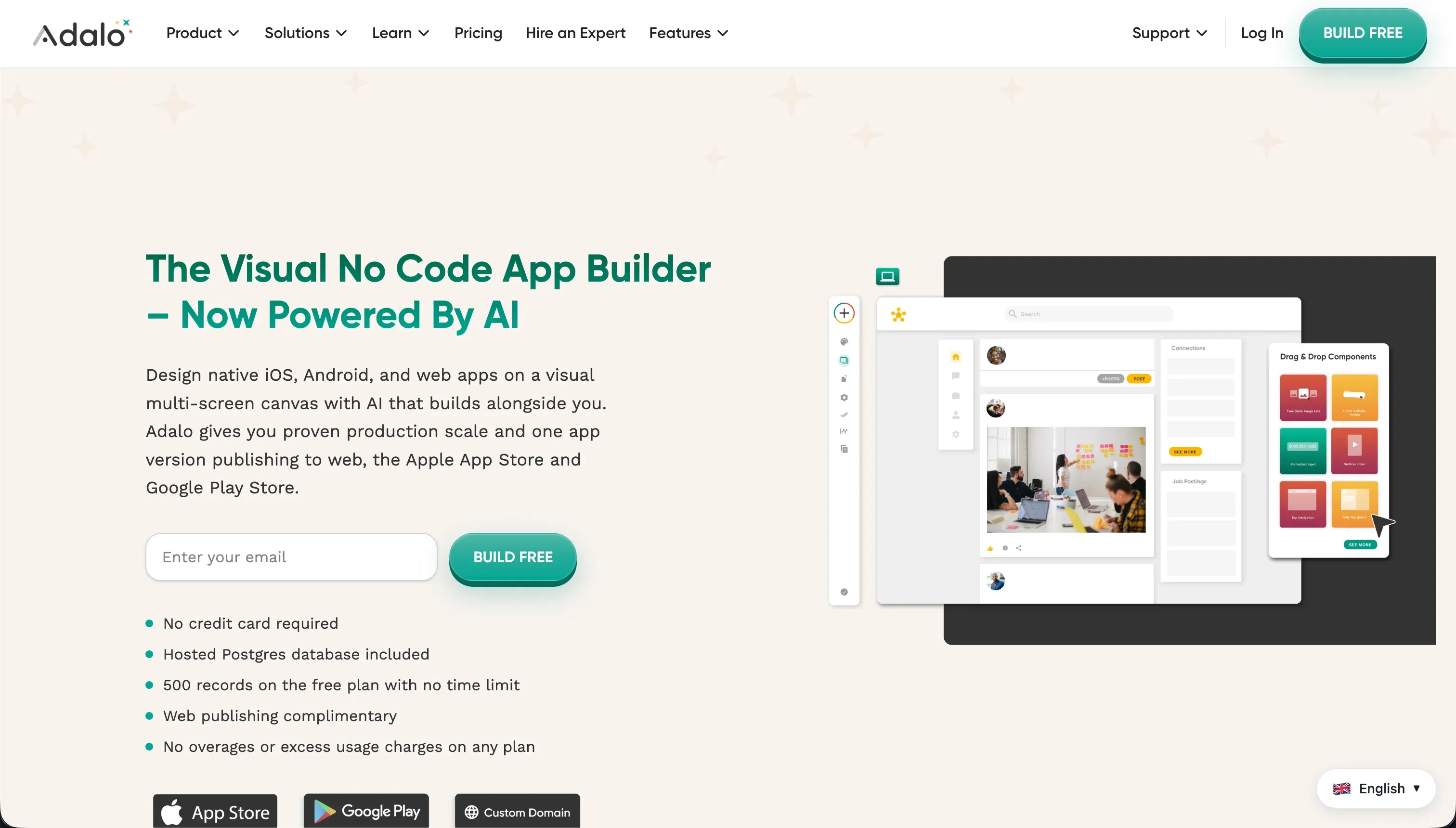
Adalo is a visual drag-and-drop app builder designed to construct web and native mobile applications. It employs a free-positioning visual editor where builders place UI elements like buttons, cards, images, and text inputs exactly where they want on a fixed-width viewport. Adalo includes an integrated relational database to store records directly or link to external APIs and Airtable bases.
The platform handles the packaging process, enabling builders to submit their finalized applications to the Google Play and Apple App Stores. It is primarily built for creators, designers, and startup founders who need to build consumer-facing directories, delivery mockups, or simple mobile MVPs without learning professional-grade developer environments.
The core difference
The primary dividing line between these platforms is the trade-off between layout generation speed and free-form design positioning.
- Glide scaffolds structured, non-customizable pages automatically from data rows and limits styling to strict, mobile-responsive templates.
- Adalo provides a free-form visual canvas that allows pixel-level placement but requires the builder to construct and maintain responsive structures manually.
Where the scores diverge
Production readiness: Glide 6.5, Adalo 3.5. Glide scores 6.5/10, losing points due to documented backend lags occurring 5 to 10 times a year and a complete lack of human support on free plans. However, Adalo scores a critical 3.5/10.
Capterra reviewers report daily internal server errors hit their clients, native Android apps perform unacceptably slow, and some buyers have experienced massive database data loss, making Adalo risky for running daily business operations.
Ease of build: Glide 8.5, Adalo 6.0. Glide scores 8.5/10 by instantly generating polished components directly from Google Sheets or Airtable. Buyers get a working structure in minutes, and components adapt to various screen sizes automatically.
Adalo scores 6.0/10; while its drag-and-drop model has a gentle learning curve, reviewers explain that configuring basic utility features like password resets or multi-image forms is tediously complex and buggy to complete.
Maintainability: Glide 6.5, Adalo 4.0. Glide scores 6.5/10 because edits are performed directly on data rows and visual components, keeping maintenance predictable until you hit a hard ceiling on backend complexity.
Adalo scores 4.0/10 as buyers report complex multi-step automations, approval logic, and conditional flows are incredibly difficult to maintain. External API connections in Adalo are also fragile, frequently requiring builders to rebuild integrations from scratch after minor schema changes.
Data & integrations: Glide 7.0, Adalo 5.0. Glide scores 7.0/10 on the back of its native Glide Tables, fast syncing, and built-in AI columns for automated text translation and summarization. Adalo scores 5.0/10.
Its internal database slows down quickly as data scales, and connecting to external sources requires clunky workarounds as Adalo lacks native, high-performance two-way sync with tools like Airtable or Salesforce.
Security & access control: Glide 5.5, Adalo 4.0. Glide scores 5.5/10, providing solid visibility controls and row-level security for internal teams but showing thin permissions for complex, multi-tenant portal scenarios. Adalo scores 4.0/10, offering only basic roles with no centralized role-based access control.
Building multi-role applications in Adalo requires adding manual, element-level visibility filters to every screen component, which is highly subjective and easily misconfigured.
Design flexibility: Glide 4.0, Adalo 5.0. Adalo scores 5.0/10, using a free-form absolute positioning viewport that is helpful for custom mobile interfaces but creates stretched, awkward layouts on desktop web browsers. Glide scores 4.0/10 because it operates entirely on rigid design templates.
There is no custom visual drag-and-drop positioning, and custom CSS overrides are strictly locked away behind high-paying enterprise pricing tiers.
Cost comparison
Glide and Adalo use different metric levers to scale their pricing, making both structures unpredictable for growing projects. Glide’s pricing centers on shared user tiers, starting at $49/mo (annually) for Maker but escalating to $249/mo for Business, which only allows up to 100 shared users before forcing enterprise negotiations.
Adalo starts at $36/mo (annually) for Starter, progressing to $52/mo for Professional, and caps its plans based on database record limits and published app actions.
Buyers must calculate the total cost of ownership by forecasting user seats and data volumes. Glide will quickly become cost-prohibitive if you are deploying multi-tenant client portals to hundreds of users, while Adalo’s record limits mean that simple directories back-filled with extensive inventory data will force upgrades.
Additionally, Adalo’s platform fragility frequently introduces hidden labor costs, as builders must devote ongoing hours to manual API reconstruction and bug troubleshooting.
Lock-in and the exit path
Both Glide and Adalo exhibit strong platform lock-in, with neither platform offering a code export option. To leave either ecosystem, you must rebuild the entire application frontend from scratch on a new stack.
Glide has a cleaner exit route for data, allowing you to easily pull your underlying records since the app sits directly on top of highly structured databases like Airtable, Google Sheets, or portable Glide Tables.
Adalo’s data export runs into critical blocks; reviewers note that exported databases sometimes fail to export attached image file links, meaning database extraction requires manual file reconciliation.
- Data pulls easily from the underlying records
- Sits on structured bases: Airtable, Sheets, Glide Tables
- Glide Tables stay portable
- Export can miss attached image file links
- Manual file reconciliation needed
- No code export either
Who should pick Glide
Pick Glide if:
- Operations teams building internal directories, simple inventory trackers, and dispatch utilities straight from existing spreadsheets.
- Makers who want a clean, responsive layout that functions well on desktop and mobile web from day one without design fatigue.
- Organizations that require native AI processing, such as data summaries and audio transcription, directly inside their database schema.
Do not pick Glide if you need pixel-level design control, your own bespoke corporate branding, or native publishing to the iOS or Android app stores.
Who should pick Adalo
Pick Adalo if:
- Creators looking to build a high-fidelity visual prototype or mockup of a consumer app for early concept validation.
- Teams that explicitly require native mobile app store packaging on a low startup budget.
- Designers who prioritze exact element positioning on small screens over desktop responsiveness and data reliability.
Do not pick Adalo for complex, multi-tenant portal scenarios, or whenever running business-critical operations that cannot tolerate database glitches and performance lag.
What neither platform answers
Both Glide and Adalo have architectures optimized for specific, narrow scopes. Glide expects you to build inside their structural templates with steep per-seat fees, while Adalo focuses heavily on mobile prototypes but lacks enterprise-grade data stability.
If you are trying to deploy a professional client portal, vendor portal, or operational CRM, neither tool provides the secure, transactional permissions or scalable flat-rate pricing required to run a real business.
For serious business applications, Softr represents a significantly stronger fit. Softr connects natively to your data sources, starting with high-performance Softr Databases and extending to Airtable or Google Sheets. It packages this with visual user groups, global data restrictions, and role-based permissions out of the box.
Additionally, Softr provides flat-rate pricing and an AI Co-Builder that creates robust structures with responsive design assured. If your app requires genuinely custom mobile logic or code ownership, evaluation should instead target FlutterFlow.
Analyst verdict
Glide wins this comparison on aggregate, scoring 6.3/10 to Adalo’s 4.6/10. It takes five of our six evaluation criteria: ease of build, production readiness, maintainability, access control, and data. Adalo takes only design flexibility by a narrow nose, offering a free-form layout tool that is ultimately offset by poor web styling and a fixed-width screen model.
For business operations, the final recommendation is conditional: unless you are forced to package a very simple mobile mockup directly for native store download on a shoestring budget, Glide is the only platform here reliable enough for production. For any advanced external user portals or complex internal tools, both tools should be bypassed in favor of a specialized portal platform like Softr.
Related reading: the Glide scorecard, the Adalo scorecard, and our scoring methodology.