

The division between Cursor and Bolt represents a strategic split in how AI-driven software development is budgeted and staffed. Cursor operates as a professional engineer’s code editor, optimizing developer efficiency. Bolt acts as a sandbox browser environment, maximizing speed for rapid, prompt-to-app prototyping.
Choosing between them is a procurement decision about who will write and maintain the software, not just compile the prototype.
Cursor wins on scored criteria with an aggregate score of 6.2 to Bolt’s 5.1. The decision hinges entirely on engineering talent: if there is an engineer on staff to run builds and manage dependencies, Cursor is the higher-scoring selection. If there is no developer to handle setup, Bolt provides the only viable sandbox, even with its lower production and maintenance ceilings.
The decision in 30 seconds
| If your priority is… | Pick | Why |
|---|---|---|
| Professional developer workflow speed | Cursor | integrates context-aware models directly into a standard VS Code IDE fork with GitHub-synced repos |
| Quick frontend mockups without local IDE setup | Bolt | operates a full prompt-to-preview WebContainer sandbox directly inside the browser |
| Client portals, internal tools, or transactional databases | Neither | requires separate infrastructure, auth setups, or database config instead of native business layers |
| Software and dependency maintainability | Cursor | supports standard manual editing and refactoring without prompt edit loops |
| Secure corporate database integrations | Cursor | supports private, self-hosted environments instead of browser sandbox configurations |
What each platform is
What is Cursor?
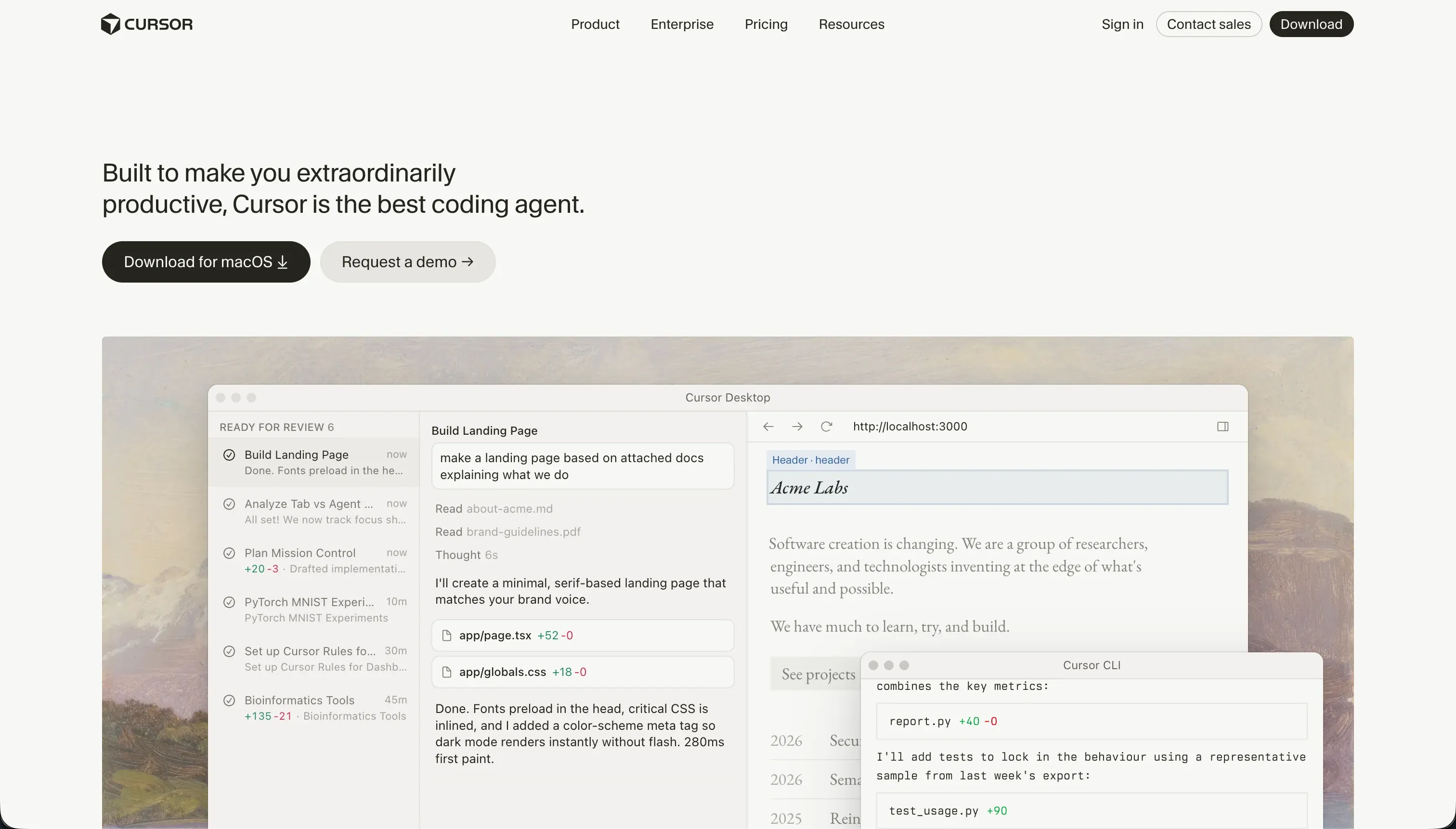
Cursor is an AI-first code editor designed to accelerate professional engineering workflows. Forked directly from VS Code, it embeds context-aware language models into the standard development environment. Instead of abstracting away the code, Cursor assumes the builder is a developer who wants to run terminal processes, manage dependencies, and write software twice as fast.
Key capabilities include Cursor Composer, which acts as an agent to plan and modify code across multiple files, and full-project context indexing via indexing options. The tool is explicitly designed for technical builders who want standard code control, direct transition from VS Code extensions, and local terminal control.
What is Bolt?
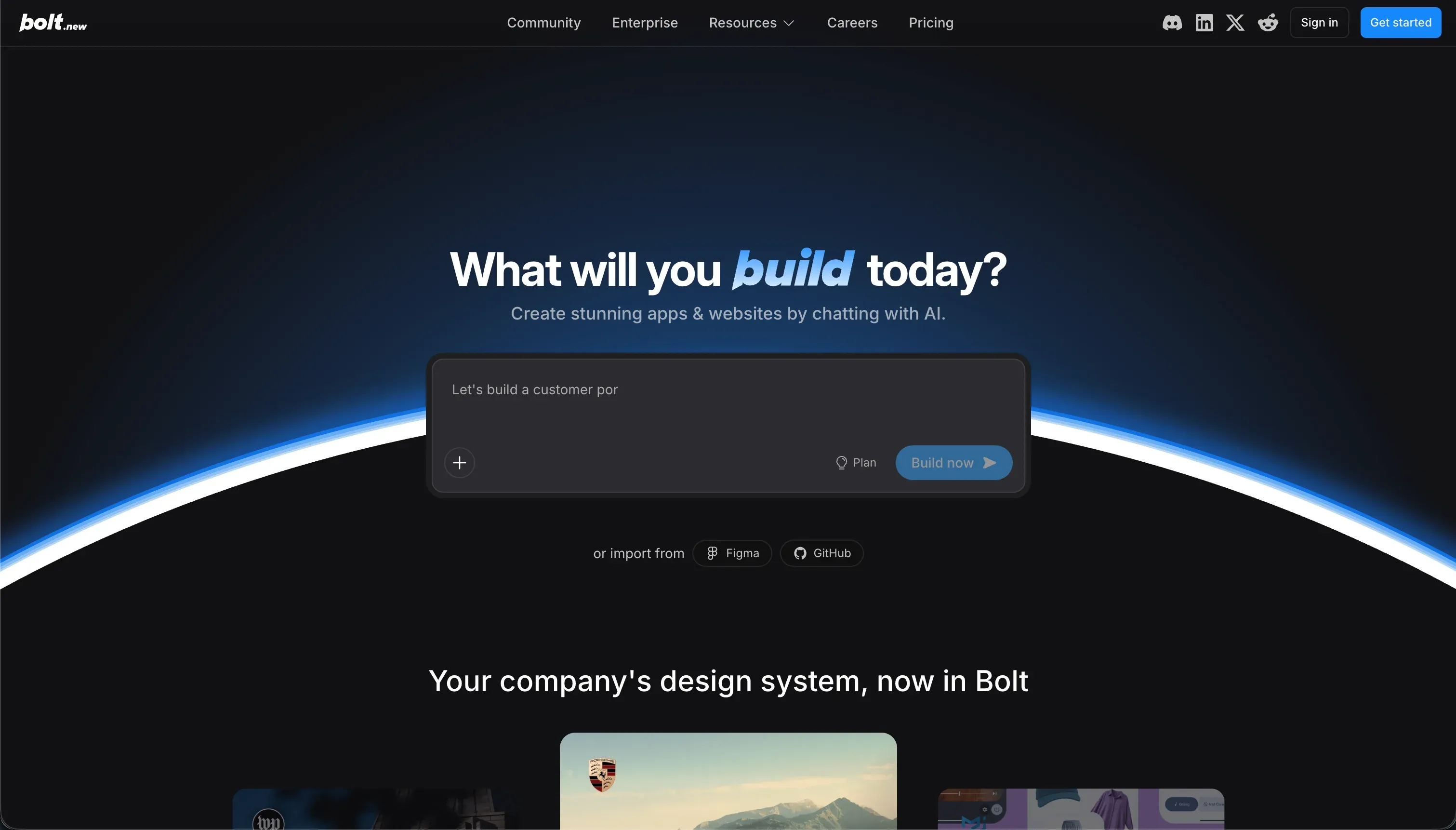
Bolt is a browser-based development environment that generates React, Node, and database mockups from natural language. Utilizing WebContainer technology, it runs a virtual Node.js environment client-side, allowing builders to view a live preview of the app side-by-side with generated files. It sits between visual builders and professional IDEs, scaffolding complete frontends in minutes.
Key features are prompt-to-preview full-stack generation, instant deployment options, and GitHub repo synchronization. Bolt is built for founders, marketers, and operators who need quick prototypes without configuring local developer files or server instances.
- AI-first VS Code fork
- Runs local terminal processes
- Composer edits across files
- Direct VS Code extension path
- Full-project context indexing
- Browser-based environment
- Prompt to live preview
- WebContainer Node.js client-side
- Instant deploys, GitHub sync
- Scaffolds frontends in minutes
The core difference
The primary axis of divergence is environment control: running locally in a professional editor versus running virtually in a browser container.
- Cursor is a native IDE fork that puts an AI copilot into the developer’s hands to modify standard, locally hosted file systems.
- Bolt is a sandboxed browser environment that auto-generates early-stage codebase previews from prompt instructions.
Where the scores diverge
Maintainability: Cursor 6.5, Bolt 3.5. Cursor edges ahead with a 6.5 maintainability score, as engineers gain the absolute freedom of editing files, tracking git versions, and writing automated tests manually, although AI-driven shifts via Composer carry regression risks. Bolt scores 3.5 because ongoing edits require the AI loader.
Buyers report looping edits where the AI rewrites working code, reverts prior logic, or eats massive token credits without successfully completing the requested maintenance task.
Ease of build: Cursor 3.0, Bolt 5.5. Bolt scores 5.5 on ease of build because a non-developer can describe an application and see a functional React interface in a few minutes, completely bypassing development environment configuration.
Cursor scores 3.0 here, representing the hardest entry on this site: it does not assist non-programmers, on the ground that it requires the user to read code, run local terminals, and resolve build errors manually.
However, Bolt is capped below the top of this criterion because any complex backend addition or container error forces the user back into developers’ concepts.
Production readiness: Cursor 6.0, Bolt 4.0. Cursor scores 6.0 while Bolt scores 4.0 on production viability. Cursor leaves the entire infrastructure to the engineer, so while nothing is turnkey, there is no tool ceiling to cause random crashes.
Bolt provides immediate hosting, but users consistently encounter container crashes, out-of-memory errors, and build failures on larger projects, alongside account limits that freeze generation completely.
Security & access control: Cursor 5.5, Bolt 3.5. Cursor scores 5.5, relying entirely on the developer to configure database rules, auth servers, and environment secrets safely, which has an unbounded ceiling but no pre-wired support.
Bolt scores 3.5, as it lacks visual permission configuration and requires buyers to prompt WebContainers to write security schemas. Additionally, Cursor carries enterprise compliance friction where security teams hesitate to allow codebase-wide scanning.
Data & integrations: Cursor 7.5, Bolt 6.0. Cursor scores 7.5 on data depth, matching any API, framework, or cloud database the codebase can run, provided the developer writes the integrations manually. Bolt scores 6.0 because it generates PostgreSQL schemas and links to cloud platforms like Supabase.
The deduction is the lack of a native database administrative UI, forcing buyers to manage tables through prompts or external consoles.
Design flexibility: Cursor 8.5, Bolt 8.0. Both platforms score near the top, as they generate raw, un-templated React and Vite frontends. Cursor scores 8.5 because visual execution is limited only by developer skill and framework capabilities. Bolt scores 8.0, supporting custom configurations and imports from Figma, but is limited by browser WebContainer performance when rendering heavy component structures.
Cost comparison
Cursor utilizes a straightforward developer pricing model, offering a Hobby tier, $20/month Pro tier, and $40/month Business plans based on fast query allowances instead of computing compute. Your monthly spend is predictable, and running out of fast queries simply routes you to slow queues, never blocking edits.
Bolt.new operates on a usage-based token consumption structure that starts with a free plan and scales from Pro at $25/month up to scaled packages of $2,000/month. Because Bolt consumes tokens for every line of code generated, unexpected debugging loops and build errors can exhaust allotments instantly. Buyers must track token burn rate as a variable cost alongside hosting compute lines.
Lock-in and the exit path
Cursor has the cleanest exit path possible: you have complete file ownership over standard, local code repos with zero platform lock-in. Bolt also supports codebase downloads and GitHub sync, allowing users to export standard React codebases to external IDEs.
However, turning a Bolt export into a standalone production application requires developers to reconstruct backend configurations, auth providers, and database schemas manually.
Who should pick Cursor
Pick Cursor if:
- Engineering teams who want to double their coding velocity inside a polished fork of VS Code.
- Projects with a long-term roadmap where security compliance and private local code paths are non-negotiable.
- Applications requiring custom databases, cloud architectures, or complex integrations that cannot run on browser containers.
Do not pick Cursor if you cannot read code, resolve terminal compile errors, or manage environment variables manually.
Who should pick Bolt
Pick Bolt if:
- Product managers and founders needing to build a working prototype or clickable mockup to present to investors tomorrow.
- Front-end designers wanting to visually iterate on mockups with live side-by-side previews without local server configuration.
- Short-horizon marketing sites or MVP platforms with structured pathways to git repositories.
Do not pick Bolt if you are building an application with a multi-year database roadmap, complex backend operations, or direct database admin requirements.
What neither platform answers
Both Cursor and Bolt assume the application is code. That is their core paradigm: you are either writing code with an AI co-pilot or prompting a WebCompiler to generate a code repository. This introduces developer overheads, environment variables, dependencies, and complex setups.
However, many business operators simply need to build client portals, administrative portals, or inventory trackers, which are defined by standard interfaces, user groupings, and high reliability rather than custom coding.
For those operational tools, a dedicated no-code business platform like Softr is the higher-scoring selection. Softr scores 8.5 on production readiness, 9.0 on maintainability, and 8.5 on security precisely because user authentication, page restrictions, and web hosting are built as native visual controls, not generated as raw code.
If your project fits this business-portal class, building with Softr alongside a tool like Retool for internal databases avoids the technical debt of maintaining an AI-generated codebase.
Analyst verdict
Cursor wins this head-to-head comparison with an aggregate score of 6.2 to Bolt’s 5.1. It takes five out of six criteria, losing only on ease of build. Because it allows a developer to manually edit and refactor code without triggering complex AI loops, Cursor projects enjoy significantly higher maintainability scores and remain robust through production setups.
Bolt remains a productive procurement choice strictly for rapid prototyping, where a non-developer or manager needs a live web preview in minutes without configuration. Beyond those initial mockups, maintenance costs build up quickly. For long-term production software, Cursor has the higher-scoring allocation of resources.
Related reading: the Cursor scorecard, the Bolt scorecard, and our scoring methodology.