

This comparison evaluates 2 different software-buying problems: the AI-first developer workspace Cursor and the visual no-code app builder Adalo. Buying Cursor means investing in a code-first toolchain and source-code ownership, while buying Adalo means investing in a managed drag-and-drop builder for simple app delivery.
Cursor wins the general decision with an aggregate score of 6.2/10 versus Adalo’s 4.6/10. It takes 5 of the 6 criteria and loses only on ease of build. The decision flips only if you have no engineering capacity and need to assemble a basic mobile MVP without writing code.
The decision in 30 seconds
| If your priority is… | Pick | Why |
|---|---|---|
| A non-technical operator building their first app | Adalo | Its visual editor removes the need for code and beats Cursor on ease of build |
| A professional developer building complex logic | Cursor | Its AI-assisted coding model accelerates real source-code work across files |
| Production reliability and database integrity | Cursor | Adalo reviewers report server errors, sluggish queries, and data-loss concerns |
| Pixel-level frontend control | Cursor | Its raw code model supports any framework while Adalo stays template-bound |
| Client portals, internal tools, or operational CRMs | Neither | Softr is the cleaner fit for permissioned business apps with lower maintenance |
What each platform is
What is Cursor?
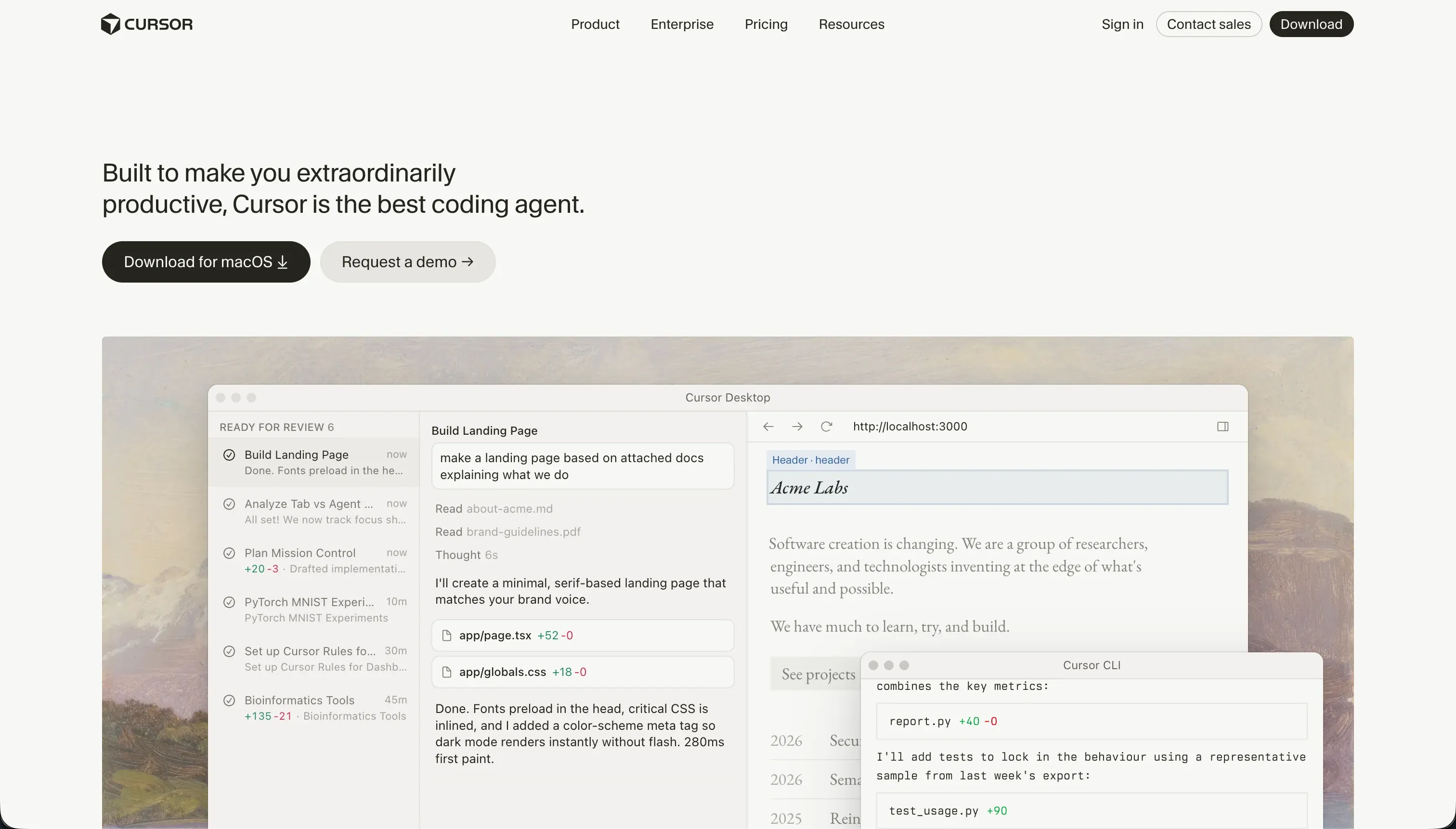
Cursor is an AI-first code editor that embeds large-language-model workflows directly into software development. Built on a VS Code foundation, it indexes your local repository so it can autocomplete with project context, search semantically across files, and make inline code changes while you still work in standard source code.
Its documented workflow includes multi-file agent editing through Composer and natural-language codebase search that helps developers navigate and modify existing projects faster. It is genuinely built for software engineers, technical founders, and teams that can read code, run builds, manage packages, and debug the output rather than rely on a managed visual runtime.
What is Adalo?
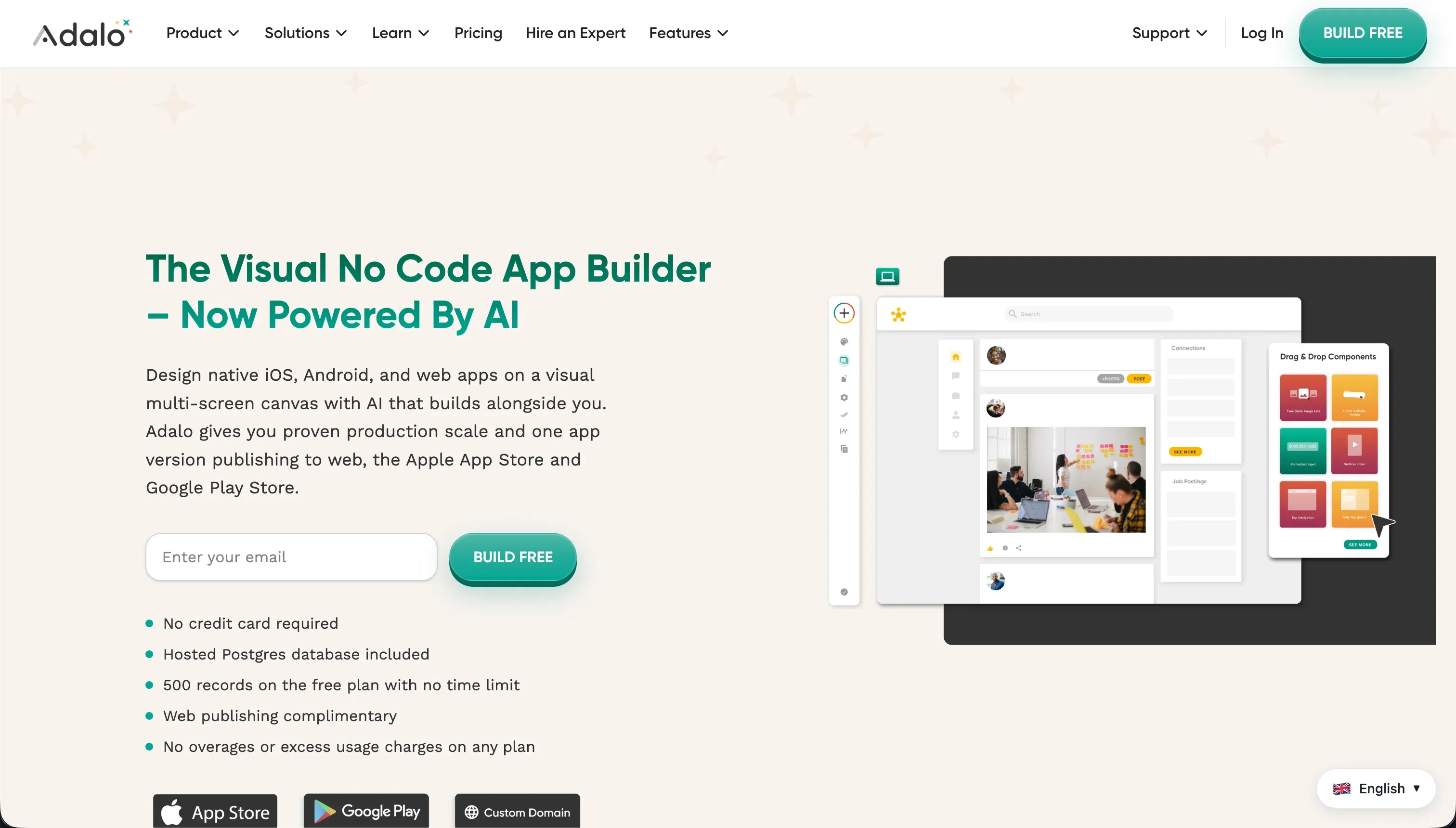
Adalo is a no-code visual builder for creating mobile and web apps through drag-and-drop composition. Builders place components on a canvas, define records in Adalo’s built-in database, and connect actions like screen navigation or record updates without touching application code.
Its documented feature set includes a component marketplace, built-in database relationships, and packaging paths for app-store distribution. It is genuinely built for non-technical founders, creators, and small teams that want to launch simple MVPs, directories, or lightweight mobile experiences without setting up a conventional development stack.
The core difference
These tools differ most on one axis: writing and owning standard software code versus configuring a proprietary visual runtime. One accelerates engineering; the other abstracts engineering away.
- Cursor accelerates conventional software development by helping developers generate, edit, and navigate real code in a standard repository.
- Adalo abstracts software development into a managed drag-and-drop canvas that trades code ownership for simplicity.
Where the scores diverge
Design flexibility: Cursor 8.5, Adalo 5.0. Cursor separates itself most clearly in UI freedom because standard code means any frontend architecture, styling system, or component library is available.
Teams can build fully custom responsive layouts instead of accepting the boundaries of a preset canvas, though that freedom still depends on actual design and engineering skill. Adalo offers quick placement for simple interfaces but keeps builders inside a more rigid screen model.
That matters most on desktop or more polished commercial products, where fixed-width assumptions and limited responsiveness become visible constraints.
Ease of build: Cursor 3.0, Adalo 6.0. Adalo is the only tool here that a non-programmer can realistically open and start assembling immediately. Its visual canvas, built-in data layer, and action wiring remove the need to understand package managers, terminal commands, or framework setup.
Cursor, by contrast, is still a professional code editor even with AI assistance, so every project assumes real developer literacy. Adalo does not score higher because builders still report friction on basic product needs like password recovery, richer uploads, and more complex logic flows.
Production readiness: Cursor 6.0, Adalo 3.5. Cursor benefits from producing standard code that can be deployed on mature hosting, database, and auth infrastructure chosen by the team.
That gives it a more credible path to real production systems, although the burden stays on developers to configure and review everything correctly, and AI-generated multi-file changes can still need rollback and testing.
Adalo falls behind because reviewer feedback raises repeated concerns about server instability, slow performance at scale, and even disappearing records. Those issues are especially damaging because buyers choose a managed platform precisely to avoid that class of operational risk.
Maintainability: Cursor 6.5, Adalo 4.0. Cursor’s biggest advantage is that the application remains normal code under your control, with Git history, standard testing options, and a clear handoff path to any developer who knows the stack.
Even when its agent mode creates messy edits or dependency mistakes, the work is still inspectable and fixable in conventional tooling. Adalo’s visual logic becomes harder to maintain as workflows multiply, because behavior is spread across screens, actions, and database links inside a closed system.
Buyers also face extra fragility when integrations or schema changes force rework across multiple app surfaces.
Data & integrations: Cursor 7.5, Adalo 5.0. Cursor has the broader ceiling because it can work with any database, API, SDK, or ORM the team is willing to wire up. That openness is why it scores highest here, though the tradeoff is obvious: every integration still requires developer implementation and maintenance.
Adalo is more constrained because its internal database sits at the center of the product and external connections are less natural. Reviewers and platform notes point to awkward API workflows, limited sync patterns, and breakage risk when schemas evolve.
Security & access control: Cursor 5.5, Adalo 4.0. Cursor wins because a skilled team can implement serious authentication and authorization on standard infrastructure instead of being boxed into a shallow permission model.
That is not a free advantage: developers still have to design, test, and maintain those controls themselves, and some organizations may scrutinize AI tooling that indexes code locally. Adalo loses ground because access rules are often built piecemeal at the component or screen level rather than through a robust centralized model.
That makes multi-user business apps easier to misconfigure and harder to trust under real compliance or audit pressure.
Cost comparison
Cursor and Adalo charge in different ways. Cursor uses a seat-plus-usage model: Hobby is free, Pro is $20 per month with 500 fast AI queries, and higher tiers scale to Ultra at $200 per month.
Adalo uses flat subscription tiers tied to capacity limits: Starter is $36 per month billed annually for 10,000 records, Professional is $52 per month for 30,000 records, and Business reaches $200 per month for 250,000 records.
In practice, Cursor spend moves with seats and AI-query demand, while Adalo spend moves with plan upgrades as record and platform limits tighten.
Buyers should forecast more than the sticker price. Cursor adds external costs for hosting, databases, auth providers, and developer time to build and maintain the stack. Adalo adds hidden cost through plan ceilings, plugin spend, API limits, and the extra labor that appears when the app outgrows the platform’s default patterns.
Both also carry migration cost, but Adalo’s is steeper because leaving means rebuilding the product in another system.
Lock-in and the exit path
Cursor has the cleaner exit because you work in standard source code that can live in GitHub and be opened in any normal IDE after you stop paying for Cursor. The code remains yours, although you still keep responsibility for whatever hosting, infrastructure, and architecture you chose around it.
Adalo does not provide source-code export or self-hosting, so leaving means rebuilding the app experience, logic, and surrounding data model elsewhere. That makes Adalo the more locked-in platform by a wide margin.
- Source code stays yours
- App experience rebuilt
- Git history survives
- Logic rebuilt from scratch
- Hosting stays your job
- Data model rebuilt
Who should pick Cursor
Pick Cursor if:
- Engineering teams that want faster delivery without giving up repository ownership or standard Git workflows
- Builders who need complex integrations or custom data architecture, reflected in Cursor’s 7.5 data & integrations score
- Products where long-term maintainability matters more than day-1 simplicity, since Cursor leads Adalo 6.5 to 4.0 there
Do not pick Cursor if your team cannot read code, manage a development stack, or tolerate the setup work that comes with owning the application architecture.
Who should pick Adalo
Pick Adalo if:
- Non-technical founders who need the easiest path to a simple MVP and benefit from Adalo’s 6.0 ease-of-build lead
- Creators focused on lightweight mobile-first concepts and app-store packaging rather than custom engineering control
- Small teams validating an idea quickly where visual assembly matters more than long-term scalability or deep integrations
Do not pick Adalo if the app must become a secure, maintainable business system with reliable performance, richer integrations, or a clean exit path.
What neither platform answers
Many buyers who land on a Cursor-versus-Adalo comparison are not actually choosing between an IDE and a mobile MVP builder. They need a business app with logins, permissions, shared records, and low day-2 maintenance: client portals, internal tools, approval flows, or lightweight CRMs.
In that lane, Cursor asks you to engineer the entire foundation yourself, while Adalo leaves too much operational and security risk for serious internal software.
For that business-app lane, Softr is the better recommendation because it scores 8.5 on production readiness, 9.0 on maintainability, and 8.5 on security & access control in the research. It gives buyers built-in authentication, permissions, and lower-maintenance app structure without requiring a custom code stack.
If the real need is code ownership and a self-hostable developer workflow rather than a managed business app, Replit is the more sensible alternative from the opposite direction.
Analyst verdict
Cursor wins 6.2 to 4.6 on the aggregate score. It takes production readiness, maintainability, security & access control, data & integrations, and design flexibility, while Adalo keeps only ease of build.
That makes Cursor the better general purchase for any team that can work in code and cares about long-term software quality. Its leads in maintainability (6.5 to 4.0), data & integrations (7.5 to 5.0), and design flexibility (8.5 to 5.0) matter more over time than Adalo’s simpler first-run experience.
The decision flips only when you have no engineering capacity and need to push out a basic mobile MVP quickly. In that narrow case, Adalo’s 6.0 ease-of-build score is enough to outweigh its lower ceilings, but outside that lane Cursor is the stronger buy.
Related reading: the Cursor scorecard, the Adalo scorecard, and our scoring methodology.