

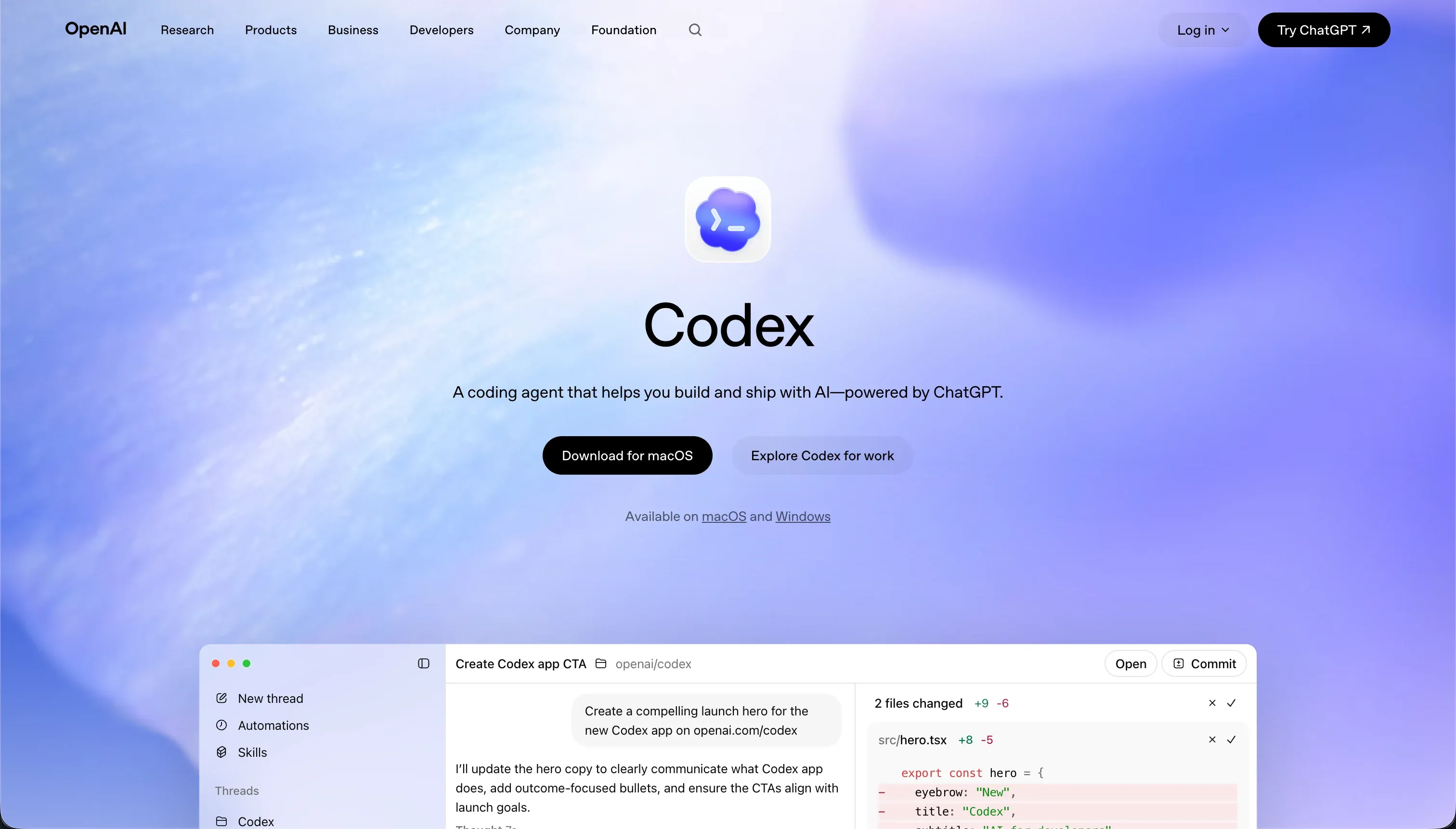

Choosing between Codex and WeWeb is not a choice between two editor interfaces, but a choice between two completely different software delivery strategies. Codex belongs to the emerging category of terminal-based git agents that write and test raw code, while WeWeb is a decoupled frontend layout engine designed to bind visually to external APIs and databases.
Codex wins the aggregate scorecard 7.1/10 to 6.2/10, making it the mathematically superior purchase for software engineers who want total stack control and native git versioning. The decision flips to WeWeb only when a team requires a visual drag-and-drop designer and has already committed to configuring and paying for a separate backend service like Xano or Supabase.
The decision in 30 seconds
| If your priority is… | Pick | Why |
|---|---|---|
| Native git branches and reviewed pull requests | Codex | It operates directly inside your local repository using native version control and descriptive commits |
| Visual layout editing without coding HTML/CSS | WeWeb | Its layout engine supports CSS flexbox, grids, and absolute positioning visually |
| Built-in database and instant local preview | Neither | Codex is a CLI agent with no runtime, and WeWeb has no built-in database, making Softr the superior portal option |
| Connecting to any database or API that code supports | Codex | It operates in raw code, bypassing the limitations of pre-wired visual connectors |
| Non-technical maintenance by a business operator | Neither | Codex is unusable for non-engineers, and WeWeb requires a solid grasp of web APIs and state management |
What each platform is
What is Codex?
Codex is a terminal-based AI coding agent and desktop application bundled within ChatGPT standard subscriptions. Rather than generating prototype code in a walled-garden sandbox, the agent operates directly within a developer’s local environment, executing commands and editing real corporate repositories.
It works autonomously inside the codebase, creating branches, running command-line scripts, and evaluating unit tests locally.
Codex features a lightweight CLI agent, parallel task execution, and desktop command interface to run multiple branches simultaneously. It integrates natively with Git and GitHub to commit files with descriptive messages and open pull request workflows.
It is built explicitly for software engineers and development teams who need to offload repetitive scripting, run parallel refactoring runs, and manage local dev tasks safely under Git version control.
What is WeWeb?
WeWeb is a visual frontend builder designed to construct web applications on a decoupled architecture. Instead of managing your data natively, WeWeb is built entirely to connect visually to external databases, authentication layers, or headless CMS platforms through APIs.
The platform compiles visual designs into Vue.js or Nuxt.js single-page applications (SPAs) optimized for speed and indexability.
WeWeb features CSS-level layout controls, visual state variables, conditional page routing, token-based authentication configurations, and a built-in AI assistant that generates custom CSS and Javascript classes inside the editor. It is built for professional agency builders, designers, and front-end teams who want to design bespoke client-facing interfaces without writing the UI component logic from scratch.
- Terminal AI agent in your local environment
- Works in real corporate repos under Git
- Runs scripts, tests, parallel branches
- Commits and opens PRs via GitHub
- Built for engineers offloading repetitive work
- Visual frontend builder, decoupled architecture
- Connects to external databases and auth via APIs
- Compiles designs to Vue or Nuxt SPAs
- CSS controls, state, routing, AI assistant
- Built for agencies and front-end teams
The core difference
The division between these tools is a division of interface and workflow.
- Codex is a terminal-based agent that writes raw code directly into your repository with no visual layout builder.
- WeWeb is a visual editor that builds frontends by wiring layouts to external APIs with no managed database of its own.
Where the scores diverge
Maintainability: Codex 8.0, WeWeb 6.0. Codex scores 8.0/10, making this its strongest performance. It achieves this because all changes live in native Git branches with reviewable pull requests and automated tests, meaning large refactors stay tractable and version-controlled. WeWeb scores only 6.0/10.
Logic in WeWeb lives in a visual state editor, which creates a disconnected stack where schema changes require manually updating both WeWeb and the external backend, and reviewers warn that tutorials and documentation have failed to keep pace with updates.
Data & integrations: Codex 8.5, WeWeb 7.0. Codex scores 8.5/10. Because it writes raw code directly in your stack, it can integrate with any database, modern API, or system the programming language supports. This sits just below the top tier because every integration is code you have to write, review, and maintain from scratch.
WeWeb scores 7.0/10; it connects well to SQL databases and REST APIs, but nothing is stored natively, and reviewers flag weak headless-CMS integrations.
Production readiness: Codex 7.0, WeWeb 6.0. Codex scores 7.0/10 because it produces real code on real stacks, running tests and opening standard pull requests that fit straight into a team’s production pipeline.
However, its score is limited because users repeat warnings that the agent tends to overcomplicate proposals, expand beyond the requirement scope, and forget project nuances between runs.
WeWeb scores 6.0/10; while its hybrid rendering engine outputs fast layouts and supports staging environments on its Scale plan, production depends entirely on the stability of a separate, third-party database that you must wire up and secure yourself, and reviewers maintain that mobile performance lags behind desktop.
Security & access control: Codex 6.0, WeWeb 5.5. Codex scores 6.0/10. Running tasks in isolated containerized branches keeps code generation safe, but giving a CLI agent permission to run local shell scripts carries real sandboxing risks, and any user authentication or access control is code the developer must manually write, host, and verify.
WeWeb scores 5.5/10 because it possesses no native auth layer; security depends entirely on token-based flows configured and secured against your separate backend service, meaning your security is only as strong as the middleware you build. Advanced SSO is gated behind custom Enterprise plans.
Design flexibility: Codex 9.0, WeWeb 8.5. Codex scores 9.0/10 because its output is raw code, meaning visual control is limited only by the framework and the developer’s execution.
WeWeb scores 8.5/10; this is WeWeb’s best score, offering a visual layout engine with total CSS flexbox control, absolute positioning grids, and a helpful AI assistant that writes Javascript or custom component classes. Codex edges it simply because code has no platform engine constraints, whereas WeWeb works within editor rules.
Ease of build: Codex 4.0, WeWeb 4.0. Both tools score a low 4.0/10, but for opposite reasons. Codex operates entirely in the terminal, meaning non-technical users get nowhere and cannot even preview an app without configuring local environments and Git workflows.
WeWeb provides a visual editor, but because it has no native database, builders must configure, secure, and pay for an external backend like Xano or Airtable before a single page is functional. Furthermore, WeWeb layouts, conditional routing, and state variable payloads require a firm grasp of professional web development concepts.
Cost comparison
Codex has no standalone pricing; it is bundled inside standard OpenAI subscriptions, running $20/mo for ChatGPT Plus and $200/mo for ChatGPT Pro, though developers report that heavy use of parallel agents and multi-file codebases consumes credit limits quickly. WeWeb runs on a per-app subscription, beginning at $59/mo billed monthly on the Starter plan, then jumping to $249/mo on Scale.
For Codex, the hidden cost is the engineering time required to review each diff and maintain local development environments. For WeWeb, the hidden cost is the second subscription required to run your backend database and authentication (such as Xano or Supabase) plus potential development agencies hired to help navigate visual state variables.
Lock-in and the exit path
Codex has zero vendor lock-in because it produces clean, standard raw code inside local git repositories that you own entirely; if you stop using Codex, you simply keep your codebase.
WeWeb has high lock-in on its lower tiers because your visual interface blocks run on their server, though they allow Vue.js code export exclusively on their Scale and Enterprise plans. Codex offers the cleanest and safest exit path by design.
Who should pick Codex
Pick Codex if:
- Software engineering teams with established local repo structures and pull-request pipelines.
- Developers who need to make sprawling, codebase-wide code or script changes without token overhead.
- Teams that refuse to accept visual runtime hosting or proprietary vendor lock-in.
Do not pick Codex if anyone on your project team is non-technical, as there is no visual interface and the agent requires standard command line and Git mastery to operate.
Who should pick WeWeb
Pick WeWeb if:
- Frontend design agencies that build highly structured React/Vue layouts for custom client web apps.
- Teams already using a dedicated backend server like Xano or Supabase as their source of truth.
- Builders who require CSS flexbox, precise visual grids, and custom component generation.
Do not pick WeWeb if you need an all-in-one platform with a built-in database, as you must configure and secure third-party databases and APIs before your app can function.
What neither platform answers
Both Codex and WeWeb assume a high baseline of development experience. Codex demands you manage databases, hosting, and credentials manually in a local codebase, while WeWeb forces you to design decoupled architectures and configure complex web APIs just to log a user in.
If your goal is to build operational software - such as a client portal, internal tool, or CRM - neither platform represents a rational allocation of your resources.
For business portal use cases, Softr scores 8.5 on production readiness, 9.0 on maintainability, and 8.5 on security & access control because user groups, granular page visibility, and native databases are built directly into the platform core.
With Softr, you get a fully secure, cohesive environment from day one, whereas Codex requires writing system security from scratch and WeWeb leaves you to puzzle together a multi-tool custom database stack.
Analyst verdict
Codex wins on aggregate, scoring 7.1/10 to WeWeb’s 6.2/10. Codex achieves this by earning superior marks for maintainability, data integration, and absolute layout freedom, as raw code will always bypass the limits of visual editor engines.
However, this verdict is highly conditional. If you do not have software engineers on hand to run terminal scripts, review pull request diffs, and manage your own hosting servers, Codex is functionally unusable.
For frontend developers who need to design bespoke visual layouts on top of external Supabase or Xano architectures, WeWeb’s visual canvas is the logical purchase, even with its high setup complexity and the need for a separate backend.
Related reading: the Codex scorecard, the WeWeb scorecard, and our scoring methodology.