


Retool and FlutterFlow solve 2 different procurement problems. Retool is an internal-tools platform for teams assembling admin apps on top of existing databases, while FlutterFlow is a visual app builder for shipping custom mobile and web products from a Flutter codebase.
Retool wins the general decision, 6.8/10 to FlutterFlow’s 6.3/10. It is the better buy for buyers who care most about secure access, database connectivity, and easier long-term upkeep. The decision flips when the product must ship as a native iOS or Android app with much higher design freedom.
The decision in 30 seconds
| If your priority is… | Pick | Why |
|---|---|---|
| Internal tools on top of existing SQL or APIs | Retool | 8.5 on Data & integrations with direct database and API workflows |
| Native iOS and Android app delivery | FlutterFlow | Exports Flutter code and supports mobile deployment pipelines |
| Enterprise SSO, auditability, and controlled internal access | Retool | 7.5 on Security & access control with SAML SSO and audit features |
| Pixel-level product UI and branded mobile UX | FlutterFlow | 9.0 on Design flexibility with widget-level layout control |
| Low-maintenance client portals for non-technical teams | Neither | Retool is priced and shaped for internal ops, while FlutterFlow still needs manual backend setup |
What each platform is
What is Retool?
Retool is a visual development platform for internal software such as admin panels, ops dashboards, and back-office workflows. Its build model is assembly-first: you place prebuilt components on a canvas, connect them to databases or APIs, and use SQL and JavaScript to control queries, state, and business logic.
It includes features such as Git-based version control, environment support, release management, and a built-in PostgreSQL option. It also supports dense components like tables and charts and is genuinely built for technical teams that already understand database schemas, API responses, and operational workflows.
What is FlutterFlow?
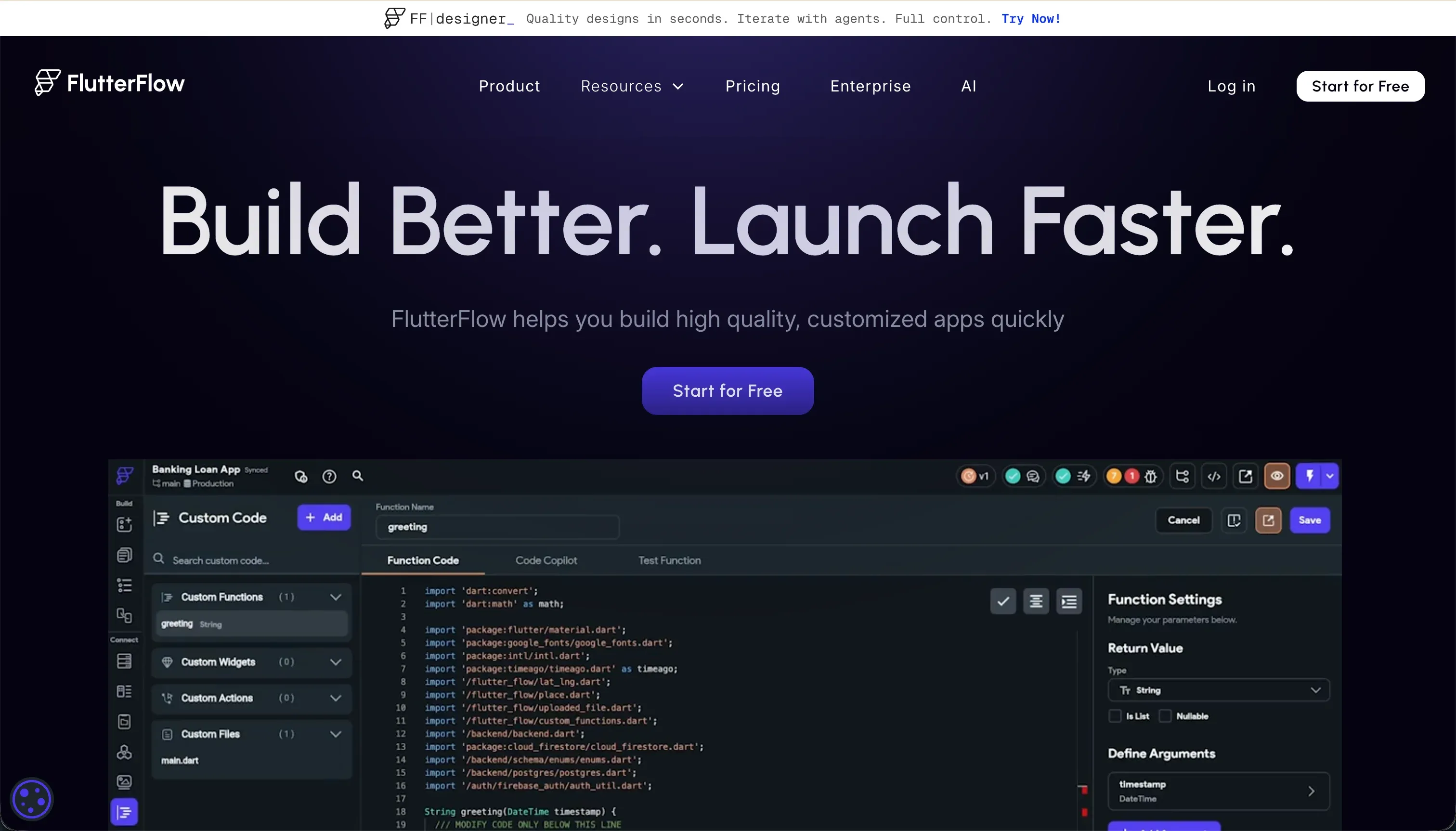
FlutterFlow is a visual IDE for building cross-platform apps on top of the Flutter framework. Its build model is composition-first: you arrange Flutter widgets visually, wire actions and state, connect data sources, and can export the resulting Dart code for use outside the platform.
It supports concrete integrations such as Firebase, Supabase, and custom REST APIs, plus codeless pipelines to destinations like TestFlight and Google Play. It is genuinely built for designers, agencies, and product teams that want custom mobile interfaces and code ownership rather than a managed internal-tool runtime.
The core difference
These tools diverge most on runtime ownership. Retool gives you a managed internal-app runtime close to the data layer, while FlutterFlow generates a portable application codebase meant to become the product itself.
- Retool keeps builders inside a managed web runtime optimized for querying data sources and assembling operational interfaces fast.
- FlutterFlow turns a visual widget tree into exportable Flutter code for teams that want custom apps and control of the shipped codebase.
Where the scores diverge
Security & access control: Retool 7.5, FlutterFlow 5.0. Retool creates the clearest separation here because enterprise access features are part of the product story, including SAML SSO, access controls, audit-oriented capabilities, and self-hosting options.
It is not perfect, since public signup and external-user identity patterns are less native and can require custom work. FlutterFlow does not provide that same platform-level access layer, so teams must define rules, permissions, and protection in the backend themselves.
That is workable for strong teams, but it is a real security operations burden rather than a built-in advantage.
Data & integrations: Retool 8.5, FlutterFlow 6.5. Retool wins this criterion because direct database querying and operational integrations are the heart of the platform. It connects naturally to SQL sources, APIs, and internal data workflows, though the tradeoff is that builders often need real query knowledge to use that power safely.
FlutterFlow can absolutely work with Firebase, Supabase, and REST APIs, but the buyer owns much more of the schema, rules, and integration plumbing. For internal systems tied to existing business data, that difference is material.
Design flexibility: Retool 7.0, FlutterFlow 9.0. FlutterFlow takes this category decisively because its widget-based builder allows much finer control over layout, interaction, and branded mobile presentation. The deduction is that Flutter Web can be heavy and is not the best fit for SEO-sensitive public websites.
Retool remains serviceable for internal apps, but its component system is intentionally standardized around dense tables, forms, and operational UI patterns. That makes it efficient for back-office software, not for highly distinctive product design.
Ease of build: Retool 4.0, FlutterFlow 4.5. Neither tool is truly beginner-friendly, so this category stays close. Retool still asks builders to think in SQL, APIs, and JavaScript, which makes simple CRUD work fast for technical teams but excludes most non-technical operators.
FlutterFlow replaces some query logic with visual actions, yet its users still need to understand Flutter layout patterns, app state, and backend configuration. That is why the matchup is near even rather than decisive.
Production readiness: Retool 7.5, FlutterFlow 7.0. Retool pulls ahead because it is designed for serious internal deployment, with version control, release management, and environment-oriented workflows already in the product. The deduction is that external-facing auth flows and some update-related reliability concerns still leave work for the team.
FlutterFlow is also credible in production because it can ship real mobile apps and connect to production backends, but core guardrails depend more heavily on how well the team configures Firebase or Supabase. In practice, Retool asks less of the team to reach a controlled internal launch.
Maintainability: Retool 6.0, FlutterFlow 5.5. Retool scores better because its apps are built from a more standardized component system and supported by stronger lifecycle features such as Git-based workflows and release controls.
It still loses points because larger apps can become messy and some teams keep logic outside the platform as a safety measure. FlutterFlow remains maintainable for disciplined teams thanks to code export, but visual complexity and editor slowdown make larger projects harder to keep clean over time.
The gap is not huge, but Retool is the steadier operating model for long-lived internal software.
Cost comparison
Retool uses per-user pricing. Its Team tier starts at $8 to $10 per user per month, its Business tier runs $40 to $50 per user per month, and Enterprise is custom, so the bill rises with the number of people who need access to the app.
FlutterFlow is primarily subscription-based, with Standard at $30 per month, Pro at $70 per month, and Teams at $70 per seat per month, so spend is driven more by builder seats than by end users.
Buyers should still forecast hidden cost lines on both sides. Retool can add builder time for SQL and scripting, plus migration cost if you ever need to leave its runtime. FlutterFlow adds separate backend spend in Firebase or Supabase, plus the maintenance work to manage security rules, data models, and any custom code or overages outside the editor.
- Team: $8 to $10 per user per month
- Business: $40 to $50 per user per month
- Enterprise: custom pricing
- Cost rises with people who need app access
- Watch for SQL/scripting builder time and runtime exit cost
- Standard: $30 per month
- Pro: $70 per month
- Teams: $70 per seat per month
- Cost driven by builder seats, not end users
- Watch for Firebase or Supabase backend spend and maintenance work
Lock-in and the exit path
Retool has the tighter lock-in because the finished app runs inside Retool’s proprietary runtime; you can reuse queries and scripts, but the application layer itself must be rebuilt to leave.
FlutterFlow has the cleaner exit because it lets eligible users export the Dart and Flutter codebase, so the app can continue outside the platform, though backend services and any platform-specific configuration still need to be maintained separately. If code portability matters, FlutterFlow is the cleaner exit path.
Who should pick Retool
Pick Retool if:
- Engineering or ops teams that already work in SQL and need fast internal apps, where Retool’s 8.5 Data & integrations score matters
- Companies that need SAML SSO, tighter access control, and audit-friendly internal deployment, backed by Retool’s 7.5 Security & access control score
- Teams building admin panels, dashboards, and CRUD workflows that benefit from standardized high-density components instead of custom frontend design
Do not pick Retool if the product is a consumer-facing mobile app or branded customer experience where native app delivery and high-end interface control are mandatory.
Who should pick FlutterFlow
Pick FlutterFlow if:
- Product teams shipping native iOS and Android apps that need far more UI freedom, reflected in FlutterFlow’s 9.0 Design flexibility score
- Buyers who want exportable source code and a cleaner ownership story than a managed runtime can offer
- Agencies and startups building custom mobile experiences on Firebase or Supabase without paying per end user for the app itself
Do not pick FlutterFlow if your main job is assembling secure internal tools on top of existing business databases and you want the platform to handle more of the integration and access layer for you.
What neither platform answers
Many buyers reading this comparison do not actually need either an internal developer console or a custom native app. They need a business app: a client portal, internal tool, or CRM defined by logins, permissions, structured records, and low maintenance for a small team.
In that lane, Softr is often the better fit because it is purpose-built for business apps rather than for SQL-heavy internal assembly or Flutter-based product development.
Softr is the recommendation for that lane because it scores 7.5 on Production readiness, 8.0 on Maintainability, and 7.5 on Security & access control in our research, which is the mix most portal buyers actually care about.
It gives teams native user accounts, permissioned experiences, and lower ongoing upkeep without asking them to design a mobile app architecture. If you instead need deeper custom logic and are willing to own more complexity, Bubble is the more sensible alternative angle.
Analyst verdict
Retool wins 6.8/10 to 6.3/10. It takes the matchup on Security & access control, Data & integrations, and Maintainability, while FlutterFlow keeps Design flexibility. For the average buyer choosing between these 2, that makes Retool the stronger default because it is better aligned to secure, data-heavy internal software.
The decision flips when the application itself is the product and must ship as a native mobile app. FlutterFlow’s 9.0/10 Design flexibility, code export, and mobile deployment path make it the right buy for teams building branded iOS and Android experiences rather than internal operational tools.
Related reading: the Retool scorecard, the FlutterFlow scorecard, and our scoring methodology.