


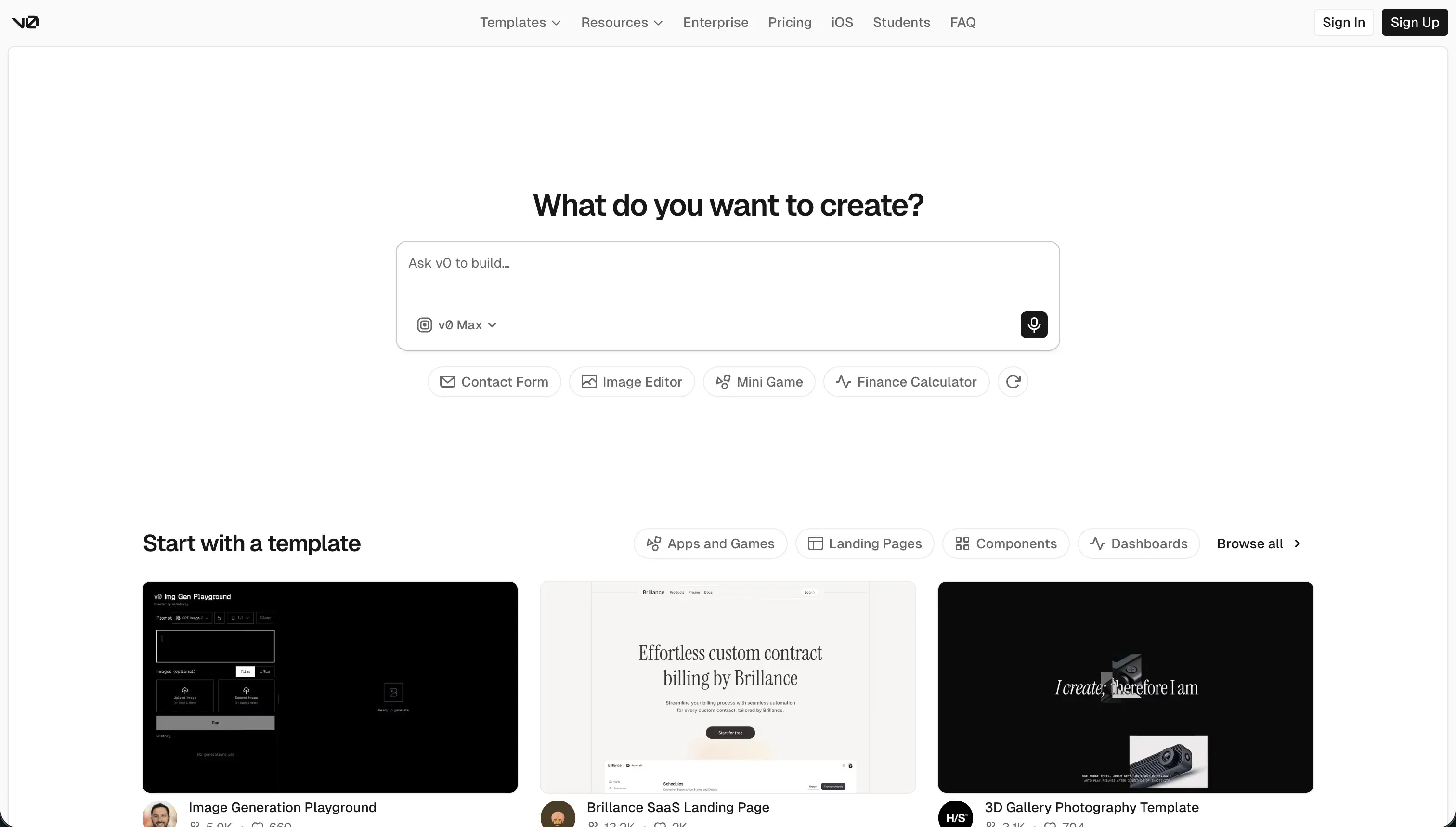
The choice between Glide and v0 centers on whether you need a fully structured, data-first no-code application or a highly polished, generative frontend sandbox. Glide is an operational, spreadsheet-driven application builder focused on internal operations. v0 is an AI frontend generation assistant that outputs raw code for software developers to build upon.
Glide wins this comparison with an aggregate score of 6.3/10 against v0’s 5.8/10. While v0 dominates visual expression, Glide delivers the end-to-end framework, including a native database, user authentication, and visual editor, that makes a project production-ready from day one.
Selecting v0 makes sense only if you have developers ready to manually inherit the raw frontend code and engineer the backend machinery from scratch.
The decision in 30 seconds
| If your priority is… | Pick | Why |
|---|---|---|
| Fast operational tools from spreadsheets | Glide | Its 8.5 ease of build score reflects near-instant scaffolding from Airtable or Excel layouts |
| Custom, consumer-grade design styling | v0 | Scores 8.5 on design flexibility, generating styled React components with Tailwind from prompts |
| Out-of-the-box user authentication and permissions | Glide | Ships with native user access settings, scoring 5.5 in security against v0’s 4.0 |
| A completely exportable, standard React codebase | v0 | Syncs clean React/TypeScript code directly to GitHub with zero vendor lock-in |
| Client portals, customer-facing business platforms, or detailed CRM structures | Neither | Glide is visually restricted and expensive per external user, while v0 lacks a database |
What each platform is
What is Glide?
Glide is a specialized low-code development platform designed to turn spreadsheets and tabular datasets into clean, mobile-optimized business applications. The system reads the relational and structural logic of a Google Sheet, Airtable base, Excel document, or its own internal Glide Tables, and automatically scaffolds interactive views like lists, calendars, cards, and simple forms.
Glide’s core capacity lies in this spreadsheet-to-app workflow, making it popular for operations managers, logistics coordinators, and small business owners who run their daily processes on spreadsheets. It features pre-configured component layouts that eliminate design fatigue, alongside built-in AI columns that carry out basic summaries, translations, and text classifications directly inside individual data rows.
What is v0?
v0 is an AI-powered conversational generation platform engineered by Vercel that converts natural language prompts, wireframe sketches, or static screenshots into clean frontend interfaces. Instead of providing drag-and-drop elements, v0 generates real React, TypeScript, and Tailwind CSS code using the shadcn/ui design style.
Built explicitly for developers and product designers, v0 allows you to iterate on visual components quickly inside a preview screen and immediately sync the underlying code to a local repository via GitHub or Vercel. It is an aesthetic prototyping interface that cuts out manual CSS and HTML positioning, but leaves all architecture, server routes, database linkages, and security configuration to the builder.
The core difference
The primary dividing line in this matchup is the distinction between a pre-packaged operational application and an intelligent, empty frontend skin.
- Glide provides a structured, visual runtime that handles security, data-binding, and hosting out of the box so non-technical users can build directly on top of raw business tables.
- v0 acts as a designer’s generator that outputs naked code, demanding manual programmatic development before a real user can interact with the product.
Where the scores diverge
Design flexibility: Glide 4.0, v0 8.5. v0 scores a stellar 8.5/10 by freeing builders from structural templates, allowing them to prompt beautiful custom React and Tailwind designs, subject only to color limitations. Glide scores a low 4.0/10 here.
The application conforms rigidly to default visual templates where basic layouts are unchangeable, visual components cannot be moved freely, and custom CSS is locked behind enterprise financial steps. Glide dictates the visual brand, not the designer.
Production readiness: Glide 6.5, v0 4.5.
Glide’s pre-configured hosting infrastructure and mobile layouts earn it a 6.5/10, though users report recurring system lag incidents throughout the year and a complete lack of human support on lower plans. v0 is limited to 4.5/10 because it does not ship with built-in user authentication, server-side processing, databases, or logic.
A generated v0 interface is purely visual and is not a running application until an engineer wires it to a production-ready stack.
Data & integrations: Glide 7.0, v0 5.0. Glide’s native database environment and native integrations with popular cloud tools like Airtable and Google Sheets land it a 7.0/10, though headless integrations demand higher plans. v0 scores 5.0/10.
While its Vercel deployment loops, GitHub synchronization, and clean file output make dropping components into developer environments simple, there is no automatic data binding or native database layer to connect.
Security & access control: Glide 5.5, v0 4.0. Glide scores a modest 5.5/10, providing raw row-level security and login rules that securely protect internal data setups but become complex when routing visibility guidelines to external user tiers. v0 scores 4.0/10 because it has no native access control logic whatsoever.
There are no built-in password reset flows, secure sessions, or user lists to deploy. The builder must manually write, verify, and host the entire security middleware system from scratch.
Ease of build: Glide 8.5, v0 7.5. Glide scores 8.5/10 on ease of build because a non-technical manager can connect an Excel sheet and immediately walk away with a functional mobile application. v0 scores a lower 7.5/10 because despite the speed of prompting a polished UI, the output is non-functional markup.
Getting a v0 output to actually work requires setting up a developer environment, managing package dependencies, and coding database connections manually, introducing significant technical friction before your app can go live.
Maintainability: Glide 6.5, v0 5.5. Glide scores 6.5/10, keeping maintenance straightforward because builders edit visual properties and raw data tables directly, though it hits a hard ceiling once business logic deepens and Glide has a record of moving features behind higher tiers. v0 scores a lower 5.5/10 due to documented code quality issues.
Chats exceeding 5 to 10 iterations systematically suffer context loss, outputting bloated Tailwind definitions, conflicting React versions, and custom components rebuilt from scratch instead of referencing standard code libraries.
Cost comparison
Glide operates on a seat-based subscription model. High tier plans scale with user counts and record thresholds, beginning at $49/mo (billed annually) for basic users, and jumping quickly to $249/mo (billed annually) for the Business tier.
This structure means inviting external partners or a hundreds-strong client roster can quickly trigger expensive contracts. v0 is priced around AI token usage, offering a restricted Free tier and scaling to flat seats at $30/user/mo for teams, though intensive rendering processes run through credits rapidly.
For buyers, Glide’s primary financial exposure comes from seat pricing and the risk of features being locked behind higher pricing tiers, alongside the absence of developer support on entry plans. v0’s absolute cost of ownership is hidden entirely in developer hours.
Building a backend, installing databases, managing hosting, and fixing generated code regressions represent a substantial engineering cost that makes the apparent low price of generative code deceptive.
Lock-in and the exit path
Glide enforces total vendor lock-in with no raw code export pathways.
Leaving Glide requires a complete, ground-up rewrite of your application frontend on another system, though raw data can be migrated from Airtable or Glide Tables cleanly. v0 has zero lock-in, exporting standard React and TypeScript code that you own entirely. v0 has the cleaner exit pathway by far, but because of its code-only layout, the database and backend logic must still be assembled manually from scratch if you exit.
- Export data only from Airtable or Glide Tables
- Rebuild the frontend from scratch on another system
- Recreate all app logic by hand
- Export standard React and TypeScript code
- You own the code outright
- Assemble database and backend logic manually from scratch
Who should pick Glide
Pick Glide if:
- Teams executing internal operations, field service pipelines, inventory lists, and tool tracking directly from spreadsheets.
- Operations managers who cannot read or write code and need to deploy a working tool same-day without developer coordination.
- Users looking for basic native intelligence features, utilizing built-in AI columns for low-overhead table enrichment.
Do not pick Glide if you need to build custom consumer-grade visual layouts or launch a public-facing web app with cheap pricing structures for a high volume of external client logins.
Who should pick v0
Pick v0 if:
- Software developers looking to avoid visual styling bottlenecks by generating responsive frontend React and Tailwind modules to drop into their IDEs.
- Teams spinning up modern mockups, visual wireframes, or landing page layouts from prompts and screenshot uploads.
- Founders with existing engineering resources who want a completely open, exportable codebase with no long-term structural lock-in.
Do not pick v0 if you require a database-powered application with working user logins, secure permissions, and relational logic out of the box without hiring software engineers.
What neither platform answers
Many buyers evaluating Glide and v0 are not actually building standalone codeless frontends or strict spreadsheet wrappers. They need interactive client portals, vendor portals, and scalable operational platforms defined by protected logins, granular permissions, and zero technical maintenance.
Facing these requirements inside Glide means running into generic, unbranded layouts and high user costs, while using v0 forces you to hire developers to hand-code basic components like secure password recovery.
For this class of application, Softr represents a safer procurement choice. Connect your datatables to Softr’s native database, and its AI Co-Builder instantly composes functional interfaces, granular user permissions, and native auth pages without raw code exposure.
For teams that strictly require native mobile app deployment with high database scale, Bubble stands as the alternative to research next.
Analyst verdict
Glide wins the head-to-head comparison on scored criteria, taking five out of six scorecard segments for an aggregate total of 6.3/10 against v0’s 5.8/10. Because Glide provides a structured data ecosystem, pre-built security visibility, and fully managed application hosting, it represents a complete product where v0 provides a frontend design step.
The conditional factor is engineering capability. If your organization matches modern development speeds and has developers available to manage Next.js stacks and Supabase integration, v0’s 8.5/10 design score provides unlimited flexibility with zero platform lock-in. For operations teams who need to deploy a rapid operational portal without a development sprint, Glide is the correct allocation.
Related reading: the Glide scorecard, the v0 scorecard, and our scoring methodology.