


Choosing between Glide and Cursor represents a procurement fork: selecting a low-code database wrapper aimed at operational business users, or adopting an AI-assisted development workspace built exclusively for software engineers.
While Glide focuses on visual layout scaffolding directly from structured spreadsheets, Cursor operates inside raw code as an AI-first extension of the traditional developer IDE.
Glide wins the aggregate scorecard 6.3 to 6.2 because it delivers immediate operational utility without requiring programming skills. However, this decision is highly conditional: 1.0 aggregate score margins fade if your goal is to own standard source code, in which case Courier’s technical steepness is a mandatory tradeoff.
The decision in 30 seconds
| If your priority is… | Pick | Why |
|---|---|---|
| Fast setup by a non-engineer | Glide | Scaffolds visual layouts instantly from Excel or Google Sheets, scoring 8.5 |
| Pixel-perfect visual styling | Cursor | Enables completely unrestricted frontend design using raw react or CSS code, scoring 8.5 |
| Full code ownership and self-hosting | Cursor | Outputs plain source code stored in your own repository, preventing lock-in |
| A secure client portal out of the box | Neither | Both require expensive custom permissions or manual engineering for granular external roles |
| Database AI automation columns | Glide | Features built-in Glide AI columns that execute summaries and translations natively |
What each platform is
What is Glide?
Glide is a mobile-responsive, low-code application builder designed to turn structured spreadsheets into relational software. By linking directly to datasets residing in Google Sheets, Airtable, Excel, or its native high-speed database, Glide Tables, builders arrange standardized, pre-packaged interface blocks to assemble web and progressive web applications.
This builder is specifically engineered for operational managers, SMB founders, and logistics teams who need to deploy field apps, inventory trackers, and basic team portals. Key native features include built-in relationship linkages, data lookup columns, rollups, and Glide AI columns that automate text summaries or translations directly within your tables.
What is Cursor?
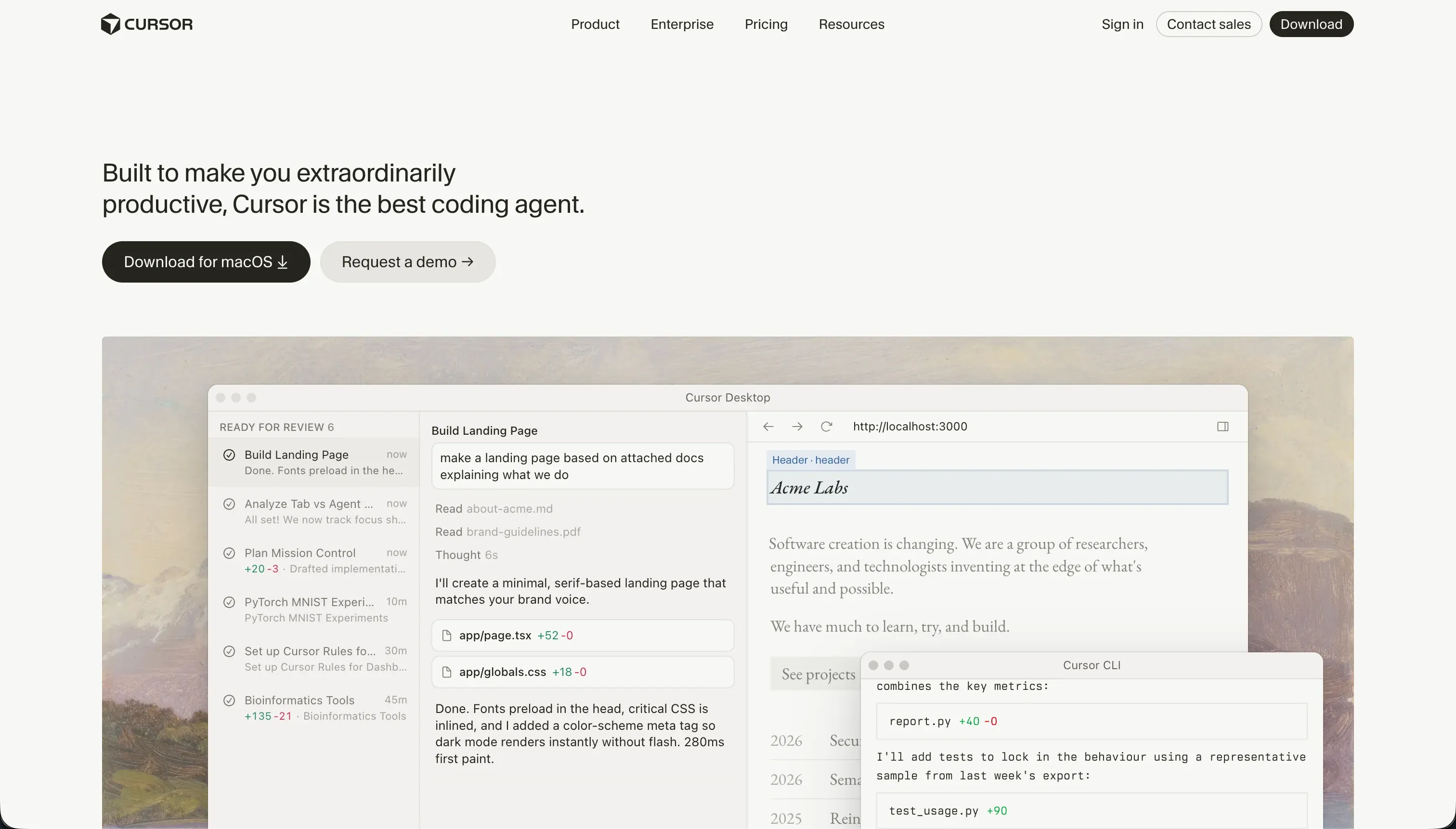
Cursor is an AI-first code editor and development environment built on a fork of VS Code. It integrates large language models directly into the programming workflow to index entire codebases, perform semantic project-wide searches, and provide real-time, context-aware inline autocompletes.
Rather than executing on a visual runtime, Cursor acts as an accelerator for developers using Composer (Agent Mode) to write, refactor, and test raw code across multiple files simultaneously. It is explicitly built for technical engineers who can read code, execute repository builds, manage packages, and manually deploy database and authentication servers.
The core difference
The core divergence is the division between a visual block layout builder on a managed runtime and an AI developer workspace.
- Glide abstracts the programming lifecycle entirely, constraining the builder to pre-styled visual templates that sync securely to cell values.
- Cursor leaves code fully exposed and unmodified by default, serving as an intelligent editor where the developer remains responsible for hosting, database architecture, and security plumbing.
Where the scores diverge
Ease of build: Glide 8.5, Cursor 3.0. Glide scores 8.5 because it requires zero coding or compilation steps to establish a working application. You simply point the builder to Google Sheets or Airtable, and it instantly generates polished layouts. Cursor scores 3.0 because it is a professional engineering IDE.
It assumes the user has full software engineering knowledge, meaning non-engineers will find it the most difficult tool to adopt on this site as they must debug packages, run locally, and configure database connection variables manually.
Design flexibility: Glide 4.0, Cursor 8.5. Cursor wins with an 8.5 because the output is custom frontend code (such as React, HTML, or tailwind), matching the most visual tools on this site. The developer has complete creative control over every pixel, assuming they can write the layout rules.
Glide scores 4.0 because it enforces rigid, pre-configured templates that do not permit fluid drag-and-drop customization or custom CSS adjustments unless you pay for top-tier enterprise plans. You are limited to Glide’s preselected aesthetic.
Production readiness: Glide 6.5, Cursor 6.0. Neither tool dominates here, scoring 6.5 and 6.0 respectively. Glide delivers highly reliable, pre-configured components that run smoothly on mobile devices, but long-term builders cite support gaps on lowercase plans and system lags that occur 5 to 10 times a year.
Cursor depends completely on the developer’s execution; it delivers zero pre-wired hosting, auth, or databases, meaning you must build everything from scratch. Furthermore, Cursor’s automated Agent mode can write unwanted multi-file changes that require Git rollbacks.
Data & integrations: Glide 7.0, Cursor 7.5. Cursor edges ahead with a 7.5 over Glide’s 7.0. Because Cursor operates in custom raw code, it can theoretically integrate with any database, web API, or third-party SDK supported by your chosen coding language, though the developer must write the integration code from scratch.
Glide connects easily to standard spreadsheets and Glide Tables with relations and rollups, but faces a steep drop-off once you need headless backend systems or complex programmatic integrations.
Maintainability: Glide 6.5, Cursor 6.5. Both tools sit at 6.5 with contrasting maintenance patterns. Glide keeps structural day-two edits simple because you change components and data directly, but it hits a hard ceiling when logic demands deepen, and users complain about features moving behind higher-tier paywalls mid-project.
Cursor excels at refactoring and writing automated tests within a standard git repository, but its AI Composer can periodically get trapped in dependency loops or modify peripheral configuration files, requiring developer review of final changes.
Security & access control: Glide 5.5, Cursor 5.5. A tie at 5.5 for completely different reasons. Glide provides passable user access controls for internal employee directories, but lacks granular visibility rules and secure permission configurations needed for external user portals.
Cursor does not contain a built-in security layer; the engineer must manually write the authentication and security policy, allowing for an unbounded security ceiling at the price of complete manual build responsibility. Additionally, enterprise compliance teams often struggle with Cursor’s codebase indexing.
Cost comparison
Glide operates on a seat-based pricing model that scales heavily with shared users and row limits. Plans start at $49/mo (Maker) and scale to $99/mo (Team) or $249/mo (Business). Because Glide charges per shared user, building external portals for high volumes of client logins can become restrictively expensive, pushing budgets into custom Enterprise territory.
Cursor utilizes flat per-seat editor pricing, starting at $20/mo (Pro) or $40/mo per user (Business) for high-speed AI queries. While the editor cost is highly predictable, the hidden cost lines reside in infrastructure. Buyers must manually budget for database hosts, server compute (such as Vercel, Railway, or AWS), authentication providers, and developer maintenance hours to troubleshoot dependency regressions.
Lock-in and the exit path
Cursor offers the cleanest exit path possible: you own standard raw source code in your own GitHub repository, allowing you to move to any hosting provider or basic code editor at any time. Glide has severe platform lock-in.
It provides no code-export capabilities, meaning if your pricing tiers rise or the logic limits restrict your business, you cannot retrieve your front-end logic and must rebuild the entire user interface from scratch on a new platform.
- You own raw source code
- Code lives in your own GitHub repo
- Move to any hosting provider
- Works with a basic code editor
- No code-export capability
- Can't retrieve front-end logic
- Price rises or logic limits trap you
- Full UI rebuild on a new platform
Who should pick Glide
Pick Glide if:
- Operations teams who want to build internal apps, field logging tools, or CRM pipelines directly on top of Google Sheets or Airtable
- Business builders seeking pre-configured components that automatically manage mobile responsiveness and data sync formatting without custom CSS
- Teams that need functional, relational operational tools deployed in a single afternoon without hiring software engineers
Do not pick Glide if you require pixel-perfect corporate branding, native iOS or Android App Store publishing, or highly customizable interface canvas layouts that do not conform to rigid templates.
Who should pick Cursor
Pick Cursor if:
- Professional software engineers who want to accelerate their writing speed and manage complex multi-file refactoring inside a standard VS Code workflow
- Technical founders planning to maintain complete ownership of their codebase and directly write their own backends, hosting, and API layers
- Custom application projects requiring highly bespoke frontend behaviors that a templated visual builder cannot construct
Do not pick Cursor if you cannot read source code or manage database deployments, as you will find yourself locked out of compiling or maintaining your own software.
What neither platform answers
If you are trying to build a client-facing web application, a secure vendor portal, or an internal business tool, this matchup forces a painful compromise. Glide hands you rigid visual layout constraints and seat-based pricing that becomes unaffordable for high client volumes. Cursor avoids lock-in but forces you to engineer databases, session configurations, recovery screens, and secure login rules entirely by hand.
For standard operational business apps, a platform like Softr delivers a superior intermediate path. Softr scores 6.5+ on production readiness and maintainability because secure authentication, visual user groups, and responsive interfaces are built natively into the platform rather than generated randomly by AI.
When you need custom elements, you can use the Vibe Coding block to build bespoke components without risking the structural safety of your underlying app. Teams should also consider Retool if their primary focus is purely complex internal dashboard tooling connected to SQL layers.
Analyst verdict
This scorecard separates strictly by user technical proficiency. Glide wins the aggregate matchup 6.3 to 6.2, outperforming Cursor on the speed and accessibility of visual builds. Glide takes the ease of build category (8.5 vs 3.0), making it the realistic shortlist option for business teams with zero developers on hand.
Cursor places the balance of power back in the developer’s hands, matching the most flexible builders on design freedom (8.5 vs 4.0) and data depth (7.5 vs 7.0). If you have an engineer who can manage hosting, databases, and authentication, Cursor is the superior allocation because it bypasses proprietary lock-in. For non-technical teams launching from sheets, Glide remains the scored winner.
Related reading: the Glide scorecard, the Cursor scorecard, and our scoring methodology.