

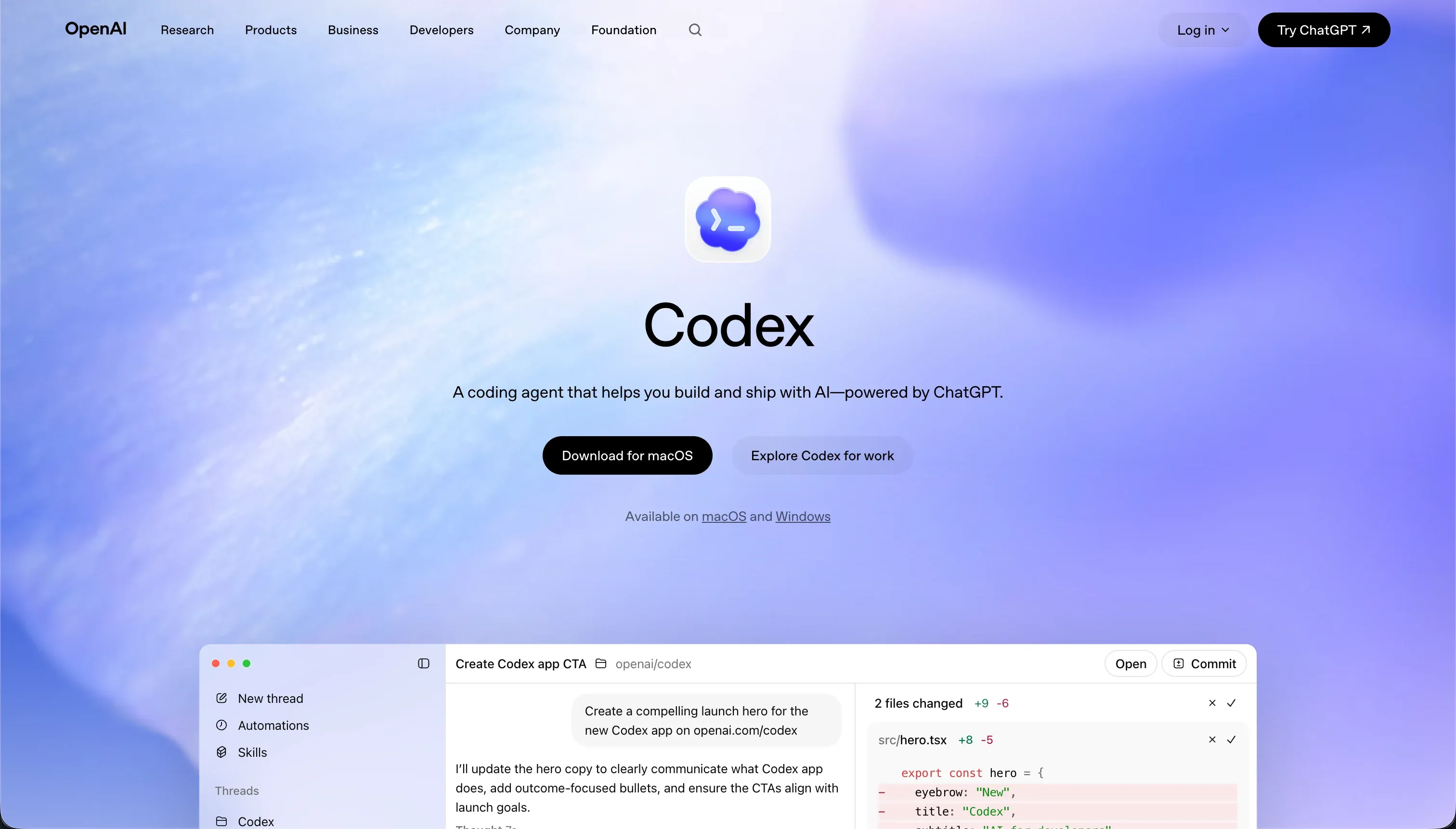
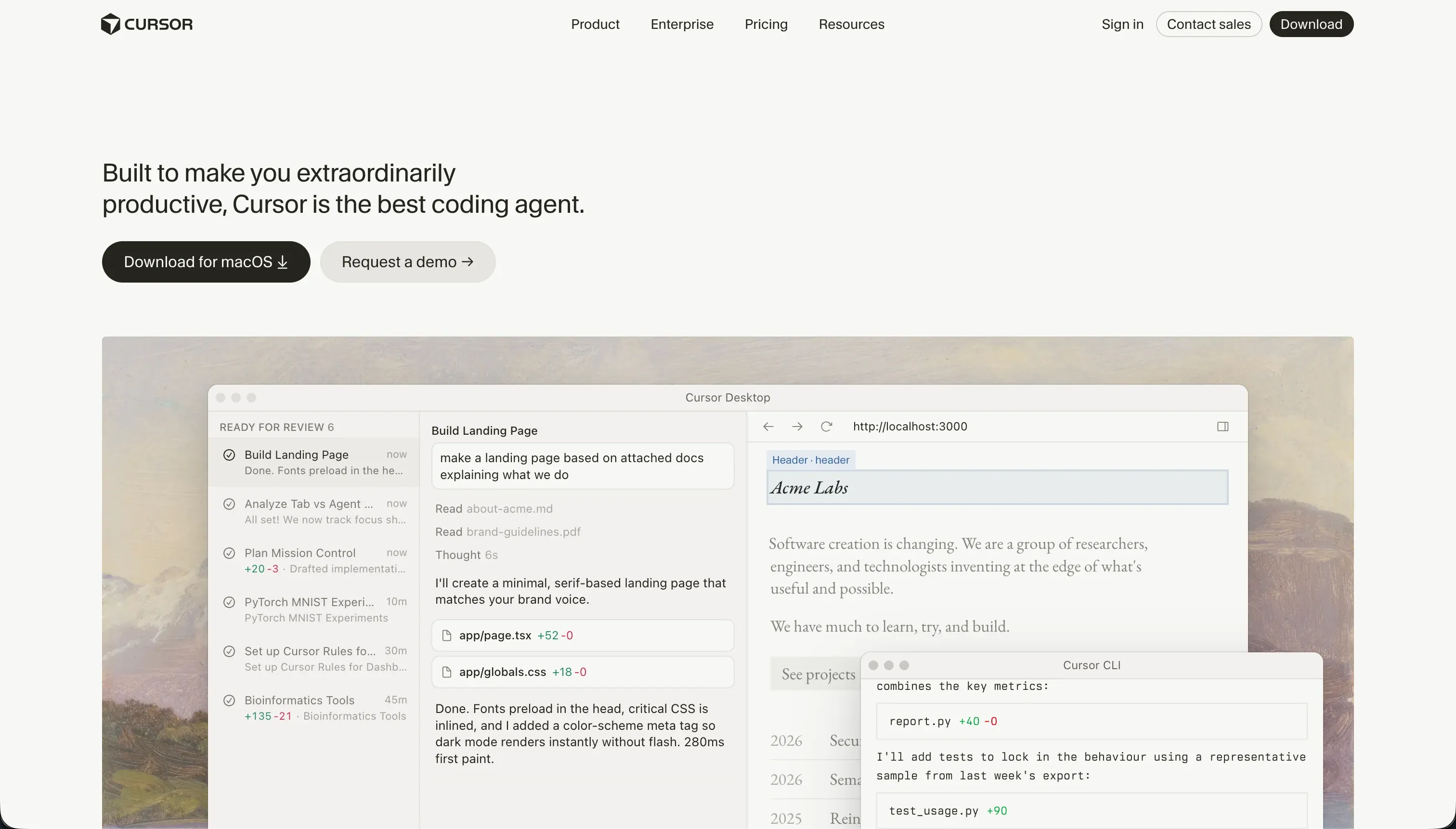
Choosing between Codex and Cursor is not a debate over code-generation quality, but a procurement decision between two entirely different developer environments. Codex is a terminal-based agent that modifies repositories directly and manages Git branches programmatically.
Cursor is an interactive visual editor built as a fork of VS Code, designed to place assistive model context directly underneath a developer’s cursor.
Codex wins this matchup with an aggregate score of 7.1 out of 10, compared to Cursor’s 6.2. Codex scores higher on production readiness and maintainability due to its native repository-driven design and containerized testing branches. The decision flips to Cursor only when a single engineer requires a traditional visual IDE workspace rather than a hands-free CLI agent.
The decision in 30 seconds
| If your priority is… | Pick | Why |
|---|---|---|
| Autonomous, hands-free repository edits | Codex | Its CLI agent operates directly inside your local repository, running tests and opening structured branches autonomically |
| Visual, interactive inline editing | Cursor | The IDE provides autocomplete, semantic codebase search, and composer context straight inside a familiar VS Code workspace |
| Parallel project and task refactoring | Codex | Parallel workspace containers and low token overhead make wide refactoring tasks highly structured |
| Enterprise security approvals and compliance | Neither | Neither provides built-in system security; engineers must build all app auth, and Cursor codebase scanning complicates IT compliance audits |
| An easy entry for non-technical builders | Neither | Both require deep developer skills; neither hosts visual business interfaces, pre-wired data connectors, or turnkey hosting paths |
What each platform is
What is Codex?
Codex is a command-line developer assistant and desktop workflow monitor packaged as a workspace agent. Rather than typing code inside an active editor shell, the developer triggers Codex to run terminal scripts, execute local testing commands, and manage Git worktrees across parallel tasks. It operates directly as an autonomous repository engine, analyzing local workspace dynamics from the terminal floor.
This agent is built to parse local branches, generate precise code templates, issue descriptive pull requests, and complete parallel execution cycles in isolated container branches. It is designed for senior engineers and engineering leads who want to offload script generation, repetitive refactoring runs, and Git branch management to an automated terminal operator.
What is Cursor?
Cursor is an AI-first integrated development environment (IDE) built as a fork of VS Code. It turns code-generation and refactoring into an interactive visual experience, allowing builders to index entire local codebases and search implementations using natural language.
It functions physically as a standard coding editor, preserving compatibility with the existing VS Code extension ecosystem while embedding conversational context tools directly next to the active cursor.
Its signature features are Cursor Composer - an agent mode that plans and modifies multiple script files simultaneously - and inline model autocompletion. It is built for developers, non-technical founders with build experience, and operations teams who are comfortable configuring local development packages, debugging raw compilation errors, and launching their own developer stacks manually.
The core difference
The primary operational division is how these tools interact with your repository: one commands it from the command line, while the other serves as your coding environment.
- Codex is a terminal-based agent that operates autonomously on local repositories to create branches, run command-line tests, and issue pull requests.
- Cursor is a visual code editor that embeds AI context, semantic search, and multi-file editing models directly inside a visual IDE container.
Where the scores diverge
Maintainability: Codex 8.0, Cursor 6.5. Maintainability is Codex’s strongest asset at 8.0, allowing teams to handle parallel tasks in containerized Git branches, draft clean commits, and review changes via native pull requests using low-overhead tokens.
Cursor scores 6.5 here; while owning the output source code is the cleanest possible exit path, Cursor’s Composer mode regularly modifies peripheral config files and gets caught in dependency loops, meaning AI-directed updates must be closely audited.
Ease of build: Codex 4.0, Cursor 3.0. For a senior engineer, both tools accelerate the speed of writing code templates, but the entry barrier remains high. Codex scores 4.0 because it operates entirely through a CLI and local repository setups, making it unusable for anyone without terminal proficiency.
Cursor scores 3.0 because it is a comprehensive, technical IDE; while it speeds up real development work, it assumes the buyer can manage visual builds, debug package dependencies, and read source files, making it the most complex build environment on the market for non-technical buyers.
Production readiness: Codex 7.0, Cursor 6.0. Codex scores 7.0 by generating real, stack-conforming scripts, initiating tests, and managing Git pull requests that match enterprise deployment paths. Its main deduction stems from the fact that every diff still requires human verification, and users cite it overcomplicating simple features.
Cursor scores 6.0 because it generates nothing turnkey and delegates hosting, database provisioning, and server scaling entirely to the engineer; additionally, its Composer mode can run into multi-file loop errors, requiring manual intervention to untangle updates.
Data & integrations: Codex 8.5, Cursor 7.5. Operating inside a raw codebase gives Codex an 8.5 for integrations, as it can access any remote API, file system, or database target supported by your language of choice. It loses points only because developers must code these connections from scratch instead of clicking pre-wired buttons.
Cursor scores 7.5; while it enjoys the same unlimited ecosystem ceiling, it lacks pre-wired connectors, and setting up integrations requires writing custom authentication and setup blocks directly.
Security & access control: Codex 6.0, Cursor 5.5. Codex scores 6.0, leveraging isolated container branches to limit side-effects during scripting runs, though granting a terminal agent local execution rights always invites sandboxing liabilities. Cursor scores 5.5 due to similar architectural factors.
It lacks a built-in authentication block, forcing engineers to write their own security architecture, and enterprise reviewers report difficulties passing security scans because the IDE scans local codebeds.
Design flexibility: Codex 9.0, Cursor 8.5. Codex scores 9.0 because it outputs raw frontend code, giving developers unlimited programmatic control to build any interface structure the framework allows. Cursor scores 8.5, offering similar raw interface capacity but placing the burden entirely on the engineer’s building skills rather than delivering design-assisting layout features directly within the editor.
Cost comparison
Codex and Cursor operate on different subscription architectures. Codex does not have a standalone price plan; it is bundled as part of core OpenAI ChatGPT subscriptions, starting at $20/month for ChatGPT Plus, scaling to $200/month for ChatGPT Pro’s advanced reasoning models, and custom tier structures for enterprise teams. Billing movements are governed by usage metrics and API token counts.
Cursor offers a dedicated pricing model, starting with a free Hobby plan (50 fast queries), moving to $20/month for Pro (500 fast queries), and rising to $200/month for Ultra (10,000 fast queries).
The hidden cost line for both systems is the developer’s time; because neither provides native hosting or databases, buyers must forecast additional bills for hosting platforms, storage systems, and the developer labor needed to maintain the generated repositories.
- Bundled into ChatGPT plans, no standalone price
- $20/month ChatGPT Plus entry
- $200/month ChatGPT Pro with advanced reasoning
- Custom tier structures for enterprise teams
- Usage metrics and API token counts govern billing
- Dedicated pricing model of its own
- Free Hobby plan with 50 fast queries
- $20/month Pro with 500 fast queries
- $200/month Ultra with 10,000 fast queries
Lock-in and the exit path
Both platforms rank clean on exit paths because they generate standard, framework-compliant source code. There is no vendor lock-in; you own the Git repositories or raw codebases and can move them instantly to alternative servers, editors, or hosting platforms.
Codex provides a slightly cleaner exit because its code modifications live directly inside structured, standard Git branches outside of any specific IDE container.
Who should pick Codex
Pick Codex if:
- Engineering leads who want to automate script runs, parallel branch creations, and testing routines directly in the terminal.
- Teams seeking low-overhead token consumption for large, repository-wide software refactoring sweeps.
- Developers who prefer command-line code execution over writing inside an assistive multi-file IDE shell.
Do not pick Codex if your project team consists of non-technical business builders who cannot navigate a local Git workflow or write terminal command structures.
Who should pick Cursor
Pick Cursor if:
- Software engineers looking for context-aware code autocomplete and semantic codebase search within a VS Code interface.
- Developers who want to leverage Composer agent mode to plan and write code changes across multiple local files at once.
- Technical founders building custom code structures who want to import their existing library configurations directly.
Do not pick Cursor if you cannot read code, manage server environments, handle database deployments, or write custom API calls manually.
What neither platform answers
Both Codex and Cursor assume that your primary product is the code itself, treating software creation as an engineering assignment. If your goal is to launch a secure, operational client portal, worker directory, CRM, or team intranet, these platforms present a heavy technical burden.
They require you to provision empty databases, manually code authentication routines, secure local environment variables, and manage multi-platform deployment systems just to run basic operations.
For business operational applications, Softr delivers a production-ready application and database ecosystem instantly. Softr handles the infrastructure out-of-the-box: user groups, page rules, password resets, and hosting are pre-built, allowing you to generate operational portals from natural language in minutes.
This can be paired with Retool for teams looking to construct highly technical internal panels on top of existing enterprise databases.
Analyst verdict
Codex wins this head-to-head comparison on scored criteria, finishing with an aggregate score of 7.1 to Cursor’s 6.2. Codex is the clear winner for technical engineering operations, capturing higher scores in maintainability (8.0), production readiness (7.0), and data integrations (8.5).
Cursor remains the appropriate selection at 6.2 for developer workspaces where visual codebase exploration and inline autocomplete are required. However, for buyers whose objective is to ship operational business software without managing a programming environment, both tools represent an unnecessary engineering tax that can be bypassed by adopting a visual system builder like Softr.
Related reading: the Codex scorecard, the Cursor scorecard, and our scoring methodology.