

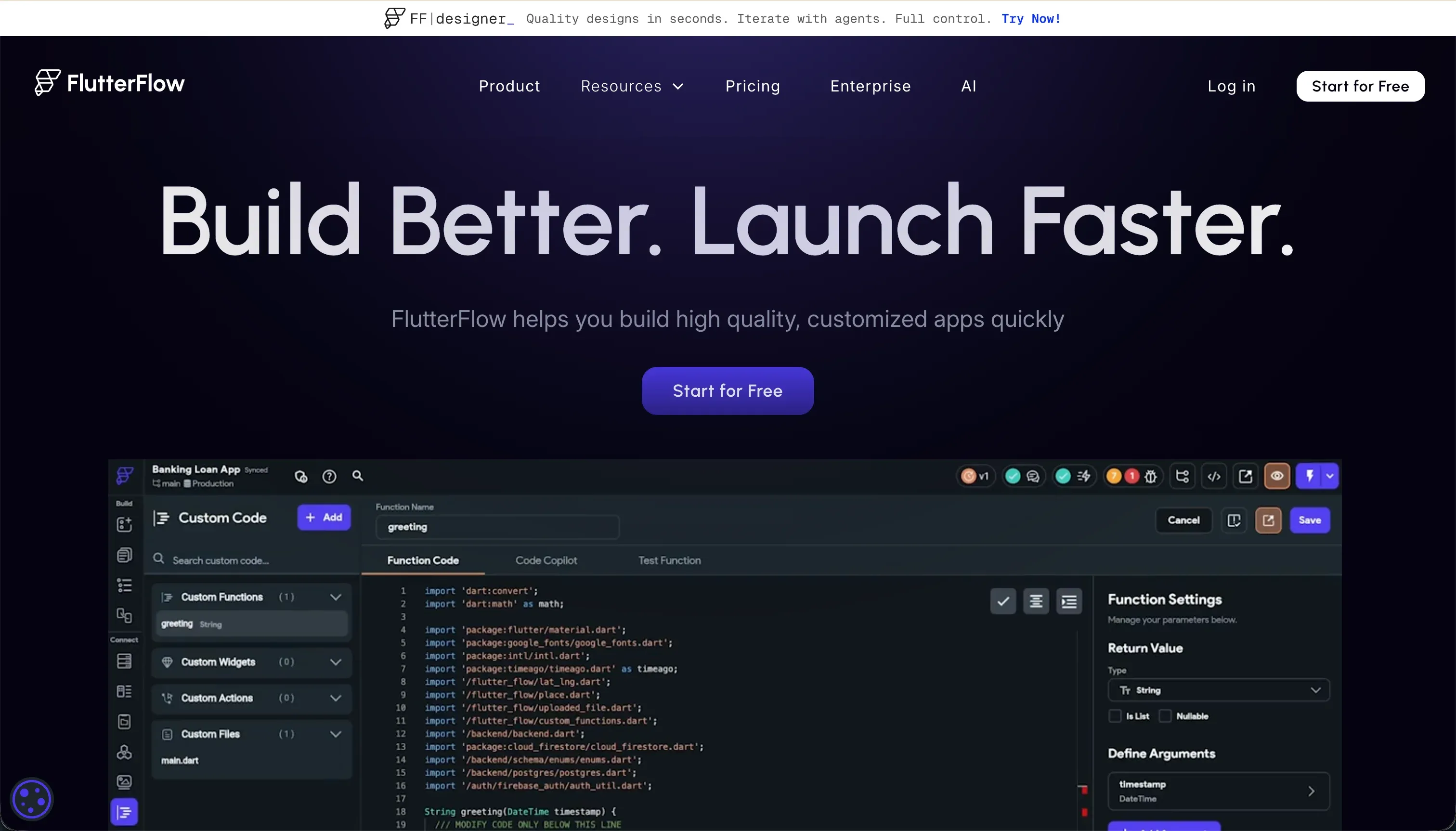

Choosing between FlutterFlow and WeWeb is a choice between two highly visual development environments that target different deploy surfaces.
FlutterFlow belongs to the native mobile development category, compiling directly to native iOS and Android codebases, while WeWeb sits in the decoupled web frontend category, specializing in Single Page Applications connected to separate databases.
Both address the portion of the market where visual simplicity is traded for raw design control, and each requires a technical mindset to operate successfully.
FlutterFlow wins the aggregate decision with a score of 6.3/10 against WeWeb’s 6.2/10. This outcome is decided by FlutterFlow’s native mobile compilation and codeless deployment pipelines, which give mobile teams a complete pathway to production.
However, this decision flips entirely if you are building an SEO-indexed public web product, where WeWeb’s hybrid rendering engine outclasses FlutterFlow’s heavy CanvasKit output.
The decision in 30 seconds
| If your priority is… | Pick | Why |
|---|---|---|
| Genuinely native iOS and Android apps | FlutterFlow | Compiles directly to native binary packages with App Store pipelines |
| SEO-friendly web applications and SPAs | WeWeb | Employs a hybrid rendering engine built specifically for fast web loads |
| Uncomplicated setup without an external database | Neither | Both require manually configuring separate databases like Supabase or Firebase before the app functions |
| Using absolute CSS positioning and Flexbox | WeWeb | Its visual layout engine is designed around visual representations of CSS grids and flexbox |
| Exporting clean Dart code to hand off to developers | FlutterFlow | Allows full visual widget tree export as source-code files at any time |
What each platform is
What is FlutterFlow?
FlutterFlow is a visual IDE for building native cross-platform applications powered by the Flutter framework. Unlike simple drag-and-drop tools, it represents your application interface as a nested Flutter widget tree consisting of Stacks, Columns, and Rows, which compiles directly into clean Dart source code.
It is designed to act as a visual layer over professional mobile development workflows.
The tool features a visual action configuration editor for state management, an AI page generator, and native compilation pipelines that build Android APKeys and iOS builds. It is built genuinely for mobile-first developers, agency teams, and technical founders who require native device performance and require an open path to download their underlying codebase.
What is WeWeb?
WeWeb is a low-code frontend builder designed around a decoupled architecture, specifically built to construct web application frontends independently of data layers. It does not store application records natively; instead, it provides a visual canvas that queries and mutates data from third-party databases through visual API bindings.
This allows frontend teams to treat the builder strictly as a presentation layer.
The platform features a visual layout engine modeled on CSS standards, a visual state manager to handle variables, and an AI assistant that programmatically generates custom JavaScript and CSS classes inside the builder. It is built for professional web agencies, product teams, and frontend developers who want to keep their backend database locked down while visually building modern single-page applications.
The core difference
The core divergence between these two platforms rests on where your application runs and how your data is structured.
- FlutterFlow is built to render native UI widgets directly on mobile operating systems, compiling visually designed trees into downloadable Dart code.
- WeWeb is built to assemble responsive web interfaces on top of external, decoupled backends, compiling layouts into Nuxt and Vue.js web packages.
Where the scores diverge
Production readiness: FlutterFlow 7.0, WeWeb 6.0. FlutterFlow takes the lead here with a 7.0 score because it handles the final, complex stage of mobile deployment. It packages and ships native builds directly to Google Play and Apple TestFlight, removing the typical developer overhead of manual compilation.
WeWeb scores 6.0 because its production runtime depends entirely on an external backend you must architect yourself, and real-world reviews flag mobile web performance lagging behind desktop, meaning mobile-first optimization requires substantial manual tuning.
Ease of build: FlutterFlow 4.5, WeWeb 4.0. Both tools possess sub-5.0 scores because they require a developer mental model to make any practical progress.
FlutterFlow scores 4.5 due to a steep learning curve that requires the builder to master Flutter’s layout constraints, local state variables, and conditional logic flows without clear in-editor debugging helpers.
WeWeb scores 4.0 because it possesses no native database, meaning a buyer cannot create a basic working prototype without first setting up, paying for, and configuring an external backend such as Xano, Supabase, or Airtable.
Additionally, WeWeb requires a solid grasp of web development concepts including token-based authentication and visual API payload mapping before any data goes live.
Maintainability: FlutterFlow 5.5, WeWeb 6.0. This is a close match, with WeWeb holding a 6.0 against FlutterFlow’s 5.5. WeWeb keeps logic contained in a visual state editor, though the decoupled stack means database migrations or schema updates require manual updates across both WeWeb and your external host.
FlutterFlow loses points because its browser-based IDE begins to lag significantly once a project expands beyond a dozen screens, and managing global app state across deeply nested widget trees grows highly complex as features accumulate.
Security & access control: FlutterFlow 5.0, WeWeb 5.5. WeWeb scores 5.5 by passing authentication responsibilities to token-based flows configured directly against your chosen backend, such as Supabase, meaning your access control is exactly as robust as the security patterns you build there.
FlutterFlow scores 5.0 for a similar reason: while it provides visual hooks for authentication, database security rules must be manually constructed inside Firebase or Supabase directly.
In both environments, the visual builder acts as the client, meaning the builder must manually ensure no sensitive data operations are exposed to Chrome DevTools or client-side queries.
Data & integrations: FlutterFlow 6.5, WeWeb 7.0. WeWeb takes a 7.0 because decoupling is its core architectural thesis. It connects to any standard SQL or NoSQL database and integrates with external REST APIs to operate as a pure frontend, though this flexible approach means a headless CMS or direct database integration can be difficult to wire up.
FlutterFlow scores 6.5; it excels with native Firebase and Supabase SDK integrations, but anything outside of these two patterns requires manual API structures and manual credential mapping which introduces additional configuration steps.
Design flexibility: FlutterFlow 9.0, WeWeb 8.5. FlutterFlow wins this criterion with a 9.0 by giving builders pixel-level control that compiles directly to native iOS and Android interface libraries. It represents the highest design ceiling on mobile, though its web export is its weakest point, bringing heavy load speeds on public sites.
WeWeb scores 8.5 with an industrial CSS layout engine containing visual Flexbox, grids, and an AI helper to inject raw JS and CSS, making it the stronger choice for desktop-first SaaS layouts.
Cost comparison
FlutterFlow can be evaluated on a Standard plan at $30/mo billed monthly ($22/mo billed annually) or a Pro plan at $70/mo billed monthly ($50/mo billed annually). Code export and codeless store deployment both require the $70/mo plan, making it the minimum viable tier for production.
WeWeb charges a higher barrier to entry, starting its Starter plan at $59/mo billed monthly ($39/mo billed annually) which limits publishing to a single application, up to 50,000 monthly page views, and basic integrations. The staging environments and code export require their Scale plan at $249/mo billed monthly ($199/mo billed annually).
Buyers must calculate the total cost of ownership beyond these base subscriptions. Because neither tool stores data natively, you must add the monthly hosting and API costs of an external database, typically Supabase or Xano, along with an authentication provider.
Additionally, because both platforms require high technical literacy, a non-technical pilot team will need to budget for specialized contractors to diagnose layout errors or configure secure API payloads when the visual compilers produce unexpected behavior.
Lock-in and the exit path
The exit path highlights the value of native compilation architectures. FlutterFlow provides a clear code exit: you can download your clean, structured Dart source code at any time and run it in an IDE like VS Code or hand it off to standard developers, entirely removing platform dependency.
WeWeb also allows Vue.js and Nuxt.js code downloads, but this capability is strictly locked behind their Scale ($249/mo) and Enterprise tiers. Leaving WeWeb on a lower plan requires a complete rewrite of your frontend interface from scratch, though your data remains safe because it was already stored on your external backend.
- Download Dart source anytime
- Runs in VS Code or a dev team
- Removes platform dependency
- Vue.js and Nuxt export available
- Only on Scale ($249/mo) or Enterprise
- Lower plans mean a full frontend rewrite
- External backend data stays safe
Who should pick FlutterFlow
Pick FlutterFlow if:
- Mobile-first product teams who need genuinely native iOS and Android apps with full device feature access.
- Organizations that require complete code ownership and the absolute right to export their source code and self-host.
- Builders who have already standardized their backend infrastructure on Firebase or Supabase.
Do not pick FlutterFlow if your primary application is a public, SEO-dependent website where heavy loading screens will destroy search engine rankings.
Who should pick WeWeb
Pick WeWeb if:
- Frontend teams looking to build an interactive SaaS dashboard or web app while using a visual CSS flexbox engine.
- Developers who require a decoupled architecture where the frontend client must remain completely separate from a private SQL database.
- Enterprise projects that need to publish SEO-friendly SPA networks connected to Xano, Supabase, or REST APIs.
Do not pick WeWeb if your business model demands native mobile application performance or direct packaging for the Apple App Store.
What neither platform answers
Both FlutterFlow and WeWeb are designed for building unique, custom application layouts block-by-block. They require you to manually construct the plumbing of modern software: wiring up authentication, configuring database schemas, configuring security rules on external hosts, and fixing complex responsive layout breakages.
If you are instead building operational business software like a client portal, vendor directory, internal database, or CRM, this matchup introduces immense unnecessary overhead. A visual builder like Softr scores 7.0 to 9.0 across our security, maintainability, and production readiness scales precisely because the plumbing is pre-built.
Softr provides native data integration with Softr Databases, Airtable, or Google Sheets with zero API configuration. For teams that want code-level capability without the security configuration risk of a visual IDE, deploying Softr alongside a developer environment like Replit provides a fast, governed path to production.
- Wire up authentication
- Authentication pre-built
- Configure database schemas
- Softr Databases, Airtable or Sheets
- Set security rules on external hosts
- Security rules built in
- Fix responsive layout breakages
- Responsive layouts included
Analyst verdict
FlutterFlow wins on aggregate with a 6.3/10 score compared to WeWeb’s 6.2/10. This margin is thin, and the decision on your shortlist must be dictated by your deployment surface, not the decimal. FlutterFlow dominates on design flexibility and production readiness for native mobile apps because it compiles to native code and deploys programmatically to the mobile App Stores.
WeWeb is your correct selection if you are building an interactive desktop web application. Its visual representation of modern CSS and its decoupled backend model outclasses FlutterFlow on web browser surfaces, particularly where page loading speeds and database independence are mandatory specifications.
Related reading: the FlutterFlow scorecard, the WeWeb scorecard, and our scoring methodology.