

Choosing between FlutterFlow and Bolt is a choice between two entirely different development environments. FlutterFlow is a comprehensive visual integrated development environment (IDE) optimized for native mobile and web interfaces, while Bolt is a browser-based AI prompt-to-app generator that produces standard web code codebases in real time.
FlutterFlow wins the comparison with an aggregate score of 6.3/10 against Bolt’s 5.1/10. Although Bolt allows a non-developer to generate a working web preview in minutes, FlutterFlow is the superior choice for buyers who need to ship genuinely native mobile apps to the App Stores and maintain them over a multi-year horizon.
The decision in 30 seconds
| If your priority is… | Pick | Why |
|---|---|---|
| Native iOS and Android app distribution | FlutterFlow | Compiles directly to native mobile packages with codeless deployment to Google Play and TestFlight |
| Rapid frontend prototype from a single text prompt | Bolt | Prompt-to-app workflow generates a working React preview in minutes |
| Robust client portals, intranets, or internal tools | Neither | Both require developer-level configurations; a dedicated no-code business platform like Softr is built for this lane |
| Complete code export and ownership | Bolt | WebContainers allow direct export of standard React and Vite codebases with zero platform lock-in |
| Long-term app maintainability | FlutterFlow | Visual widget trees can be edited directly without the risk of AI code regression loops |
What each platform is
What is FlutterFlow?
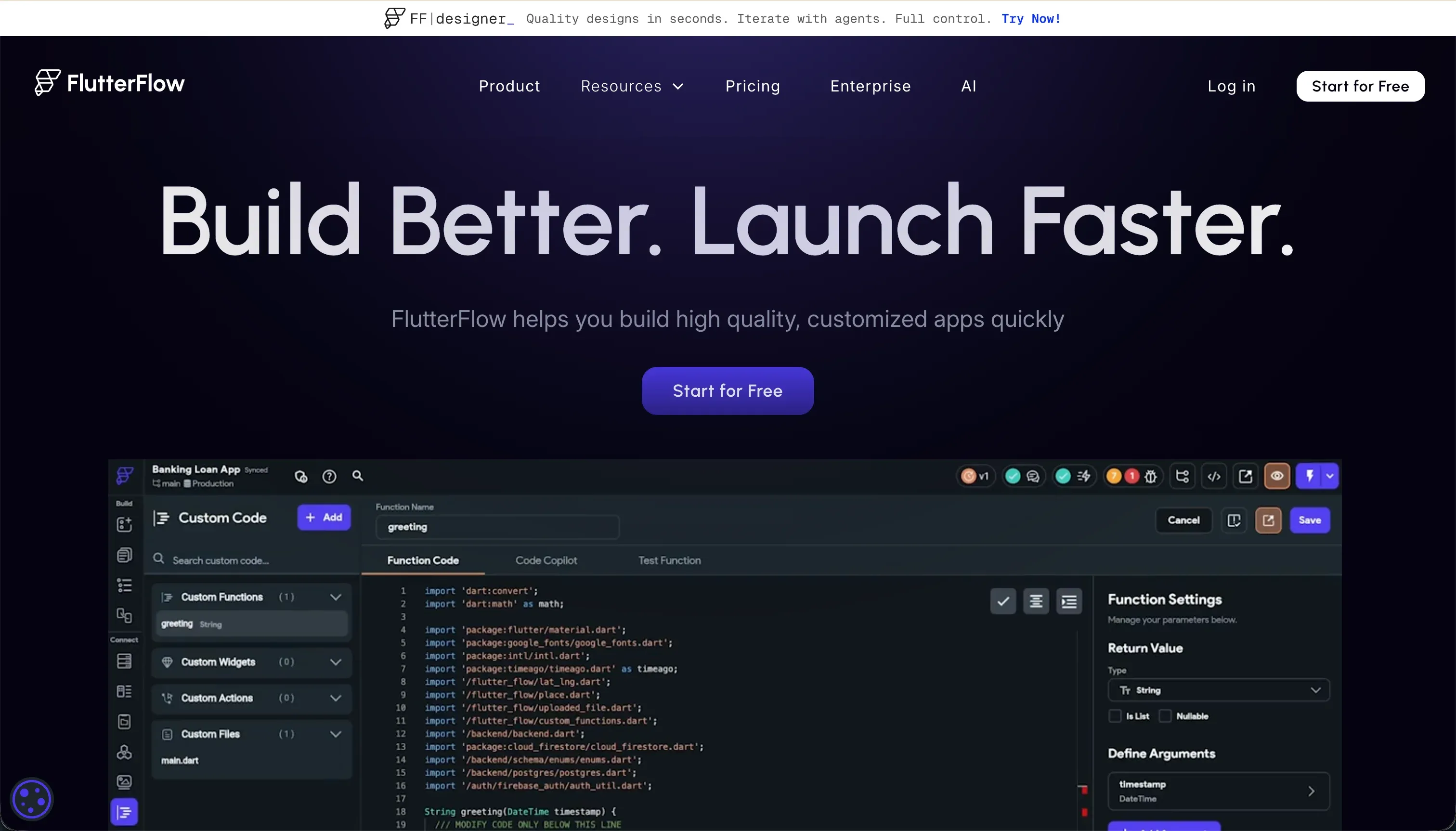
FlutterFlow is a visual builder for native cross-platform mobile and web applications. It operates by translating your drag-and-drop interactions with visual widget trees (Containers, Rows, Columns, and Stacks) directly into production-ready Dart and Flutter source code, which can be downloaded at any time.
FlutterFlow is explicitly designed for designers, freelancers, and mobile app developers who want to bypass the repetitive scaffolding steps of manual coding. It features native support for Firebase and Supabase, custom Dart functions, and visual action configurations, making it a powerful platform for teams willing to navigate a developer’s layout and state management mental model.
What is Bolt?
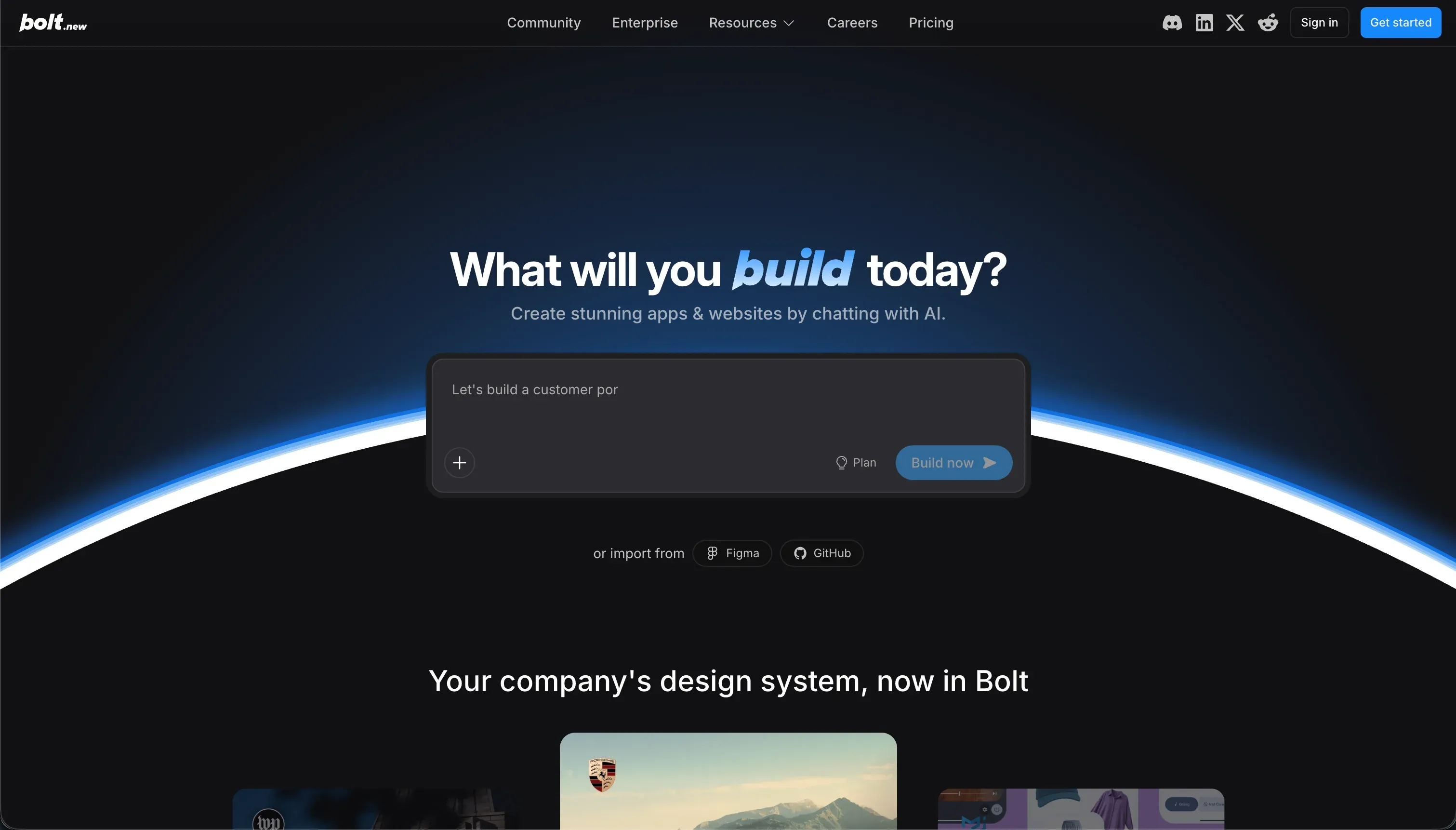
Bolt is a browser-native generative AI development workspace that translates plain-English prompts into full-stack web applications. Built on WebContainers technology, Bolt runs an entire Node.js development server directly inside the user’s browser, meaning you can install npm packages, modify React components, and compile database schemas client-side with instant feedback.
Bolt is built for rapid prototyping, SaaS MVPs, and developers looking for a fast scaffolding tool. It generates React frontends, Node backends, and PostgreSQL code templates in one pass, allowing non-technical founders to showcase working mockups or live-deploy lightweight web pages to Netlify without traditional local editor setups.
- Visual widget-tree builder
- Outputs production Dart and Flutter code
- Native Firebase and Supabase support
- Custom Dart functions and visual actions
- Built for designers and mobile developers
- Plain-English prompts to full-stack code
- Runs Node.js dev server in the browser
- Generates React, Node and PostgreSQL templates
- Deploy lightweight pages to Netlify
- Built for rapid prototypes and SaaS MVPs
The core difference
These two tools solve different development challenges: one is a visual workspace for layout assembly, and the other is a conversational generator.
- FlutterFlow is a structured, visual development environment where human builders directly manipulate Flutter’s native mobile architecture.
- Bolt is an autonomous prompting terminal that generates open-source web codebases iteratively through conversational AI instruction.
Where the scores diverge
Production readiness: FlutterFlow 7.0, Bolt 4.0. FlutterFlow scores 7.0/10 while Bolt drops to 4.0/10. FlutterFlow compiles to native iOS and Android environments and supports direct, codeless deployment to Google Play and Apple TestFlight, though database rules must still be manually edited in backends.
Bolt, conversely, suffers from serious scale limitations. Users report that Bolt’s browser-native container environment frequently crashes, experiences out-of-memory errors on larger file systems, or prompts a ‘Project too large’ account block.
Further, Bolt only compiles to a web output and cannot package applications directly for mobile App Stores, leaving teams to figure out external distribution paths.
Maintainability: FlutterFlow 5.5, Bolt 3.5. FlutterFlow scores 5.5/10, easily beating Bolt’s 3.5/10. In FlutterFlow, modifications are deterministic; you physically drag widgets or update action blocks, and Dart code-path export remains open if you choose to exit. In Bolt, maintenance quickly turns into costly prompt whack-a-mole.
Users report common edit loops where the AI rewrites fully functioning code or randomly reverts design updates, forcing teams to burn precious tokens just to recover a working status. Without developer oversight to manually fix these regressions in the file structure, Bolt projects are difficult to keep stable long-term.
Security & access control: FlutterFlow 5.0, Bolt 3.5. FlutterFlow scores 5.0/10 against Bolt’s 3.5/10, though both platforms put the security burden entirely on the buyer.
FlutterFlow does not secure data natively; instead, it relies on connection hooks to Firebase and Supabase, requiring you to manually write database security rules in those external platform dashboards. Bolt, however, is even riskier for non-technical teams.
It offers zero visual access control interface; permission logic, session security, and row-level rules are configured by prompt. Verifying that the AI did not leave APIs exposed requires reading the raw codebase.
Ease of build: FlutterFlow 4.5, Bolt 5.5. This is the only criterion where Bolt scores higher than FlutterFlow, scoring 5.5/10 against FlutterFlow’s 4.5/10. Bolt’s conversational prompt-to-preview interface can produce a stylized, working web frontend within five minutes of text entry.
FlutterFlow, on the other hand, presents a steep learning curve out of the box, requiring users to understand Flutter layout rules, nested widgets, and state management constraints.
However, both platforms eventually punish non-technical builders: Bolt is a browser IDE that assumes you can read files and debug terminal build failures when container crashes occur, while FlutterFlow’s visual editing dashboard lags significantly during complex configuration projects.
Design flexibility: FlutterFlow 9.0, Bolt 8.0. FlutterFlow lands a premium 9.0/10 layout score, while Bolt secures an 8.0/10. FlutterFlow provides pixel-perfect visual controls over native mobile screens, offering the absolute highest mobile design ceiling on the market, with its only weak spot being heavy web output compilation that hurts public SEO.
Bolt is incredibly flexible for web structures, translating prompts into unconstrained custom React, CSS, and Vite patterns while supporting NPM packages and Figma imports, but it has no native component library to guarantee layout sanity when the AI gets confused.
Data & integrations: FlutterFlow 6.5, Bolt 6.0. FlutterFlow leads with a 6.5/10 score compared to Bolt’s 6.0/10. FlutterFlow features native, battle-tested integrations with Firebase and Supabase alongside custom REST APIs, though connecting them requires manual backend schema setup.
Bolt can generate PostgreSQL structures easily via prompting, but because it lacks any native database administrator user interface (UI), teams have to manage database records either by writing raw queries to the AI or managing external tables via self-configured Supabase instances.
Cost comparison
The financial cost of running these platforms is structured very differently. FlutterFlow uses traditional visual builder SaaS tiers, starting with a Free plan and scaling to Pro ($70/mo billed monthly) and Teams ($70 per seat/mo).
Once you purchase a plan, your visual editing and local compilation time is functionally unlimited, though you must factor in external costs from Supabase database read/writes or Firebase storage usage.
Bolt uses a token-consumption framework that operates like a utility bill disguised as a software subscription. While the Pro plan starts at $25/mo and Teams at $30/mo, both are capped at a baseline of 10 million tokens per month.
If you hit complex AI debugging loops, these tokens deplete rapidly, and scaling up to 1.2 billion monthly tokens can cost up to $2,000/mo. Buyers must carefully budget for these regenerative token overages.
Lock-in and the exit path
Bolt has almost non-existent platform lock-in because it outputs clean React and Vite codebases that can be immediately pushed to standard GitHub repositories, exported, and hosted on Netlify, AWS, or Vercel.
FlutterFlow also scores well here, allowing users on standard or higher plans to export their raw Dart and Flutter source code files at any time to continue development with separate IDE tools. Bolt offers the cleaner, more standard web codebase with zero proprietary platform runtimes to exit from.
Who should pick FlutterFlow
Pick FlutterFlow if:
- Mobile-first product teams who must compile and distribute native iOS and Android apps directly to the official App Stores
- Builders looking to use Supabase or Firebase who want to visually drag and drop layout elements instead of writing code
- Professional contractors or freelancers who want to build custom mobile frontends quickly and export developer-clean Dart code
Do not pick FlutterFlow if your primary goal is to launch static, lightweight public websites or SEO-indexed web pages, as its heavy Flutter Web compiler suffers from significant initial loading latency.
Who should pick Bolt
Pick Bolt if:
- Startups needing a quick full-stack web interactive prototype to pitch investors within days
- React developers who want to use conversational prompts to scaffold 80% of a application’s directory and then export it for manual tuning
- Makers launching lightweight SaaS MVPs that can run comfortably on simple Node.js, WebContainer-hosted environments
Do not pick Bolt if you do not understand frontend frameworks or web development concepts, as you will struggle to debug build errors and browser crash limits when the project outgrows the AI context window.
What neither platform answers
Both FlutterFlow and Bolt are built for teams shipping complex custom applications or unique software products. If your actual operational goal is simply to build business tools like employee portals, partner CRMs, client portals, or internal task trackers, both platforms introduce enormous unnecessary overhead.
FlutterFlow forces you to learn Flutter widgets and state variables, while Bolt hands you a fragile React codebase that you must keep safe and maintain without any native database UI.
For standard business application needs, Softr delivers a far higher-scoring, production-ready path. Softr scores 8.5 on production readiness and 9.0 on maintainability because its database, user authentication, and granular visibility roles are pre-built, visual blocks instead of generated code templates you have to manage.
Rather than relying entirely on AI prompts, Softr gives you the hybrid flexibility of starting with prompt layouts, using visual editing, or adding custom React scripts safely into isolated Vibe Coding blocks. For native mobile apps on standard architectures, Glide remains a strong alternative.
Analyst verdict
FlutterFlow is the superior software choice, winning five out of six criteria with an aggregate score of 6.3/10 versus Bolt’s 5.1/10. FlutterFlow’s structured development dashboard, native app store packaging pipeline (7.0 production readiness), and visual layout control make it a viable tool for professional product development despite its learning curve.
Bolt takes ease of build (5.5) due to its conversational starting speed, but it lacks the backend infrastructure, database interfaces, and native visual security layers to host reliable business software or scale past basic prototypes. For teams building a production product with code-export criteria, buy FlutterFlow.
For software meant to run business-critical client portals and internal directory apps safely, choose Softr instead.
Related reading: the FlutterFlow scorecard, the Bolt scorecard, and our scoring methodology.