

This comparison pits two fundamentally different software engineering paradigms against each other: a professional, local artificial intelligence desktop IDE versus a prompt-to-publish mobile application generator.
Engineers looking to write custom code faster benchmark Cursor as their productivity multiplier, while non-technical creators short-list VibeCode to manifest mobile software through natural language conversations.
Cursor wins on scored criteria with a 6.2 aggregate against VibeCode’s 6.1, but this close matchup is highly conditional. The decision separates cleanly by engineering experience and target deployment: engineers writing custom software should select Cursor, whereas non-programmers seeking direct app store packaging will find VibeCode more accessible.
The decision in 30 seconds
| If your priority is… | Pick | Why |
|---|---|---|
| Professional developer workflows | Cursor | Its 6.5 maintainability and indexing capabilities integrate with raw repositories |
| Native mobile iOS/Android apps | VibeCode | Provides automatic packaging for the Apple App Store and Google Play Store |
| Non-technical builders | VibeCode | Achieves a 7.0 ease of build compared to Cursor’s developer-only 3.0 rating |
| Client portals, CRM tools, or secure business apps | Neither | Neither has turn-key business databases or visual access control walls |
| Direct custom API integrations | Cursor | Connects to any service without credit-based paywalls or platform metering |
What each platform is
What is Cursor?
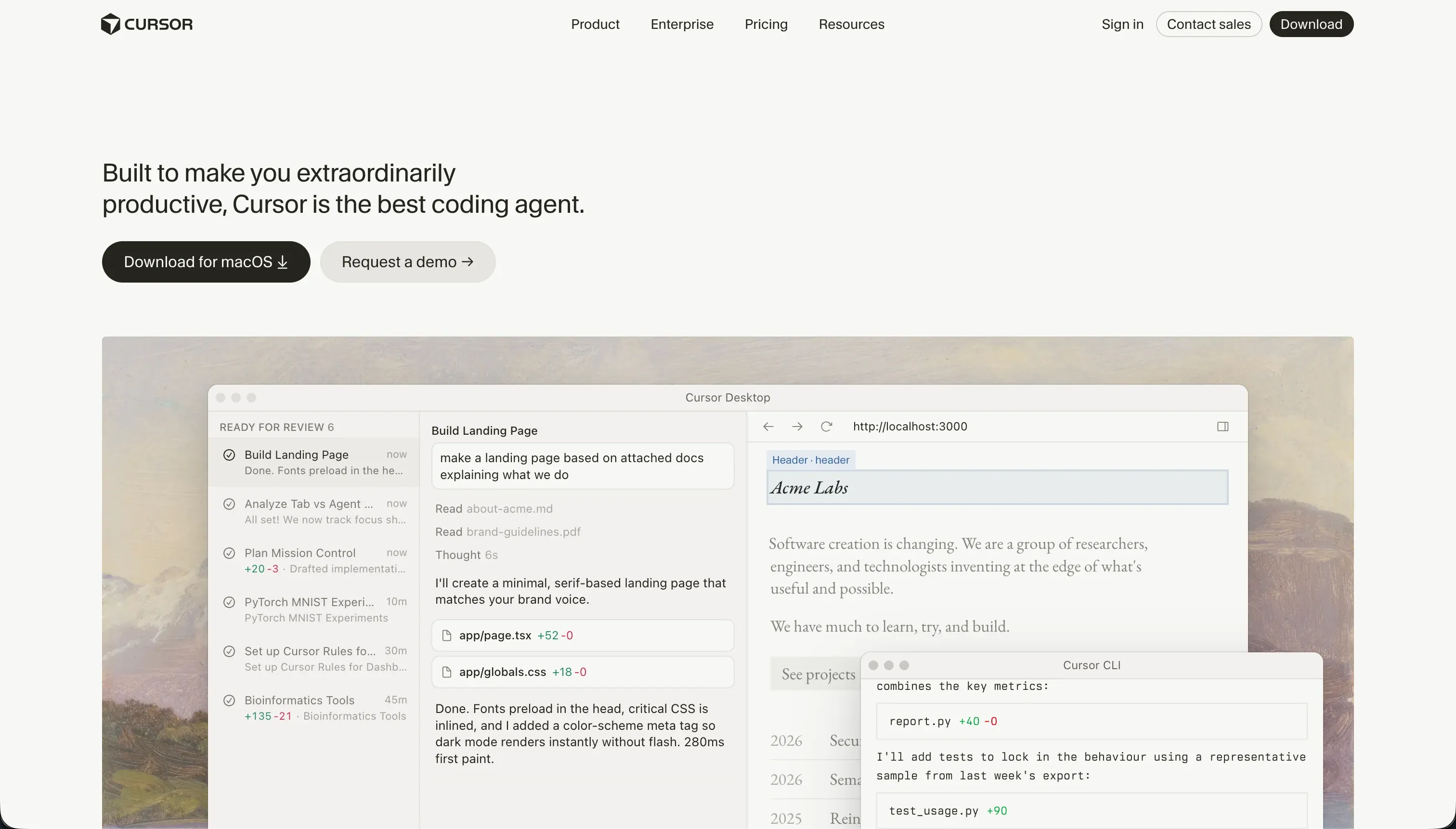
Cursor is an AI-first desktop code editor built on a fork of VS Code. It indexes your entire local codebase, interprets package structures, and operates as an intelligent local IDE that writes, refactors, and drafts standard code files natively within your own workspace.
Built specifically for professional software developers, Cursor accelerates standard logic building via its multi-file Agent Mode (Composer) and codebase-wide semantic search. It offers near-instant inline edits, smart autocompletes, and full support for the VS Code extension library without abstracting away the code itself.
What is VibeCode?
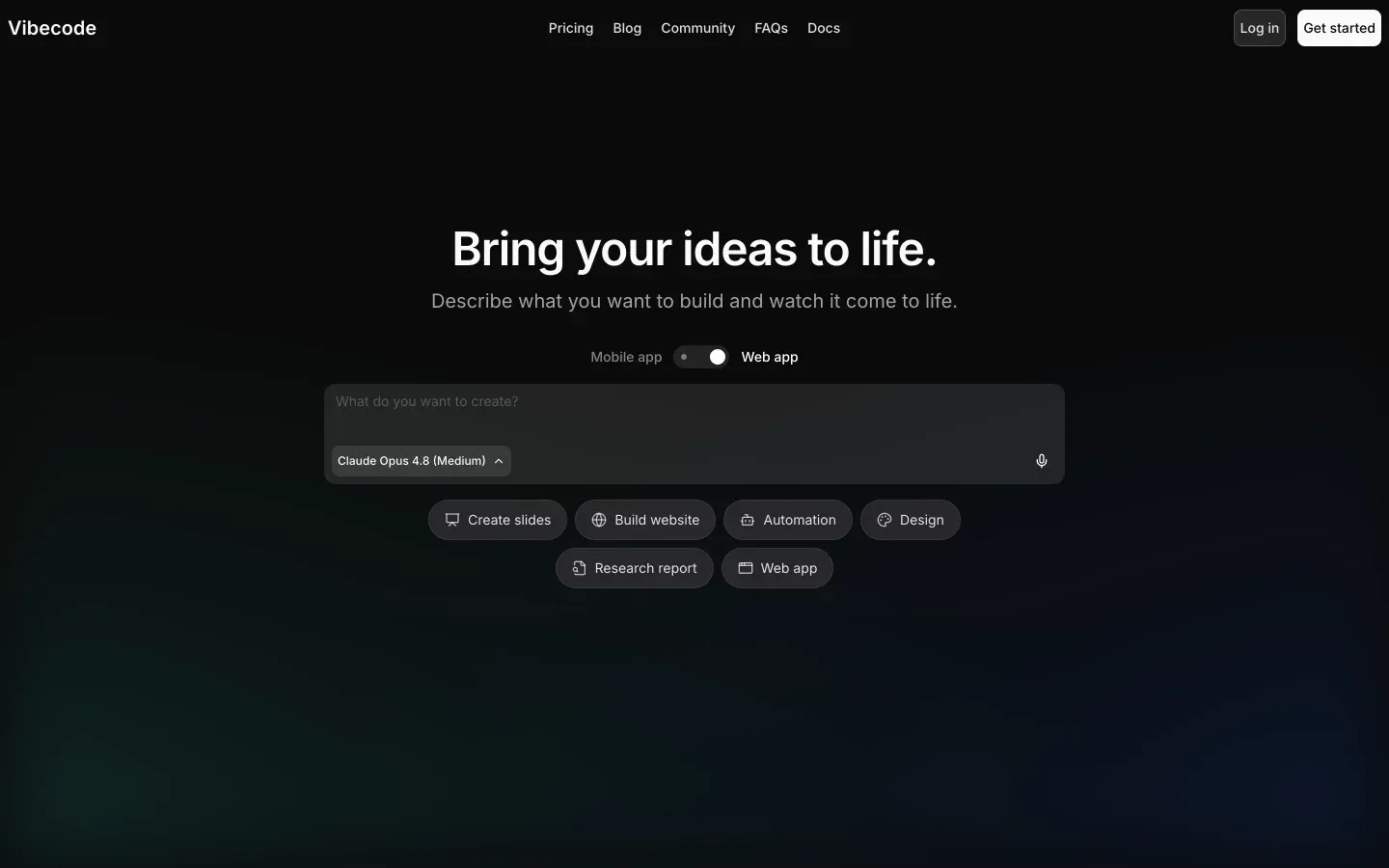
VibeCode is an AI-driven, mobile-first app creation platform that generates functioning mobile applications directly from natural language prompts. It provisions its own lightweight database, authentication workflows, and cloud storage layer, wrapping code execution into an instant on-device simulator.
With direct binary packaging capabilities, the platform lets creators deploy their generated mobile apps straight to Apple and Google store pipelines on paid tiers. Creators on higher plans can download their workspace file trees or establish SSH tunnels to edit their generated code in standard IDEs.
The core difference
The primary axis of divergence is code-orchestration versus code-abstraction: one speeds up manual typing while the other attempts to replace it entirely.
- Cursor is a development workspace that speeds up professional software engineers who build, scale, and host their codebases completely manually.
- VibeCode is a hosted prompt-to-app compiler designed to hide server architectures and compilation complexities behind a conversational interface.
Where the scores diverge
Ease of build: Cursor 3.0, VibeCode 7.0. VibeCode dominates this category with a 7.0 score because it allows non-programmers to translate ideas directly into visible mobile layouts with instant feedback in a virtual device simulator.
Larger apps eventually hit a complexity wall where prompts fail to resolve logic trees, but the platform remains highly accessible from day one. Cursor is penalized with a 3.0 because it is a professional IDE: it does not configure servers, resolve compilation warnings, or set up package databases for you.
For non-engineers, Cursor assumes skills that make it the hardest entry point on this site.
Design flexibility: Cursor 8.5, VibeCode 7.0. Cursor gains an 8.5 because rendering flexibility is restricted only by front-end framework limitations and developer CSS capabilities. However, developers must realize this freedom themselves.
VibeCode scores 7.0 for generating clean, responsive native app screens for smartphones automatically, but lacks the granular visual tree editors of platforms like FlutterFlow, leaving builders reliant on visual description prompts to make pixel-level positioning adjustments.
Maintainability: Cursor 6.5, VibeCode 5.5. Cursor’s 6.5 score reflects the health of owning standard source files in local Git repositories with robust tools for test generation. Its Composer agent matches this but can get caught in infinite dependency loops, requiring developer intervention to fix configurations.
VibeCode scores 5.5 because prompt-based iterations over large codebases run highly frequent context losses. This results in redundant utility helpers and unoptimized code piles that are difficult to debug visually once AI credit limits are reached.
Data & integrations: Cursor 7.5, VibeCode 6.5. Cursor scores 7.5 by operating within standard code environments, meaning programmers can connect any package, database client, SDK, or HTTP service supported by the language. It loses maximum points only because developers must write every sync and API fetch line manually.
VibeCode lands at 6.5, offering built-in data collections and pre-shaped APIs to platforms like weather and GPT, but every operational check and data read meters directly against the buyer’s strict monthly AI credit limits.
Production readiness: Cursor 6.0, VibeCode 5.5. Cursor holds the edge at 6.0 over VibeCode’s 5.5, but both present risks. Cursor projects rely entirely on the engineer for database configurations, hosting security, and pipeline uptime, and buyers complain that Composer can generate unintended multi-file edits that require experienced Git rollbacks.
VibeCode streamlines backend setups with its own authentication and cloud storage, yet generating complete apps via prompts introduces edge-case vulnerabilities and memory leaks that can fail security audits during App Store reviews if left unchecked.
Security & access control: Cursor 5.5, VibeCode 5.0. Both tools score close to the middle of our card, reflecting heavy buyer configuration burdens.
Cursor scores 5.5 because it leaves security configurations entirely to the engineer; it handles no user sessions out of the box, and corporate buyers report compliance blocks due to codebase indexing policies.
VibeCode scores 5.0; although it possesses pre-built authentication widgets, actual operational security and database protections are generated by prompt engines that need programmatic audits to ensure they do not expose sensitive client APIs.
Cost comparison
VibeCode operates on an AI credit model where pricing starts with a Free tier ($2.50 in credits) and moves to Plus ($20/mo with $20 in credits), Pro ($50/mo with $55 in credits), and Max ($200/mo with $220 in credits). Every iteration, prompt, refactor, and custom API query consumes these credits directly at raw cost.
Cursor is structured as a SaaS editor with tier pricing: Free (50 fast queries), Pro ($20/mo with 500 fast queries), Pro+ ($60/mo), and Ultra ($200/mo with 10,000 queries).
Buyers comparing these platforms must evaluate hidden operational costs. Cursor is cheap to run but highly expensive to maintain because it demands a dedicated developer’s salary.
VibeCode requires no developer payroll upfront but introduces pricing unpredictability: debugging loops and multiple regenerations can consume credits quickly, and scaling a complex application past basic configurations can lead to heavy monthly premium overage spending.
Lock-in and the exit path
Cursor features no vendor lock-in because it acts only as an editor. You own standard source files, commit to independent GitHub repositories, and can migrate codebases to VS Code or standard terminals instantly. VibeCode restricts code export and SSH connections to its Pro ($50/mo) and Max ($200/mo) tiers.
On the lower plans, your data assets and application logic are locked into VibeCode’s proprietary cloud simulator, making higher subscriptions mandatory if you want a reliable exit path.
- Export and SSH gated to paid tiers
- Standard source files you own
- Logic locked in proprietary cloud simulator
- Independent GitHub repositories
- Reliable exit requires Pro at $50/mo or Max at $200/mo
- Instant migration to VS Code or terminals
Who should pick Cursor
Pick Cursor if:
- Experienced software developers looking to build web or terminal software twice as fast via deep codebase context
- Enterprise teams with mandatory security standards requiring a local Git-managed development workflow
- Complex relational systems requiring customized database frameworks and specialized web-scale architectures
Do not pick Cursor if you cannot read standard JavaScript, run terminal commands, or balance environment variables, as the tool has no visual development interface with pre-built hosting.
Who should pick VibeCode
Pick VibeCode if:
- Non-technical founders looking to publish a native iOS or Android app straight to mobile store pipelines without a developer
- Teams seeking a rapid, mobile-first environment that compiles and simulates interface ideas in seconds
- Lightweight utility app makers looking to connect pre-built endpoints using clear budget allowances
Do not pick VibeCode if you are building a complex, data-heavy enterprise backend with nested permissions, where conversational code engines are prone to context loss and silent logic regressions.
What neither platform answers
Both Cursor and VibeCode operate under the assumption that your business priority is managing or writing code. If your actual requirement is building an operational client portal, worker interface, or internal dashboard, both tools hand you massive overhead.
Cursor forces you to manually configure databases and hosting servers, while VibeCode locks you into mobile-only screen orientations with prompt-dependent validation rules.
For stable business applications defined by secure logins and granular data tables, Softr of course delivers a safer and more maintainable architecture. It scores 6.0 on production readiness and 6.5 on maintainability by hosting your portals on a visual, battle-tested block framework.
Softr pairs with its own MCP database standard or connects instantly to external services like Airtable, making it a reliable solution alongside structured code-first compilers like Replit.
Analyst verdict
Cursor wins this comparison on aggregate, scoring 6.2 to VibeCode’s 6.1. By prioritizing code ownership, open API connections, and IDE extensibility, Cursor wins securely on maintainability (6.5), data integrations (7.5), and design flexibility (8.5).
Although Cursor’s lack of pre-packaged hosting keeps its production readiness moderate, it avoids the code context deterioration that limits VibeCode’s long-term operations.
However, the decision relies entirely on translation limits. Non-programmers looking to deploy native mobile software cannot build with Cursor and must select VibeCode. Conversely, if your team includes software engineers who can debug, test, and balance standard repositories, Cursor is a far more robust, performant code-generation editor.
Related reading: the Cursor scorecard, the VibeCode scorecard, and our scoring methodology.