

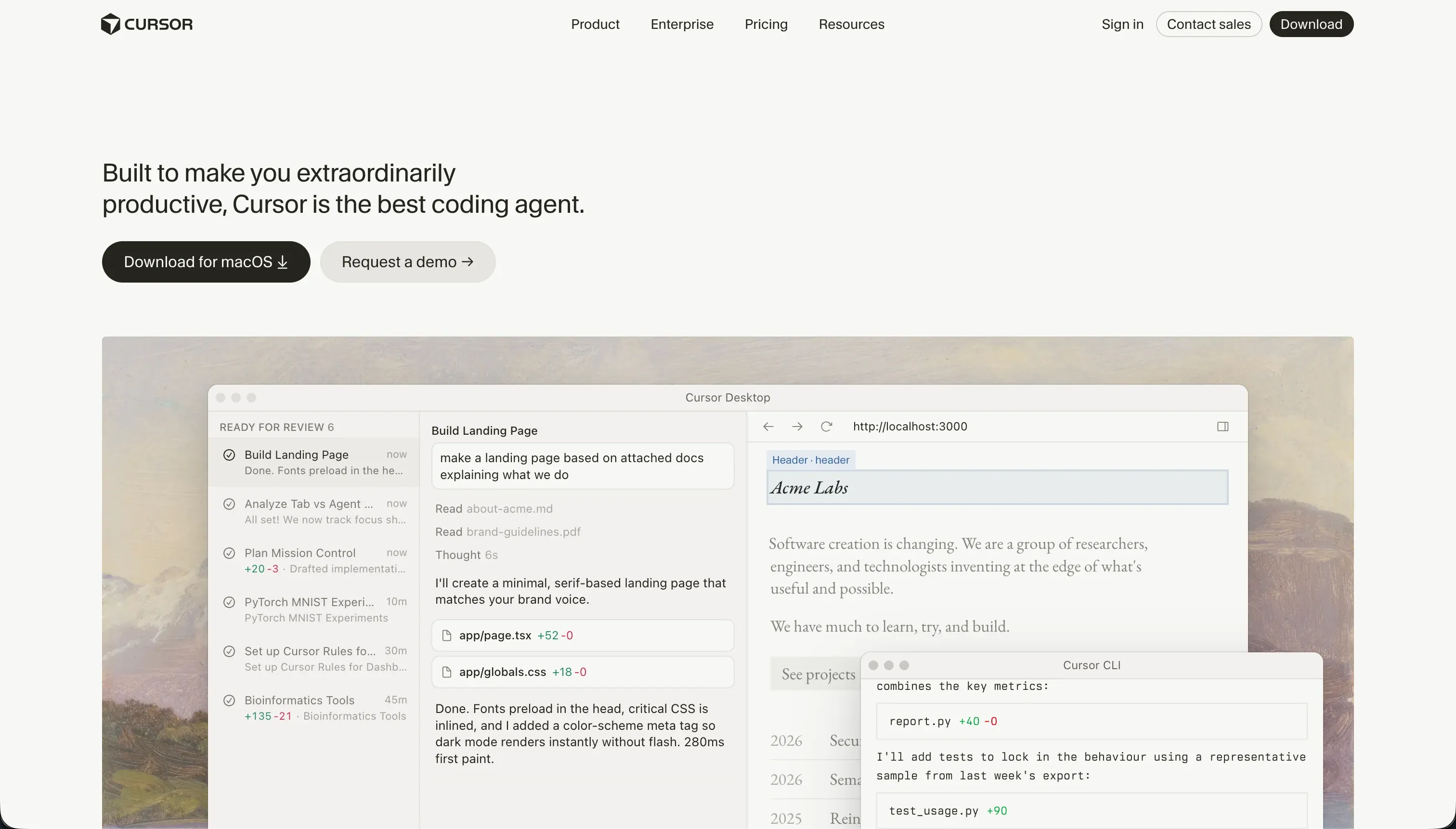
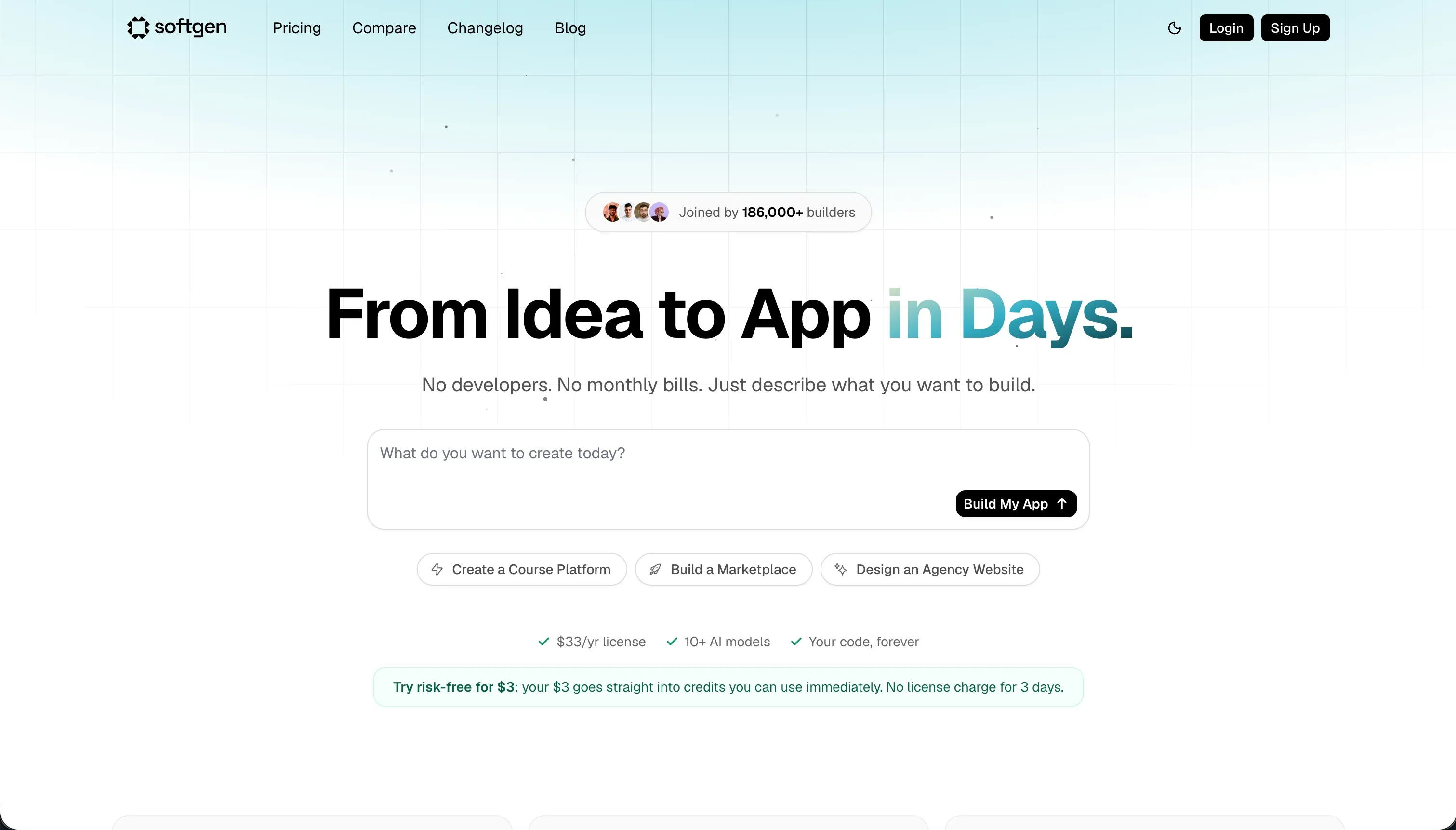
Choosing between Cursor and Softgen means weighing a professional engineering workspace against a conversational AI application sandbox.
Cursor operates as a developer IDE fork of VS Code designed to accelerate raw code creation, while Softgen acts as an AI-driven no-code builder where non-technical founders prompt interfaces and layouts into existence. These platforms reside at opposite ends of the technical spectrum.
Cursor wins on the scorecard, carrying a 6.2 aggregate score over Softgen’s 5.1. While Softgen excels at taking non-developers from prompt to hosted MVP in hours, it lacks the technical depth and developer-grade control that engineering teams require to run serious production software.
The decision pivots on who is building: developers should choose Cursor, while non-programmers seeking rapid layout prototypes may start on Softgen.
The decision in 30 seconds
| If your priority is… | Pick | Why |
|---|---|---|
| Accelerating professional engineering tasks | Cursor | Built directly on VS Code, utilizing indexing and agentic file edits for team environments |
| Rapidly launching an MVP without reading code | Softgen | The Cascade agent outlines, architects, and deploys interfaces in plain language |
| Securing robust internal business tools and portals | Neither | Neither offers visual, secure permission modeling; a dedicated business app platform is required |
| Long-term codebase maintainability | Cursor | Outputs standard source code in your own repository, representing the healthiest possible exit path |
| Maximum visual design freedom | Cursor | Output is raw frontend code, bounded only by the engineer’s skill rather than predefined layout blocks |
| Predictable billing with zero usage overages | Neither | Cursor applies opaque fast query rate limits, while Softgen depends entirely on credit consumption packaging |
What each platform is
What is Cursor?
Cursor is an AI-first, developer-focused code editor built as a direct fork of VS Code. It integrates large language models straight into the software development environment, allowing engineers to write, edit, and refactor code directly inside their local workspace.
Through features like Cursor Composer, which delegates complex tasks to a multi-file editing agent, and semantic codebase indexing, the platform is designed to operate with full awareness of your entire project structure. It does not provide databases, authentication interfaces, or managed hosting; it functions strictly as an IDE for engineers who write, compile, and configure their own software stacks.
What is Softgen?
Softgen is a conversational no-code application builder that translates plain-language chat prompts into functional web elements. Builders interact with its Cascade AI agent to outline, architect, and deploy layouts without touch-editing code or managing repositories manually.
Under the hood, Softgen generates user interface structures, relational database schemas, and standard user authentication templates, packaged with one-click hosting and custom domain support. It is explicitly target-positioned for non-technical creators, indie hackers, and founders who need a fast layout prototype or simple directory without learning developer syntax.
The core difference
The software architecture and development experience differ fundamentally along the axis of code ownership and creator technicality.
- Cursor is a professional local development IDE that speeds up traditional programming for users who can read code, run builds, configure packages, and debug system errors.
- Softgen is an AI-driven visual application builder that abstracts the entire programming and hosting stack into a chat interface for non-technical builders.
Where the scores diverge
Ease of build: Cursor 3.0, Softgen 7.0. Softgen scores significantly higher because its conversational Cascade agent translates simple prompts into fully built layouts and schemas, guiding non-technical users through structured planning before generation. Cursor, by contrast, provides zero sandbox templates or immediate frontends.
It is a professional IDE designed for engineers; it assumes you understand project directory structures, package JSON configurations, terminal compilation, and local server environments, making its entry barrier steep for non-developers.
Design flexibility: Cursor 8.5, Softgen 5.0. Cursor unleashes complete frontend customizability because it outputs raw code limited only by the developer’s styling skills, allowing for fully tailored layouts and design frameworks. Softgen operates within predefined block and layout structures.
Tweak attempts using conversational prompts are prone to triggering repetitive prompt loops that eat credits, and custom visual styling is difficult to reach if it deviates from the default layout templates.
Maintainability: Cursor 6.5, Softgen 4.0. Cursor takes this criterion because it works directly on standard source code within your own repository, meaning you retain complete, native project control.
While Cursor Composer can occasionally alter peripheral configuration files or get caught in dependency loops, developers can roll back changes instantly via Git. Softgen limits updates to AI prompting and chat loops, lacking a visual drag-and-drop editor.
This raises the risk of accumulating untraceable technical architecture debt as your application scales.
Data & integrations: Cursor 7.5, Softgen 5.5. Operating inside a real codebase, Cursor can connect to any database of choice, and its access ceiling matches the entire software ecosystem. The deduction reflects that nothing is prepackaged; engineers code every controller manually.
Softgen automatically scaffolds basic database schemas and provides integrated options for Stripe payments, but its general integration surface stays narrow compared to tools that support deep third-party APIs or direct external syncing.
Production readiness: Cursor 6.0, Softgen 4.5. Cursor holds the advantage, but its effectiveness depends entirely on the engineer running it, as it includes no built-in auth, pre-wired databases, or managed hosting. However, its editing model generates raw, deployable source code that can run anywhere.
Softgen offers one-click deployments and standard custom domain routing, but its overall platform environments remain in the early stages, with community members warning of Polish issues and long-term scaling constraints that impact business-grade applications.
Security & access control: Cursor 5.5, Softgen 4.5. Cursor provides no native security layer, leaving the database, middleware, and API architectures entirely to the developer, while also posing enterprise compliance questions due to codebase indexing.
Softgen includes out-of-the-box authentication templates and standard sign-in forms to secure basic sign-ups. However, its access controls remain basic, lacking the visual, granular user group visibility rules or conditional button logic required for multi-tenant internal platforms.
Cost comparison
Cursor uses a subscription model starting at $20 per month for its Pro plan, which provides 500 fast queries before defaulting to slower processing speeds. Larger teams pay $40 per user under the Business tier, which guarantees privacy mode protection and shared context controls while keeping base indexing usage predictable.
Softgen works on a builder-friendly annual fee structure of $33 per year, pairing platform access with pay-as-you-go credit packages to fund actual AI edits and generations. This model helps creators control subscription bills when they are not actively building, though debugging loops and continuous layout iterations can consume prepaid AI credits rapidly.
Lock-in and the exit path
Cursor offers the cleanest exit path possible: you have complete, zero-dependency ownership of standard source code in your own repository, permitting you to run, edit, or migrate your application at any time.
Softgen does provide a code export function when teams outgrow its sandboxed hosting, but editing generated code independently can be tedious, and changes inside Softgen require migrating database schema records manually. This gives Cursor a substantial maintainability advantage.
- Zero-dependency source code
- Full ownership in your repo
- Run, edit or migrate anytime
- No manual schema work
- Code export function exists
- Editing generated code is tedious
- Schema records migrated manually
- Tied to sandboxed hosting until then
Who should pick Cursor
Pick Cursor if:
- Technical founders and software engineers who want to accelerate standard coding tasks inside a familiar VS Code workspace
- Teams demanding absolute codebase ownership, local version control, and custom architectural stack decisions
- Complex applications requiring arbitrary third-party APIs, specialized system packages, and manual system scaling configurations
Do not pick Cursor if you cannot read react code, set up local databases, configure environment variables, or resolve terminal build compiler errors.
Who should pick Softgen
Pick Softgen if:
- Creators and non-technical builders looking to wire up an early prototype, SaaS layout, or simple directory in hours
- Makers wanting low recurring base costs who prefer paying only for active build iteration credits rather than perpetual developer subscriptions
- Indie hackers seeking to test early market hypotheses with built-in database tables and pre-configured Stripe connectors
Do not pick Softgen if your system needs pixel-level styling, fine-grained visual permissions, or long-term architecture scaling without technical debt.
What neither platform answers
Both Cursor and Softgen approach software with developer-centric abstractions. Cursor is a code editor that leaves operations teams completely in charge of hosting, security, and schema pipelines. Softgen attempts to shield you from code, yet forces you to design schemas and troubleshoot layout alignments through a rigid, prompt-only chat loop.
When the goal is to build an internal tool, CRM, or client portal defined by data access and reliable user permissions, managing a generated codebase or prompting layout prompts represents a significant detour.
For operational software, a dedicated platform like Softr delivers pre-built infrastructure. Softr scores 8.5 on production readiness, 9.0 on maintainability, and 8.5 on security & access control because granular user group permissions, secure row-level data limits, and client portals ship natively.
It is a highly practical path for business operations, working cleanly alongside developer-friendly options like Replit for apps requiring fully custom backend execution.
Analyst verdict
Cursor wins this comparison on aggregate, scoring 6.2 to Softgen’s 5.1. While Softgen is vastly easier for a non-technical builder to produce an early prototype, Cursor remains the superior development environment because its code ownership rules, deep workspace indexing, and standard package maintainability match professional standards.
The choice depends entirely on technical capability. If you are an engineer or have dedicated software developers who can navigate environments, compile libraries, and manage databases, Cursor will accelerate build speeds substantially. For non-programmers requiring a rapid, low-obligation proof of concept, Softgen’s conversational setup represents the only accessible route between the two.
Related reading: the Cursor scorecard, the Softgen scorecard, and our scoring methodology.