


What a Modern Web App Actually Needs
A web app is not just a website with a login screen. In practice, buyers usually need a system that can handle structured data, authenticated users, role-based permissions, workflows, integrations, and a UI that remains maintainable after the first launch.
That is why the right platform depends less on how fast it can generate a screen and more on whether it can support the operating model of the product one year later.
For this use case, the six criteria matter in a very specific way. Ease of build determines whether a business team can create and update the app without waiting on specialists. Production readiness covers deployment, reliability, monitoring, and whether the platform can support real users rather than only prototypes.
Maintainability matters because web apps accumulate workflows, fields, and exceptions over time, so the winning tool must stay understandable after version twenty. Security and access control are essential because most web apps include internal data, client records, or account-specific actions that cannot be exposed loosely.
Data and integrations are equally central. A useful web app usually needs tables, relational records, forms, automations, APIs, and sync with systems such as CRMs, payment tools, or internal databases. Design flexibility still matters, but it should be evaluated in context.
If you are building an internal operations app, governed components and predictable layouts are often better than unlimited canvas freedom. If you are building a customer-facing SaaS product, code ownership and UI control may matter more.
That tradeoff explains the rankings below. Softr wins because many business web apps need secure permissions, fast deployment, and low maintenance more than custom frontend expression. Replit ranks highly for teams that want standard code and stronger ownership. Bubble remains strong when visual logic depth is the priority. The rest of the list serves narrower but still important cases.
The use-case comparison
| Platform | Overall | Advantage | Main reason to exclude it |
|---|---|---|---|
| Softr | 8.1 | Best mix of security, permissions, hosting, and maintainability for business apps. | Limited code ownership and less flexible design than developer-first tools. |
| Replit | 7.4 | Generates and hosts real code with strong flexibility for technical teams. | Requires developers for debugging, architecture choices, and cost control. |
| Bubble | 6.8 | Excellent visual logic, workflows, and relational data modeling. | Steep learning curve and no straightforward code export from its runtime. |
| Codex | 7.1 | Powerful repository-level coding agent for engineers working in existing stacks. | No visual builder, no hosting layer, and no fit for non-technical teams. |
| WeWeb | 6.2 | Advanced visual frontend control with cleaner export options than many no-code tools. | Needs a separate backend, auth setup, and more implementation work. |
| v0 | 5.8 | Fastest way to generate polished React UI concepts from prompts or screenshots. | Not a complete app platform because backend logic and security are external. |
1. Softr - best for business web applications
 Softr homepage snapshot
Softr ranks first because most business web apps need predictable infrastructure, governed access, and low maintenance more than unlimited frontend freedom.
Its strongest reported criterion scores are maintainability at 9.0 and security and access control at 8.5, which maps well to portals, internal tools, approval workflows, and client-facing operational apps.
Users can configure authentication, user groups, CRUD views, and app navigation visually, so the platform reduces the amount of custom logic a team must own after launch.
That matters in year two. A web app that starts simple usually grows into exceptions, role rules, and admin views. Softr keeps those changes understandable because the app remains assembled from structured blocks and data connections rather than a sprawling custom codebase.
It also performs well on ease of build because teams can make meaningful changes without developers in the loop for every field or permission update.
The tradeoff is design flexibility. Softr scores only 5.5 there, and that is a real constraint rather than a small caveat. If your product needs highly custom interactions, consumer-grade landing flows, or unusual interface patterns, the block model will feel restrictive. It is also not the right choice if your procurement standard requires exportable source code or deep infrastructure control.
In other words, exclude Softr for code-owned SaaS products with bespoke UX requirements, even though it is the most practical platform for secure business web apps.
2. Replit - best for autonomous full-stack code generation
 Replit homepage snapshot
Replit is the best option for teams that want AI help without giving up standard code ownership. It scores 8.0 in production readiness and 8.5 in design flexibility, reflecting its ability to generate, edit, run, and deploy full-stack applications inside a managed development environment.
For founders or product teams building a SaaS MVP, that matters because the output is closer to a normal software stack than to a proprietary no-code runtime.
Replit is especially compelling when a team expects the application to evolve beyond simple dashboards. The agent can scaffold backend services, frontends, databases, and integrations, while Git-based workflows make it easier to keep work portable.
That gives technical teams more freedom on architecture, UI, and long-term extensibility than closed visual builders can usually offer. It is also more aligned with teams that already think in repositories, environments, and deployment pipelines.
Still, it ranks behind Softr because ease of build is lower at 6.5 and because operating the result requires actual engineering judgment. Package issues, dependency conflicts, prompt drift, and debugging loops do not disappear just because AI wrote part of the code. Cost predictability can also worsen if teams let agents iterate carelessly.
Exclude Replit if your users are non-technical operators who need a governed visual system with built-in permissions and minimal maintenance overhead. In that scenario, code ownership becomes a burden rather than an advantage.
3. Bubble - best for visually programming complex relational databases
 Bubble homepage snapshot
Bubble remains one of the most capable platforms for teams that want to build serious application logic without writing conventional code. It scores 8.5 in design flexibility and 8.0 in data and integrations, which reflects how much can be modeled directly inside the visual editor.
Complex workflows, database relations, conditional behavior, scheduled actions, and external API calls are all native parts of the platform rather than awkward add-ons.
That makes Bubble a strong fit for founders or makers who need more application depth than simpler no-code tools can support. If your web app depends on multistep logic, unusual user flows, or tightly connected data structures, Bubble can often express those requirements faster than hand coding from scratch.
It also has a large ecosystem of templates, plugins, and experienced freelancers, which reduces time to first version for many teams.
The downside is that Bubble behaves less like a simple builder and more like a visual programming environment. Ease of build is only 5.0 because users still need to reason carefully about privacy rules, data architecture, workflow performance, and edge cases. Those decisions are powerful, but they are not easy. The clearest exclusion is code portability.
If you need self-hosting, straightforward source export, or a standard engineering stack from day one, Bubble is the wrong choice. Its runtime remains proprietary, and that creates lock-in that some buyers will not accept.
4. Codex - best agentic coding tool for software engineers
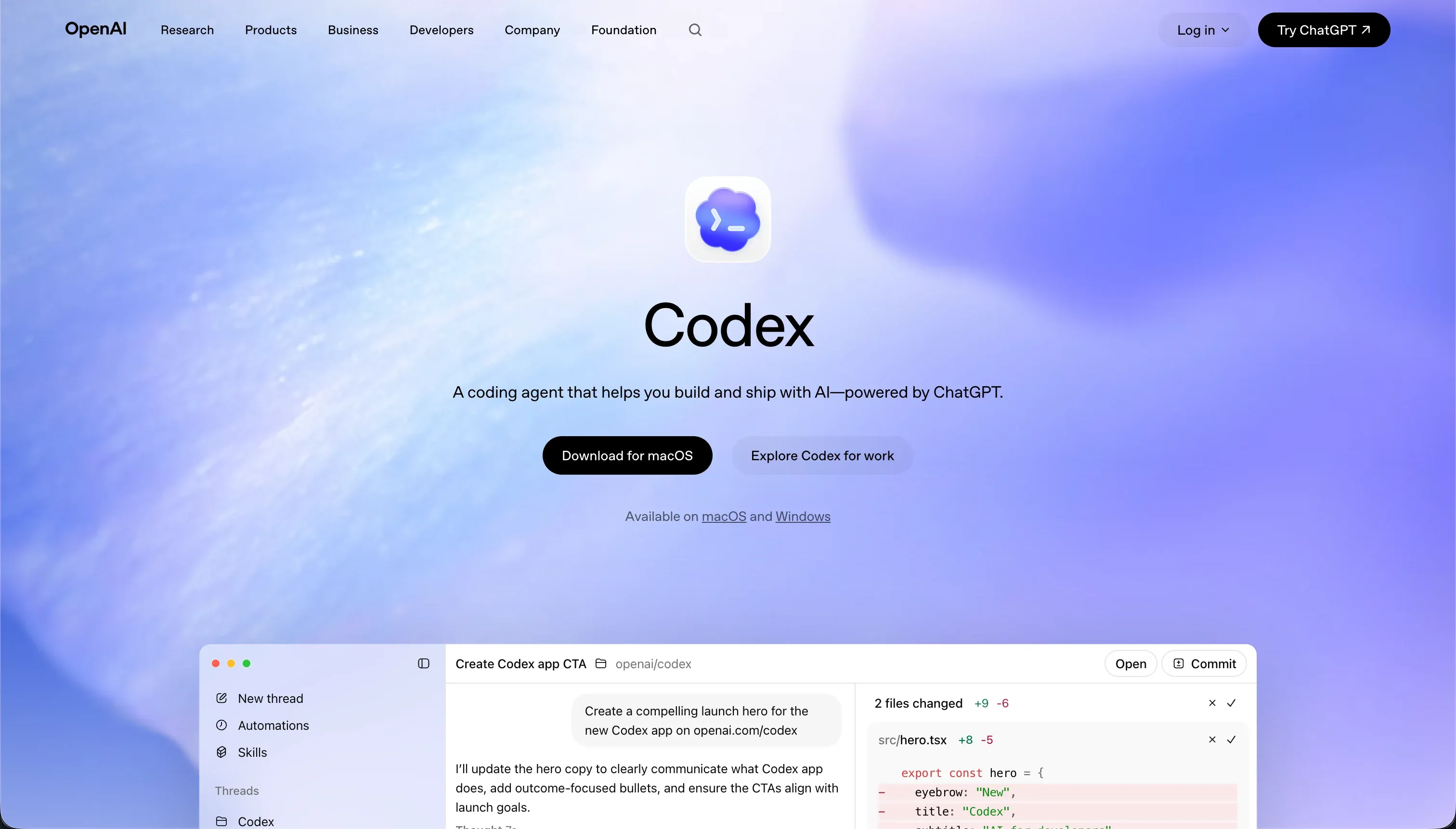 Codex homepage snapshot
Codex is not a traditional app builder, but it deserves inclusion because some web app buyers are really choosing an AI development agent rather than a visual platform. For engineering-led teams, Codex can be extremely effective.
It works directly in repositories, assists with multi-file changes, helps run tests, and supports maintenance tasks that matter once an application already has real code. In design flexibility terms, it effectively scores 9.0 because the ceiling is the ceiling of software itself.
This makes Codex attractive for product teams that already have a preferred stack and simply want faster implementation. It does not force a proprietary database model, UI editor, or hosting abstraction. Engineers can keep full control over architecture, frameworks, security patterns, and deployment targets. That also improves maintainability when the team already has established standards and review processes.
The exclusion is straightforward: Codex is a poor fit for non-technical organizations. Ease of build is about 4.0 because there is no visual workspace, no drag-and-drop data layer, and no beginner-friendly deployment path. It also does not solve hosting, auth, or governance out of the box.
If the buyer wants a business team to launch and update the app themselves, Codex should be removed from the shortlist immediately. It is a force multiplier for software engineers, not a replacement for application operations tooling.
5. WeWeb - best layout control for frontend developers
 WeWeb homepage snapshot
WeWeb is a strong option when the main requirement is frontend control with less lock-in than many no-code systems. Its design flexibility score of 8.5 is justified because the editor gives teams much more freedom over layout, responsiveness, and component structure than block-based tools.
For agencies, product teams, or frontend-minded builders, that can be a major advantage when the app must look tailored rather than templated.
WeWeb also stands out because it can sit closer to standard web development patterns. Teams can connect external backends, work with APIs, and in some cases preserve a cleaner path to exported frontend code than they would get from a proprietary full-stack no-code runtime. That makes it more appealing to mixed teams that want visual speed on the frontend but still expect custom backend architecture.
However, the reason it ranks fifth is simple: it is not a complete answer for many web app buyers. Ease of build is only 4.0 because core app concerns such as authentication, database structure, and backend business logic are external responsibilities. That means more setup, more vendors, and often more engineering involvement than buyers expect when they hear the phrase app builder.
Exclude WeWeb if you need the fastest path to an internal operations app with built-in tables, user roles, and low administration overhead. Softr will usually get you live faster with fewer moving parts.
6. v0 - best frontend visual prototyping designer
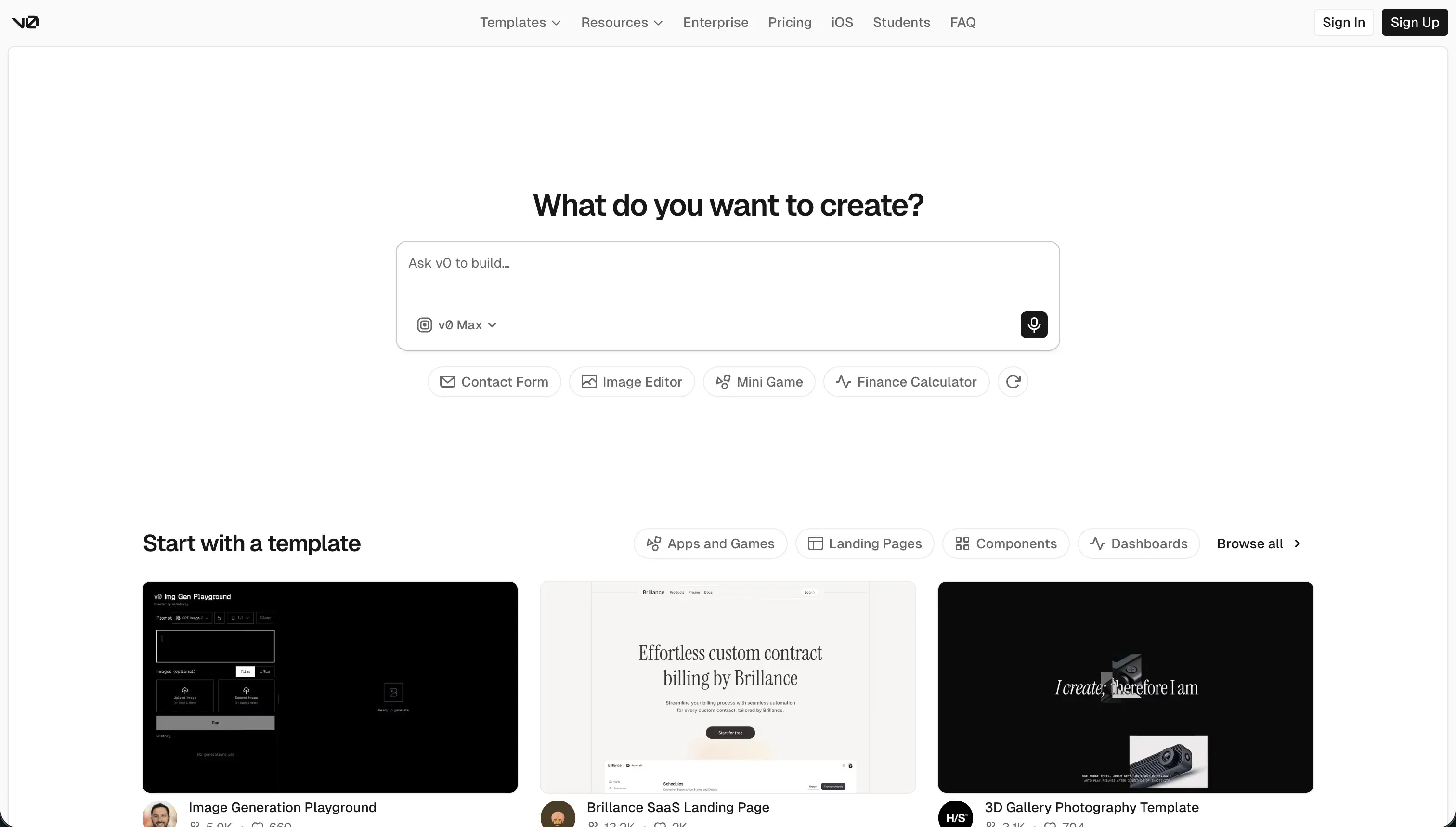 v0 homepage snapshot
v0 earns a place on this list because many teams evaluating web app builders are really trying to solve the interface problem first. On that dimension, v0 is excellent. It scores 8.5 in design flexibility because it can transform prompts, screenshots, or rough ideas into polished React and Tailwind-based UI components quickly.
For teams already committed to a developer workflow, that can dramatically speed up design iteration and stakeholder review.
The problem is that web apps are not only interfaces. Production readiness is only 4.5 and security is around 4.0 because v0 does not give buyers a true application foundation. There is no native database layer, no built-in user model, no access control framework, and no governed operations environment.
Any meaningful app still requires a separate backend, authentication setup, deployment approach, and ongoing engineering ownership.
That makes v0 useful as an accelerator, but not as a stand-alone choice for most buyers in this category. Exclude it if your goal is to launch a functioning portal, internal tool, or SaaS workflow without assembling a broader stack. It is best used by developers who already know where the backend will live and simply want to compress the time needed to produce a high-quality frontend.
- Polished React and Tailwind UI
- Fast generation from prompts or screenshots
- Rapid design iteration and review
- Native database layer
- Built-in user model and authentication
- Access control framework
- Hosting and governed operations
How to shortlist the right platform
Start your shortlist by deciding what kind of web app you are actually buying. If the app is for internal operations, client portals, approvals, or team workflows, prioritize governance and maintenance over pure frontend freedom. That usually puts Softr at the top because hosting, permissions, and data views are already part of the product.
If your app is a SaaS MVP or a custom customer-facing product, then code ownership and architecture flexibility matter more, which is why Replit and sometimes Bubble should enter the pilot.
A practical way to evaluate options is to run two parallel tests: one fast operational prototype and one ownership-oriented prototype. Build the same narrow use case in your top two tools, then compare who can update fields, manage roles, ship changes, and understand the system after a week away. Use our full methodology to keep the evaluation tied to the six criteria rather than vendor demos alone.
You may also want related guides such as internal tools or startups if your use case is narrower than general web apps.
Shortlist only platforms that match your team structure, not just your ideal product vision.