


What a startup actually needs in an app builder
Startups often buy the wrong app builder because they treat every software need as the same problem. In practice, there are two very different jobs. First, there is the core product you plan to sell to customers, such as a SaaS app, marketplace, or consumer service.
Second, there are the systems that help your company operate, such as internal tools, CRM workflows, client portals, partner dashboards, and simple data apps. The best platform for one job is often the wrong one for the other.
That is why this use case should be mapped against six criteria. Design flexibility matters most when the product itself is the business. If your startup needs a custom UX, complex flows, or a differentiated interface, rigid block builders will become a ceiling. Data and integrations matter just as much, because startups usually need APIs, custom schemas, payments, analytics, and room to change architecture quickly.
Ease of build is critical when speed is the goal and the app is not your core moat. Founders should not burn engineering time building admin panels, partner portals, or lightweight workflow tools from scratch. In those cases, production readiness also matters more than novelty. You need working auth, stable hosting, user management, and sensible defaults on day one.
Maintainability is where many startup decisions go wrong. AI coding tools can move very fast, but they also leave your team responsible for understanding, debugging, and evolving the output. That is fine if you have technical talent and want code ownership. It is not fine if your team needs a dependable operational system with minimal upkeep.
Finally, security and access control cannot be treated as an afterthought. Operational apps often require role-based permissions, row-level access, and safe data handling immediately. Product apps need security too, but they may justify custom implementation if that buys long-term flexibility. The right startup builder is the one that matches the actual job, team skill, and time horizon.
The use-case comparison
| Platform | Overall | Advantage | Main reason to exclude it |
|---|---|---|---|
| Replit | 7.4 | Real code ownership plus built-in hosting and deployment | Needs technical users and can become costly during heavy agent-driven iteration |
| Softr | 8.1 | Fast internal apps with built-in auth, permissions, and database workflows | Limited design freedom and no frontend code export |
| Bubble | 6.8 | Deep no-code workflows and flexible relational data modeling | Steeper learning curve, lock-in, and pricing can rise with app complexity |
| Codex | 7.1 | Repository-aware coding agent for real engineering environments | No visual builder, no hosting layer, and little value for non-developers |
| v0 | 5.8 | Very fast generation of polished React frontends | No native backend, database, auth system, or access control |
| Cursor | 6.2 | Excellent AI-assisted editing across existing software projects | Still requires a developer-managed stack for hosting, security, and data |
1. Replit - best for custom startup products
 Replit homepage snapshot
Replit is the best fit for startups that are building the actual product they plan to sell. It scores well on design flexibility and data and integrations because it works with real code rather than a closed visual abstraction.
That matters when a startup needs custom business logic, third-party APIs, background jobs, or a product architecture that may evolve quickly after launch. Built-in deployment also helps early teams move from prototype to production faster than a traditional local setup.
Its biggest strength is ownership. You are not trapped in a no-code interface when the product grows up. That makes Replit a much better long-term choice than a simple builder if the app itself is your company. It is especially useful for technical founders and small engineering teams that want speed without giving up control.
The concrete exclusion is straightforward: do not choose Replit for a non-technical operations team that just needs an admin tool or client portal. You will spend too much time reviewing agent output, fixing environment issues, and handling technical decisions that a platform like Softr solves out of the box.
- Real code, full ownership
- Custom logic and third-party APIs
- Built-in deployment to production
- Suits technical founders and small teams
- Design flexibility and integrations score well
- Just need an admin tool or client portal
- Agent output review takes too much time
- Environment fixes land on your team
- Technical decisions a builder solves out of the box
2. Softr - best for startup operations
 Softr homepage snapshot
Softr ranks second because it solves a very different startup problem extremely well. If you need internal tools, customer portals, lightweight CRM workflows, directories, or partner dashboards, it is often the fastest path to a secure working app.
It performs strongly on ease of build, production readiness, and security and access control because the platform already includes auth, roles, and structured app patterns.
For many startups, that is the smarter purchase. Operations software rarely creates defensible product value, so the goal should be to stand it up quickly and maintain it cheaply. Softr is especially strong when a founder or operations lead needs to launch something useful without waiting on engineering capacity.
Its concrete exclusion is just as important. Do not choose Softr to build the startup’s primary customer-facing product if that product needs a highly custom interface, deep frontend differentiation, or code ownership. Design flexibility is materially lower than code-based options, and the lack of code export means your long-term product path is constrained.
3. Bubble - best for no-code saas mvps
 Bubble homepage snapshot
Bubble remains one of the most capable no-code platforms for startups that want to build a functional SaaS MVP without writing traditional code. It is strong on design flexibility compared with most visual builders and also scores well on data and integrations.
That combination makes it useful for founders who want custom workflows, user accounts, marketplace logic, or more complex app behavior than a template-driven builder can usually support.
Bubble earns its place because it can bridge the gap between simple no-code tools and fully custom engineering. For an MVP, that can be enough to validate pricing, onboarding, retention, and customer demand before hiring a full team. Many startups use it to test real workflows instead of shipping a static prototype.
The exclusion is clear though. Do not pick Bubble if you want low training overhead, easy maintainability for non-specialists, or an exit path to standard code. The platform has a real learning curve, subtle logic can break, and lock-in is substantial. It is better for founders willing to invest time in one ecosystem than for teams that want maximum portability.
4. Codex - best terminal agent for engineering teams
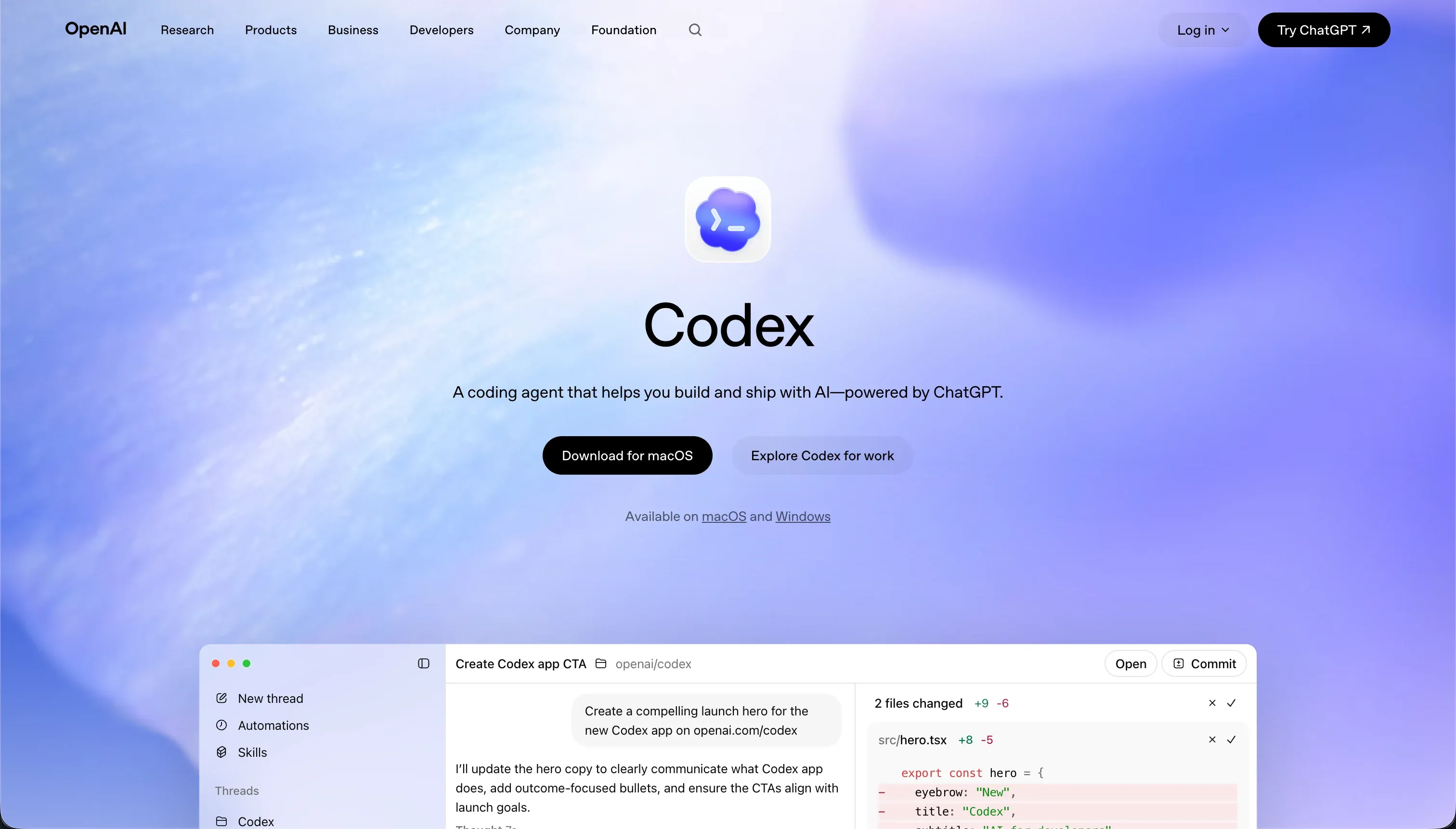 Codex homepage snapshot
Codex is a strong option for startups that already operate like a software team and want AI help inside a real repository. It is not a visual app builder, but it deserves inclusion because many startups evaluating builders are actually choosing how to accelerate product development.
Codex performs well on maintainability and data and integrations because it works directly in the stack your engineers already use, rather than forcing a separate platform model.
That makes it useful for teams shipping serious products with existing code, tests, and deployment workflows. It can help with implementation speed, repository-wide changes, and repetitive development tasks while preserving normal engineering processes. If your startup has developers and wants leverage rather than abstraction, Codex can be a better investment than a no-code tool.
The concrete exclusion is simple: do not shortlist Codex if your users are founders, operations staff, or designers who need a visual environment. It offers no turnkey hosting layer, no built-in auth, and no point-and-click app assembly. Without developers, its value drops sharply.
5. v0 - best for rapid frontend prototyping
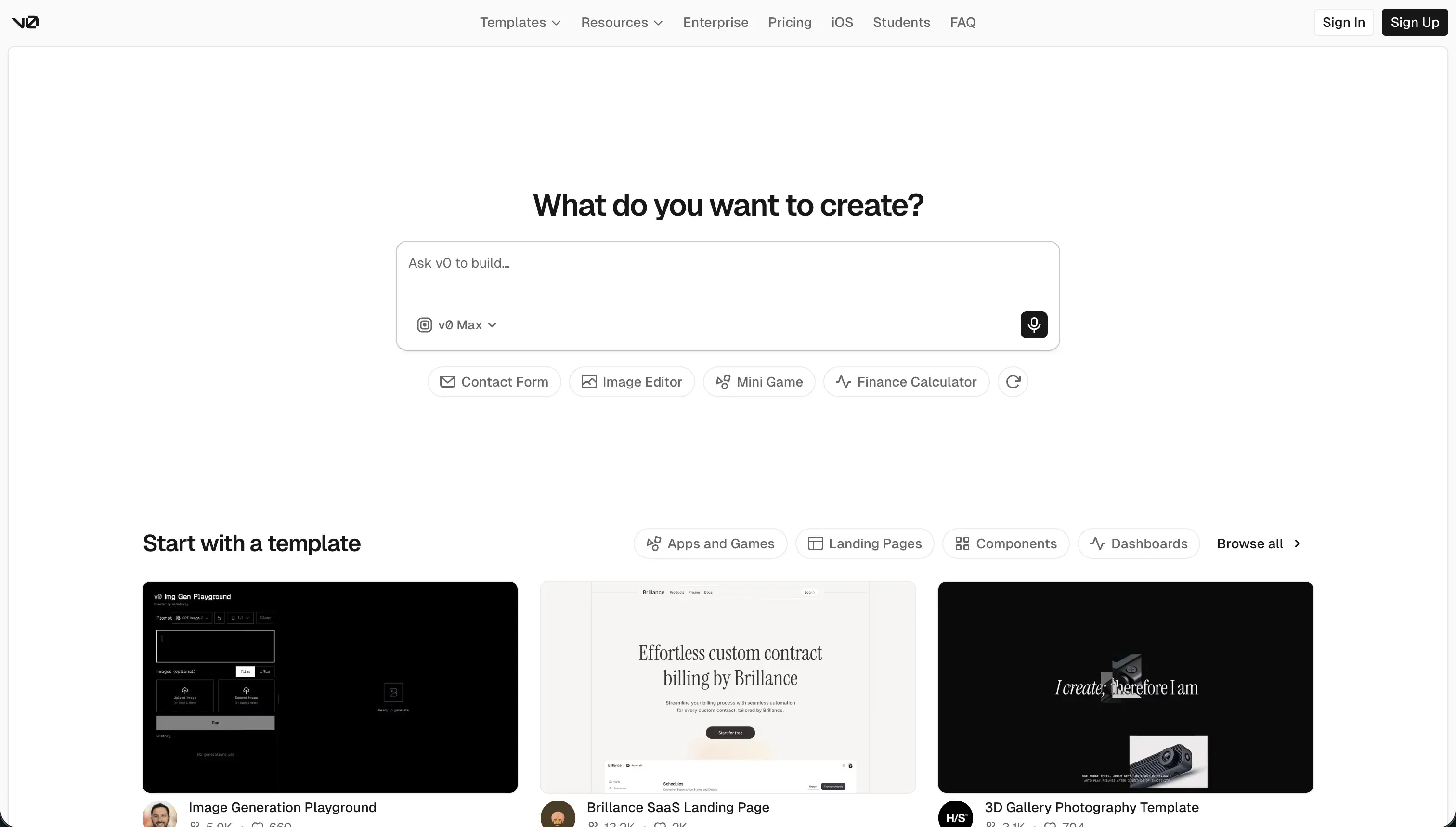 v0 homepage snapshot
v0 is best understood as a frontend accelerator rather than a full app builder. It shines on design flexibility because it can generate modern React interfaces from text prompts, screenshots, or rough concepts very quickly.
For startups trying to test messaging, flows, or visual direction, that can save meaningful design and implementation time. It is also attractive because the output is code, not a closed visual project file.
That makes v0 a strong companion tool for technical teams, especially when speed to interface matters more than backend completeness. It is useful for landing pages, dashboards, onboarding flows, and product mockups that need to look credible fast. In a startup setting, that can support demos, investor conversations, and early user testing.
The exclusion is non-negotiable. Do not use v0 as your primary app platform if you need a database, authentication, permissions, or business logic out of the box. It scores much lower on production readiness and security and access control because those layers are your responsibility. Without developers, you will stall after the UI stage.
6. Cursor - best code editor for startup developers
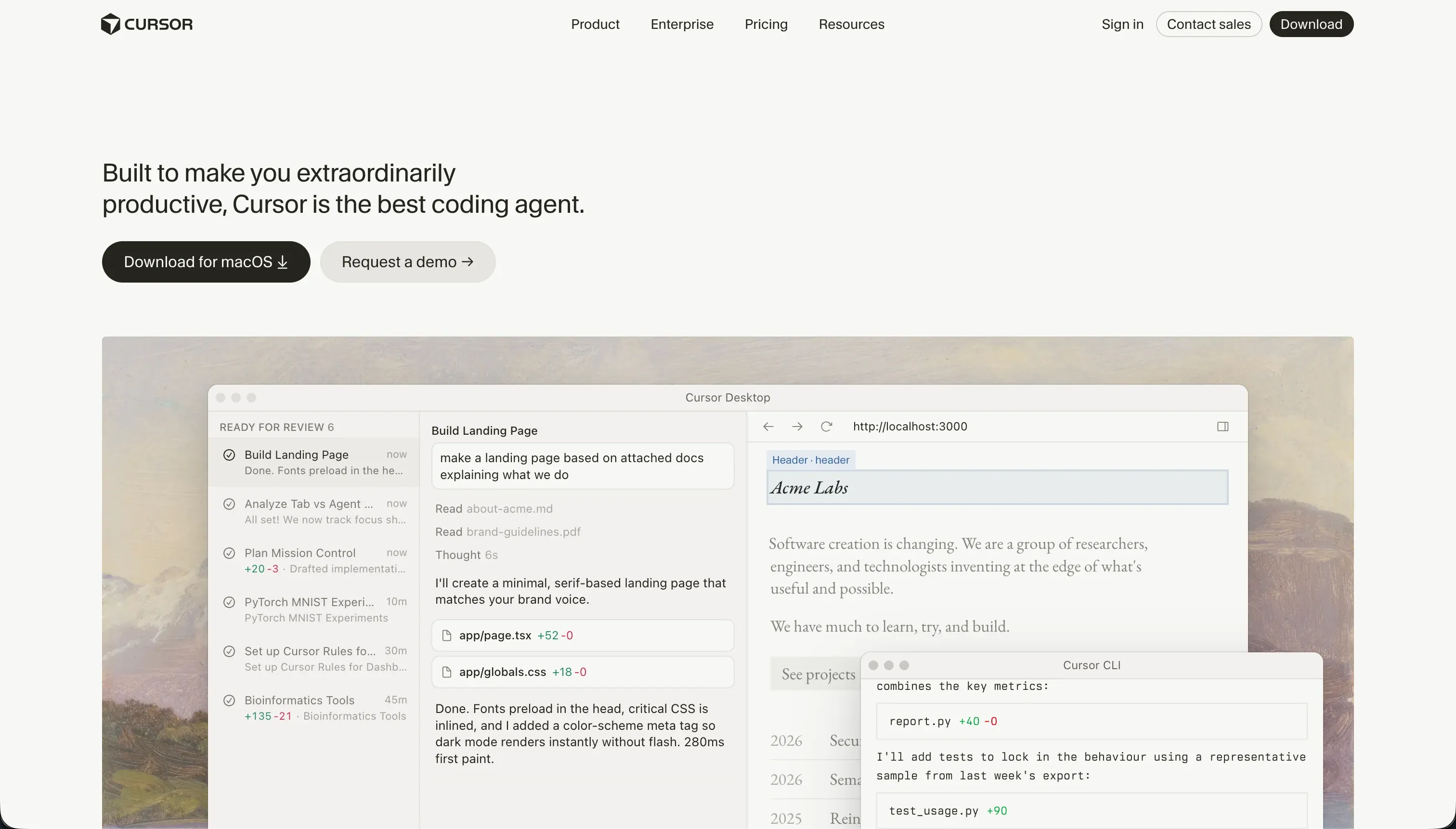 Cursor homepage snapshot
Cursor is a useful tool for startup engineering teams, but it ranks lower here because it is an AI-first IDE, not an end-to-end app builder. Its strengths show up in maintainability and flexibility within existing codebases.
Teams can refactor across multiple files, inspect project context, and move faster inside standard development workflows. For startups already committed to code, that can improve output without forcing a platform decision.
Cursor is particularly valuable when your engineers need help navigating a growing codebase, implementing features, or drafting tests and refactors. It fits naturally into a professional software workflow and preserves full source control. In that sense, it supports startup velocity rather than replacing engineering.
The concrete exclusion is that Cursor should not be chosen by teams looking for packaged infrastructure. It does not provide hosting, databases, authentication, user management, or operational app scaffolding. If your startup lacks technical talent or simply needs an internal tool running this week, a purpose-built platform like Softr is the better shortlist candidate.
How to shortlist the right startup app builder
Start by separating your need into one of two buckets: product software or operational software. If the app is what customers pay for, prioritize code ownership, integration depth, and long-term flexibility.
That usually means shortlisting Replit first, then considering Bubble for no-code MVPs or Codex and Cursor if you already have an engineering-led workflow. If your immediate goal is internal process automation, customer access, or partner collaboration, shortlist Softr before anything else.
Next, pressure-test each option against your actual team. A non-technical founder should not buy a code-first platform hoping AI will remove the need for engineering judgment. Likewise, a startup with strong developers should be cautious about adopting a closed platform for the core product.
Use our methodology to compare the six criteria in more detail, and review related categories such as internal tools or client portals if your project is operational rather than product-led. A good shortlist is not the longest list. It is the smallest set of tools that matches your product type, team skills, and likely next 12 months.