


Determining What Product Teams Actually Need
Product teams live inside a bifurcated workflow. On one hand, product operations managers require rapid visibility: feedback hubs, feature-flag consoles, customer research tables, and alpha-testing trackers. On the other hand, the core software squad is focused on building, scaling, and maintaining the production database logic. Attempting to force both workflows into a single platform is a primary failure mode.
To select the correct tool, product teams must evaluate platforms across our six core criteria, heavily weighting their technical capabilities against who will maintain the application on day two.
For product operations, roadmap coordination, and internal dashboards, ease of build and maintainability carry the decision. Operations managers cannot wait on engineering sprints to tweak a layout or adjust a user view; they require visual interface builders that connect safely to Airtable, Google Sheets, or SQL databases.
Conversely, for customer-facing features and proprietary backend logic, product teams must optimize for design flexibility, data and integrations, and production readiness. Here, visual block limits are restrictive, and teams require true code-generation tools that sync directly to Git repositories.
This buyer analysis ranks the top options based on these operational constraints, ensuring you invest in the correct workspace path.
The use-case comparison
| Platform | Overall | Advantage | Main reason to exclude it |
|---|---|---|---|
| Softr | 8.1 | Pre-built user logins, instant user groups, zero ongoing code maintenance. | Visual custom-canvas block constraints limit bespoke consumer designs. |
| Replit | 7.4 | Deploys real, exportable code on fully managed cloud servers. | Requires code-level knowledge to debug agent-introduced loops. |
| Codex | 7.1 | Runs natively inside Git code repositories for automated branch refactoring. | Entirely command-line based with no graphical interface builder. |
| Retool | 6.8 | Direct read-write access to high-density internal database systems. | Punitive per-seat pricing models restrict large-scale operator use. |
| Cursor | 6.2 | Incredibly context-aware code generation inside a professional editor. | Provides zero turnkey hosting, relational databases, or user auth. |
| v0 | 5.8 | Generates stunningly modern shadcn/ui and Tailwind layouts instantly. | Generates frontend mockups only; contains zero backend database logic. |
- Feedback hubs, feature-flag consoles, trackers
- Ease of build decides
- Visual builders over Airtable, Sheets, SQL
- No engineering sprints to tweak views
- Low ongoing maintenance
- Production features and backend logic
- Design flexibility decides
- True code generation, not visual blocks
- Syncs directly to Git repositories
- Production readiness weighted
1. Softr - best overall for product ops portals and feedback dashboards
 Softr homepage snapshot
For product managers and operations leaders building support dashboards, customer advisory portals, or beta research trackers, Softr delivers a production-ready setup that works the moment you publish. Because authentication, user management, and visibility permissions are native rather than generated code, there is nothing to test, deploy, or babysit. That foundation secures a maintainability score of 9.0 and a security score of 8.5.
The detail that matters for product work is how access is enforced. Softr filters records server-side through visual User Groups and Global Data Restrictions, so a beta tester in your advisory portal sees only their own submitted feedback while the product team sees the full board, and you confirm each view by previewing the app as that user group before anything ships. The dashboards themselves are assembled from native blocks (tables, kanbans, charts) connected to your data, and you can layer on the Ask AI feature so a PM can ask “what was the top objection in last month’s interviews?” directly against a feedback table without writing a query.
The data belongs in native Softr Databases, where research notes, feature requests, and accounts link relationally, with database AI agents available to auto-tag sentiment or summarize long entries as fields. If your insights already live in Airtable or Google Sheets, Softr connects to those and 17 other sources. Product managers adjust access layers and layouts visually rather than waiting on developer sprint cycles, and flat per-tier pricing ($99/mo Pro for 10 team users plus 50 client users, billed annually) means inviting more stakeholders does not balloon the bill, whether you are a single PM or an ops function standing up portals across teams.
With design flexibility scoring 5.5, users must accept the visual block templates; it is not suited for deploying custom, consumer-grade desktop application products. If your team is shipping a polished public-facing product in real code, Replit (ranked second) is the honest pick for that lane; for internal product ops portals and feedback dashboards that need real permissions on day one, Softr leads.
2. Replit - best cloud-first platform for technical product prototyping
 Replit homepage snapshot
When a product team needs to build and validate a novel application pattern as real code, Replit is the strongest choice. Its autonomous agent scaffolds real frontend and backend code, backed by managed PostgreSQL. This earns it a production readiness score of 8.0 and a design flexibility score of 8.5. You get custom visual flexibility and an exportable codebase.
The primary caveat is maintainability: if the agent generates a terminal error, a developer must step in to debug. Effort-priced credits also produce unexpected budget spikes during complex code iterations.
3. Codex - best terminal agent for automated repository updates
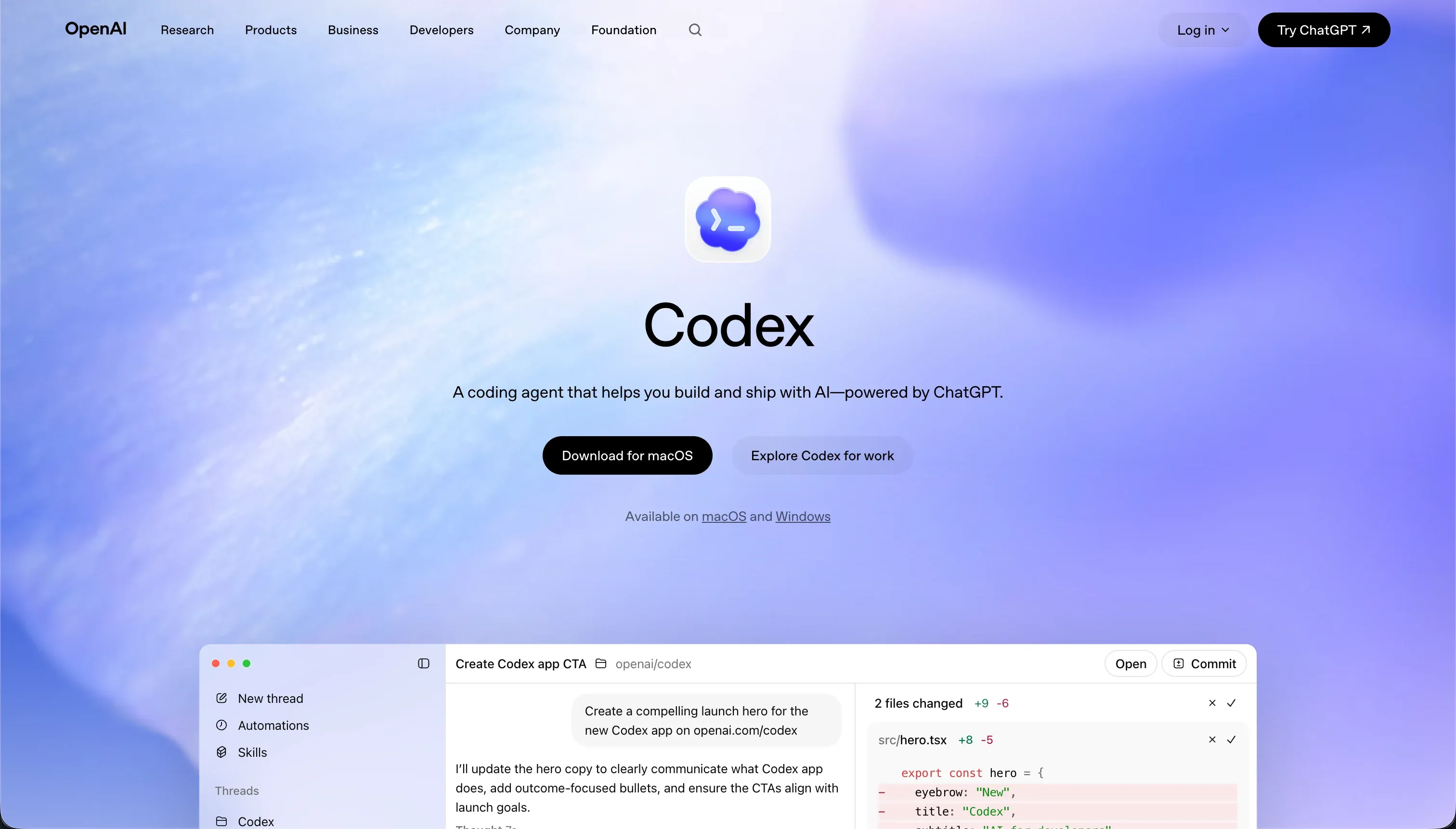 Codex homepage snapshot
To assist developers during actual product development, Codex acts as an autonomous terminal-based developer. It operates directly inside your local repository, running tests on isolated container branches and opening pull requests. Maintainability scores a strong 8.0 because everything maps to standard developer control flows.
However, ease of build scores a low 4.0; without manual code review and terminal experience, non-technical team members will be entirely blocked by its command-line nature.
4. Retool - best for backend data utility consoles and admin tools
 Retool homepage snapshot
For product teams managing high-density databases, Retool is the industrial standard. It secures a data and integrations score of 8.5 with its ability to read, join, and display disparate SQL databases and system APIs.
The structural exclusion is accessibility: with an ease of build score of 4.0, product managers without SQL or JavaScript proficiency cannot use it. Additionally, its per-seat pricing model is prohibitively expensive for teams looking to distribute dashboards to external customers.
5. Cursor - best AI-first development environment for software engineers
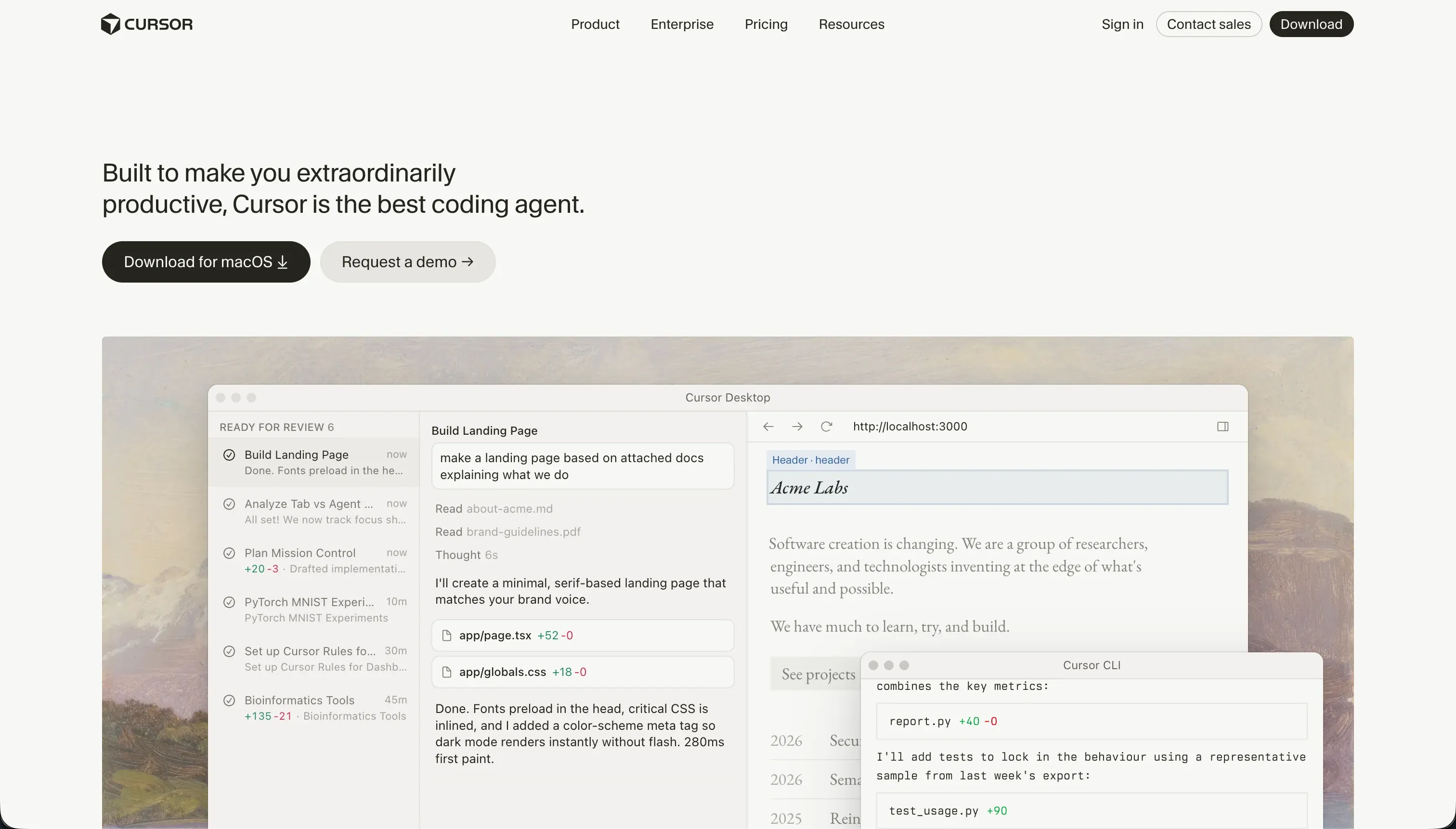 Cursor homepage snapshot
If your team has dedicated software engineers building the core product, Cursor is a superb accelerator. It indexes your entire repository to provide context-aware autocomplete, file generations, and refactoring scripts. Design flexibility scores 8.5 because the output matches any modern frontend framework.
However, ease of build scores 3.0; it is a developer IDE, not a no-code builder. It provides no managed database, hosting, or logins, leaving the technical burden entirely on your staff.
6. v0 - best for frontend component prototyping and visual design
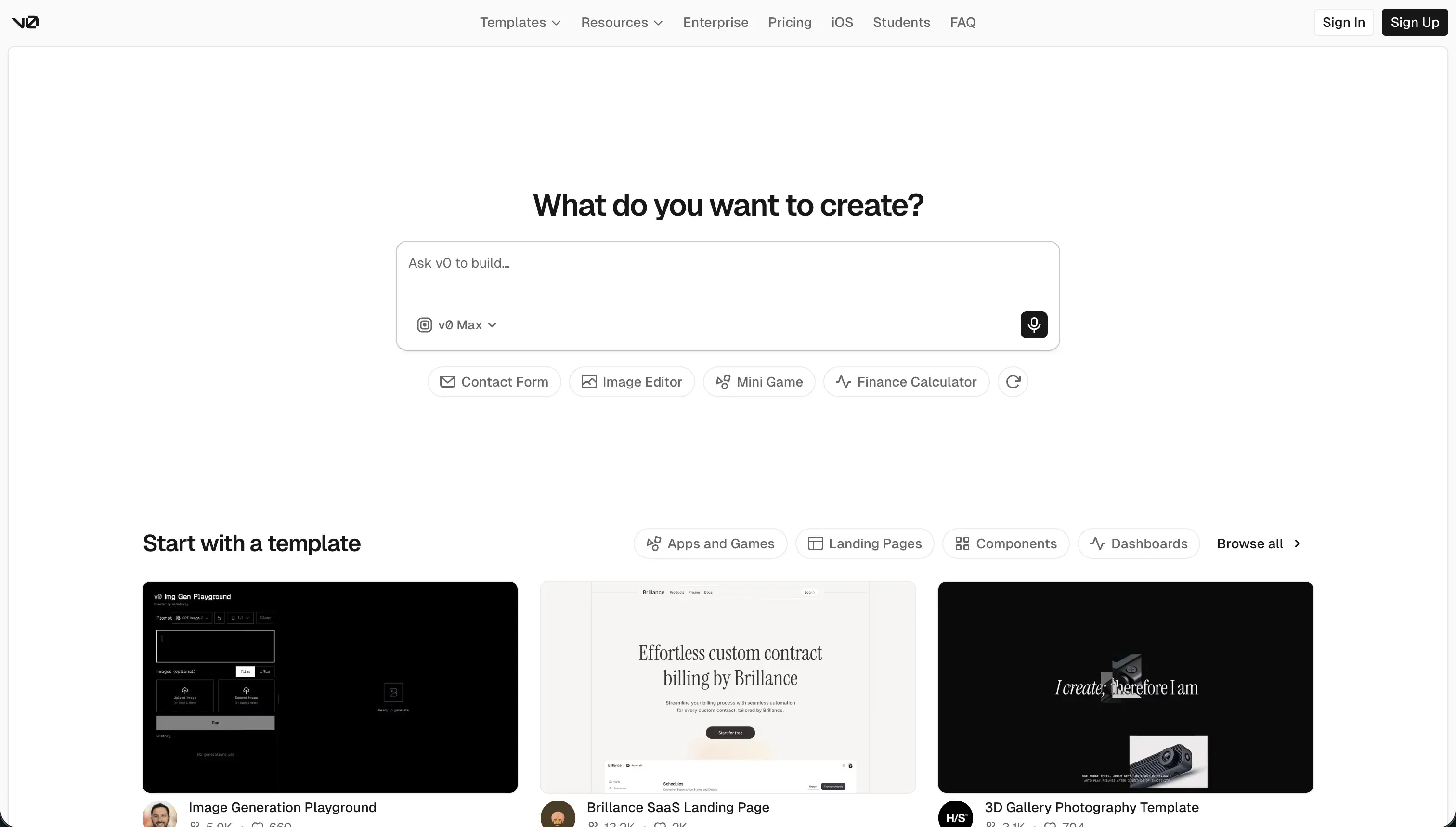 v0 homepage snapshot
As a designer’s block-to-code translator, v0 makes UI scaffolding exceptionally fast. It translates prompts or screenshots into styled React code, scoring 8.5 on design flexibility. However, it sits last for operational product use because it is solely a user-interface mockup generator.
It scores low on data and integrations (5.0) and security (4.0). Connecting the interface to a databases layer, implementing logins, and setting up server hosting remains manual developer work.
How to Shortlist and Prioritize Your Build Path
Choosing the correct tool requires analyzing who will build the software and where it will live on day two. If your task is to support modern product operations, including user-research dashboards, beta-testing gateways, and feedback tables, build on Softr. It allows non-technical managers to run business portals with zero code-maintenance issues.
If you are instead launching a custom, proprietary SaaS application, prioritize developer-grade environments. Teams with engineering resources should pilot Replit or Cursor to maintain code-level flexibility.
Review how we compare database control, user permissions, and developer environments by checking our comprehensive evaluation methodology. If you are scoping internal business utilities for startup teams, explore our guide on best app builders for startups and our breakdown of internal dashboards and reporting.