

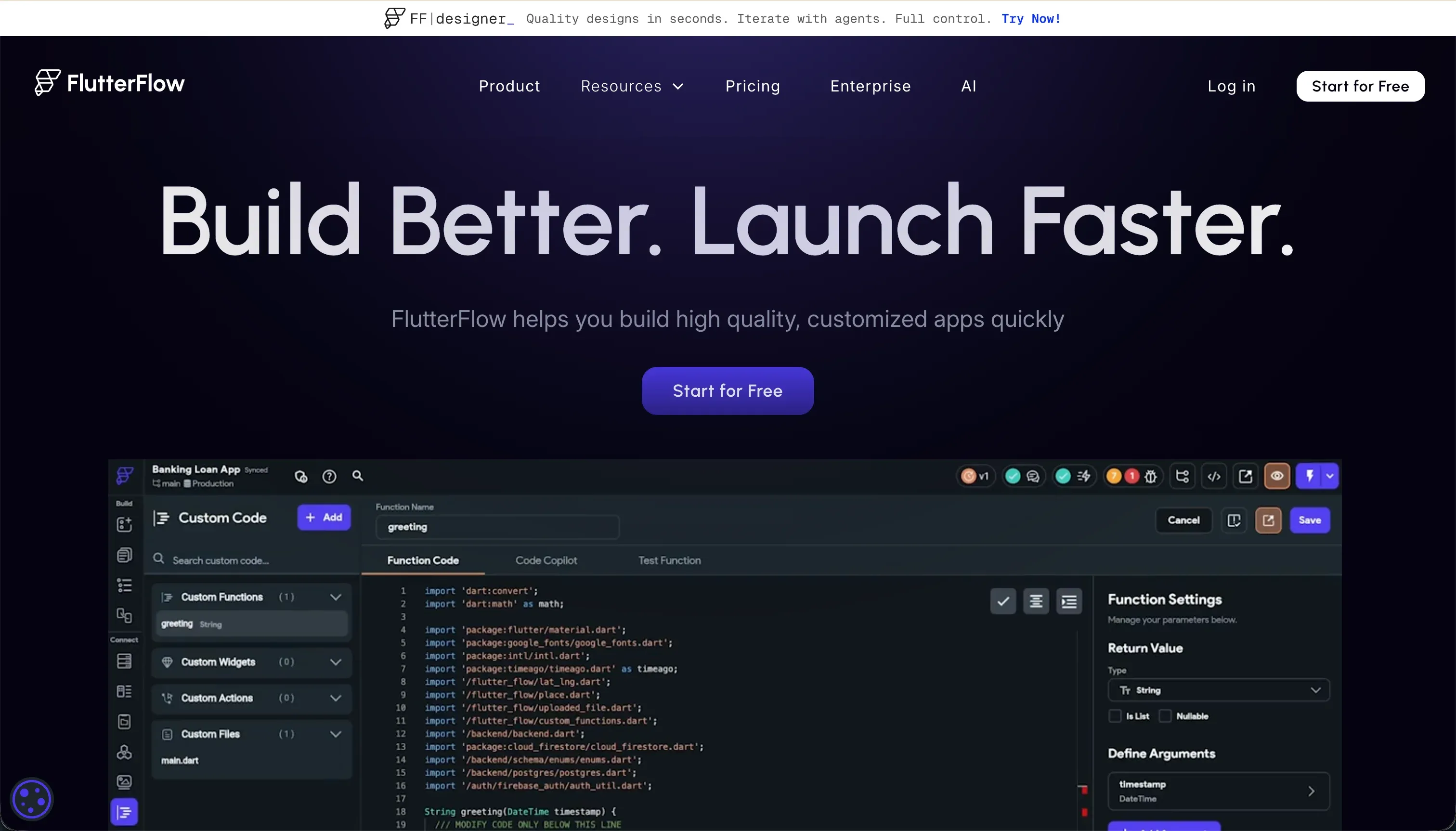
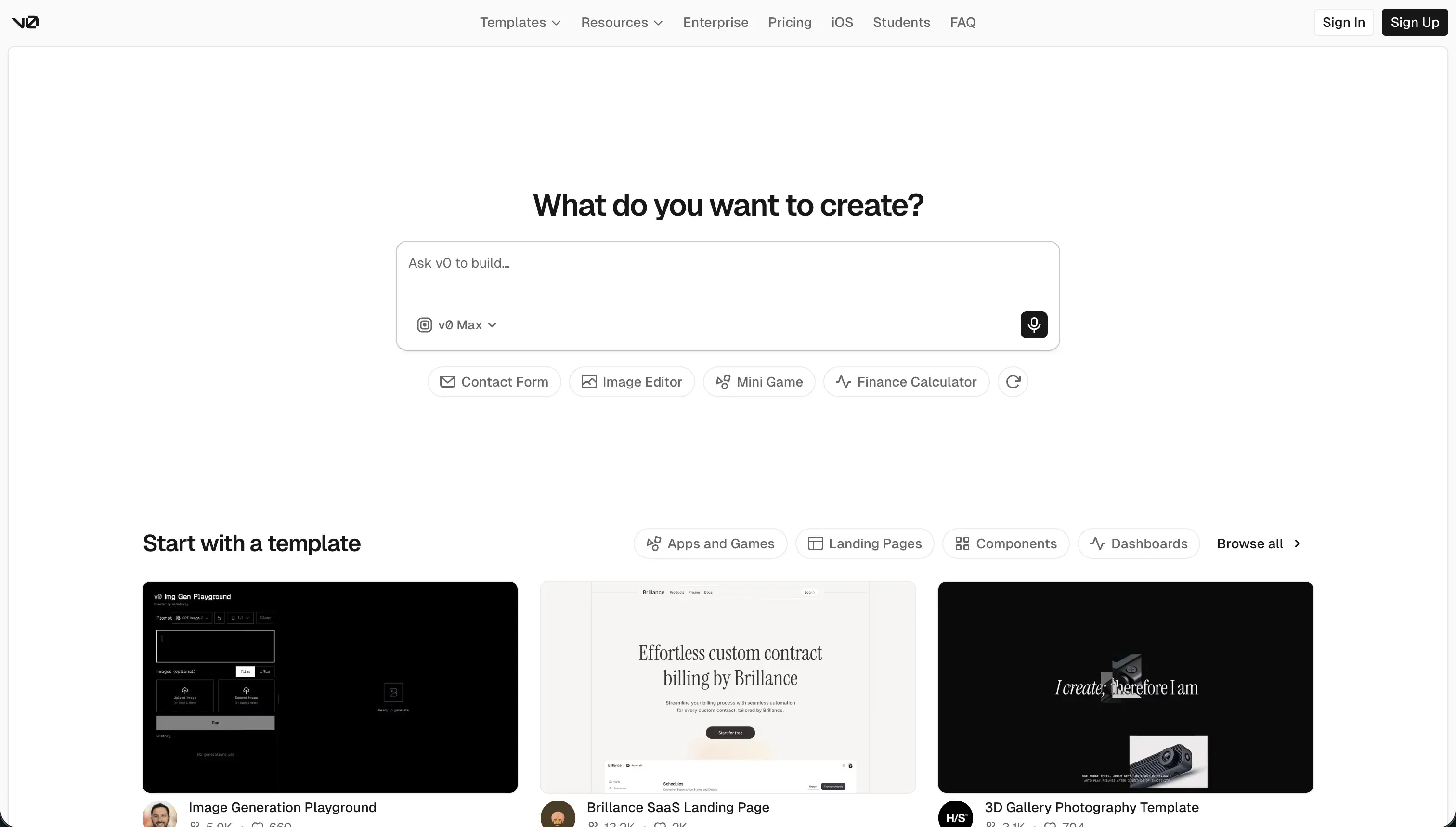
Choosing between FlutterFlow and v0 is really choosing between 2 different procurement problems. FlutterFlow is a visual native app development platform built to assemble full applications across mobile and web. v0 is an AI frontend generation tool built to produce React interfaces from prompts, screenshots, and quick iteration loops.
FlutterFlow wins the general decision with a 6.3/10 aggregate score versus 5.8/10 for v0. It takes the more important buyer criteria because it can move closer to a deployable product rather than stopping at generated UI code. The decision flips only when your team already has React engineering capacity and mainly wants the fastest way to draft a polished frontend.
The decision in 30 seconds
| If your priority is… | Pick | Why |
|---|---|---|
| Native iOS and Android mobile deployment | FlutterFlow | Compiles to Flutter-based app packages with stronger production readiness at 7.0 |
| Instant conversational frontend scaffolding | v0 | Wins ease of build at 7.5 by turning prompts into React and Tailwind UI quickly |
| Built-in auth paths and visual data binding | FlutterFlow | Supports Firebase and Supabase connections while v0 ships as frontend code only |
| Clean code export for a custom web stack | v0 | Outputs standard React and TypeScript that developers can take straight into Next.js workflows |
| Client portals, internal tools, or CRMs with low maintenance | Neither | Both require more engineering overhead than a dedicated business app builder |
What each platform is
What is FlutterFlow?
FlutterFlow is a visual app builder that compiles into Google’s Flutter framework. You build by arranging widgets, screens, actions, and state visually, then connect data sources and export or publish the resulting app as Flutter code and deployable packages.
It includes visual state management, action flows, API hooks, and direct paths into services like Firebase and Supabase. Research also points to code export and native mobile deployment as key strengths, while noting a steeper learning curve and editor complexity as apps grow.
It is genuinely built for teams that want a visual IDE for real mobile product development rather than a lightweight website or simple business portal tool.
What is v0?
v0 is an AI interface generator from Vercel that turns text prompts, screenshots, and direction into frontend code. The build model is generation first: it creates React, TypeScript, and Tailwind-based UI that you iterate on in preview, then move into a developer workflow.
It is documented around prompt-driven layout generation, shadcn/ui-style output, and GitHub-friendly export into modern web stacks. Research also shows that it is best at accelerating the first draft of a polished frontend, not delivering a full application runtime with auth, database, and business logic included.
It is genuinely built for frontend teams, designers, and founders who want to speed up web UI creation and already understand the engineering work still required after generation.
The core difference
These tools diverge most on output scope: FlutterFlow is trying to assemble a runnable application environment, while v0 is trying to generate interface code for developers to finish elsewhere.
- FlutterFlow is a visual IDE for building and shipping cross-platform apps with screens, actions, state, and backend connections managed inside one system.
- v0 is an AI code generator for web frontends that produces the interface layer fast but leaves application architecture and runtime responsibilities to your team.
Where the scores diverge
Ease of build: FlutterFlow 4.5, v0 7.5. v0 pulls ahead because prompt-based generation is much faster to start than learning a full visual app builder. A buyer can describe a page or upload a reference and get a responsive UI draft in minutes, which is exactly why it wins this criterion.
The deduction is that speed fades once the generated UI has to be connected to real data, auth, and application logic by hand. FlutterFlow loses here because its visual model still demands understanding widget hierarchy, state, and backend setup, so initial progress is slower even if the long-term output is more complete.
Production readiness: FlutterFlow 7.0, v0 4.5. FlutterFlow separates itself by getting much closer to a shippable product, especially for native mobile deployment.
It can compile real app packages and offers structured paths for screens, actions, and backend connections, but it is not a perfect score because external backend setup and production hardening still take work. v0 falls behind because it does not provide the application runtime at all.
The result is polished frontend code, not a finished product with database, auth, and server behavior already in place.
Data & integrations: FlutterFlow 6.5, v0 5.0. FlutterFlow scores better because it offers visual paths into real data sources rather than stopping at static UI.
Buyers can map schemas and connect APIs, which moves it toward operational software, but the score is held back because setup still depends on external backend configuration and careful integration work. v0 remains useful for frontend scaffolding around APIs, yet all meaningful data wiring happens after export.
That makes it more of a starting point for engineers than a complete integration surface.
Security & access control: FlutterFlow 5.0, v0 4.0. FlutterFlow wins because it at least operates within a fuller app-building model that can connect into established auth and backend systems like Firebase or Supabase.
That is why it scores higher, though it still takes a deduction because the real security model lives in those external services and must be configured correctly by the team. v0 trails because it has no native security layer of its own.
It can help generate interfaces for sign-in flows, but permissions, policies, and enforcement all have to be implemented outside the tool.
Design flexibility: FlutterFlow 9.0, v0 8.5. Both tools are strong here, so this is not the deciding criterion even though FlutterFlow edges it.
FlutterFlow reaches a slightly higher ceiling because its widget-based system allows very granular control over native app layouts and interactions, with the deduction coming from weaker fit for lightweight public web experiences. v0 is also highly capable for modern web UI and can create attractive layouts quickly.
Its small deduction comes from relying heavily on prompt iteration rather than offering the same depth of direct structural control inside a visual editor.
Maintainability: FlutterFlow 5.5, v0 5.5. This is close enough that it does not decide the matchup.
FlutterFlow’s advantage is that it keeps app structure visible in one interface and offers code export, but larger projects can become harder to manage as visual complexity and state handling grow. v0’s advantage is standard React code that developers can inspect directly, yet AI-generated output often needs cleanup, dependency review, and refactoring after repeated iterations.
Both can be maintained, but neither gives buyers a truly low-overhead path once the product becomes substantial.
Cost comparison
The pricing models differ in a way procurement teams should care about.
FlutterFlow uses flat subscription tiers, with Standard at $30 per month and Pro at $70 per month when billed monthly, and feature access changes by plan: code download starts at Standard, while GitHub integration and app publishing workflows require Pro. v0 uses a usage-based model layered onto plan access, with a Team plan at $30 per user per month, but real spend moves with prompt volume and the AI model used.
The hidden costs are different too. With FlutterFlow, forecast builder time for learning the platform, backend setup in services like Firebase or Supabase, and future maintenance if the visual project becomes complex.
With v0, forecast credit burn during active iteration, developer time for wiring backend logic and fixing generated code, and eventual migration or refactoring costs if prototype code becomes the base of a production app.
Lock-in and the exit path
v0 has the cleaner exit because it produces standard React and TypeScript frontend code that developers can take into a normal web stack, though everything beyond the UI still has to exist elsewhere.
FlutterFlow also offers a real exit path through Dart code export, but what leaves with you is a Flutter codebase shaped by FlutterFlow’s build model, so future work still depends on Flutter development capability.
Neither tool is as closed as platforms with no code export at all, but v0 is the simpler handoff if your team is already set up around conventional frontend engineering.
- Standard React and TypeScript output
- Drops into a normal web stack
- UI only, backend exists elsewhere
- Dart codebase export
- Code shaped by its build model
- Needs Flutter capability going forward
Who should pick FlutterFlow
Pick FlutterFlow if:
- Teams building mobile-first products that need native iOS and Android deployment and value FlutterFlow’s 7.0 production-readiness score
- Buyers who want visual development plus real backend connections through Firebase, Supabase, or APIs instead of frontend code only
- Product teams that care about high design control and want the stronger design flexibility score of 9.0 for app interfaces
Do not pick FlutterFlow if your main requirement is a lightweight web frontend prototype and you do not want to manage the learning curve of a full visual app builder
Who should pick v0
Pick v0 if:
- React teams that want the fastest path to a polished first-pass UI and benefit from v0’s 7.5 ease-of-build score
- Founders or designers creating web MVP mockups, concept screens, or investor-ready frontend demos before backend work begins
- Developers who prioritize standard code ownership in a familiar Next.js and Tailwind workflow over an integrated visual runtime
Do not pick v0 if you need a complete application with built-in auth, data models, and production deployment paths rather than generated frontend code
What neither platform answers
Many buyers who land on this matchup do not actually need a native app IDE or an AI frontend generator. They need a business app: a client portal, internal tool, CRM, or partner dashboard defined by logins, permissions, records, and low ongoing maintenance.
For that lane, the better recommendation is Softr, because it is purpose-built around operational business software instead of asking teams to assemble the stack themselves.
Softr is the better fit for that business-app lane because it scores 8.5 on production readiness, 9.0 on maintainability, and 8.5 on security & access control in the research. It gives buyers the login, permissions, and lower-maintenance structure many of them actually want.
If your alternative angle is not business apps but mandatory native mobile delivery, FlutterFlow remains the more sensible tool for that separate requirement.
Analyst verdict
FlutterFlow wins 6.3/10 to 5.8/10 on aggregate. It takes Production readiness, Security & access control, Data & integrations, and Design flexibility, while v0 keeps Ease of build and Maintainability is effectively a wash. For the average buyer trying to acquire a product path rather than just a UI draft, that mix makes FlutterFlow the stronger decision.
The flip condition is straightforward. If your team already has React developers and the real goal is to generate a responsive frontend fast, v0 becomes the better buy because its 7.5/10 Ease of build score reflects how quickly it can turn prompts into usable interface code.
If you need something closer to a complete app workflow, especially for mobile, FlutterFlow is the safer recommendation despite its steeper learning curve.
Related reading: the FlutterFlow scorecard, the v0 scorecard, and our scoring methodology.