

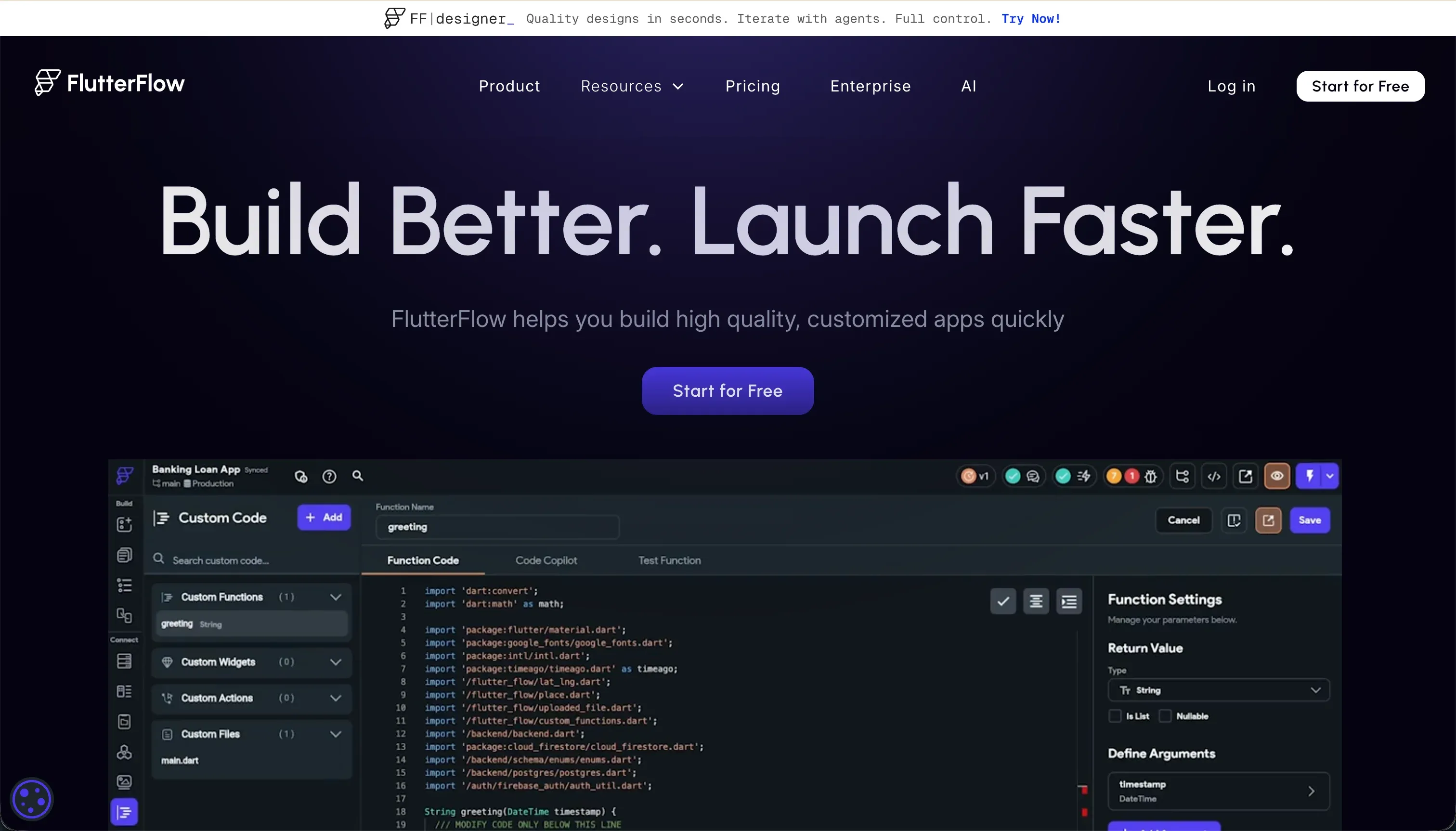
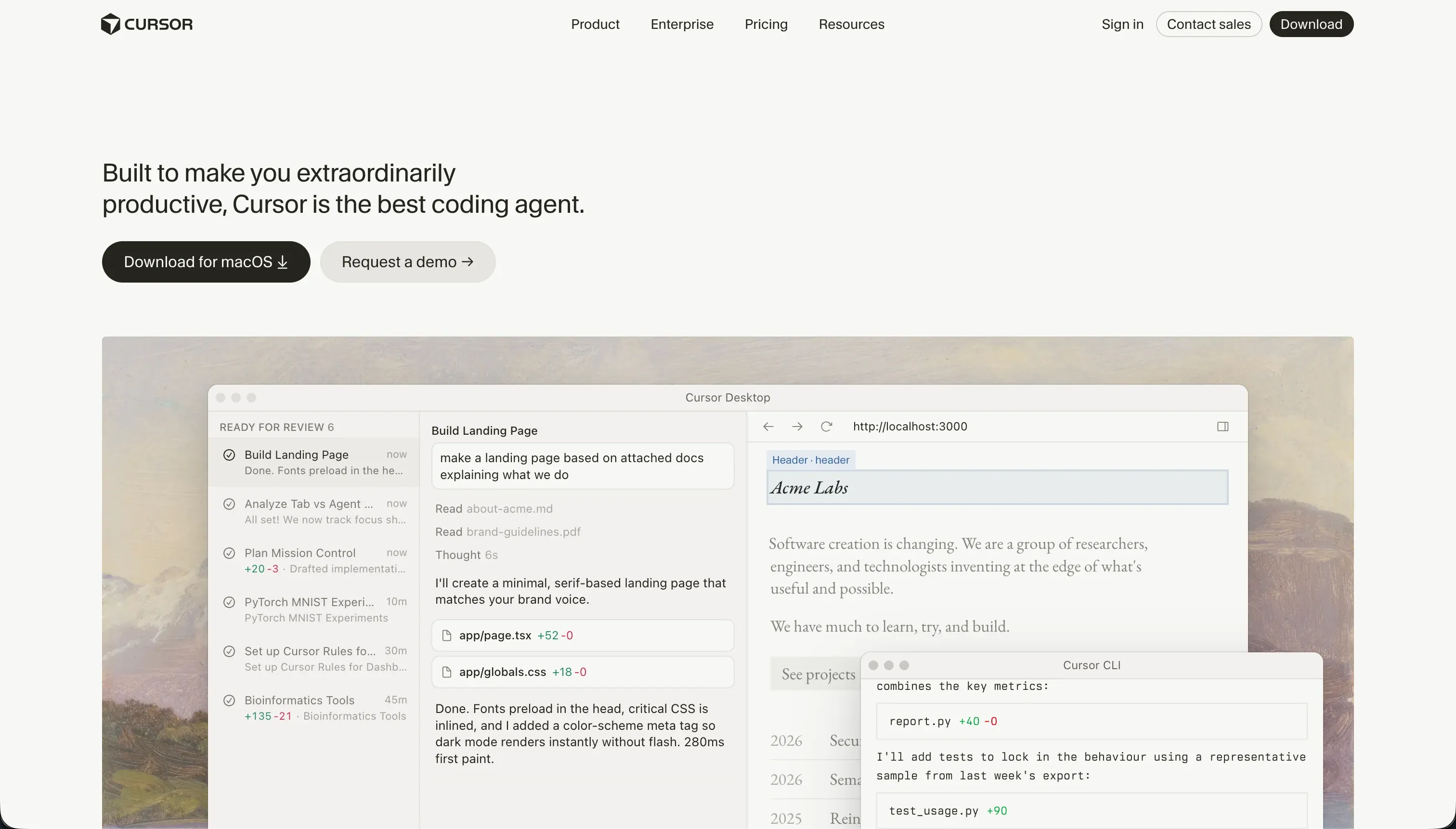
Understanding whether to build inside a structured visual system or directly in a raw code repository is the core decision when choosing between FlutterFlow and Cursor. FlutterFlow is a visual development IDE designed for compiling cross-platform mobile apps using Flutter and Dart.
Cursor is an AI-first code editor and development environment built on a fork of VS Code to accelerate traditional software engineering.
FlutterFlow wins the aggregate decision by a narrow margin, scoring 6.3/10 against Cursor’s 6.2/10 on our scorecard. FlutterFlow secures the victory primarily by reducing the complexity of mobile app packaging, hosting preparation, and App Store distribution pipelines.
For teams consisting of professional engineers who prefer complete codebase ownership and standard code repositories, the evaluation reverses in favor of Cursor’s raw editing capabilities.
The decision in 30 seconds
| If your priority is… | Pick | Why |
|---|---|---|
| Genuinely native iOS and Android apps with store deployment | FlutterFlow | It compiles directly to native Dart files with testflight pipelines |
| Professional repository and standard source code ownership | Cursor | You own regular files inside your Github repository with no platform lock-in |
| Development velocity inside a professional codebase | Cursor | Its AI Composer enables rapid editing across multiple files concurrently |
| Non-technical building without a developer background | Neither | FlutterFlow requires relational database and layout logic mastery, while Cursor requires local tooling execution |
| Granular roles, secure permissions, and flat billing | Neither | Both require manually architecting database row-level security or custom authentication systems |
What each platform is
What is FlutterFlow?
The platform FlutterFlow is a visual programming system built to compile cross-platform web and mobile applications from a drag-and-drop interface. Builders manipulate a structured widget tree containing layouts like containers, rows, columns, and stacks.
Rather than sitting on a web wrapper, FlutterFlow generates genuinely native mobile app packages using Google’s Dart language and Flutter framework.
FlutterFlow features native connections to Google Firebase and Supabase alongside customizable REST API integrations to supply data. The interface handles advanced visual logic configuration for transitions, local page state variables, and conditional workflows.
The platform is explicitly built for designers, freelancers, and product teams who want to build functional mobile frontends but require the reassurance of direct code export.
What is Cursor?
The program Cursor is an AI-first software development environment built as a native fork of VS Code. Instead of replacing the developer’s typical workspace, it embeds advanced language model capabilities directly into the editor for autocomplete, codebase semantic search, and multi-file refactoring.
It is a professional IDE designed to run on a local workstation, integrating standard extensions and CLI terminal compilers.
Cursor features the Cursor Composer, an AI agent system that can write, edit, and orchestrate code across multiple files in parallel to execute complex development tasks. It uses full-project context indexing to understand custom project configurations, database links, and third-party APIs.
Cursor does not compile packages or host databases; it is built for software engineers who read, review, and deploy custom repositories.
The core difference
The division between these systems rests entirely on whether you intend to work inside a visual application canvas or directly inside a raw code repository.
- FlutterFlow acts as a visual compiler that enforces Flutter widget tree logic and handles standard packages visually.
- Cursor is a locally run text editing engine that assists developers who are already writing and managing standard software files.
Where the scores diverge
Ease of build: FlutterFlow 4.5, Cursor 3.0. FlutterFlow outscores Cursor because it provides a visual canvas that handles layout geometry, button mapping, and action sequences without requiring syntax typing.
However, its 4.5 score represents a steep learning curve that demands a firm grasp of Flutter widget rules, backend connections, and state management, plus debugging without helpful error messages. Cursor scores a 3.0 because it is a professional development IDE that makes no attempt to simplify the build process for a non-technical user.
It assumes you can run compilation terminals, manage developer packages, and debug errors manually; if you lack these engineering fundamentals, it is the hardest tool to use on this site.
Production readiness: FlutterFlow 7.0, Cursor 6.0. FlutterFlow scores 7.0 for compiling directly to native iOS and Android files and supporting codeless deployment pipelines straight to TestFlight and Google Play.
It loses points because authentication setup and database security rules are not turnkey and must be manually configured within Firebase or Supabase. Cursor scores 6.0 because it provides zero runtime infrastructure like databases, hosting, or server scaling.
Whether the app is production ready rests entirely on the engineer’s skill, and reviewers warn that Cursor’s multi-file Composer agent can introduce unintended regressions in remote configuration files that require careful rollbacks before deployment.
Maintainability: FlutterFlow 5.5, Cursor 6.5. Cursor scores 6.5 because you own normal source files hosted in standard Git repositories, meaning your exit path is completely standard. It excels at local refactoring and automated test generation, though AI edits to configuration files still require careful engineer review to avoid dependency loops.
FlutterFlow scores 5.5 because directly editing visual trees remains deterministic but becomes laggy in the browser editor once a project grows beyond roughly a dozen screens. Additionally, state management complexity multiplies as the app expands, making complex visual maintenance cumbersome in comparison to Cursor’s search-and-replace refactoring.
Data & integrations: FlutterFlow 6.5, Cursor 7.5. Cursor scores 7.5 because it operates within a standard codebase, meaning developers can implement any library, API, or custom backend integration the programming language supports. It sits below the maximum only because every connection requires manual coding rather than visual mapping.
FlutterFlow scores 6.5 because it streamlines Firebase and Supabase connections, but preparing database rules and mapping authentication tables remains a manual technical task, and integrating non-supported databases requires custom API engineering.
Security & access control: FlutterFlow 5.0, Cursor 5.5. Cursor scores 5.5 because the security configuration has an unbounded ceiling inside custom code, but nothing is provided out-of-the-box. Developers must architect all login wrappers and permission middleware manually.
Cursor also presents compliance friction for corporate teams, who cite difficulty securing code-scanning approval even with privacy mode active. FlutterFlow scores 5.0 because it provides only the application-side hooks rather than server protections.
Authentication models and row-level database security rules must be manually and independently configured within the Firebase or Supabase console, exposing negligent builders to data leaks.
Design flexibility: FlutterFlow 9.0, Cursor 8.5. FlutterFlow scores 9.0 because it provides deep visual control over native mobile widgets, granting builders the absolute highest mobile design ceiling on this roster. Its only performance bottleneck is web rendering, which loads heavily due to CanvasKit compilation.
Cursor scores 8.5 because the design freedom of raw frontend code is absolute. However, realizing this design rests entirely on the engineer’s skill in writing style configurations rather than the editor’s capacity to assist.
Cost comparison
FlutterFlow operates on flat licensing plans starting at $22/month (Standard) for APK downloads and code exports, scaling to $50/month (Pro) for teams with push notifications and direct TestFlight deployment. Its bills are highly predictable and do not fluctuate based on user levels or execution queries.
The primary cost factor is the external database pricing (Firebase or Supabase), which begins with generous free tiers but scales dynamically based on read-write bandwidth and database storage volume.
Cursor uses an AI query credit tier starting at $20/month for 500 fast requests. When these fast requests are consumed, users revert to slow queries, which reviewers note can become too laggy, forcing teams to upgrade to higher tiers like Pro+ ($60) or Ultra ($200) to keep pace. Enterprise teams should expect a flat licensing fee of $40/seat/month.
Buyers must also factor in the cost of local machine hardware, cloud hosting tiers on Vercel or Railway, and database bills, as Cursor does not host the assets it helps generate.
Lock-in and the exit path
Cursor offers the cleanest lock-in profile because you compile standard React, Python, or standard language repositories on local hardware. The code is entirely independent of Cursor, and leaving the tool requires nothing more than switching to another code editor.
FlutterFlow also provides clean Dart code export on Pro plans ($50+/month), permitting teams to download packages and transition to standard local development. Rebuilding is only required if you choose to transition away from the Flutter framework itself.
- Standard React, Python or other repos
- Code runs on local hardware
- Fully independent of Cursor
- Leaving means switching editors
- Dart code export on Pro plans
- Pro costs $50+/month
- Download packages, go local
- Rebuild only if leaving Flutter
Who should pick FlutterFlow
Pick FlutterFlow if:
- Product managers and designer-builders who want to ship native mobile apps with direct App Store pipelines.
- Makers who want a visual design interface to draw layout widgets without typing the underlying Dart markup.
- Teams using Firebase or Supabase who need visual controls to assemble frontends on top of real relational databases.
Do not pick FlutterFlow if your primary product is a public, search-indexed website or web portal, as the heavy compiled Flutter Web outputs struggle with initial load latency.
Who should pick Cursor
Pick Cursor if:
- Professional software engineers who want context-sensitive autocomplete and semantic search inside highly complex repositories.
- Developers looking to accelerate code refactoring, package testing, and API calls within standard IDE workspaces.
- Teams that already possess standard code repos and require local development power without being locked into custom engines.
Do not pick Cursor if you cannot read terminal outputs, deploy database instances, or debug standard compilation errors, as the editor provides no visual setup guides or turnkey hosting.
What neither platform answers
Both FlutterFlow and Cursor are developer-centric systems where the builder represents the developer. FlutterFlow requires the visual assembly of widget routes and state variables, and Cursor requires manual coding of APIs, deployment environments, and custom servers.
If you are a business operator trying to build a client portal, an internal ticket tracker, or an operational CRM to replace custom spreadsheets, both systems represent immense technical overhead and long learning curves.
For business operations, a visual system with pre-built user logins, secure groups, and native databases like Softr scores 7.0 or higher across production readiness, maintainability, and security out-of-the-box.
Softr replaces custom relational configurations with visual blocks (tables, kanbans, forms) that are secure, multi-tenant, and responsive on day one, allowing non-technical managers to build software without developer assistance.
For complex database tracking, Airtable paired with Softr represents a far more maintainable operational suite than managing Firebase rules built in FlutterFlow or setting up NextAuth servers with Cursor.
Analyst verdict
FlutterFlow wins this head-to-head comparison on our scorecard, averaging 6.3/10 against Cursor’s 6.2/10. FlutterFlow earns its victory from superior production readiness (7.0 vs 6.0) and visual ease of build (4.5 vs 3.0), providing pre-configured app store pipelines and structured widget configurations that reduce typical mobile compilation failures.
Cursor remains a power-user environment with superior data integration capabilities (7.5 vs 6.5) and cleaner export paths, but its lack of pre-built components or turnkey hosting limits its utility to engineers.
The decision is decided by role: choose FlutterFlow if your target format is a native mobile app for app stores and you want to build it using visual logic; choose Cursor if you are an engineer who needs a standard, local IDE to edit custom repositories. For operational portals and internal tools, bypass both platforms and deploy Softr to avoid developer requirements entirely.
Related reading: the FlutterFlow scorecard, the Cursor scorecard, and our scoring methodology.