


What engineering teams actually need
Engineering teams approach application building with a highly technical set of requirements. Unlike general business users, software developers rarely seek a platform that hides the codebase.
Instead, their efficiency relies on how easily a tool integrates into established development workflows, versions changes within a repository, and interfaces with existing production infrastructure. Our comparison scales these tools against this specialized engineering mindset.
To align these platforms with real engineering workloads, we map them directly to our six criteria. Security and access control demands isolation of connection strings and granular permission settings on server-side queries. Data and integrations evaluates how naturally a platform connects to bespoke relational databases and REST endpoints without custom wrapper code.
Maintainability is the decisive factor: changes must sync with clean Git histories rather than languishing inside private clouds. Design flexibility should grant unrestricted frontend execution back to the developer, while production readiness assesses real servers and deployment stability.
While ease of build is often prized by non-technical teams, developers look for the opposite. An engineering team should ignore simplifications that prevent direct code customizability. The primary choice is between terminal-native agentic loop coding and high-performance visual IDE workspace solutions.
The use-case comparison
| Platform | Overall | Advantage | Main reason to exclude it |
|---|---|---|---|
| Codex | 7.1 | Runs parallel container tests, native pull request pipelines | No visual interface, manual review needed for every line |
| Cursor | 6.2 | Full-repo indexing, familiar VS Code fork ecosystem | No built-in hosting, database setup is entirely manual |
| Claude Code | 6.6 | In-terminal Git actions, prompt approval checks | Context compaction in large projects drops constraints |
| Replit | 7.4 | Fast cloud hosting, managed PostgreSQL with rollbacks | AI billing credit spikes during automated debug loops |
| Retool | 6.8 | Direct read-write SQL access, 100+ data-dense tables | External portal logins must be coded by hand |
| Softr | 8.1 | Visual roles, server-side data permissions, flat pricing | No code export, restricted layout templates |
1. Codex - best for git-native pipeline automation
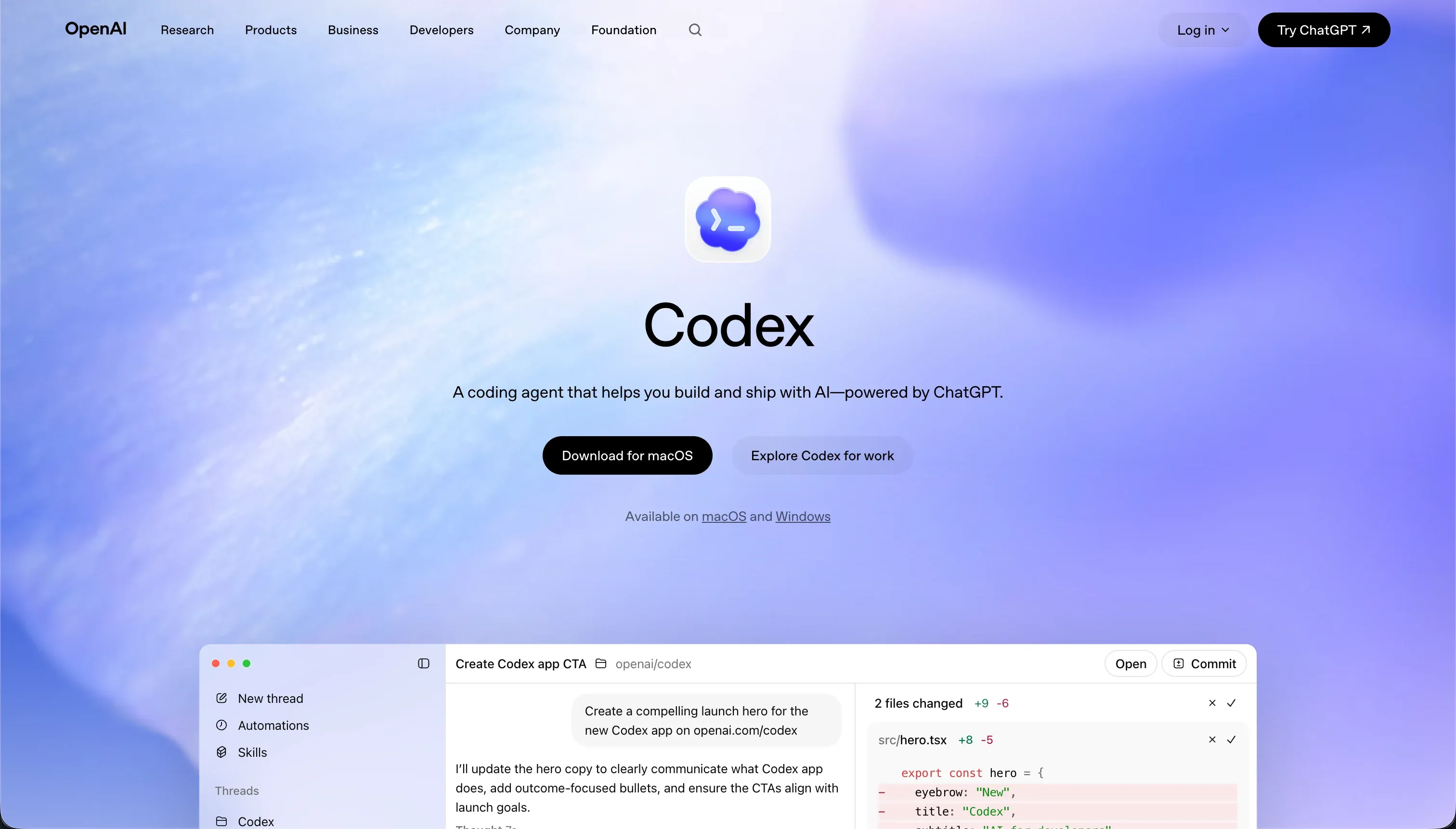 Codex homepage snapshot
Operating as OpenAI’s terminal-based coding assistant, Codex integrates directly into existing engineering rigs. It delivers a strong maintainability score of 8.0 because it creates native git branches, runs diagnostic tests, and submits clear pull requests within standard repository pipelines.
Design flexibility reaches a near-perfect 9.0 since the ultimate output is raw application code built on your preferred framework. However, security & access control is rated at 6.0 because executing terminal prompts locally introduces sandbox script liabilities, and team-level user authentication is code the developer must manually construct and secure.
Non-technical teams must exclude this tool, as it has no visual canvas and is unusable without technical coding skills.
2. Cursor - best ai-first code editor for developers
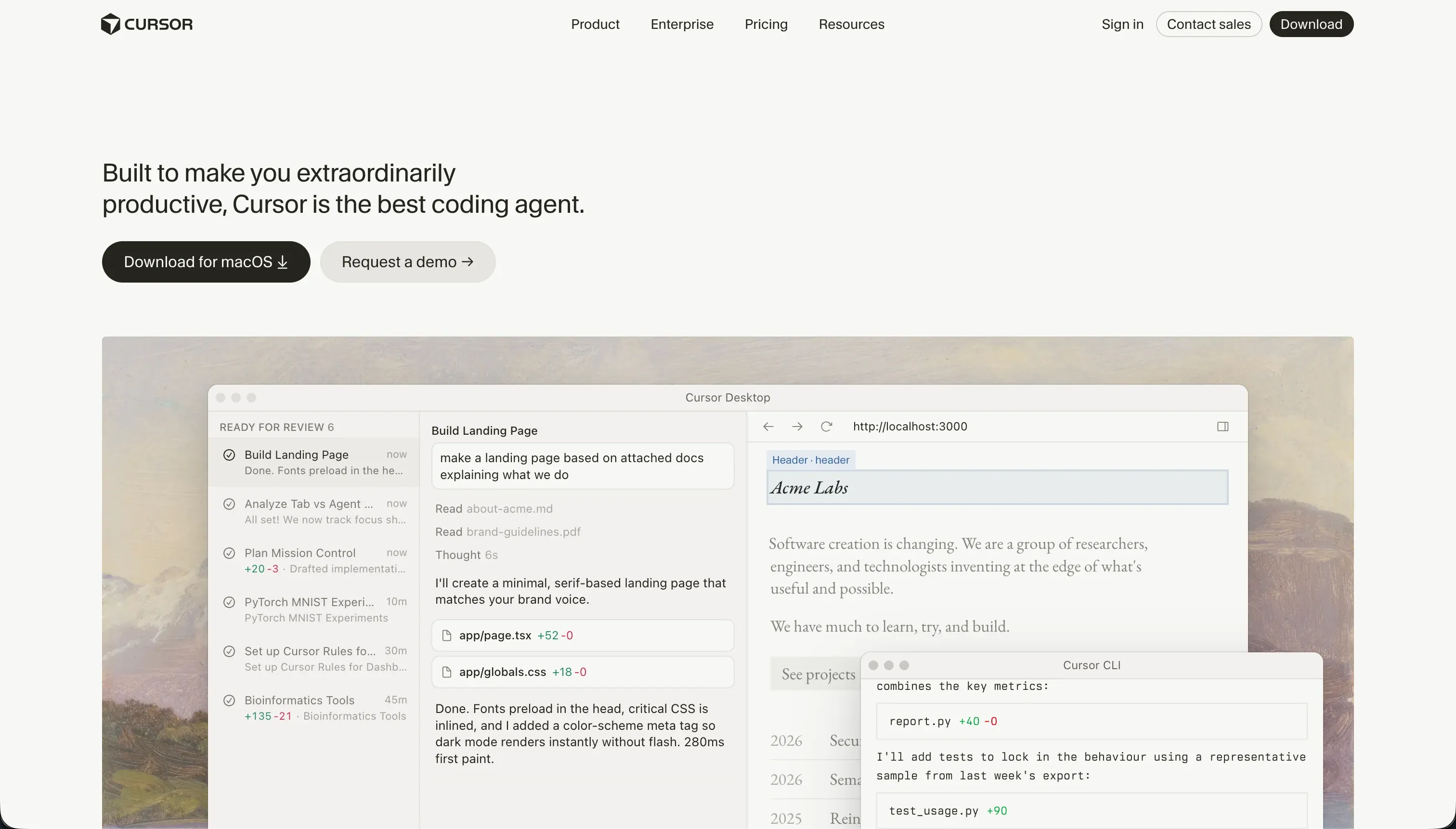 Cursor homepage snapshot
Built as a direct fork of VS Code, Cursor indexes your entire directory to provide context-aware edits and multi-file composer generations. Its design flexibility score of 8.5 guarantees unbounded frontend styling, while data & integrations indexes at 7.5 since you can run any SDK or driver the language community maintains.
The production readiness penalty of 6.0 reflects that the tool provides zero turnkey hosting or pre-wired DB instances; deploying the code requires manual infrastructure engineering. Security & access control scores a mid-tier 5.5, and compliance teams frequently raise intellectual property flags regarding continuous AI codebase scanning, meaning regulated enterprises must evaluate this onboarding step cautiously.
3. Claude Code - best terminal-native agentic command-line tool
 Claude Code homepage snapshot
Anthropic’s CLI-native assistant, Claude Code, acts directly on files and runs test suites inside your terminal. It achieves a design flexibility rating of 9.0 by generating clean React, Vue, or backend stack code, and data & integrations scores 8.0 through direct terminal execution support.
Security & access control scores a stable 6.0 due to clear per-action approval prompts that verify commands before firing. Maintainability sits at 6.5 because the agent suffers from context compaction in large repositories, meaning it can drop project rules during prolonged refactoring operations. Do not deploy this CLI helper if you require instant out-of-the-box infrastructure deployment.
4. Replit - best hosted workspace for complete app deployment
 Replit homepage snapshot
As a cloud-hosted development environment, Replit uses an autonomous agent to build and host full modern codebases. Its production readiness score of 8.0 is powered by managed PostgreSQL database backings, custom-domain configurations, and autoscaling infrastructure.
Maintainability remains strong at 7.5 because you own the underlying code files and can export them out of the browser workspace at any moment. Security & access control is rated 6.0 because roles and permissions must be built into the database middleware code rather than set up through a visual panel.
Teams must avoid Replit if they operate on fixed pricing patterns, as agent debug cycles can trigger sudden billing spikes.
5. Retool - best for visual developer utilities and database admin sheets
 Retool homepage snapshot
Retool is the premier tool for developer teams seeking to build back-office interfaces on top of live databases. It delivers an excellent data & integrations score of 8.5 by reading SQL databases directly and organizing complex API calls. Security & access control scores 7.5 on Enterprise, featuring SAML SSO, audit logs, and self-hosted VPC deployments.
The maintainability score is restricted to 6.0 because large projects scatter custom JavaScript and complex queries across UI pages, making troubleshooting a challenge. Exclude Retool if you are deploying external client portals, as its per-seat pricing scaling makes external licensing cost-prohibitive.
6. Softr - best for engineering operations and internal non-dev builders
 Softr homepage snapshot
While not a code-generator, Softr handles the development of internal portals and operations databases without consuming engineering resources. It earns a maintainability rating of 9.0 and a security rating of 8.5 by shipping pre-built authentication, user routing, and Visual User Groups.
Data & integrations lands at 8.0 because it connections directly with Softr Databases, SQL servers, and REST APIs.
Design flexibility is a checked 5.5, as apps are structured from visual blocks instead of custom pixel canvases. Software engineers should not select Softr if code export or custom backend framework ownership are required, but it is an exceptional solution for freeing dev teams from internal tool queues.
How to select your engineering toolkit
Shortlisting a platform for professional software developers means evaluating the handoff interface and checking code export capabilities. For teams that want to build bespoke SaaS products while retaining full git tracking, a combination of Cursor and Replit offers the most complete cloud sandbox.
If your engineering backlog is dominated by back-office staff requesting customer portals, deploying Retool or Softr represents the safest path to clear dev queues without introducing security or database maintenance liabilities.
Every evaluation must test codebase health under stress. Verify your shortlist by checking how each agent behaves in multi-file refactors, and check our grading methodology to see how we weigh developmental complexity. For related use-case analyses, explore our evaluations on product teams and web apps.