


What Native iOS App Development Actually Requires
A true native iOS app is not just a mobile friendly website in a narrow frame. For this use case, the platform must help you ship a real installable application, manage mobile specific UI patterns, and survive Apple’s review and release process.
That means buyers should focus less on generic no code claims and more on whether the product can produce binaries, handle app state cleanly, integrate with mobile services, and support ongoing updates after launch.
We map that need to six criteria. First is design flexibility, because iPhone apps rely on responsive component trees, navigation stacks, gestures, and screen specific layouts rather than standard desktop pages. Second is ease of build, which matters if a non technical team needs to assemble flows without getting stuck on state, schemas, or package setup. Third is maintainability.
Mobile apps change often, so exported code, clean project structure, and manageable updates matter more here than in simple internal tools. Fourth is production readiness, covering build pipelines, testing, deployment, release management, and support for App Store workflows such as TestFlight.
Fifth is security and access control. Native apps often handle sign in, device tokens, user data, and API credentials, so weak permission models create real risk. Sixth is data and integrations, since most serious iOS apps need authentication, push notifications, analytics, payments, or connections to external APIs and databases.
The best platforms for this use case are the ones that balance real mobile delivery with enough control to keep the app stable after version one. That is why visual tools that export code or compile through established mobile frameworks rank above web app builders that only imitate native behavior.
The use-case comparison
| Platform | Overall | Advantage | Main reason to exclude it |
|---|---|---|---|
| FlutterFlow | 6.3 | Visual builder that compiles through Flutter and supports code export | Requires more comfort with backend setup and app state than simple no code tools |
| Replit | 7.4 | Best path for teams that want standard code, AI assistance, and long term ownership | More technical and less guided for non developers building mobile UI |
| VibeCode | 6.1 | Fast prompt based app generation for early mobile concepts | Generated app logic can become harder to inspect as complexity grows |
| Adalo | 4.6 | Very approachable mobile app builder with submission support | Performance, scalability, and flexibility trail the leaders |
| Bubble | 6.8 | Excellent workflow and database logic for complex products | Not a native iOS packaging platform and usually relies on wrappers |
| WeWeb | 6.2 | Strong frontend design control with exportable web code | No direct native iOS build path and requires an external backend stack |
1. FlutterFlow - best overall native ios app builder
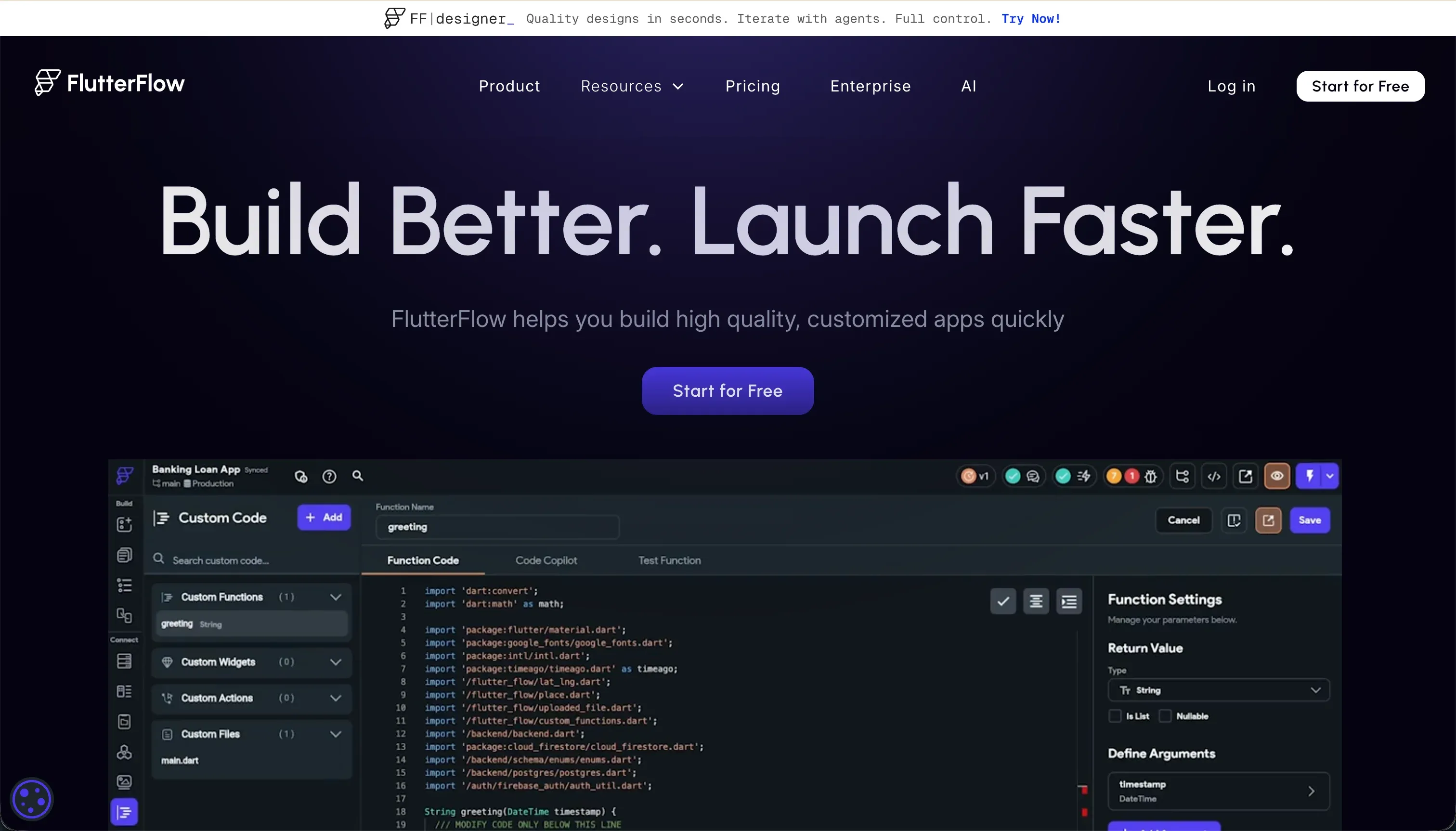 FlutterFlow homepage snapshot
FlutterFlow ranks first because it is the strongest visual platform for producing real mobile apps without giving up code ownership. It scores especially well on design flexibility and production readiness because its UI builder maps closely to Flutter components, making it easier to create navigation patterns, responsive screens, and app like interactions that behave properly on iPhone.
Maintainability is also a major reason it leads. Paid plans let teams export the underlying Dart code, which reduces long term platform risk and gives engineering teams a clean path to continue development outside the builder.
It is not the easiest option for complete beginners. Compared with simpler mobile builders, FlutterFlow expects users to understand data models, state handling, API configuration, and backend permissions.
Security and access control are only as good as the Firebase, Supabase, or custom backend setup behind the app, so buyers should not assume the visual layer solves everything. That caveat matters for apps with sensitive user data or complex account roles.
Exclude FlutterFlow if your team wants a pure drag and drop experience with almost no technical concepts, or if your app is really an internal browser based workflow rather than a native mobile product. In those cases, the extra setup can feel heavier than the benefit.
2. Replit - best for teams that want full code ownership
 Replit homepage snapshot
Replit comes second because it is the strongest option here for teams that prioritize standard code, flexibility, and developer control over a visual canvas. Its AI assisted workflow can accelerate project setup, generate app logic, and help with debugging, but the biggest advantage is that you are still working in a normal code environment rather than a proprietary runtime.
That gives Replit high maintainability and strong data and integrations potential. If your team wants to connect custom APIs, authentication services, analytics, or third party mobile tooling, Replit offers far fewer structural limits than visual builders.
It also scores well on production readiness for technical teams because deployment, collaboration, and iteration are straightforward once the architecture is in place. The tradeoff is ease of build. Replit is not the right tool for a non technical operator who wants to assemble an iPhone app from UI blocks.
Mobile packaging, native dependencies, and release issues may still require hands on engineering work. Cost predictability can also be weaker if your team leans heavily on metered AI usage.
Exclude Replit if you need a guided no code builder for designers or business users, or if you want an app assembled visually with minimal developer involvement. In those scenarios, FlutterFlow is usually the better fit.
3. VibeCode - best prompt driven mobile prototype builder
 VibeCode homepage snapshot
VibeCode earns third place because it lowers the barrier to creating an iOS app concept faster than most traditional builders. Its main appeal is speed. Users can describe screens, flows, and features in plain language and get a working mobile shaped product far sooner than they would by assembling every component manually.
That gives it a strong ease of build score for early stage founders and product teams that want to validate an idea before investing in full engineering resources.
It also performs reasonably well on design flexibility for a prompt first product, and it can help teams move from concept to testable prototype without writing Swift. Where it loses ground is maintainability and governance. As requirements grow, generated logic can become less transparent, making debugging, security review, and structured handoff more difficult than with exported Flutter code or a standard codebase.
Production readiness is acceptable for simple releases, but serious teams should still review generated output carefully before submission.
Exclude VibeCode if your app needs strict security controls, advanced enterprise authentication, or a long product roadmap with many edge cases. It is strongest when the goal is fast mobile validation, not when the app is expected to become a deeply governed software asset from day one.
4. Adalo - best for simple mobile mvps
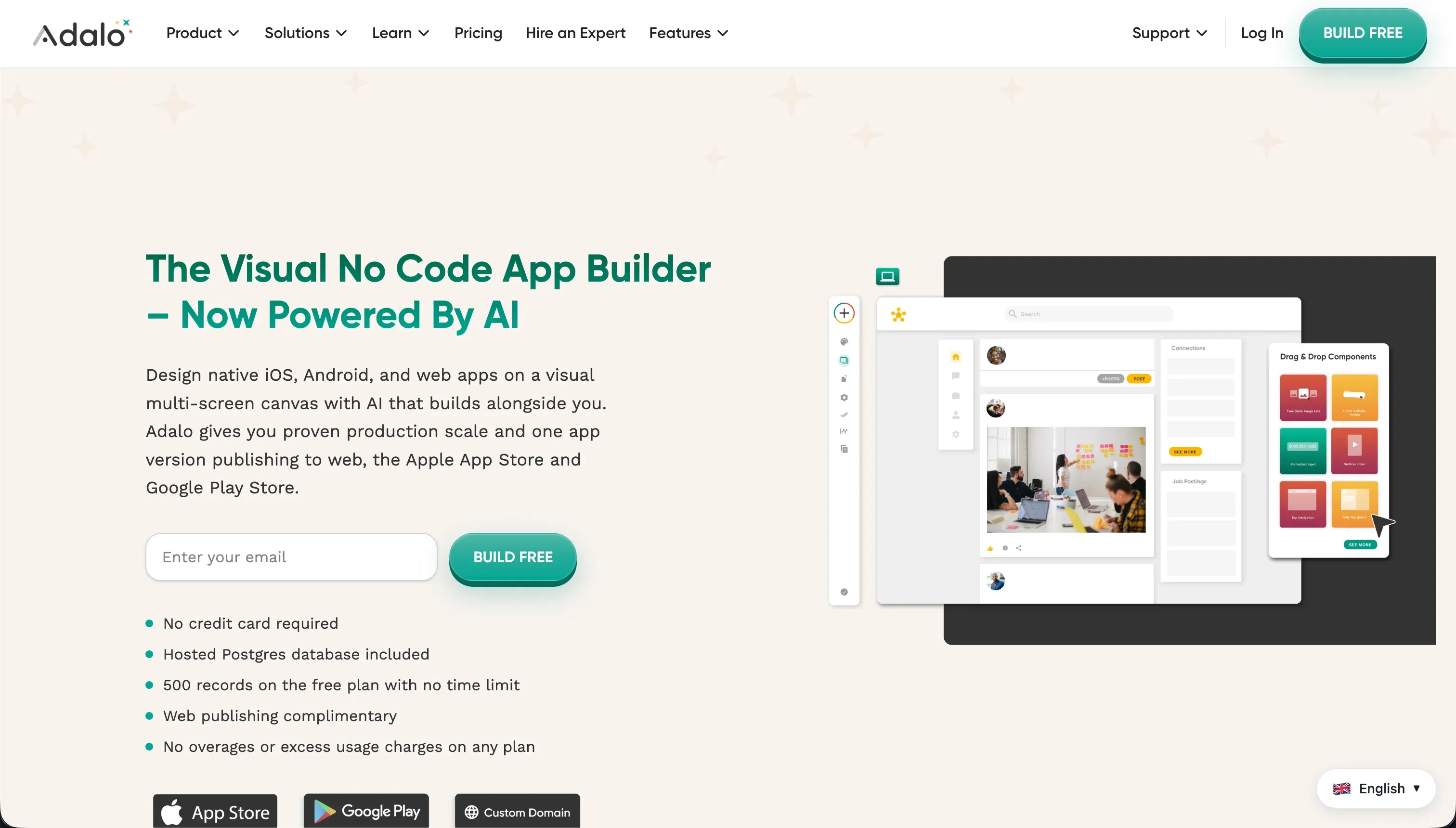 Adalo homepage snapshot
Adalo remains relevant because it is one of the easiest ways for non technical users to turn a simple app idea into something that looks and feels mobile. It scores well on ease of build thanks to its approachable editor, clear structure, and straightforward publishing workflow.
For founders testing a lightweight directory, booking flow, or membership concept, that speed can be valuable. It also has a better native mobile orientation than most general no code web app platforms, which is why it places ahead of Bubble and WeWeb for this specific use case.
The problem is that Adalo falls behind quickly as the app becomes more demanding. Production readiness is weaker than the top three because performance issues, complex data relationships, and interface lag can become painful under real usage. Design flexibility is serviceable, but not especially strong for polished consumer grade apps.
Maintainability also drops as custom integrations and logic complexity increase. Security and access control are basic compared with platforms that rely on more mature backend services.
Exclude Adalo if you expect heavy transaction volume, advanced workflows, or a product that must scale smoothly after launch. It is best treated as a fast MVP tool for simple mobile products, not as the safest long term foundation for a serious iOS application.
5. Bubble - best workflow builder with major native tradeoffs
 Bubble homepage snapshot
Bubble places fifth because it is excellent software for building complex product logic, but it is not a true native iOS app builder. On its own terms, Bubble scores strongly for data handling, workflow depth, and customization. It is one of the most capable no code platforms for user accounts, relational data, approvals, marketplaces, and operational logic.
If the question were about web apps alone, Bubble would rank much higher.
For native iOS apps, though, the limitation is fundamental. Bubble is web first, so shipping to iPhone usually means relying on wrappers or hybrid approaches rather than compiling a genuinely native mobile codebase.
That weakens its score on production readiness for this use case, and it also creates compromises around performance, offline behavior, and access to certain mobile device features. Maintainability can be good inside the Bubble ecosystem, but long term code ownership is limited because there is no standard native code export path.
Exclude Bubble if your product strategy depends on App Store quality mobile performance, offline support, or a clean native architecture. It still makes sense when the app experience is secondary to workflow depth and the core product can live comfortably as a web application with mobile access.
- Deep workflow and approvals
- Strong data handling and relational data
- High customization
- Suits marketplaces and internal logic
- Ships via wrappers, not native code
- Weak offline support
- Limited access to device features
- No standard native code export
6. WeWeb - best frontend control for web first teams
 WeWeb homepage snapshot
WeWeb ranks sixth because it is a strong visual frontend builder, but it does not meet the native iOS use case as directly as the other mobile oriented options. Its biggest advantage is design flexibility. Teams that care about polished interfaces, structured frontend development, and code export can do a lot with WeWeb.
It is especially attractive to agencies or product teams that want modern web architecture without giving up too much visual speed.
The issue is fit. WeWeb is designed for web applications, not native mobile packaging, so its production readiness for iOS is limited unless you add extra tools and a separate backend stack. Ease of build also takes a hit because buyers need to connect databases, authentication, and APIs themselves.
That can produce excellent results for capable teams, but it is a poor match for someone looking for an all in one iPhone app builder. Security and data capabilities depend heavily on the external services you choose.
Exclude WeWeb if your requirement is direct App Store distribution from a unified builder. It is better suited to responsive web products, client portals, and frontend heavy applications where browser delivery is acceptable. If native packaging is mandatory, FlutterFlow, Replit, or even Adalo are more appropriate starting points.
How to Shortlist the Right Builder
Start by deciding whether you really need a native iOS app or whether a strong mobile web app would do the job. If App Store distribution, device level behavior, and a fully installable experience are essential, keep your shortlist focused on FlutterFlow, Replit, VibeCode, and Adalo.
If your product can live in the browser, review web first options separately through related pages and our scoring approach in the methodology.
Next, shortlist by operating model. If a designer, operator, or founder will build the first version, compare FlutterFlow and VibeCode first, then use Adalo as the simplest fallback. If your team has developers and wants long term ownership, compare FlutterFlow against Replit. That gives you a clean choice between a visual mobile builder with export and a code first environment with more flexibility.
Then run one small test on each finalist. Build the same onboarding flow, connect the same data source, and simulate one release task such as a TestFlight build or sign in flow. Buyers usually learn more from that exercise than from feature lists.
Use the six criteria from our methodology to score the finalists consistently, and remove any platform that cannot support your expected security model, update process, or handoff to future developers.