




What a Field Service App Actually Needs
Operational apps for field teams have specific functional requirements that diverge significantly from standard public websites or creative MVPs. In field service, employees use phones or tablets to log service requests, track valuable tools, check routing maps, and update work orders in active environments. Therefore, the application framework must stand up to daily operational usage.
We evaluate these platforms against six key scoring criteria: ease of build, production readiness, maintainability, security & access control, data & integrations, and design flexibility. For a field service system, ease of build represents how fast a dispatcher can publish a functional tool. Production readiness decides whether the interface lags when a technician updates a work order.
Maintainability ensures that as the team grows, an operational manager can add fields or edit routing workflows without breaking existing screens. Security & access control is mandatory: technicians should only see their assigned schedule, while clients require isolated views. Data & integrations covers the relational links between customers, dispatch records, and truck coordinates.
Finally, design flexibility dictates whether the interface scales cleanly onto smaller mobile screens under direct sunlight. In this analysis, production readiness, maintainability, and security & access control carry the highest weight. A field service business cannot risk silent sync failures or access leaks that put proprietary client data at risk.
The use-case comparison
| Platform | Overall | Advantage | Main reason to exclude it |
|---|---|---|---|
| Softr | 8.1 | Pre-built user groups, robust row-level security, flat pricing | No native app store distribution or offline database mode |
| Glide | 6.3 | Fastest spreadsheet-to-mobile scaffolding | Thinner permissions and seat-based cost scaling |
| Replit | 7.4 | Real exportable code with no functional ceilings | Requires code-level maintenance and has volatile billing |
| Bubble | 6.8 | Deep custom logic workflows and server-side privacy rules | Steep learning path and workload-unit volatility |
| Airtable | 6.3 | Excellent relational schema design and view options | Rigid desktop-only interface design and base-role limits |
| FlutterFlow | 6.3 | Genuinely native iOS and Android packages | Steep development curve and manual backend setup |
1. Softr - best for mobile workflows and team portals
 Softr homepage snapshot
Developing mobile workflows on Softr solves the primary security and cost problems that break custom operations software. Because authentication, user groups, and row-level permissions ship pre-built on every app, you avoid typical AI generation errors.
The platform scores an 8.5 on production readiness and a 9.0 on maintainability, ensuring that adding custom status filters or service requests is a visual setting change rather than a complex re-prompting loop. It is an excellent match for field service businesses building team portals, customer scheduling interfaces, and equipment tracking apps.
The Vibe Coding block keeps specialized features contained under a clean global theme, and Softr Databases handle real-time records safely on the server side. The explicit tradeoff is design flexibility, which scores 5.5, meaning your layouts will rely on consistent native blocks rather than freeform canvases. Furthermore, it does not compile native App Store binaries.
For teams that want to publish web-based systems or mobile PWAs under flat pricing, Softr is the highest-performing selection.
2. Glide - best for simple spreadsheet-linked operations
 Glide homepage snapshot
For field teams managing data in spreadsheets, Glide provides an incredibly fast path to launch, scoring an 8.5 on ease of build. It is optimized to scaffold phone-first layouts from Google Sheets, Airtable, or Excel, converting rows into searchable cards, submission forms, and map pins automatically.
It is particularly effective for small teams logging mobile inventory or assigning tasks from dispatch boards. However, its security & access control scores 5.5 because row-level actions are harder to isolate robustly across multiple external client and team groups. Maintainability scores 6.5, reflecting a strict template layout system where you cannot write custom CSS below the highest tiers.
Seat-based pricing also scales aggressively: shared users cap at 100 on the Business plan, which makes the platform expensive once you onboarding more contractors or clients. Excluding Glide is necessary if you require highly complex backend routing logic or custom brand alignment.
3. Replit - best for code-first technical teams
 Replit homepage snapshot
For businesses with engineering resources who want complete codebase ownership, Replit is a strong choice. It scores an 8.0 on production readiness, deploying managed PostgreSQL databases and autoscaling hosting directly. Builders use the conversational agent to write custom logic for dispatcher routing, asset allocations, and GPS mappings with a solid 8.5 score for design flexibility.
The tradeoffs are administrative and financial. Security & access control scores 6.0 because roles and row-level blocks are coded inside raw files rather than configured on visual toggles. Maintainability scores 7.5, which is a major benefit for teams that want version-controlled code, but requires constant technical oversight to address dependency drift.
Furthermore, its effort-based workspace pricing is volatile: running automated debugging loops can trigger massive credit costs. Do not pick Replit if you lack developer-level talent to test, secure, and fix its generated file structures.
4. Bubble - best for complex desktop dispatch logic
 Bubble homepage snapshot
For back-office systems that handle multi-step work orders, dispatch routing rules, and custom booking logic, Bubble provides deep engine capacity. It scores an 8.0 for data & integrations and an 8.5 for design flexibility, offering a visual database schema builder along with a responsive positioning canvas. Server-side privacy policies ensure real security once correctly defined.
However, ease of build scores a low 5.0 due to a severe learning curve that demands a developer-like structural mindset. Maintainability scores 6.0 because complex operations accumulate workflow sprawl that slows down the browser editor. The lack of clean code export, paired with unpredictable workload-unit billing, means that unoptimized inventory lookups can cause sudden monthly pricing increases.
Use Bubble when your field system needs highly custom logic steps, but pass if you require a simple mobile interface built by business operators.
5. Airtable - best for organized relational data tables
Operations managers frequently default to Airtable because its spreadsheet-hybrid structure is exceptionally clean for tracking jobs, vehicles, and parts, scoring an 8.5 on ease of build. It facilitates fast relations, lookup fields, and automated internal notices. However, for mobile teams, it falls short as a primary application container.
Interface Designer is desktop-focused and scores a 4.0 on design flexibility, producing rigid, blocky views that carry Airtable branding and scale poorly to small screens in the field. Production readiness scores 5.5, reflecting API limits that trigger performance gaps as bases grow.
Furthermore, security & access control scores 5.0 because permissions are scoped at the base level, preventing you from hiding customer-facing records from individual contractors. To safely deploy it of site, most teams use Airtable strictly as a backend database under a secure frontend portal layer.
6. FlutterFlow - best for native mobile apps and offline sync
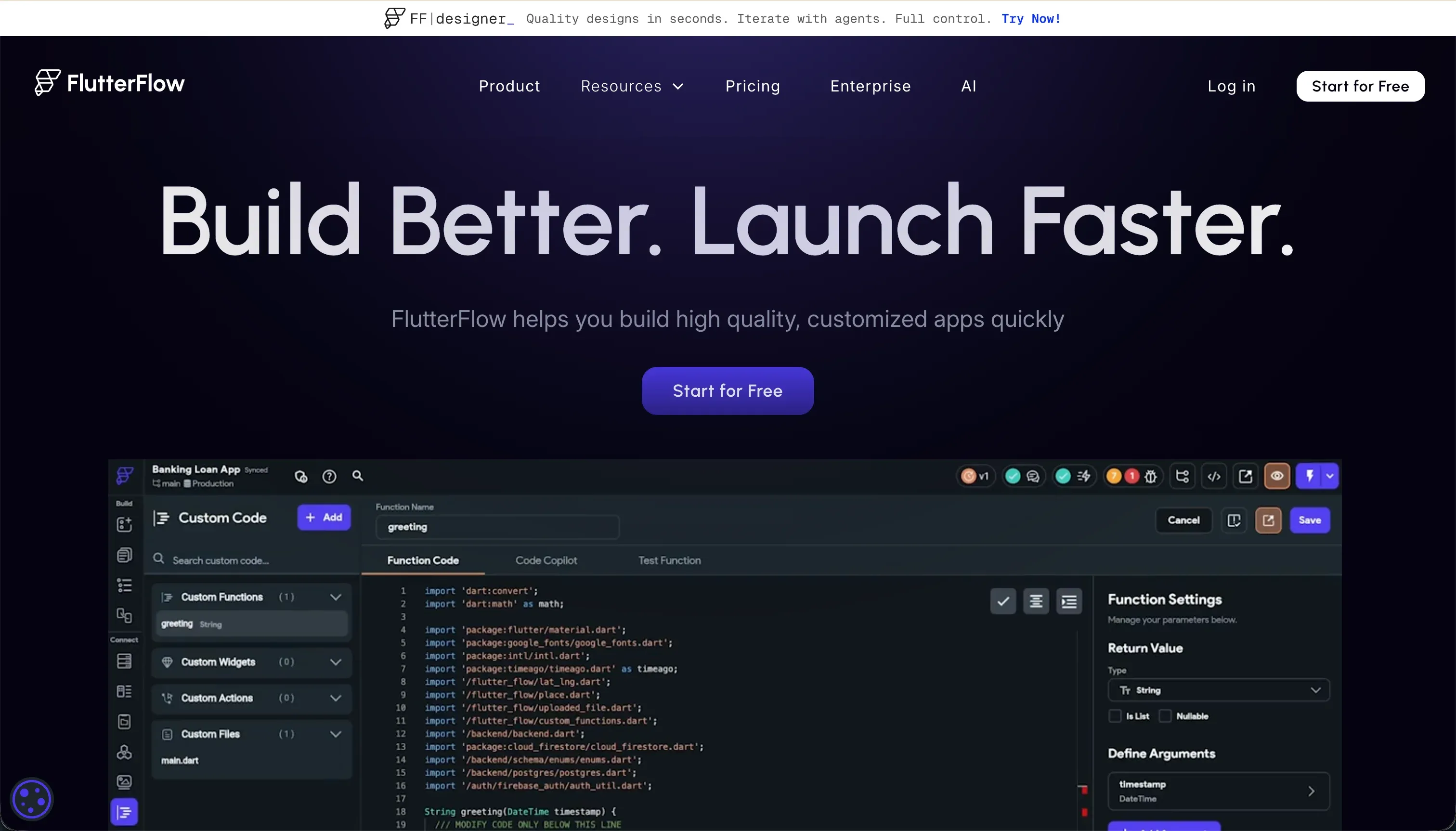 FlutterFlow homepage snapshot
If your technicians operate in remote structures or construction environments with zero cellular network coverage, FlutterFlow is the necessary option. It scores a peerless 9.0 on design flexibility for native iOS and Android apps, compiling widget animations and device-specific integrations natively.
Pro plans include Git integrations and clean Dart code export, giving you a clear exit path.
Despite these frontend advantages, ease of build scores a low 4.5. The visual IDE assumes familiarity with native layout trees, state variables, and relational schemas. Security & access control scores 5.0 because the visual workspace provides UI hooks but zero native servers; security rules must be coded manually in Supabase or Firebase. This makes backend operations highly complex to maintain.
Shortlist it strictly when offline database sync and app store distribution are non-negotiable requirements for your field team.
How to Shortlist and Pilot Your App
In field service, an app is only successful if your technicians use it consistently on site. To manage project risks, select two platforms to test rather than trying to build on all six. If you require simple web-based routing, customer invoicing, or service request apps, pair Softr and Glide to test how easily your teams can access data on mobile screens.
If offline synchronization or hardware utility like active GPS modeling is mandatory, pilot FlutterFlow alongside a web option of your choice. During your tool evaluation, build out a single work order workflow and invite three staff members to update records simultaneously in the field.
Pay close attention to mobile scaling, user permission limits, and active database update latency to ensure performance holds under load.
You can review our methodology page to find a complete breakdown of criteria weights.