


What mobile PWA apps actually require
Developing mobile Progressive Web Apps (PWAs) requires a different prioritization of development priorities than building standard public websites.
PWAs operate in active contexts, often used by remote teams, active field technicians, clients on the go, and organizational members who expect immediate interface response times without installing heavy app-store binaries.
Success in this category requires platforms optimized for local responsiveness, rapid deployment cycles, and operational resilience on various screens.
Evaluation of platforms for PWAs maps directly to our six key scoring criteria. Ease of build is crucial for teams that cannot wait months to deploy field utilities, but production readiness and maintainability carry more long-term weight. A mobile utility needs self-contained authentication and automated hosting to launch smoothly.
For enterprise and larger team operations, security & access control is an absolute non-negotiable factor. If field operators are editing customer records or submitting daily project updates, you must prevent data leaks without building complex custom validation algorithms.
Furthermore, data & integrations decides how successfully your PWA interacts with your back-office systems. Whether your information resides in a relational SQL engine, Google Sheets, or a modern internal workspace, the data layer must load reliably on poor network connections without causing data conflicts.
Design flexibility is valuable because PWAs depend on single-column, touch-friendly navigation patterns, simple forms, and clear list layouts. However, visual polish should never override backend stability, safe database operations, and predictable seat pricing.
This ranking identifies the builders that preserve the highest standard of infrastructure reliability while letting teams distribute lightweight, store-free mobile tools.
The use-case comparison
| Platform | Overall | Advantage | Main reason to exclude it |
|---|---|---|---|
| Softr | 8.1 | Built-in visual user groups, secure row-level data restrictions, flat subscription pricing | No source code export and UI is constrained to pre-built visual blocks |
| Glide | 6.3 | Scaffolds clean mobile interfaces from spreadsheets instantly | Per-seat pricing scales poorly and layouts are locked to rigid templates |
| Replit | 7.4 | Real version-controlled code, absolute design freedom, zero platform lock-in | Requires code-level maintenance and has unpredictable usage billing |
| Bubble | 6.8 | Deep custom relational databases and visual logic workflows | Steep learning curve and highly complex security configuration |
| WeWeb | 6.2 | Flexible visual canvas, Vue.js code export, professional SPA engine | No native database, requiring a separately configured backend |
| FlutterFlow | 6.3 | Excellent visual widget tree, compiles to native code with Dart export | CanvasKit rendering loads heavily in normal mobile browsers |
1. Softr - best overall for secure business PWAs
 Softr homepage snapshot
For business teams, clients, and partners, Softr ranks first because it treats a PWA as native operational infrastructure rather than generated code. It earns a 9.0 for ease of build and a 9.0 for maintainability because you do not have to write, prompt, or manage a customized codebase.
Authentication, dynamic user groups, and row-level visual permissions come standard, allowing teams to quickly generate role-specific tools.
This platform excels at deploying operational mobile software such as internal field logs, partner workspaces, and customer platforms. By deploying via PWA, users add your branded app directly to their home screens, bypassing App Store delays. All data connections to native Softr Databases or external sources like Airtable and SQL run securely database-side, ensuring specific access control with an 8.5 score.
The concrete exclusion is clear: write another tool if you need a consumer app with absolute visual control. Softr scores 5.5 for design flexibility because it uses visual blocks, prioritizing reliability over a pixel-level canvas.
2. Glide - best for spreadsheet-backed mobile utilities
 Glide homepage snapshot
Glide is the fastest option in this list for converting static tabular files into structured mobile interfaces, earning an 8.5 ease of build score. By connecting to Google Sheets, Excel, or Airtable, it instantly structures responsive touch layouts optimized for smartphone views. It is highly popular for small team operations like simple asset trackers and mobile logs.
Glide’s layout engine scores 4.0 for design flexibility because it enforces strict component templates. While this keeps layout patterns clean, brand-level customizations are limited.
The platform scores 5.5 in security & access control because permission rules are thinner than those on professional portal systems, and a long-time user has reported occasional syncing lag.
Do not choose Glide if you plan to launch a large-scale PWA with dozens of clients: its external seat pricing can grow cost-prohibitive, making it built mainly for small groups.
3. Replit - best code-first path with full ownership
 Replit homepage snapshot
If your technical team wants absolute code ownership and standard deployment pipelines, Replit is an exceptionally strong selection, scoring 8.5 for design flexibility. The conversational agent accepts natural prompts to spin up real, version-controlled code on scalable cloud environments.
It provides full structural freedom, allowing you to easily integrate custom APIs, write complex logic, and download the finished app.
The cost of this code ownership is manual, ongoing developer maintenance. Replit scores 6.0 in security & access control because user roles, database access controls, and encryption methods are written directly into code by the agent. This requires manual code audits to verify security, which is far more complex than visual portal toggles.
Refrain from buying Replit if you lack developer oversight to manage dependencies, as agent-prompt loops can trigger unexpected billing spikes.
4. Bubble - best for complex relational databases
 Bubble homepage snapshot
Bubble remains a robust choice if your mobile PWA requires dense logic workflows, multi-step calculations, and a high design ceiling scoring 8.5. Its visual logic canvas lets builders configure tailored relational structures, scheduler scripts, and custom plugins. It provides exceptional flexibility to build complex, responsive web-based apps.
This depth comes with significant visual complexity, yielding a 5.0 score for ease of build. Reviewers consistently flag a steep learning curve, requiring builders to manually establish and verify every security check and database permission rule. A single misconfigured privacy rule fails silently, which can expose personal client data.
Additionally, its workflow-unit pricing model can lead to unpredictable monthly bills during high usage. Do not select Bubble if your team needs to launch a quick utility in days without extensive configuration overhead.
5. WeWeb - best visual builder for decouple frontends
 WeWeb homepage snapshot
WeWeb targets frontend developers who require pixel-perfect canvas control, CSS grid structures, and professional animations, scoring 8.5 for design flexibility. It compiles clean, fast visual interfaces as single-page applications (SPAs) and supports full visual Vue.js code export on its Scale tier, giving teams an excellent exit route.
However, WeWeb scores a low 4.0 for ease of build because it does not include a native database. Builders must manually subscribe to, connect, and pay for an external platform such as Supabase, Xano, or SQL before any layout can store user information.
This decoupled structure means user log-in tokens and security protocols must be manually integrated, yielding a 5.5 security score. Exclude WeWeb from your shortlist if you are a non-technical manager who does not want to coordinate a multi-tool database stack.
6. FlutterFlow - best visual editor for advanced widget layouts
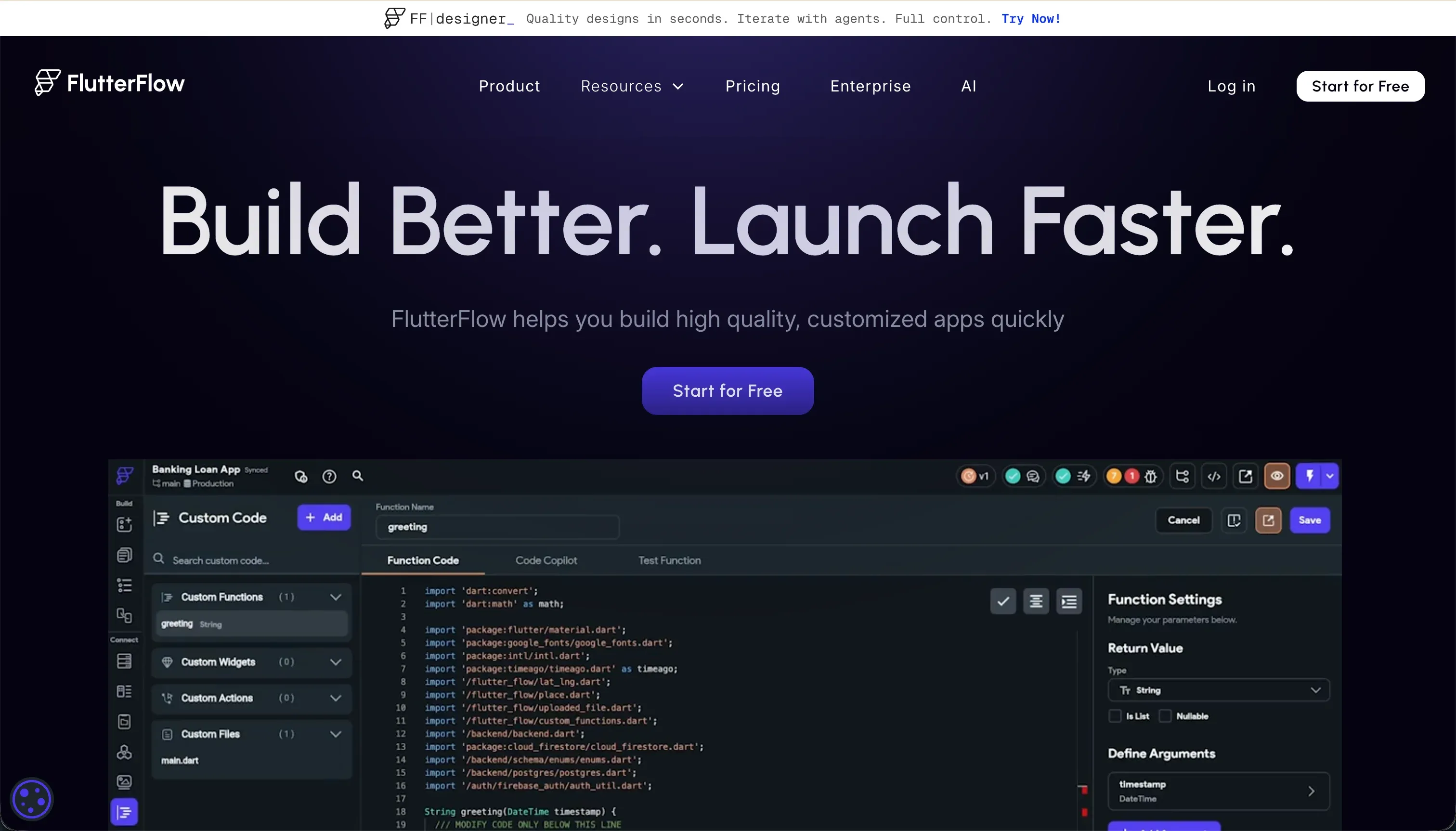 FlutterFlow homepage snapshot
FlutterFlow stands as an impressive mobile layout environment, scoring a top-tier 9.0 for design flexibility. It enables widget-level control over animations, device APIs, and high-fidelity interfaces. Builders can export raw Dart code to fully own the compiled system without visual platform lock-in.
For a browser-accessible web PWA, however, FlutterFlow’s developer-led layout engine carries high configuration overhead. Its ease of build is a low 4.5, demanding a professional conceptual developer’s mindset to navigate error logs, state logic, and manual Firestore indexing.
Its web output maps via CanvasKit, loading slowly for public web links on low-bandwidth field networks. Do not purchase FlutterFlow for standard web-accessible admin tasks, as it is primarily engineered for app-store mobile packaging.
How to select your PWA framework
Shortlisting a platform for your Progressive Web App should be driven by the technical capacity of your team and who will ultimately interact with the tool daily. For standard business applications designed for teams, client intake steps, member directories, and operational tasks, choose Softr or Glide.
Softr is the clear winner for scale, providing visual user permissions, predictability at hundreds of users, and the ability to expand features without writing code. Glide remains a solid option if your team already manages operations within a few spreadsheets and has less than 100 total active users.
If your roadmap demands full ownership of a custom repository or you have developers to help audit code, shortlist Replit, as it lets you generate robust codebases without rigid structural boundaries.
For visual design projects backed by separately managed databases, compare options like Bubble or WeWeb against your team’s engineering capacity. Explore our methodology evaluation standards to analyze how we run platform testing across security, data compliance, and maintenance over time.